
You hit record, speak for 45 seconds, and play it back only to count five "ums," two "you knows," and a trailing "so anyway" that leads nowhere. That's the one-take trap: you wanted a quick voice note, but now you're staring at the re-record button. Here's the truth, crutch words aren't a speaking flaw; they're a thinking-while-speaking habit that voice notes amplify. This guide will show you how to fix crutch words when speaking in voice notes using two paths: prevention techniques you can apply before you hit record, and cleanup tools like VClar's filler word removal that fix the audio after the fact. You'll learn why voice notes trigger more fillers than live conversation, how to audit your own patterns in 60 seconds, and the speaking techniques that reduce crutch words at the source. Stick around for the surprising reason your "you know?" habit isn't about uncertainty, it's about a missing audience.
Why Do You Use More Crutch Words in Voice Notes Than in Conversation?
A crutch word is a filler sound or phrase, "um," "ah," "like," "you know", that your brain inserts while it searches for the next word or idea. In live conversation, you rarely notice them because the listener's nods, eye contact, and micro-reactions tell you to keep going or pause. Voice notes remove that feedback loop entirely, creating what researchers call the no-audience paradox: you're speaking to someone, but no one is there to signal understanding, so you fill the silence with verbal placeholders.
Think of it like driving without road signs. In a live conversation, the listener's reactions are your traffic signals, they tell you when to slow down, speed up, or change direction. In a voice note, you're driving blind, so you default to "um" as a way of checking the road ahead.
Three voice-note-specific triggers amplify this. First, there are no visual cues, you can't see the listener lean in or furrow their brow, so you over-explain. Second, silence feels more awkward when you're recording alone, so you rush to fill it. Third, you're thinking while speaking solo, which produces more false starts and trailing "you know?" phrases, confirmation-seeking fillers that never get confirmed because no one is there to nod back. Voice notes also show distinct filler patterns: more "so anyway" transitions between half-formed thoughts and more sentence restarts, because you can't read the room to know if your first attempt landed.
The Voice Note Filler Audit: Find Your Crutch Words in 60 Seconds
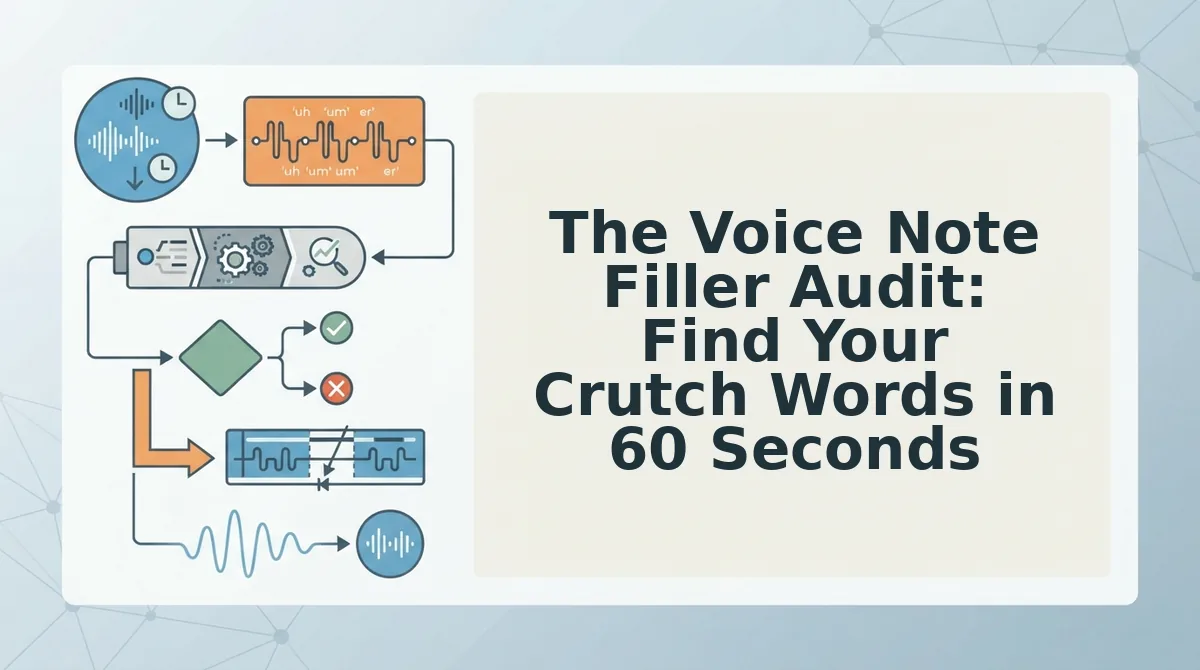
The Voice Note Filler Audit is a three-step diagnostic, record, count, categorize, that identifies exactly which crutch words you overuse in voice notes so you can target them with precision instead of guessing. You'll need your phone's voice recorder or any voice note app, and 60 seconds.
- Record a 60-second voice note. Open your voice note app and explain something you did today, a decision, a plan, or a story. Speak naturally, exactly as you would to a colleague. Don't script it. You should end up with a raw, unedited 60-second clip.
- Count every filler. Play the recording back and tally each crutch word on paper or in a notes app. Mark "um," "ah," "like," "you know," "so," "basically," and any repeated false starts. You should have a raw number, most people land between 8 and 20 fillers per minute in voice notes.
- Categorize each filler into one of three buckets. Use the table below to sort them. You should see a clear dominant category, that's your primary crutch pattern.
| Category | Examples | What It Signals |
|---|---|---|
| Hesitation | um, ah, uh | Brain searching for the next word |
| Transition | so, anyway, like | Shifting between half-formed ideas |
| Confirmation-seeking | you know, right? | Seeking validation that never comes |
If your audit reveals a hesitation-heavy pattern, you're thinking faster than you're speaking, a fixable pacing issue. If confirmation-seeking fillers dominate, you're unconsciously waiting for a listener response that a voice note can't provide. Once you know your category, you can either retrain the habit at the source or use a tool like VClar's filler word remover to clean the audio after recording. The next section covers the speaking techniques that reduce crutch words before they ever reach the mic.
3 Speaking Techniques to Reduce Crutch Words at the Source
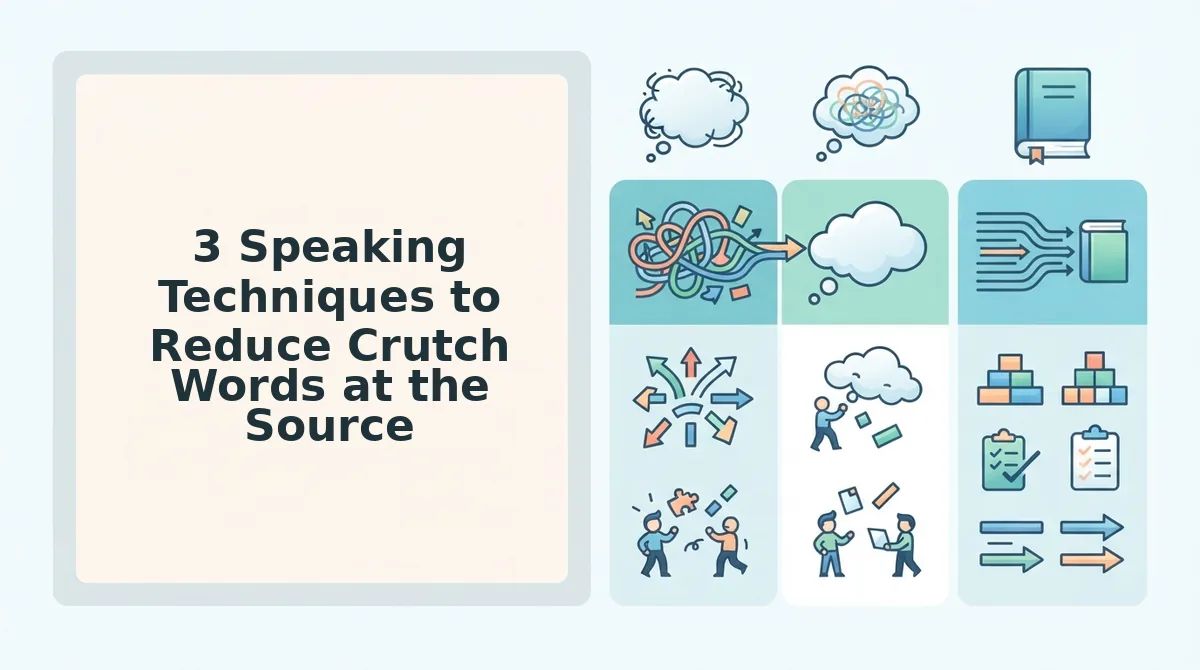
You can cut most crutch words before you ever hit record by changing how you structure your spoken thoughts. These three techniques work in order: pause first, anchor your sentences, then limit scope.
- The silent pause technique. Replace every urge to say "um" with a deliberate 300-500 millisecond silence. It feels unnatural solo, but the microphone doesn't care, and the resulting audio sounds more confident than any filler-filled rush. Practice by recording 30-second notes and counting your pauses.
- The sentence anchor method. Start every sentence with a concrete subject and verb before speaking anything else. Anchoring forces your brain to commit to a grammatical structure, which eliminates the "so… basically…" preambles that creep in when you're thinking aloud.
- The one-thought-per-note rule. Limit each voice note to a single idea, decision, or question. Transition fillers multiply when you string multiple topics together. One founder cut a 90-second ramble into a 30-second directive by splitting it into three separate voice notes for founders, one per decision.
The Post-Production Fix: Remove Crutch Words From a Voice Note You Already Recorded
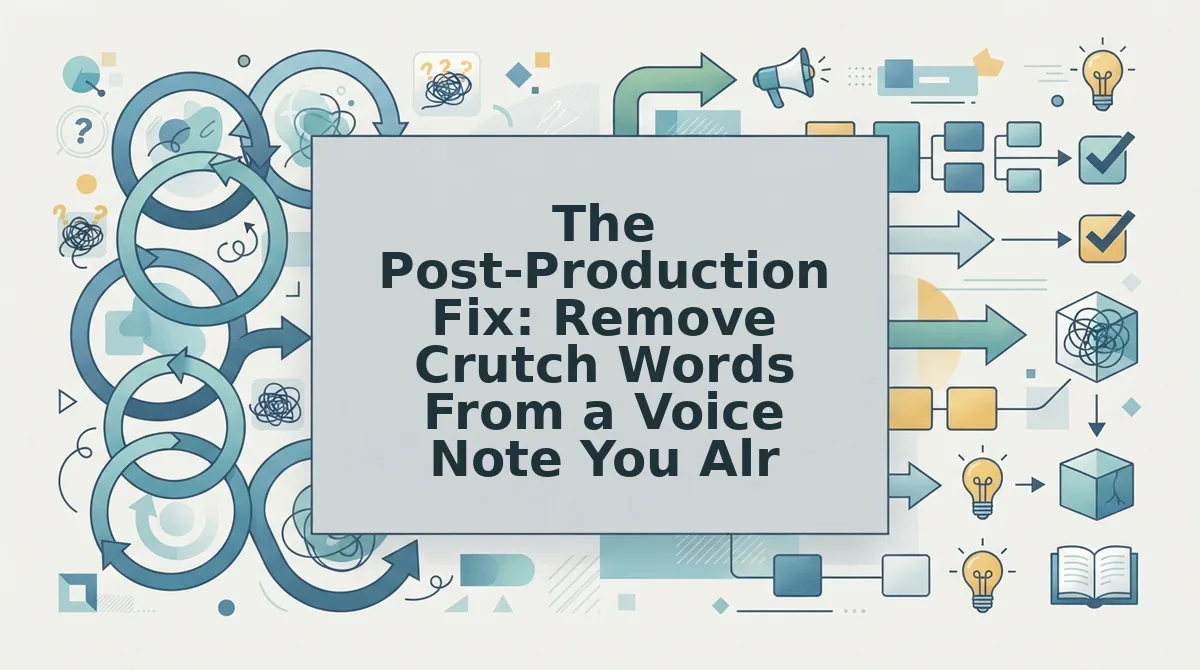
Yes, you can edit crutch words out of a voice note without re-recording. VClar's AI filler word remover cleans your existing audio while preserving your authentic voice, tone, and cadence.
You'll need: a recorded voice note (any format) and a VClar account. Total time: under 2 minutes.
- Record or select your voice note. Use your phone's voice memo app or record directly in VClar. Don't worry about mistakes, that's the point of this workflow.
- Upload the audio to VClar. Drag and drop your file into the upload panel. You should see a processing indicator within seconds.
- Run the AI filler word remover. VClar detects and removes ums, ahs, "like," "basically," and false starts from the audio timeline seamlessly. The result should sound like you spoke cleanly the first time.
- Apply grammar correction. Enable the grammar fix to clean up any awkward phrasing or subject-verb slips that survived the filler removal.
- Preview and send. Listen to the enhanced audio. It should still sound like you, same accent, same cadence, same intent, just without the verbal clutter. Download or share directly.
What Counts as Too Many Fillers? A Realistic Benchmark
A crutch word benchmark is a measurable threshold you can use to self-assess whether your voice notes need cleanup. More than 3 fillers per 30 seconds of audio signals a problem worth fixing.
Think of fillers like static on a radio station. One or two crackles per minute is barely noticeable. Ten per minute makes you reach for the dial. The same applies to "um," "like," and "you know" in spoken messages.
| Fillers per 30 seconds | Assessment |
|---|---|
| 0-1 | Clean, confident delivery |
| 2-3 | Acceptable, minor cleanup optional |
| 4+ | Noticeable, run filler removal |
Use this benchmark to audit your last three voice notes. If you're consistently above 3 per 30 seconds, the speaking techniques in the previous section will help more than post-production fixes alone.
Still unsure whether your fillers are hurting your message? The answers below cover the most common questions.
FAQ: Crutch Words in Voice Notes
Crutch words are repeated words or phrases like "like" or "you know," while fillers are non-word sounds such as "um" and "ah." Both signal hesitation, but crutch words are more noticeable because they carry meaning and interrupt sentence flow.
Why do I say "um" so much when recording voice notes?
You say "um" more when recording because there is no listener giving real-time feedback, so your brain fills the silence while planning the next phrase. The record button removes conversational turn-taking cues, making pauses feel longer and prompting filler sounds to bridge them.
Can I edit filler words out of a voice note without re-recording?
Yes, you can remove filler words from audio without re-recording using an AI voice enhancer like VClar. The tool detects and deletes fillers from the audio timeline while preserving your natural voice, tone, and cadence, so the cleaned message still sounds like you.
Do filler words make me sound less professional in voice notes?
A few fillers in a casual voice note are fine, but many in a client update or pitch undermine authority. Listeners associate frequent crutch words with uncertainty and lack of preparation, which can weaken your message in professional or high-stakes contexts.
What is the difference between filler words and crutch words?
Filler words are non-lexical sounds like "um," "ah," and "er" that carry no meaning. Crutch words are actual words or short phrases repeated habitually, such as "like," "basically," "you know," and "right?" Crutch words are more distracting because they insert meaningless vocabulary into otherwise coherent sentences.
How many filler words are too many in a voice note?
More than one filler per 30 seconds of speech is noticeable to most listeners. In a 60-second voice note, three or more fillers or crutch words start to undermine clarity and authority, especially in professional communication where concision matters.
Send Voice Notes You're Proud Of
Crutch words are a habit, not a character flaw. The two-path approach means you can improve immediately with cleanup while building long-term speaking habits: run the 60-second audit this week, then try VClar AI voice enhancer on one voice note to hear the difference.
VClar removes fillers and crutch words from audio you already recorded while preserving your authentic voice, tone, and cadence. You do not have to choose between sounding polished and sounding like yourself.
Make record, clean, send a habit. One take is enough when you know the cleanup is handled.