
You hit record, speak for ninety seconds, and then listen back to hear yourself circle the same point three times before landing anywhere. That moment is why learning to clean rambling voice note syntax matters more than expanding your vocabulary.
You're right to feel frustrated, rambling voice notes suffer from structural problems like circular phrasing, clause disorder, and sentence fragments, not just the "ums" and "likes" everyone talks about. The difference between a rambling note and a clear one isn't vocabulary; it's structure.
This guide gives you a repeatable framework for restructuring spoken notes without losing your authentic voice or intent. You'll learn what rambling syntax actually is, master a three-step cleanup method, and see it applied to a real founder update. Along the way, you'll discover why the most common advice about voice clarity misses the actual problem, and what to do instead.
What Rambling Syntax Actually Means in a Voice Note
Rambling syntax is the structural disorganization in spoken audio, circular phrasing, abandoned clauses, and misplaced main points, that makes a voice note hard to follow even when every individual word is clear.
Rambling syntax is a thinking problem, not a speaking problem. When you record a voice note, you're drafting out loud: you start a sentence, realize mid-clause that you need context, back up, add a qualifier, and then restart. The result is a message where the main point sits buried under three layers of setup.
Think of rambling syntax like a desk drawer that's been filled without sorting. Everything you need is in there, but nothing is where you'd look for it. Filler words are the crumpled receipts on top, annoying but easy to sweep away. Rambling syntax is the tangled cables underneath: the actual structure needs reorganizing.
This distinction matters because the tools are different. Removing "um" and "you know" is an acoustic cleanup, you can remove filler words from audio without touching sentence structure. Fixing rambling syntax requires reordering clauses, compressing redundancies, and completing or cutting fragments. One is surface noise; the other is architecture.
Here's the progression: a note with filler words but solid structure still lands clearly. A note with zero filler words but tangled syntax remains confusing. That's why cleaning rambling voice note syntax demands a structural framework, not just a noise filter.
The Syntax Triad: A 3-Step Framework for Cleaning Rambling Voice Notes
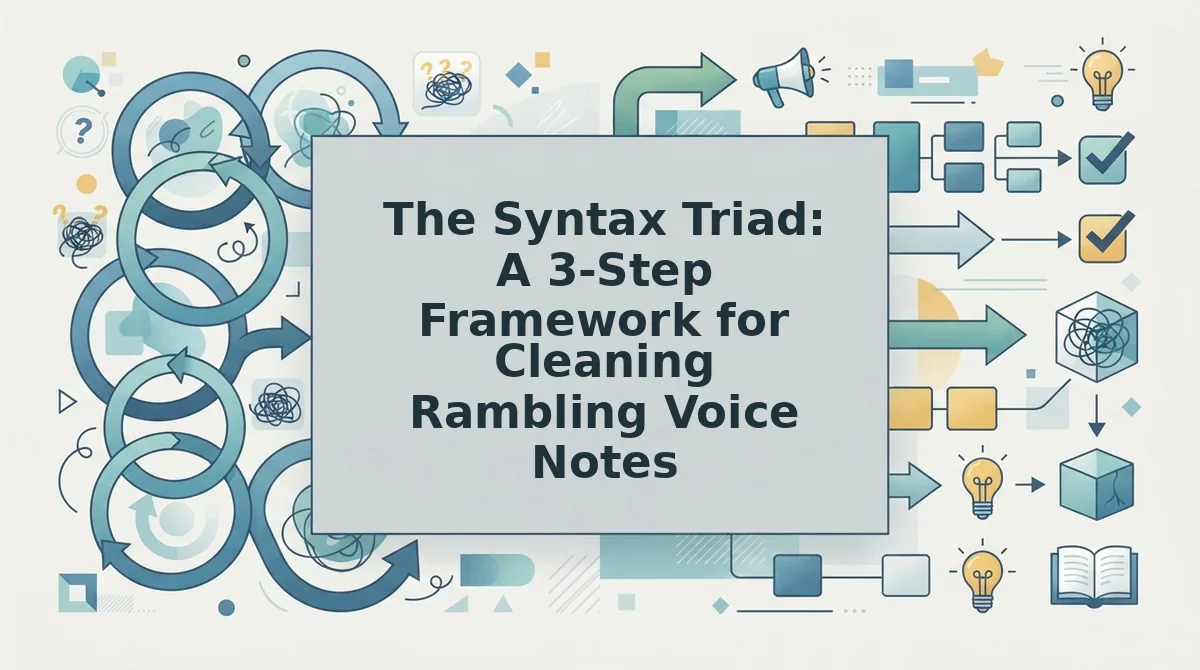
The Syntax Triad is a three-step method for restructuring rambling voice notes: Compression cuts circular phrasing and redundant qualifiers, Reordering moves the main point first, and Completion repairs abandoned clauses into complete sentences or removes them entirely.
You need only your raw voice note and a way to edit the transcript or audio. Total time: under five minutes per minute of audio once you internalize the steps.
- Compress, cut circular phrasing and redundant qualifiers. Listen to your note and delete any sentence that restates a point you already made. Remove qualifiers like "sort of," "kind of," "basically," and "I guess" when they add no meaning. Expected outcome: your note shrinks by 20-40% without losing a single idea.
- Reorder, move the main point to the first sentence. Identify the core message, the one sentence you'd send if you could only send one. Move it to the top. Everything else becomes supporting detail. Expected outcome: the listener knows your ask or update within the first ten seconds.
- Complete, repair abandoned clauses or cut them. Find every sentence that trails off mid-thought ("So I was thinking we could, you know, if the budget allows..."). Either finish the sentence with the intended meaning or delete it. Expected outcome: zero fragments remain, and every sentence carries a complete thought.
If you're working from a transcript, you can apply all three steps directly to the text. If you're working from audio, use a tool that can fix grammar in voice message recordings while preserving your vocal delivery. VClar handles compression, reordering, and completion without flattening your tone or cadence.
Next, see the Syntax Triad applied to a real rambling founder update.
Worked Example: A Rambling Founder Update, Cleaned
Here is a realistic founder project update, recorded in one take, transformed using the Syntax Triad. Each annotation maps to Compression, Reordering, or Completion so you can see exactly what changed and why.
Before: Raw Voice Note Transcript
"Hey team, so, um, basically what I wanted to say is, you know, we've been looking at the onboarding flow and, like, there's this one step where users drop off, and I think, well, actually we saw the data yesterday, and it's the payment screen, so, ah, if we could maybe move that earlier or, you know, simplify it, that would be, I think, really good for conversion."
After: Cleaned Voice Note
"Team, we reviewed onboarding data yesterday. Users drop off at the payment screen. If we simplify that step or move it earlier, conversion should improve."
| Change Made | Triad Step | Why It Works |
|---|---|---|
| Removed "so, um, basically," "you know," "like," "ah" | Compression | Deletes filler without losing meaning |
| Moved "we saw the data yesterday" before the drop-off point | Reordering | Establishes evidence before the claim |
| Changed "that would be, I think, really good" to "should improve" | Completion | Replaces hedging with a decisive verb |
| Split one 70-word run-on into three short sentences | Compression + Reordering | Each sentence carries one idea |
Manual cleanup like this works, but it takes minutes per message. Tools like Descript or manual transcript editing give you full control over wording, which is useful for scripted content. VClar's advantage is speed: it applies the same triad automatically while keeping your voice intact, which matters when you send voice notes for founders daily.
Best for founders sending 5+ voice updates per week: automated cleanup. Best for one-off investor updates needing word-perfect phrasing: manual editing.
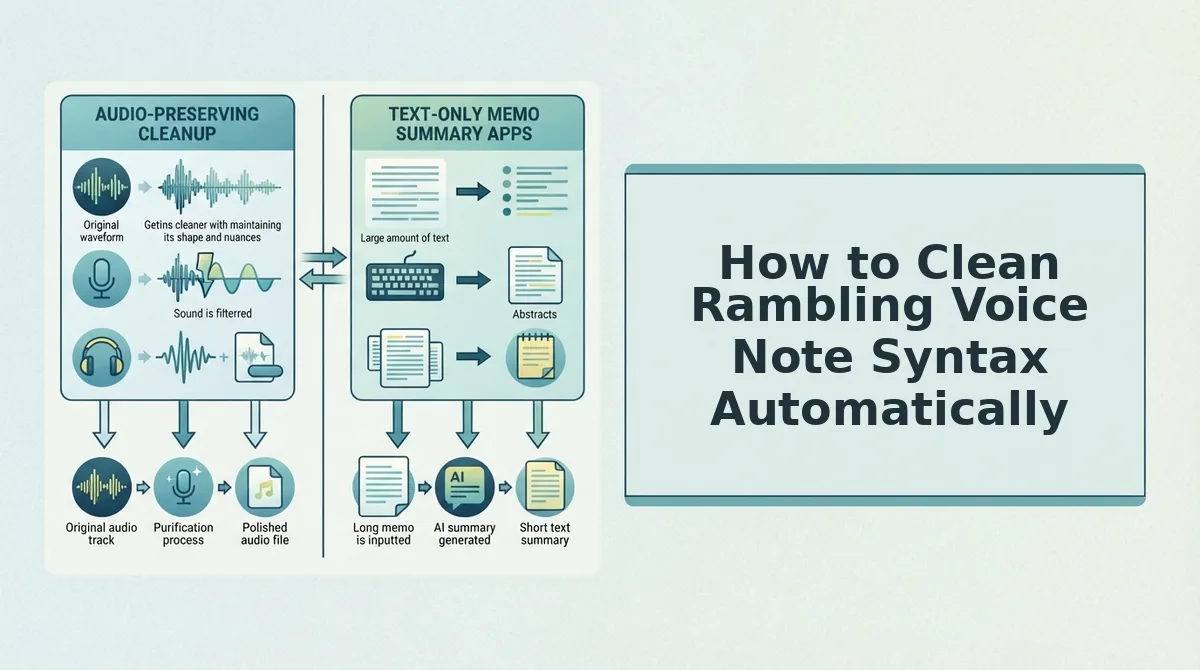
How to Clean Rambling Voice Note Syntax Automatically
VClar cleans rambling syntax in your browser without manual transcription or copy-paste into a text editor. The output keeps your authentic voice, tone, and cadence rather than converting to robotic text-to-speech.
Prerequisites: A device with a microphone or an existing audio file, plus a free VClar account at vclar.com.
- Open the VClar web app and click "New Voice Note." You should see a recording interface with a large microphone button and an upload option.
- Record your message or upload an existing audio file. Speak naturally, including any rambling or hesitations. VClar captures the full raw audio before processing.
- Click "Clean Syntax." The engine automatically applies Compression, Reordering, and Completion to your transcript and audio timeline. You should see a side-by-side view: original on the left, cleaned version on the right.
- Review the cleaned version. Toggle between before and after to confirm meaning is preserved. Adjust any sentence manually if the context requires a specific phrase.
- Click "Send" or "Export." The cleaned audio and transcript are ready to share. Your voice, tone, and cadence remain intact throughout the cleaned audio.
This workflow replaces the ChatGPT copy-paste method, which strips vocal identity and requires manual re-recording. With VClar, you clean voice memos online in under a minute per message.
Rambling Syntax vs. Filler Words: What to Fix First
Fix structural syntax before acoustic fillers. Reordering clauses and completing fragments changes meaning; removing "um" only changes sound. Clean the architecture first, then sweep the surface.
| Issue | Type | Fix Order | Tool |
|---|---|---|---|
| Filler words ("um," "like," "you know") | Acoustic | Second | Remove filler words from audio |
| False starts ("I think, well, actually...") | Structural | First | Syntax cleanup |
| Circular phrasing (restating the same point) | Structural | First | Compression |
| Clause disorder (evidence after claim) | Structural | First | Reordering |
| Sentence fragments ("Which is important.") | Structural | First | Fix grammar in voice message |
Many audio editors remove filler words acoustically but leave tangled clause order untouched. That produces a cleaner-sounding message that still confuses the listener. VClar handles both layers: structural syntax repair first, then acoustic filler removal, so the final message is both clear and decisive.
Best for listeners who need quick comprehension: fix syntax first. Best for speakers who only need polish: filler removal alone may suffice.
If you are still unsure which issue dominates your voice notes, the FAQ below answers the most common questions about cleaning rambling syntax.
FAQ: Cleaning Rambling Voice Note Syntax
Rambling syntax means your spoken sentences branch, loop, and trail off before reaching a point. Cleaning it means compressing tangents, reordering clauses, and completing unfinished thoughts so the message lands in one listen.
How do I clean rambling syntax in a voice note?
Identify the core point of each sentence, then cut clauses that repeat or drift from it. Reorder the remaining clauses so the subject, action, and result appear in that order. Finish any sentence that trails off with the conclusion you actually meant to state.
Can I fix rambling voice notes without retyping them?
Yes. Tools like VClar analyze your audio, detect incomplete or tangled sentence structures, and output a cleaned version that preserves your voice, tone, and cadence. You skip the retyping step entirely and keep the original recording's authenticity.
What's the difference between removing filler words and fixing rambling syntax?
Filler word removal deletes ums, ahs, and repeated false starts. Syntax cleaning restructures how sentences are built: it compresses tangents, reorders clauses into logical sequence, and completes thoughts that trail off. Filler removal is surface-level; syntax cleaning is structural.
Does cleaning voice note syntax change how I sound?
No. VClar preserves your natural tone, accent, and cadence while restructuring the sentence flow. The cleaned audio still sounds like you speaking spontaneously, just with clearer sentence structure and fewer dead ends.
Why do my voice notes ramble even when I know what I want to say?
Spoken language is generated in real time, so your brain often starts a sentence before the full thought is formed. You add clauses to buy thinking time, then correct course mid-sentence. This creates branching structures that sound rambling on playback but felt natural while speaking.
Rambling syntax follows a predictable pattern: you open with a subject, insert a qualifying clause, pivot to a related tangent, then circle back to finish the original thought. The listener must hold three unfinished threads in working memory. Cleaning the syntax means identifying the main clause, moving qualifying details after it, and deleting tangents that do not serve the core message. The result is a voice note that sounds decisive without sounding scripted.
Clean Rambling Voice Notes in Minutes, Not Re-Recordings
Rambling is structural, not personal. Your brain generates speech faster than it can organize it, so every speaker produces tangled syntax under pressure. The fix is not to become a more disciplined talker overnight. It is to apply the Syntax Triad: Compression to cut tangents, Reordering to sequence clauses logically, and Completion to finish thoughts you left hanging.
You can do this manually with the framework above, or you can let VClar handle it automatically while preserving your authentic voice, tone, and cadence. The next step is to upload one rambling voice note and see the cleaned version side by side with your original. Clean voice memos online with VClar and stop burning takes on messages that should have taken one.
Your first take already contains everything you meant to say. The syntax just needs a cleanup pass, not a re-recording.