
You've recorded the same 40-second voice memo four times, and every take has a different stumble, a trailing "um," a half-finished thought, a sentence that circles back on itself. Founders and sales reps routinely lose 20+ minutes to this re-recording loop, and the frustration isn't the recording itself. It's that the words in your head were clear, but the spoken version keeps betraying them.
You're right to be annoyed. Spoken grammar breaks differently than written grammar, and no amount of typing practice fixes a voice memo. Here's what you'll learn: why spoken syntax fails in predictable ways, the three error categories behind nearly every stumble, and three methods to fix spoken grammar in voice memo, including one that takes under 60 seconds and keeps your original voice intact.
We'll cover the re-recording trap, the transcribe-edit-reread compromise, and a third approach most people don't know exists yet. Stick around for the taxonomy of spoken errors, it's the part that changes how you record from now on.
If you want to skip ahead, VClar's grammar correction engine handles all three error categories automatically without altering your tone or cadence.
Why Spoken Grammar Breaks Differently Than Written Grammar
Spoken grammar is the set of syntactic patterns that emerge when you produce language in real time, without the revision pass that writing allows. Written grammar lets you delete, reorder, and polish before anyone sees the sentence. Spoken grammar happens live, which means your brain's planning buffer and your mouth's output speed are constantly racing each other.
Think of spoken grammar like driving without a rearview mirror. In writing, you can look back, edit, and reroute before publishing. In speech, you're navigating forward at full speed, and every correction has to happen in the same lane you're already driving in.
Spoken errors fall into three categories that most grammar guides never separate:
- Fillers and false starts: "um," "ah," "you know," "basically," and repeated word beginnings like "I think. I think we should..." These are your brain buying time while the next clause loads.
- Fragments and run-ons: incomplete thoughts that trail off ("So the budget, if we just...") or fused clauses that would need punctuation in writing but blur together in speech.
- Circular phrasing and self-corrections: restating the same idea multiple times with slight variations ("We need to ship by Friday, no, Thursday, well, end of week at the latest").
Here's the part most people miss: these aren't signs of poor language skills. They're the byproduct of your brain editing in real time. A written sentence gets a second draft before anyone sees it. A spoken sentence gets its second draft out loud, in front of the listener, or in front of your own recording app.
This is why fixing spoken grammar with written-grammar tools fails. A spellchecker doesn't know what to do with a false start, and a grammar checker built for essays flags conversational cadence as an error. See how VClar categorizes your spoken errors and treats them as speech patterns, not typos.
If you've ever wondered why you sound articulate in writing but stumble in voice notes, the answer is structural: writing gives you a revision buffer, speech doesn't. The fix isn't to speak like you write. It's to clean the audio after the fact, without losing the voice that made the message yours.
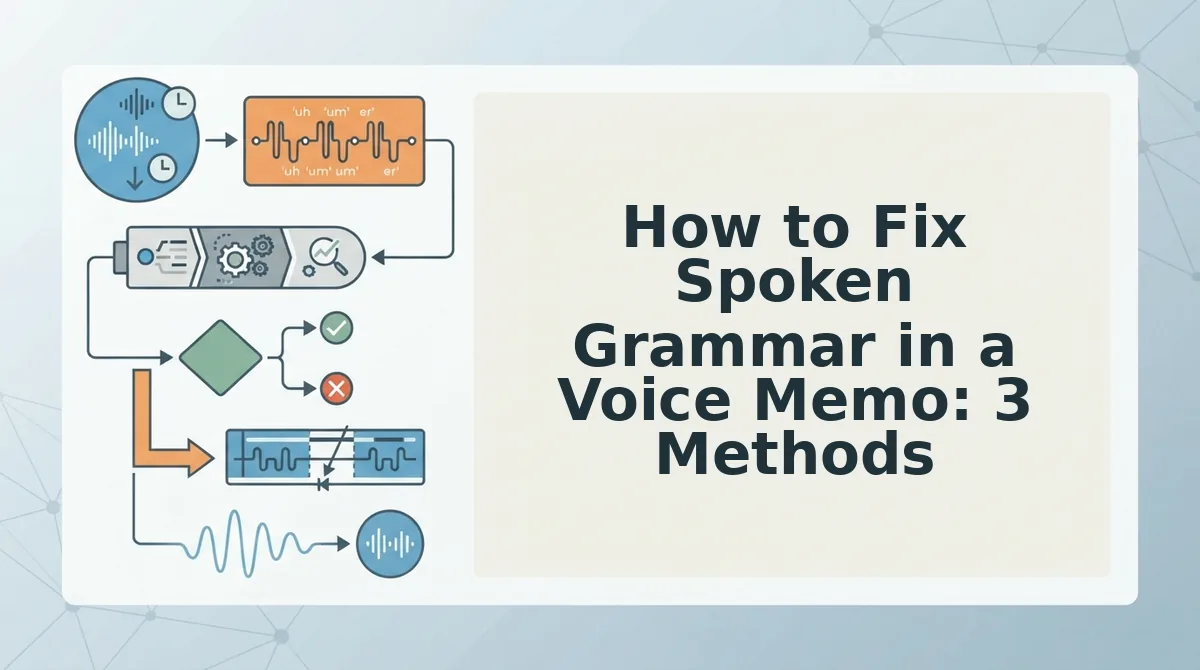
How to Fix Spoken Grammar in a Voice Memo: 3 Methods
You have three practical options for cleaning up spoken grammar in a voice memo: re-record until you get a clean take, transcribe and re-read the corrected text, or use audio-preserving grammar correction that edits the audio directly. The right choice depends on your deadline, your audience, and how much of your natural delivery you're willing to sacrifice.
Prerequisites: a voice memo recording (any format), a quiet-enough recording environment, and either a transcription tool or an audio-preserving correction tool like VClar.
Method 1: Re-record until it's clean
- Listen to your current take and note where the stumbles happen, usually the first 10 seconds and any point where you shift topics.
- Delete and re-record the full memo, not just the broken section. Partial re-records create jarring tone shifts.
- Repeat until satisfied. Expect 3-7 takes for a 60-second memo, or roughly 10-20 minutes total.
This works for very short memos under 30 seconds. For anything longer, the re-recording loop compounds: each take introduces new stumbles while you fix old ones. Success looks like a clean take, but the time cost is the highest of all three methods.
Method 2: Transcribe, edit, re-read
- Run your memo through a transcription tool to get a text version of what you said.
- Edit the transcript in a document, remove fillers, complete fragments, untangle circular phrasing.
- Re-read the polished script into a new recording.
Expected time: 8-15 minutes. The problem: re-reading a script flattens your delivery. The pauses, emphasis, and natural cadence that made the original memo sound like you get replaced with reading-aloud rhythm. You fix the grammar but lose the voice.
Method 3: Audio-preserving grammar correction
- Upload your voice memo to an audio-preserving correction tool like VClar.
- Let the engine detect and remove fillers, false starts, and circular phrasing directly on the audio timeline.
- Download the cleaned memo, same voice, same tone, same cadence, just without the stumbles.
Expected time: under 60 seconds. This is the fastest method and the only one that keeps your original vocal delivery intact. Audio-preserving grammar correction treats your spoken errors as removable artifacts, not as reasons to re-perform the message.
If you need a memo fixed before your next meeting and don't want to sound like you're reading a script, Method 3 is the one to reach for. VClar also handles multilingual correction, so the same cleanup applies when you're recording in a second language.
Ready to see the exact workflow? Here's the step-by-step.
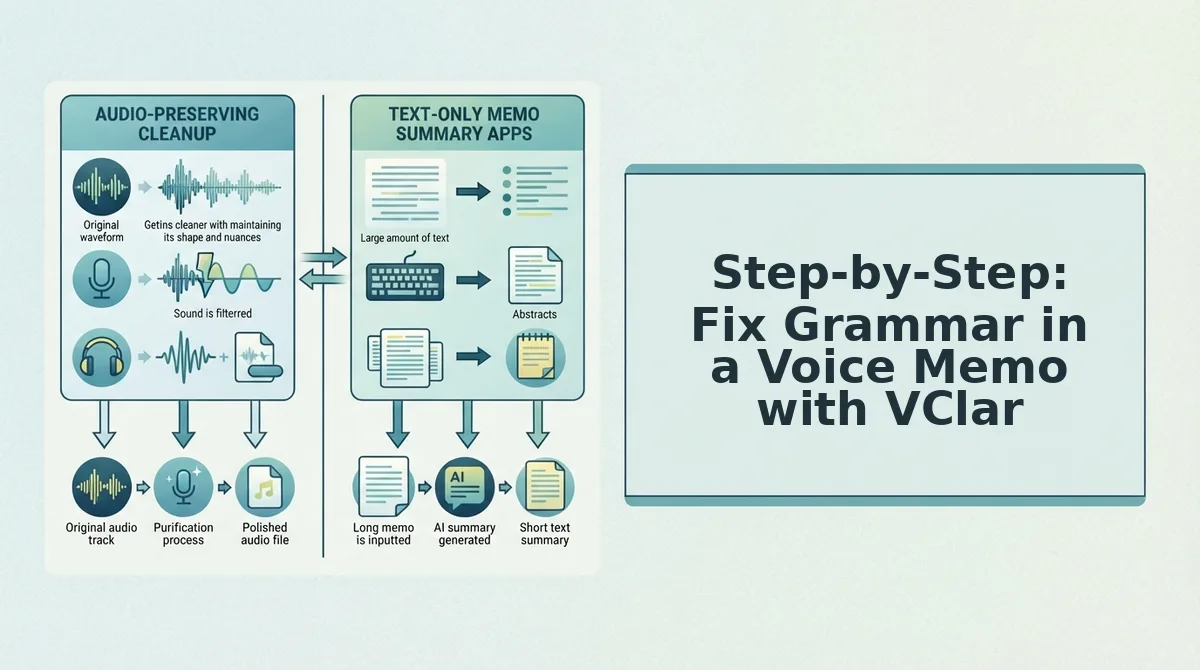
Step-by-Step: Fix Grammar in a Voice Memo with VClar
VClar fixes spoken grammar in a voice memo without manual timeline editing. You need a VClar account and a voice memo file (MP3, M4A, WAV) or a working microphone. The whole workflow takes under two minutes.
- Upload or record your memo directly in VClar. Click Upload Audio and select your file, or click Record and speak your memo. You should see a processing indicator within seconds.
- Review the side-by-side comparison showing raw vs. cleaned transcript. Open the Enhancement Review panel. VClar displays your original transcript next to the grammar-corrected version, highlighting every change. Confirm the edits match your intent.
- Export the cleaned audio and transcript without manual timeline editing. Click Export and choose Audio + Transcript. You should receive a polished voice memo that keeps your original voice, tone, and cadence, plus a corrected text file.
If your memo is heavy with verbal hesitations, remove filler words from your memo first, then run the grammar pass for a cleaner result.
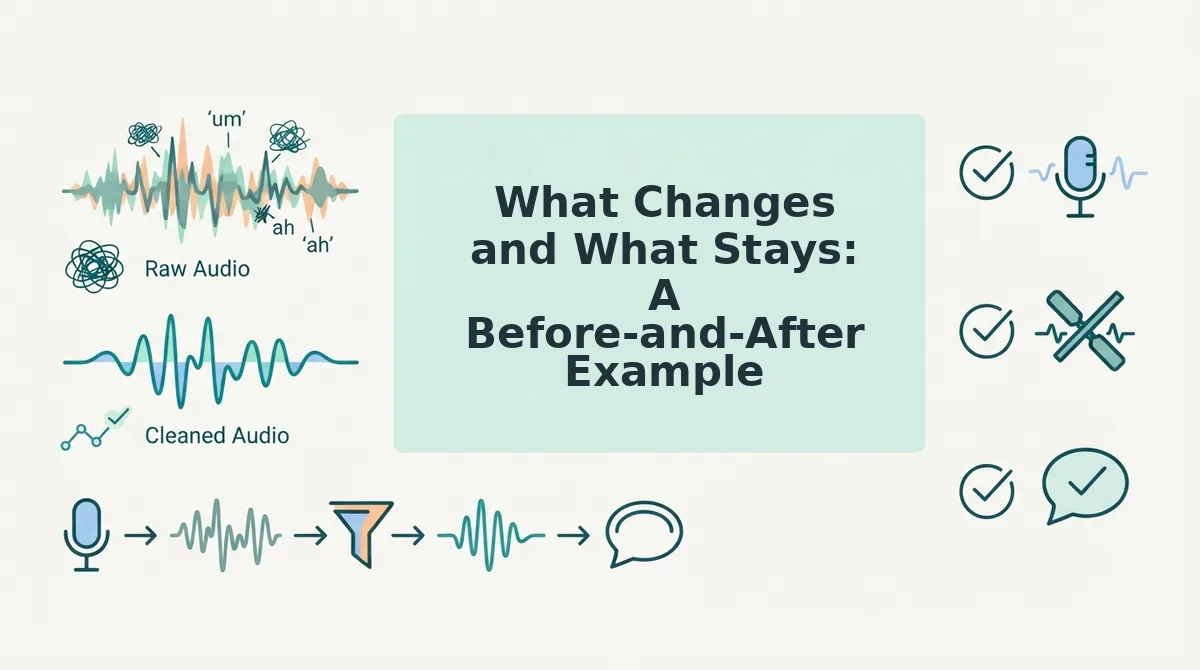
What Changes and What Stays: A Before-and-After Example
VClar corrects grammar and removes fillers while preserving your voice, tone, and cadence. Manual editing tools give you full control but require timeline work. Here is a realistic sales rep follow-up memo, raw versus cleaned.
| Raw Transcript | Cleaned Transcript |
|---|---|
| Hey, um, I just wanted to, you know, follow up on the proposal. The pricing, I mean, the pricing is flexible. We can, we can adjust the timeline. | Hey, I wanted to follow up on the proposal. The pricing is flexible, and we can adjust the timeline. |
Best for sales reps and founders: VClar. You send polished follow-ups in one take without re-recording loops. Best for audio engineers: Manual DAW editing. You get frame-level control but spend minutes per memo on timeline cuts. Both approaches work; VClar removes the friction when speed matters. For teams sending frequent updates, voice notes for sales teams show how this workflow scales.
FAQ: Fixing Spoken Grammar in Voice Memos
VClar corrects spoken grammar in voice memos by cleaning the audio and transcript while keeping your original voice, tone, and cadence intact. No manual timeline editing is required.
Can I fix grammar in a voice memo and keep my original voice?
Yes. VClar edits the spoken content, removing fillers, correcting fragments, and smoothing phrasing, without resynthesizing your voice. The output audio keeps your natural tone, accent, and cadence, so it still sounds like you speaking.
Do I need to edit the audio timeline manually?
No. VClar handles timeline edits automatically. The engine detects and removes fillers and false starts, then closes the gaps seamlessly. You review the side-by-side comparison and export, with no waveform-level cutting required.
How do I fix grammar in a voice memo in another language?
Upload the memo and select the target language. VClar corrects grammar in the original language and can translate voice memos with grammar correction into another language while preserving your vocal delivery.
What's the difference between a voice memo grammar fix and a text grammar checker?
A text grammar checker only edits written words. A voice memo grammar fix edits both the audio and the transcript, so the spoken message matches the corrected text. VClar does both in one pass without changing how you sound.
One Take Is Enough
Re-recording is slow. Transcribe-edit-reread strips your delivery of its natural rhythm. Audio-preserving correction is the fastest path from rough thought to polished message, and it keeps your voice intact.
The three methods each have a place: manual re-recording when you have unlimited time, transcript editing when precision matters more than authenticity, and VClar's audio-preserving correction when you need both speed and your real vocal identity. The pattern across all of them is the same: fix the grammar, not the speaker.
That's the mental shift. When you trust that spoken grammar errors are fixable after the fact, you stop looping through takes. You record once, speak naturally, and move on. One-take confidence isn't a personality trait, it's a workflow decision.
Try the side-by-side view on your next voice memo and hear the difference between your raw take and the corrected version before you send anything.
Your voice memo should sound like you on your best day, not a stranger reading your transcript. Fix the grammar, keep the voice, send it once.