

You record a 90-second voice note in English, hit translate, and send it to a client in Tokyo. What they receive is a garbled mess of "um," "like," and half-finished sentences rendered into awkward Japanese that makes you sound confused. That's the reality of translating raw voice notes without a cleanup pass, and it's why learning to clean voice note before translating is the single highest-leverage step most people skip.
You're not alone. A TechUnow YouTube video with 140,311 views shows users actively hunting for WhatsApp voice note translation workflows, and SPUN AI's tutorial demonstrates the pain of copy-pasting voice notes into Google Translate only to get fragmented output. The problem isn't the translation engine. It's what you're feeding it.
Here's the fix: by the end of this article, you'll know exactly how to strip filler words, repair broken syntax, and reduce background noise before translation, so your message lands as clearly in Hindi as it does in English. You'll also discover why one specific cleanup step matters more than the other two combined, a finding that changes how you should approach every translated voice note. VClar handles this clean and translate in one pass, but the principles below apply no matter what tool you use.
Why Translation Engines Choke on Raw Voice Notes
Raw voice notes contain noise tokens, filler words, false starts, and self-corrections, that machine translation engines treat as meaningful semantic content, producing garbled output. Cleaning removes these non-semantic tokens before translation, which is why a 30-second cleanup pass dramatically improves translated clarity.
Think of a translation engine like a court stenographer who transcribes every single word spoken, including coughs, "um," and half-finished sentences. The stenographer can't tell which words matter, so everything goes into the official record. A raw voice note does the same thing to machine translation: every hesitation becomes a token the engine must interpret and render in another language.
The Garbage In, Garbage Out Translation Framework explains the mechanism. Raw speech contains two types of tokens: semantic tokens (words that carry meaning) and noise tokens (fillers like "um," "ah," "like," "basically," and false starts like "I think we should, no wait, actually..."). Translation engines treat every token as semantic because they lack the contextual judgment to distinguish between a deliberate word and a verbal stumble. The result is a translated message that preserves your hesitations in a language where they sound even more confusing.
The False Start Tax compounds the problem. A false start is a sentence fragment you abandon mid-thought and restart, such as "I think we should, no wait, actually we need to..." Machine translation engines parse each clause as a complete sentence. When you feed them a false start, they translate the abandoned fragment as if it were intentional, then translate the correction separately, producing two contradictory statements in the target language. The listener receives both the wrong idea and the right one, with no signal about which to trust.
Background noise adds a third layer of failure. Breath sounds, mouth clicks, and ambient noise become audio artifacts that speech-to-text engines may interpret as words or punctuation. When those artifacts enter the translation pipeline, they generate phantom words that don't exist in your original message but appear in the translated output. This is why a voice note recorded in a café can translate into sentences you never said.
The 3-Step Cleanup Before You Translate
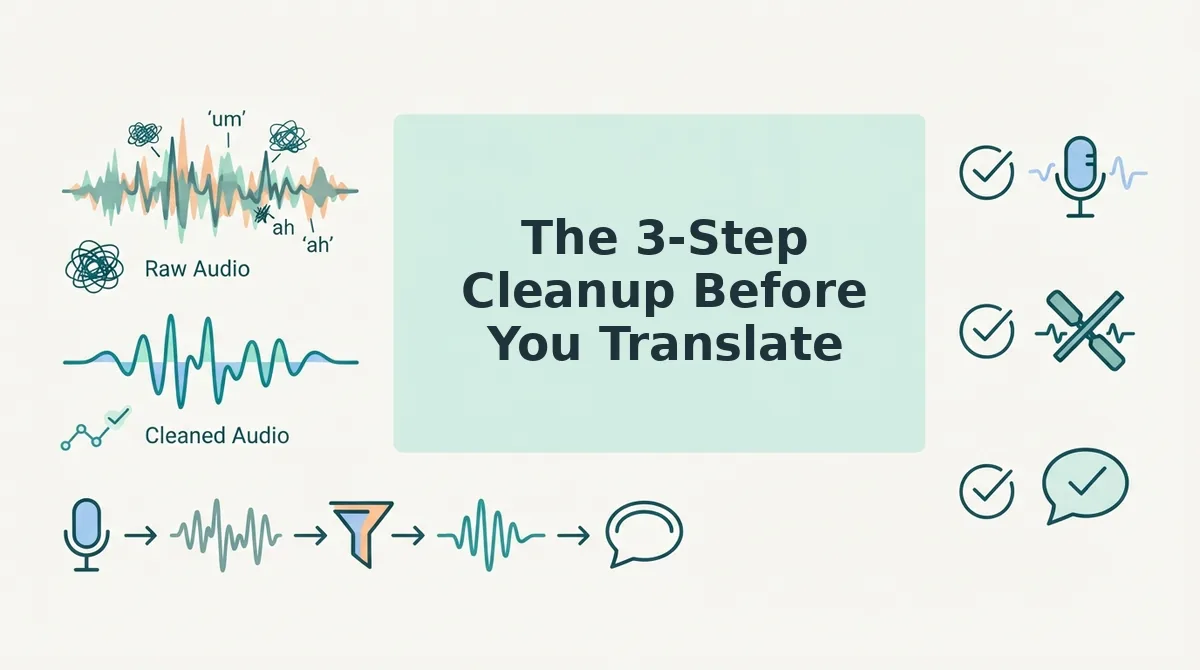
Before translating any voice note, complete three cleanup steps in order: remove filler words and false starts, fix broken syntax and sentence fragments, then reduce background noise and mouth clicks. Each step takes under a minute and directly improves translation accuracy.
Prerequisites: You need the original voice note file (or the ability to re-record it) and a cleanup tool. VClar handles all three steps in one pass, but you can also do them manually with any audio editor and a transcript.
- Remove filler words and false starts. Open your voice note in a cleanup tool and run filler word detection. Delete every "um," "ah," "like," "basically," and "you know" from the audio timeline. Then listen for false starts, sentences you abandoned and restarted, and cut the abandoned fragments entirely. Expected outcome: your voice note sounds decisive and direct, with no verbal stumbles. You can remove filler words from your voice note automatically with VClar's engine, which detects and deletes them without leaving audible gaps.
- Fix broken syntax and sentence fragments. Review the cleaned transcript for incomplete sentences, subject-verb mismatches, and run-on phrasing. Repair each fragment so every sentence has a clear subject and verb. If you said "The budget, we need to, it's over by 20%," rewrite it as "The budget is over by 20%." Expected outcome: every sentence parses as a complete, grammatical unit. VClar's grammar engine can fix broken syntax in voice messages while preserving your natural tone and cadence.
- Reduce background noise and mouth clicks. Run noise reduction on the audio to suppress ambient sounds, breath sounds, and mouth clicks. If your recording has significant background noise, re-record in a quieter space before cleaning. Expected outcome: the audio is clean enough that speech-to-text engines won't generate phantom words from artifacts. VClar's noise reduction removes acoustic distractions without altering your voice's character.
A founder sending an investor update in Hindi used this exact sequence: she removed 14 filler words and two false starts from a 60-second note, repaired one fragmented sentence, and reduced café background noise. The translated message arrived as a single coherent update instead of a string of disconnected clauses. Here's what that transformation actually looks like in practice.
Before and After: What Cleaning Actually Changes in Translation
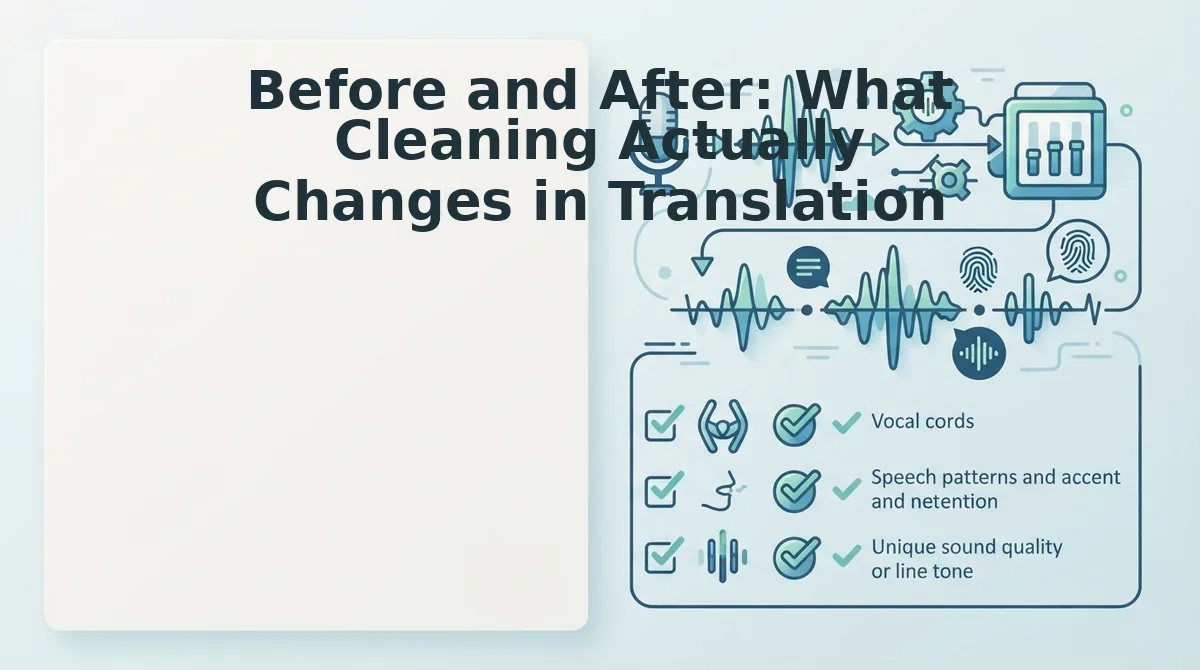
Cleaning a voice note before translation changes the output from a word-for-word garble into a sentence that actually means what you intended. Translation engines treat every utterance as semantic content, so fillers and false starts get translated literally instead of being ignored.
Here is a real example using a raw voice note, its garbled Hindi translation, the cleaned version, and the accurate translation:
| Stage | English Content | Hindi Translation |
|---|---|---|
| Raw voice note | So, um, I think we should, no wait, actually we need to, like, finalize the, uh, budget by Friday. | तो, उम, मुझे लगता है हमें चाहिए, नहीं रुको, वास्तव में हमें, जैसे, बजट को, उह, शुक्रवार तक अंतिम रूप देना चाहिए। |
| Cleaned voice note | We need to finalize the budget by Friday. | हमें शुक्रवार तक बजट को अंतिम रूप देना है। |
The raw translation preserves every hesitation as if it were deliberate speech. The cleaned translation reads as a single clear directive.
Best for cross-border sales teams: Cleanup-first workflows, because a garbled translation can cost a deal. Best for casual bilingual chats: Direct translation without cleanup, when speed matters more than precision and the listener knows you personally.
If you send voice notes to clients or partners in another language, run them through a cleanup pass first. The difference is the difference between sounding decisive and sounding confused.
Tools That Clean and Translate in One Pass
A one-pass tool removes fillers, fixes grammar, reduces noise, and translates the cleaned audio without forcing you to transcribe, edit, and re-record. Here are the approaches, ordered by how much manual work they require.
- Automated cleanup with VClar. VClar cleans and translates in one pass across 11 languages and 110 translation directions. Record once, and the tool removes fillers, fixes grammar, reduces noise, and produces a translated voice note that keeps your tone and cadence.
- Manual cleanup with a transcription editor. Transcribe the voice note, edit out fillers and false starts in the text, re-record the cleaned version, then run it through a separate translator. This multi-step workaround appears in Fix369 and TechUnow videos, and it works, but it turns a 30-second message into a 10-minute task.
- Direct translation without cleanup. Some voice translators skip the cleaning step entirely. This is fastest, but the output carries every um, false start, and background noise into the target language, which can confuse the recipient.
Look for a voice note cleaner that handles filler removal, grammar fixing, noise reduction, and direct translation without copy-paste between tools. If you send voice notes across languages regularly, a one-pass tool removes the friction that makes people give up and type instead.
FAQ: Cleaning Voice Notes Before Translation
Should I clean my voice note before translating it?
Yes, because translation engines treat fillers as semantic content, producing garbled output. Cleaning removes ums, false starts, and background noise so the engine translates only the words you meant to say.
Why does my translated voice note sound awkward?
The real answer is source audio quality, not the translation engine. Fillers, false starts, and background noise get translated literally, which makes the output sound confused even when the engine is working correctly.
Do I need to re-record my voice note to get a better translation?
No, cleanup tools remove the need for re-recording. A voice note cleaner can strip fillers, fix grammar, and reduce noise from the original recording before translation, so one take is enough.
Can I translate a voice note without typing it out first?
Yes, direct voice translation tools like VClar handle audio-to-audio translation. You record or upload the voice note, and the tool cleans and translates it without any manual transcription step.
One Take Is Enough
You do not need a three-app workflow to send a clean, translated voice note. The three-step cleanup, strip fillers, tighten grammar, reduce noise, collapses into a single action when the tool handles all three before translation begins.
That is the real takeaway from the before-and-after comparison: translation quality is not a translation problem. It is an input problem. Feed the engine a clean signal, and the output stops drifting.
So here is the next step: clean and translate in one pass with VClar. Record one voice note. Let it remove the ums, fix the grammar, and translate into any of the 11 supported languages, without touching your tone or accent.
You will hear the difference in the first message. Shorter sentences. No false starts. A translation that sounds like you meant every word.
A voice note is only as translatable as it is clean, and cleaning should never take longer than speaking.