
You just recorded a 3-minute voice note that should have taken 45 seconds. You know it rambles. You know the recipient will skim it, miss the one action item buried at the end, and reply with "wait, what do you need?" The good news: you don't need to re-record from scratch to clean up rambling voice notes before sending.
You're right that rambling voice notes undermine your credibility and waste everyone's time. By the end of this article, you'll have a repeatable 3-pass cleanup framework that turns any rough voice memo into a tight, decisive message in under five minutes. Here's the roadmap: first, we'll diagnose why rambling happens and what it costs you. Then, you'll learn the 3-pass system, cut fillers, repair grammar, tighten structure. Finally, we'll help you decide when to edit versus re-record.
Along the way, you'll discover the 45-second rule: the specific length threshold where listener attention collapses, and why most people never realize it. VClar's AI voice message translator automates much of this cleanup without replacing your natural tone, but the framework works even if you edit manually.
Why Rambling Voice Notes Happen (And Why They Hurt Your Message)
A rambling voice note is a spoken message that drifts through false starts, filler words, and redundant context before reaching its point, if it reaches it at all. The cause is structural: you think at roughly 400 words per minute but speak at only 150, and without a visual editing buffer, your mouth outruns your filter.
Think of a rambling voice note like a first draft written in permanent marker. When you type, you naturally delete, reorder, and tighten before hitting send. When you speak into a recording app, every "um," every abandoned sentence, and every circular explanation gets captured in real time with no backspace key. The result is a message that sounds like your internal monologue, not a communication.
The cost is measurable. The 45-second rule, an editorial benchmark, not a formal study, holds that voice notes under 45 seconds receive full attention from listeners. Between 45 and 90 seconds, attention wavers and listeners begin skimming for the point. Past 90 seconds, most recipients skip to the end, replay only fragments, or defer listening entirely. A 3-minute rambling note doesn't get three times the engagement of a 1-minute note; it gets a fraction.
This matters most for voice notes for founders, sales professionals, and cross-border operators who rely on async audio to move decisions forward. Every filler word and false start adds cognitive load to the listener, who must mentally transcribe, filter, and reconstruct your intent in real time. The more work you offload to the listener, the less likely they are to act on what you actually said.
Rambling also compounds across languages. If your voice note gets translated or transcribed, filler words and incomplete sentences degrade the output quality, introducing ambiguity where you intended clarity. A tight 40-second note translates cleanly; a 2-minute ramble produces a transcript full of noise.
The 3-Pass Voice Note Cleanup Framework
The 3-pass framework is a staged system for turning any rough voice note into a tight message: cut fillers, repair grammar, then tighten structure. You'll need your raw recording, a way to edit audio or a tool like VClar's filler word remover, and about five minutes per note.
- Pass 1: Cut fillers and false starts (2 minutes). Listen to your recording and remove every "um," "ah," "you know," "like," "basically," and repeated word. Also cut false starts, sentences you abandoned halfway through and restarted. Expected outcome: the note sounds decisive instead of hesitant. If you're doing this manually, you'll need to splice the audio timeline at each removal point. VClar automates this pass by detecting and removing fillers seamlessly from the audio.
- Pass 2: Repair grammar and sentence fragments (2 minutes). Listen for incomplete thoughts, subject-verb mismatches, and run-on sentences. A fragment like "the thing about the budget, which I wanted to mention, is that we should maybe..." becomes "We should review the budget." Expected outcome: every sentence is complete and grammatically sound. Use a tool like VClar's grammar repair for voice messages to handle this automatically without re-recording.
- Pass 3: Tighten structure and trim length (1 minute). Remove redundant context, repeated explanations, and anything that doesn't serve the action item. State your request or decision in the first 15 seconds, then provide supporting detail only if needed. Expected outcome: the note lands under 45 seconds or as close to it as possible. Success looks like a message where the listener can identify the ask within the first two sentences.
Here's a concrete before-and-after. Before: "Hey, um, so I was thinking about the, you know, the proposal we discussed last week, and basically I wanted to circle back because there were a few things that, like, came up, and I think we should maybe adjust the timeline, if that makes sense." After: "Hey, on the proposal from last week, I think we should adjust the timeline.
The framework works because each pass isolates one type of noise. Trying to fix everything at once is overwhelming; separating the passes makes the cleanup mechanical and repeatable. VClar's AI voice message translator applies all three passes to your audio in one step while preserving your natural tone, accent, and cadence.
Once you've run the three passes, you'll face one final question: is the cleaned-up note good enough, or should you re-record from scratch?
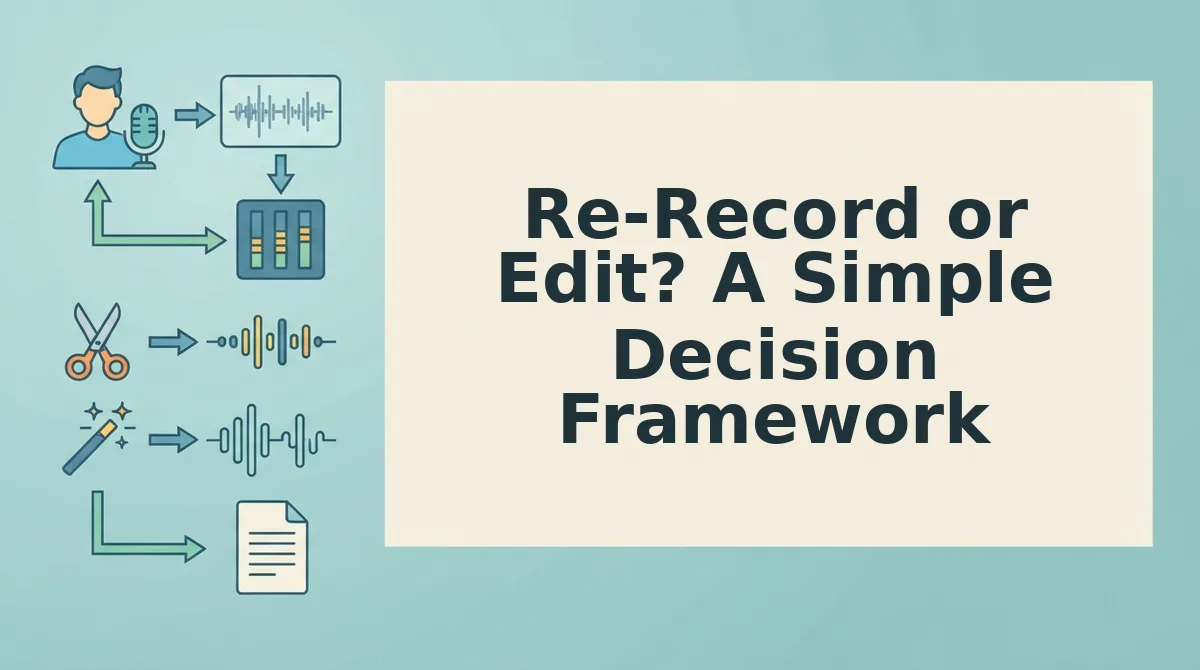
Re-Record or Edit? A Simple Decision Framework
Re-record when the note is short and you have time; edit when the note is long or you are on deadline. The decision comes down to two variables: note length and time pressure.
Re-recording works well for notes under 30 seconds. You can deliver a cleaner take in one or two attempts without losing momentum. Editing becomes the better path when notes exceed 45 seconds or when a deadline leaves no room for another take.
Editing also preserves your authentic vocal identity. When the core message is solid but delivery is cluttered with fillers and false starts, a cleanup pass keeps your original tone, cadence, and accent intact, something a rushed re-record often sacrifices.
| Option | Best For | When It Works | Trade-Off |
|---|---|---|---|
| Re-record | Perfectionists with short notes | Under 30 seconds, no deadline pressure | Costs time; risks losing spontaneous energy |
| Edit with VClar | Busy professionals sending voice notes for sales or client updates | Over 45 seconds, or any note on a deadline | Requires a cleanup tool; one-pass processing |
| Hybrid: record once, edit always | Founders and freelancers who think faster than they type | Any length, any schedule | None if the tool automates the edit |
If your note is under 30 seconds and you have two spare minutes, re-record. If it is over 45 seconds or you are sending it now, edit. The hybrid approach, record once, clean automatically, removes the decision entirely.
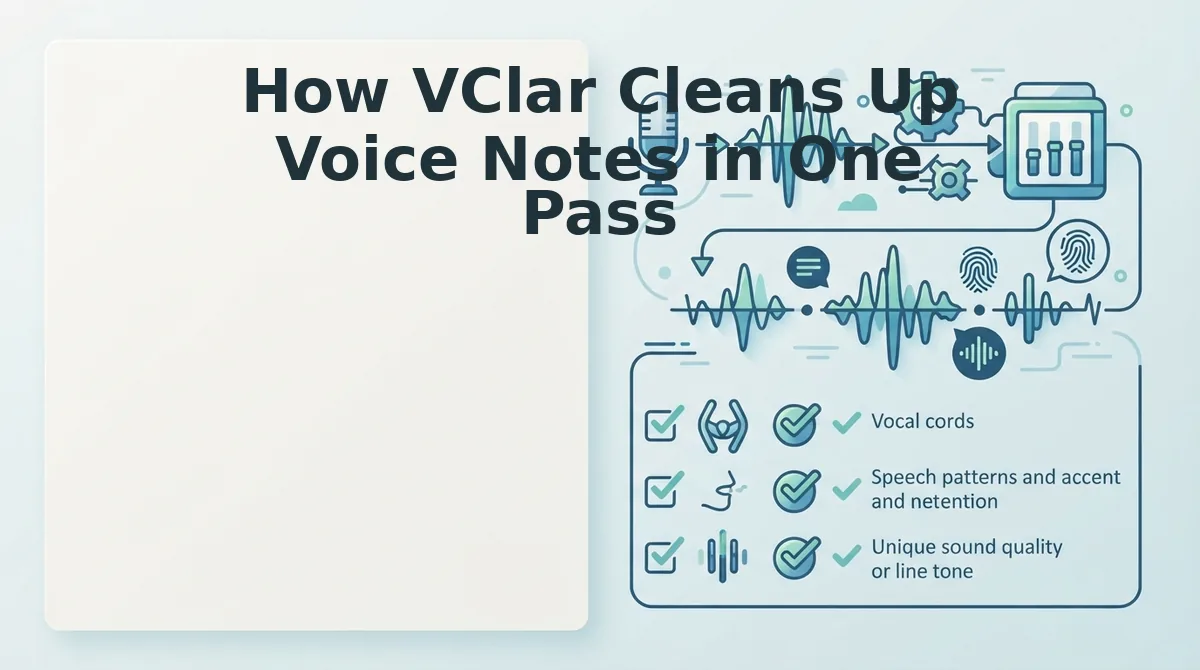
How VClar Cleans Up Voice Notes in One Pass
VClar automates all three cleanup passes, filler removal, grammar repair, and structure tightening, without synthetic voice cloning or manual timeline editing.
- Filler word removal without choppy audio. VClar detects and removes ums, ahs, "like," and false starts while keeping the audio timeline seamless. The result sounds decisive, not edited. Upload your raw note and the filler word remover handles the cut automatically.
- Spoken grammar correction that keeps your voice. The engine repairs grammatical slips and awkward phrasing while preserving your tone, cadence, and accent. You sound like yourself, just clearer. No text-to-speech replacement, no robotic output.
- Translation for cross-border voice notes. VClar translates your spoken message into other languages while retaining your vocal identity. The voice message translator makes one-take communication work across teams and clients in different markets.
Record once, run it through VClar, and send. The tool compresses the 3-pass framework into a single automated step.
FAQ: Cleaning Up Rambling Voice Notes
Direct answers to the most common questions about fixing rambling voice notes before you hit send.
How do I clean up a rambling voice note before sending it?
Use the 3-pass framework: cut filler words first, repair spoken grammar second, and tighten structure third. Automated tools like VClar handle all three passes in one upload, removing ums and false starts while preserving your natural voice.
How long should a voice note be?
Under 45 seconds for full listener attention. Notes between 45 and 90 seconds still work if the message is dense and well-structured. Over 90 seconds risks losing listeners, split long notes into two or edit aggressively before sending.
Can I fix grammar in a voice note without re-recording?
Yes. VClar repairs spoken grammar directly in the audio while preserving your voice, tone, and cadence. You do not need to re-record or switch to text-to-speech. Upload the note and the fix grammar in voice message tool handles the correction automatically.
Why does my voice note sound choppy after removing filler words?
Choppy audio happens when fillers are cut without smoothing the surrounding waveform. VClar removes fillers and repairs the audio timeline seamlessly, so the note sounds continuous and natural rather than stitched together.
Is it better to re-record or edit a rambling voice note?
Re-record if the note is under 30 seconds and you have time. Edit if the note is over 45 seconds or you are on a deadline. Editing preserves your authentic delivery and saves time when the core message is solid but the delivery is cluttered.
Clean Voice Notes Are a Habit, Not a Talent
Rambling isn't a personality flaw. It's what happens when you think out loud without a filter. The fix isn't re-recording until your voice gives out, it's applying the 3-pass framework and respecting the 45-second rule every single time.
Here's the synthesis that ties it together: structure first, polish second, send last. Pass one removes the filler. Pass two fixes the grammar. Pass three tightens the pacing. Most people skip straight to pass three and wonder why their notes still sound scattered.
What changes the game is this: VClar automates all three passes in under a minute. You record once, it cleans the timeline, corrects the grammar, and preserves your voice, no re-recording loop, no editing software, no second-guessing.
Your next step: record your next voice note the way you naturally speak it, run it through VClar, and compare the before and after. You'll hear the difference in one take.
A clear voice note isn't about speaking perfectly, it's about sending something that respects the listener's time.