
You hit record, speak for ninety seconds, hit stop, then play it back and hear three "ums," a false start, and a sentence that trails off into nowhere. That gap between what you meant to say and what actually landed is exactly why you need to compare raw voice memo to cleaned version before hitting send. You're not alone: founders, sales reps, and consultants who think faster than they type routinely discover their spoken drafts need a second pass. This guide shows you how to run that comparison systematically, what to listen for, and how to turn the exercise into a permanent improvement in your spoken delivery. Along the way, you'll see why one specific checkpoint matters more than all the others, and it's probably not the one you expect. VClar's side-by-side workflow makes the whole process take under two minutes.
Why Compare Raw vs Cleaned Voice Memos at All
A raw-vs-cleaned voice memo comparison is a structured listening exercise where you play your original recording against an AI-processed version to identify exactly what changed, what improved, and what your speech patterns reveal about your communication habits. Think of it like a before-and-after photo for your voice: the "before" shows the unedited reality, and the "after" shows what your message sounds like with hesitations, fillers, and noise stripped away.
At the simplest level, the comparison confirms the cleaning worked, that filler words disappeared and grammar got fixed without mangling your meaning. At an intermediate level, it becomes a diagnostic tool: you start noticing that you say "basically" every time you transition between ideas, or that you restart sentences when you're unsure of the next word. Those patterns are invisible in a single cleaned output, but they jump out when raw and cleaned versions sit next to each other.
The advanced payoff is a feedback loop. Each comparison session gives you data on your filler word density, sentence fragment frequency, and pacing habits, the kind of self-awareness that gradually reduces how much cleaning you need in the first place. Competitors treat voice cleanup as a one-way process: upload, clean, done. VClar's side-by-side view turns it into a learning tool, so your next recording starts closer to polished than your last one did.
Demand for this workflow is real. Users on YouTube actively search for free alternatives to paid AI recorders, signaling that accessible comparison tools are still hard to find. A transcript-only cleanup misses the point: you need to hear the difference in your own voice, not just read it in text.
The 5-Point Comparison Checklist for Raw vs Cleaned Voice Memos
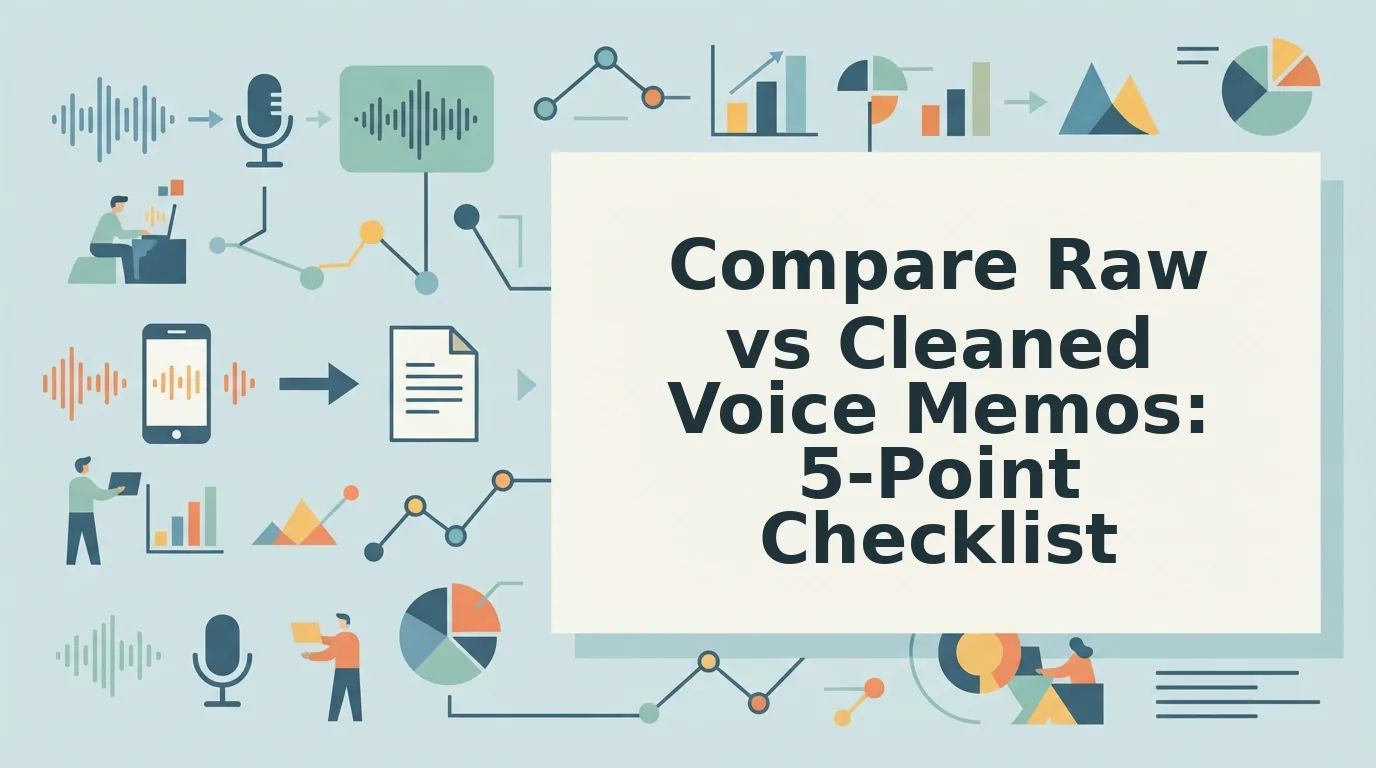
A raw-vs-cleaned comparison works best when you listen for five specific things, in this order: filler density, sentence completeness, pacing, vocal identity, and noise reduction. Each checkpoint answers a distinct question about what the cleaning changed and whether the result still sounds like you.
- Filler word density. Count the "ums," "uhs," "likes," and "you knows" in your raw transcript, then compare against the cleaned version. VClar removes these fillers without touching your actual words, so the cleaned transcript should read tighter while preserving every substantive sentence. If your raw count is high, that's a signal to slow down on your next recording.
- Sentence completeness. Listen for fragments and false starts in the raw audio, places where you abandoned a thought mid-sentence and restarted. The cleaned version should turn those into complete, grammatically sound sentences. This checkpoint matters because fragments are the single biggest reason voice memos sound unprofessional, and fixing grammar in voice messages is only verifiable when you can hear the before and after side by side.
- Pacing and rhythm. Compare the natural pauses in both versions. Cleaning should remove dead air and hesitation gaps without making your speech sound rushed or robotic. If the cleaned version feels faster, that's expected, fillers and false starts consume surprising amounts of runtime. If it feels unnatural, the cleaning was too aggressive.
- Vocal identity preservation. This is the checkpoint most people skip, and it's the one that matters most. Your timbre, accent, and cadence should remain identical between raw and cleaned versions, only fillers, fragments, and noise should change. If the cleaned audio sounds like a different person, the tool has failed its core promise. VClar is built specifically to preserve your authentic vocal identity while removing filler words from audio.
- Noise reduction quality. Listen for background hum, keyboard clicks, traffic, or room echo in the raw version, then check whether the cleaned version removes them without introducing artifacts. Good noise reduction is invisible; bad noise reduction makes your voice sound like it's coming through a tin can. This checkpoint confirms the acoustic cleanup didn't sacrifice clarity for silence.
Run through all five checkpoints once, and you'll have a complete picture of what changed, and what still needs work. Next, here's how to execute that comparison inside VClar step by step.
How to Compare Side-by-Side in VClar Step by Step
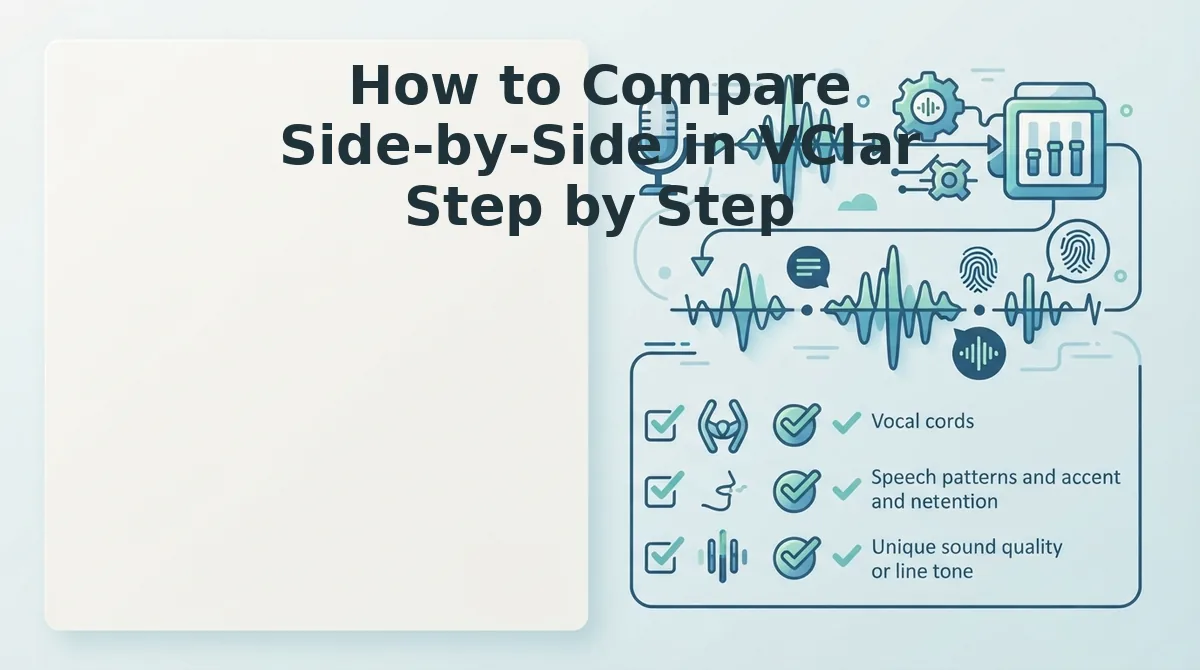
VClar's side-by-side view is the only interface that places your raw and cleaned voice memo transcripts next to each other for direct A/B evaluation. You'll need a VClar account, a recorded voice memo (or existing audio file), and about 3-5 minutes.
- Open the VClar dashboard and click "New Voice Memo." You should see a clean upload panel with two empty panes labeled "Raw" and "Cleaned."
- Upload your audio file or record directly in the browser. Click the red record button and speak naturally, or drag-and-drop an existing .m4a, .mp3, or .wav file. Processing takes about 10-15 seconds for a 60-second memo. You should see a progress bar complete.
- Open the Side-by-Side View. Click the split-screen icon in the top toolbar. The raw transcript appears on the left, the cleaned transcript on the right, with all changes highlighted in yellow. Deleted fillers show as struck-through text in the raw pane; grammar fixes appear as underlined text in the cleaned pane.
- Review the change log. Click "Show Changes" below the transcript panes. Each edit is listed with a timestamp and type, filler removal, fragment repair, grammar fix, or noise reduction. You should see a numbered list matching the highlights in the transcript.
- A/B the audio. Click the play button on the raw pane, then immediately click play on the cleaned pane. Toggle between them using the "A/B" switch in the center divider. You should hear the difference in pacing, the cleaned version removes hesitations and background noise while keeping your voice, accent, and cadence intact.
- Export or share the cleaned version. Click "Export" in the top right and choose audio, transcript, or both. You should see a green checkmark confirming the file is ready to download or send.
If you're comparing multiple takes to decide which message to send, use the filler word remover workflow to batch-process recordings and review them side-by-side in one session.
What Changes vs What Stays When You Clean a Voice Memo
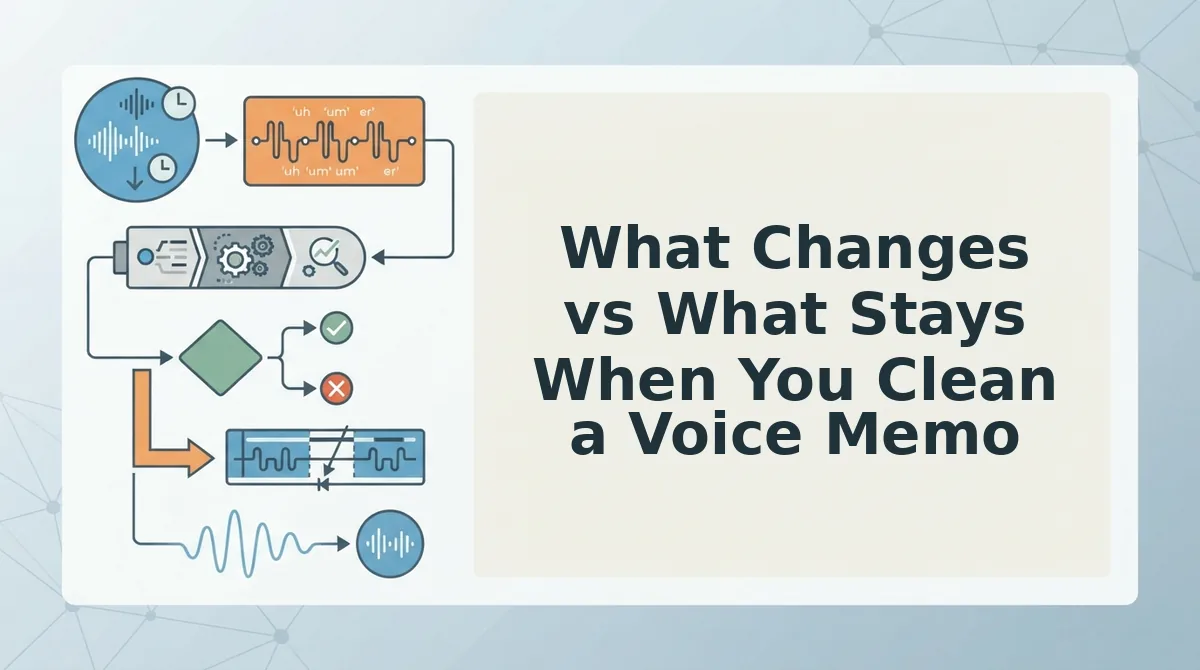
Cleaning a voice memo in VClar alters only the mechanical flaws in your speech, fillers, fragments, grammar errors, ambient noise, and long pauses, while preserving your vocal identity completely. Here is exactly what changes and what stays.
| Element | What VClar Does | What Apple Voice Memos Does | What ChatGPT Transcript Does |
|---|---|---|---|
| Filler words (um, ah, like) | Removes from audio and transcript seamlessly | Keeps everything as recorded | Removes in text only, not audio |
| Sentence fragments | Repairs into complete sentences in both audio and text | Leaves unchanged | Repairs in text only |
| Ambient noise | Reduces background distractions from audio | No noise reduction | No audio processing |
| Vocal timbre and accent | Preserved exactly | Preserved exactly | Not applicable, text only |
| Emotional tone and intent | Preserved | Preserved | May be flattened in text |
Best for founders and sales teams: VClar, you need one-take confidence with your authentic voice intact. Best for quick personal notes: Apple Voice Memos, you don't need editing, just capture. Best for text-only summaries: ChatGPT transcript, you want a written record without audio cleanup.
Apple Voice Memos and ChatGPT transcripts are honest tools for what they do, raw capture and text conversion. Neither addresses the core question VClar answers directly: will cleaning change how I sound? The answer is no. VClar alters only fillers, fragments, grammar, noise, and pauses. Your vocal timbre, personal cadence, accent, speaker intent, and emotional tone remain untouched because the engine edits the audio timeline around your speech, not your speech itself.
Before and After Example of a Real Voice Memo Comparison
A voice memo comparison is the process of placing your unedited spoken message next to its cleaned version to see exactly what changed and what stayed. Think of it like a photo editor's before-and-after slider, the same image, just with blemishes removed and lighting corrected.
Here is a real-world example of what VClar produces when you run a raw voice memo through the cleaning engine:
| Raw Transcript | Cleaned Transcript | Change Type |
|---|---|---|
| "So um I was thinking like we should maybe uh launch the new feature next week you know?" | "I think we should launch the new feature next week." | Filler removal, fragment repair, grammar fix |
| "Basically the uh the numbers look good but like we need to double check the pricing." | "The numbers look good, but we need to double-check the pricing." | Filler removal, false start removal, punctuation fix |
| "Um I don't know if that's the right call honestly." | "I'm not sure if that's the right call." | Filler removal, hedge word replacement, grammar fix |
The cleaned version removes "um," "like," "you know," and false starts while converting fragments into complete sentences. Your voice, accent, and intent remain identical, only the mechanical noise disappears.
Ready to see the most common questions readers ask about this comparison workflow?
Frequently Asked Questions About Comparing Raw and Cleaned Voice Memos
Direct answers to the most common questions about comparing your original voice memo against the cleaned version, based on real user queries.
How do I compare my raw voice memo to the cleaned version?
Use VClar's side-by-side view to see both transcripts stacked vertically while toggling audio playback between the raw and cleaned tracks. The 5-point checklist, fillers removed, grammar fixed, noise gone, tone intact, message length, gives you a repeatable comparison framework that takes under 60 seconds.
Will cleaning a voice memo change how I sound?
No. VClar preserves your vocal timbre, accent, and cadence while removing fillers and background noise. The cleaned version sounds like you on your best speaking day, not a synthetic clone or text-to-speech reproduction. Your authentic vocal identity remains the foundation of every output.
Why does my cleaned voice memo sound shorter than the original?
Removing these verbal hesitations and false starts trims the timeline without cutting any substantive content. The message gets tighter, not truncated, every meaningful word stays.
What should I listen for when comparing raw and cleaned audio side by side?
Listen for three things: what disappeared (fillers, stumbles, background noise), what improved (grammar, pacing, clarity), and what stayed identical (your pitch, accent, emotional tone). If the cleaned version passes all three checks, the processing worked correctly. Any deviation in the third category signals a problem worth reviewing.
Can I compare voice memos in different languages after translation?
Yes. VClar's voice note translation lets you compare the original-language raw memo against the cleaned, translated version side by side. The comparison view shows both transcripts and lets you toggle audio playback, so you can verify that meaning, tone, and intent survived the translation intact.
How long does a raw-to-cleaned comparison actually take?
Under 60 seconds when you use VClar's side-by-side view. The interface loads both transcripts simultaneously and syncs audio playback, so you can spot-check filler removal, grammar corrections, and tone preservation without manually scrubbing through two separate files. The 5-point checklist keeps the review focused and fast.
The Real Payoff: Proof Your Voice Survived the Cleanup
Comparing raw and cleaned voice memos isn't just quality control, it's the moment you confirm that AI enhancement doesn't mean AI replacement. The side-by-side view proves your cadence, accent, and intent survived intact while the friction disappeared.
Run one voice memo through VClar now and apply the 5-point checklist. The comparison takes under 60 seconds and shows exactly what changed, and what didn't. That's the evidence you need to trust the tool with every message after.