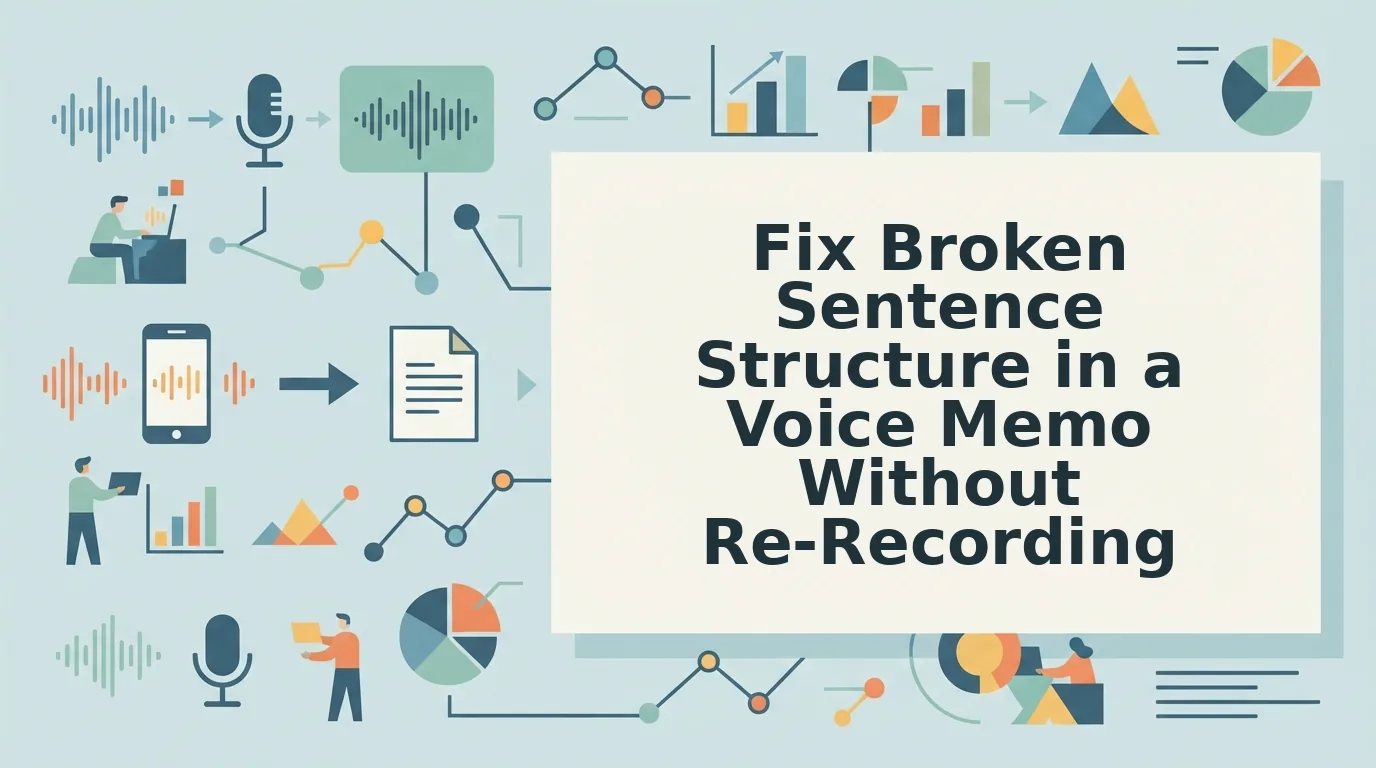

You've just recorded a 90-second voice memo for a client, and on playback you hear it: a sentence that starts strong, veers sideways, and collapses into a fragment. You delete it and start over. By the fourth take, you've burned 20 minutes and the message still doesn't sound like you meant it to. The need to fix broken sentence structure in a voice memo isn't a skill gap, it's a collision between how fast you think and how fast you speak.
You're right to care. Broken sentences in a voice memo undermine authority, especially for founders, sales reps, and freelancers who rely on voice notes for founders to close deals and lead teams. Here's the promise: by the end of this article, you'll have three concrete methods to fix broken structure, a manual step-by-step workflow, an AI-assisted approach, and prevention habits that stop breaks before they start.
Along the way, you'll learn why speaking at roughly 150 words per minute means your brain outruns your mouth, creating fragments and false starts that have nothing to do with your competence. And there's a surprising finding about the re-record loop, the habit most people think is diligence but is actually the biggest time sink in voice communication, that changes how you should approach every memo from now on.
Why Voice Memos Break Down (And Why It's Not Your Fault)
Broken sentence structure in a voice memo is the gap between what your brain planned to say and what your mouth actually produced in real time. It's not a writing problem, it's a cognitive load problem that happens to everyone who speaks faster than they can edit.
Think of spoken grammar like driving without a rearview mirror. When you write, you can look back, revise, and restructure before anyone sees the sentence. When you speak, every word is already out the door before you know how the sentence ends. At roughly 150 words per minute, your brain is drafting the next clause while your mouth is still delivering the current one, and the collision creates the three most common spoken grammar breaks:
| Break Type | What It Is | Example |
|---|---|---|
| Fragment | An incomplete thought that lacks a subject or verb | "The Q3 numbers, which by the way we should discuss." |
| Run-on | Two or more independent clauses fused without a pause or connector | "The client loved the demo they want a proposal by Friday." |
| False start | Abandoning a sentence midway and restarting with a different structure | "What I meant to say is, so the timeline is actually, we need two more weeks." |
Spoken grammar breaks differ from written grammar errors in one critical way: they're not evidence of poor language skills. A fragment in a voice memo usually means you were mid-thought and pivoted to a sharper idea. A run-on means you were excited and didn't pause. A false start means you caught yourself improving the sentence in real time. Written grammar rewards planning; spoken grammar rewards momentum, and momentum occasionally leaves a trail of broken clauses behind it.
Here's the key distinction: written grammar is edited before delivery, while spoken grammar is delivered before editing. That's why even articulate speakers produce fragments, run-ons, false starts, and trailing modifiers, clauses that dangle at the end of a sentence without a clear anchor. The fix isn't to slow down to typing speed. It's to apply a lightweight repair workflow after the fact.
Method 1: Fix Broken Sentences Manually Step by Step
Manual repair works best when you have one or two broken sentences in an otherwise strong memo. You'll need your voice memo app, a transcription tool (built into most phones or available as a free web tool), and about 5-10 minutes per memo.
- Transcribe the memo. Open your voice memo app and play the recording while your phone's transcription feature or a free transcription tool captures the text. You should see the broken sentence appear as a visible fragment, run-on, or false start, seeing it in text makes the break obvious in a way audio alone doesn't.
- Identify the break type. Read the transcript and mark each broken sentence as a fragment, run-on, or false start using the definitions above. This step takes under a minute and tells you exactly what repair each sentence needs.
- Restructure the clause. For a fragment, add the missing subject or verb. For a run-on, split it into two sentences or add a connector like "because," "so," or "and." For a false start, delete the abandoned opening and keep only the second, stronger attempt. Write the corrected version below the original.
- Re-record only the fixed segment. Don't re-record the whole memo. Open your voice memo app, record just the corrected sentence in the same tone and pace as the original, then splice it into place using your app's trim or insert function. You should hear a seamless transition where the broken sentence used to be.
Here's a worked example of the One-Take Salvage workflow, fixing what exists instead of starting over:
Before: "So the budget is, what I'm trying to say is we need to move the launch, because the vendor, they haven't delivered the assets, which is a problem."
After: "We need to move the launch because the vendor hasn't delivered the assets."
The repair removed the false start ("So the budget is, what I'm trying to say is"), merged the fragment ("which is a problem") into the main clause, and tightened the run-on into one clean sentence. The speaker's tone, pace, and intent remain intact, only the broken structure changed.
If manual repair feels tedious after the third memo, you're not alone. The process works, but it's slow, which is why fixing grammar in voice messages with AI assistance is the faster path for high-volume users. That brings us to Method 2.
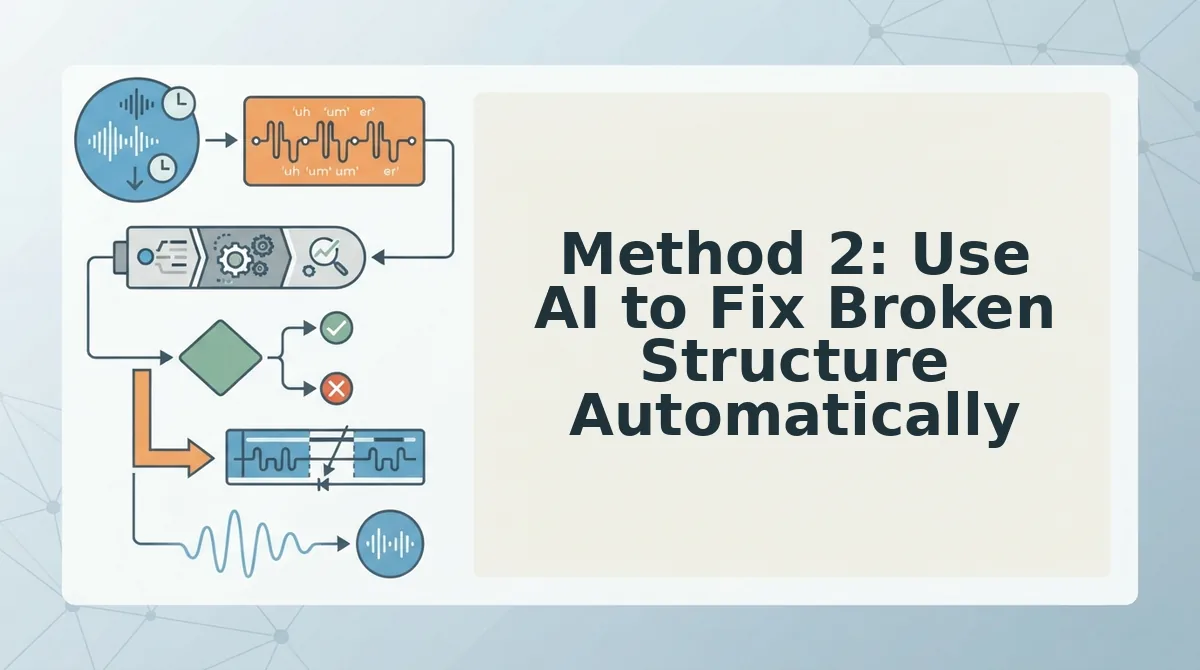
Method 2: Use AI to Fix Broken Structure Automatically
AI voice message repair is a process that detects incomplete or tangled sentence structures in spoken audio and rebuilds them into grammatically complete statements without re-recording. Think of it like a photo editor that removes red-eye and sharpens focus, the person in the picture is still unmistakably you, just clearer.
The workflow is simple. You record a voice memo as you normally would, upload it, and the AI identifies fragments, run-ons, and false starts. It then restructures the sentence flow while keeping your vocal delivery intact. This matters because text-based grammar checkers can only fix what you type, they cannot repair spoken audio without converting it to text and back, which is where voices get flattened and robotic.
VClar's approach is different. The engine works directly on the audio signal, which means it can fix grammar in voice messages while preserving your vocal timbre, accent, and cadence. Timbre is the unique tonal quality of your voice, the reason you sound like you and not like a generic assistant. Cadence is your natural speaking rhythm. Neither is sacrificed during repair.
The fear that AI cleanup makes you sound synthetic is understandable, but it confuses two different technologies. Text-to-speech generates a new voice from scratch. VClar edits the audio you already recorded. The result is your voice, minus the broken structure. You can also remove filler words from audio in the same pass, so the final memo sounds decisive without a single re-record.
Method 3: Prevent Broken Sentences Before You Record
Prevention beats correction. These five habits reduce fragments at the source by aligning your speech rate with your thought rate.
- Think in chunks, not full paragraphs. Speaking in short, complete idea units, one subject and one verb per chunk, reduces fragments because your mouth never outruns your brain. Before recording, mentally split your message into three or four mini-sentences.
- Pause instead of filling. When you feel a thought slipping, stop for one full second rather than reaching for "um" or "like." The pause gives your brain time to complete the sentence structure, and silence is easier to edit than filler.
- Use a mental outline. Decide your first sentence before you hit record. A simple structure, context, point, ask, keeps every sentence anchored to a purpose and prevents mid-thought tangents.
- Record one idea per memo. Multiple topics in a single voice note invite fragments as you pivot between thoughts. Split long messages into separate recordings, each with a single clear point.
- Review your first take once. Listen for structural breaks before sending. If you catch a fragment, re-record only that sentence, not the whole memo. For founders who send frequent updates, voice notes for founders benefit most from this one-take discipline.
FAQ: Fixing Broken Sentence Structure in Voice Memos
Direct answers to the most common questions about repairing spoken sentence structure.
How do I fix sentence fragments in a voice memo?
Record the memo, then run it through an AI voice repair tool that detects incomplete clauses and rebuilds them into full sentences on the audio timeline. You can also manually re-record only the broken sentence and splice it in, but AI repair is faster and preserves consistent pacing.
Does AI change my voice when it fixes grammar?
No. AI can fix grammar in voice messages without changing your voice because it edits the original audio signal rather than converting speech to text and regenerating it. Your vocal timbre, accent, and cadence remain intact, only the sentence structure is repaired.
Why do my voice memos sound unprofessional?
Voice memos sound unprofessional when fragments, false starts, and filler words undermine your authority. A message full of "um," "like," and abandoned sentence halves signals uncertainty. Cleaning the structure while keeping your natural delivery restores a decisive, confident tone.
What is the difference between fixing grammar in text versus audio?
Text grammar checkers rewrite words on a page and require you to type first. Audio repair works directly on the spoken recording, restructuring sentences without converting your voice to synthetic speech. The result is a corrected memo that still sounds like you speaking.
Can a voice note translator also fix broken sentences?
Yes. A voice note translator that includes speech enhancement can repair sentence structure in the source language before translating, so the output in the target language is grammatically sound rather than a translation of broken speech.
The Fix Was Never Re-Recording, It Was Restructuring
Broken sentence structure in a voice memo isn't a performance failure. It's a structural problem with a structural solution. You now have three paths: manual editing for full control, AI-assisted cleanup for speed, and pre-recording habits for prevention. Each works. Each saves you from the re-record loop.
But here's the synthesis worth holding onto: the manual method teaches you what AI fixes automatically, and the prevention habits reduce how much fixing either method needs. They compound.
One question changes everything: How much is your next hour worth?
If the answer is more than the time it takes to upload a memo, let VClar handle the restructuring. It removes fillers, repairs grammar, and tightens phrasing, while preserving your natural tone, accent, and rhythm. No robotic output. No synthetic voice. Just your message, cleaned and delivered in one take.
Your next step: record the memo once, run it through VClar, and send it. That's the entire workflow.
You don't need a better voice. You need a better structure. And structure, unlike talent, can be fixed in seconds.