
You record a 90-second voice update for your team, listen back, hear three "ums," one rambling tangent, and a trailing sentence that undercuts your entire ask. So you delete it. Then you re-record. Twice. Founders think at roughly 150 words per minute but lose hours every week trapped in re-recording loops or typing drafts that never capture the right tone. If you've ever wondered what to fix before sending founder voice update messages, you're not alone, and the answer isn't more takes.
This guide walks you through a 7-point pre-flight checklist, the 45-second time budget that keeps updates tight, and the cleanup workflow most founders skip entirely. You'll learn how to send one-take voice notes that sound decisive without losing your natural cadence. Tools like VClar can remove filler words and polish rough audio after recording, which means the last point most founders skip is post-recording cleanup, not pre-recording perfection. The surprising part? The fix that matters most happens after you hit stop, and it's the one step that eliminates re-recording loops for good.
The 30-Second Pre-Flight Checklist Before You Hit Record
A 30-second mental run-through before recording eliminates most re-recording triggers. You need nothing but your phone and a quiet-enough space. Work through these seven items in order, and your first take becomes a usable draft instead of a throwaway.
- Know your one ask. Decide the single decision or action you need from the listener. If you can't state it in one sentence, you're not ready to record. Success looks like: "Approve the Q4 budget by Friday."
- Build a three-point mental outline. Lock in context, ask, and next step before you speak. You should be able to recite all three in under 10 seconds silently.
- Run a noise triage. Acceptable noise includes a steady hum, distant traffic, or a quiet HVAC system. Dealbreaker noise includes sirens, overlapping voices, or keyboard clacking. If you hear a dealbreaker, move or wait 30 seconds.
- Set a soft time cap. Aim for 45-90 seconds. Tell yourself the message ends at 90 seconds no matter what, this forces you to prioritize.
- Record standing. Standing opens your diaphragm and removes the compressed, rushed tone that comes from slouching at a desk. You should hear a fuller, calmer delivery on playback.
- Take one breath before speaking. Inhale for two seconds, exhale, then start. This prevents the clipped, anxious first word that makes listeners brace for bad news.
- Accept take one as a draft. Your first recording is raw material, not the final product. You can remove filler words from voice updates and clean up pacing after recording, so stop chasing a perfect take.
If you want a self-contained answer to the query "how do I prepare before recording a founder voice update," here it is: run a seven-item checklist in under 30 seconds. Know your one ask, outline three points (context, ask, next step), triage background noise by separating acceptable hums from dealbreaker interruptions, cap yourself at 90 seconds, stand while recording, take one breath before speaking, and treat take one as a draft you'll clean up afterward. This sequence removes the hesitation and false starts that trigger re-recording loops.
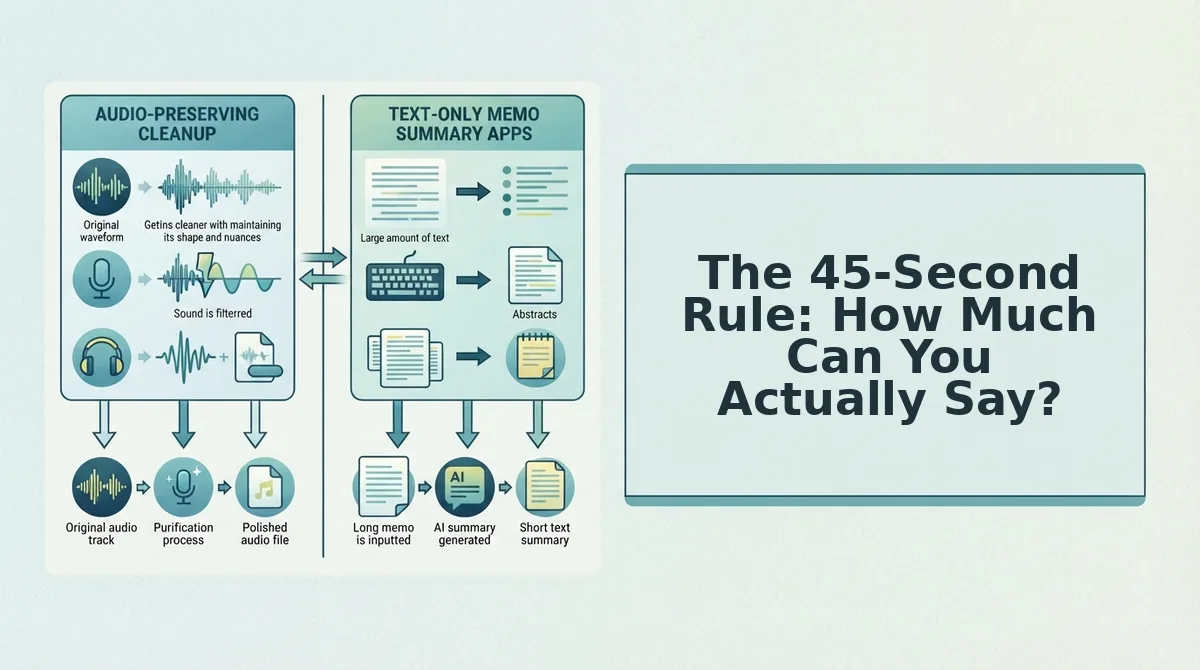
The 45-Second Rule: How Much Can You Actually Say?
The 45-second rule is a time-budgeting formula for voice updates that allocates exactly 15 seconds each to context, ask, and next step. Think of it like packing a carry-on: the fixed size forces you to leave out everything that doesn't earn its place.
A 45-90 second voice update can cover exactly three points: context, decision needed, and deadline. In the first 15 seconds, give the one-sentence context your listener needs, "The Acme deal moved to legal review this morning." In the next 15 seconds, state the ask, "I need you to confirm the revised pricing by 3 PM." In the final 15 seconds, name the next step and deadline, "Reply here or ping me on Slack; if I don't hear back, I'll assume we proceed at the current rate."
If you go longer, you're adding a fourth point, and that's where rambling starts. The fix isn't talking faster, it's cutting a point. After recording, tools like VClar can strip filler words and tighten pacing without changing your voice, so a 70-second draft becomes a crisp 50-second update. That cleanup step is the difference between a message people replay and one they skip.
Next, fix the rambling before it starts.

Fix the Rambling Before It Starts
You can eliminate most verbal clutter before you ever hit record by structuring your thoughts as a bullet-point outline, not a word-for-word script. You'll need your phone's voice memo app or VClar open, plus 60 seconds to jot down three to five key points.
- Open a notes app and type three bullet points covering what changed, why it matters, and what you need from the team. You should see a list short enough to fit on one screen without scrolling.
- Assign one breath per bullet point by reading each line aloud once. If a bullet takes more than one exhale to say, split it into two shorter points, this prevents run-on sentences before they start.
- Hit record and speak only the bullets in order. Resist the urge to add context mid-sentence. You should finish the entire update in under 45 seconds.
- If you stumble, pause for one second and restart from the current bullet, not from the beginning. The pause gives your brain a reset point, and you keep the usable take instead of discarding it.
- Stop recording the moment the last bullet is done. You should have a raw file with minor fillers but no structural rambling, ready for cleanup in post-production.
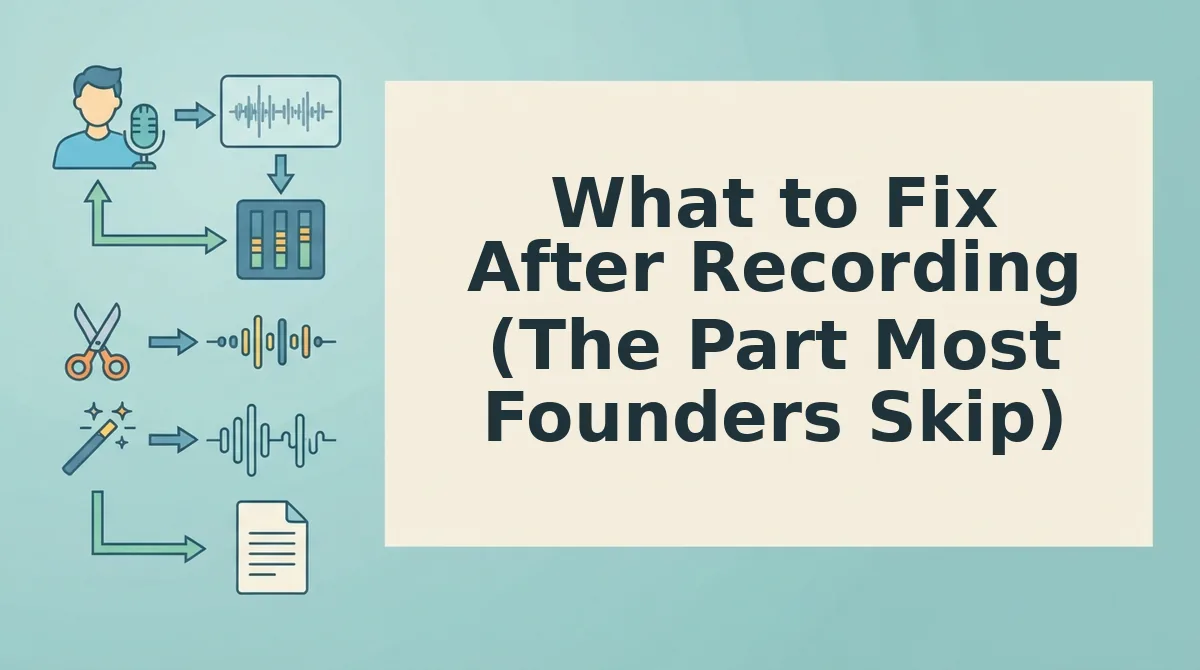
What to Fix After Recording (The Part Most Founders Skip)
Post-recording cleanup is the practice of refining a voice update after you stop recording, treating the raw take as a first draft rather than a final product. Most founders assume a bad take means re-recording, but fixing after the fact is faster and preserves the energy of your original delivery.
Think of it like editing a photo: you don't retake the shot because the lighting is slightly off, you adjust exposure and crop in post. The same applies to voice. Start simple by removing filler words from audio with a cleanup tool, so your "ums" and false starts disappear without flattening your natural cadence. Next, fix grammar in the voice message transcript and audio together, so the written summary your team reads matches the polished spoken version they hear. Finally, advanced users can clean background noise without a studio, traffic hum, keyboard clicks, and room echo are removable in the same pass.
VClar turns rough spoken notes into polished messages without replacing your authentic vocal identity. The workflow is: record once, clean fillers, correct grammar, reduce noise, then send. No re-recording loop, no lost momentum, and your team hears you, just clearer.
Voice Update Etiquette for Founders (What Your Team Won't Tell You)
Teams tolerate async voice updates when they're scannable, actionable, and short. These are the unspoken rules that determine whether your team actually listens or just skims the transcript.
- State the deadline in the first 10 seconds. Your team needs to know when a decision or deliverable is due before they invest attention in the rest of the update. Opening with "By Thursday end of day, I need..." tells them exactly how to prioritize what follows.
- Keep every update under two minutes. Anything longer signals a meeting should have been scheduled instead. A two-minute cap forces you to lead with decisions and requests, not context dumps.
- Offer a text summary for key decisions. Voice is easy to consume but hard to search. A one-line written recap of any decision, deadline, or owner makes your async voice update for team workflows actually referenceable later.
- One update, one topic. Bundling five unrelated items into a single voice note forces your team to listen multiple times to extract what applies to them. Split topics into separate short updates so each one is skimmable by the right people.
- End with the single action you need. Close every update by naming one person and one action: "Sarah, please confirm the pricing slide by Friday." This removes ambiguity about who owns the follow-up.
Master these norms and your voice updates become a tool your team actually wants, not another unread notification. Here are the questions founders ask most about making voice updates work.
Frequently Asked Questions About Founder Voice Updates
Founders ask the same four questions before sending voice updates: what to fix, how long to go, whether to script, and how to repair grammar without re-recording. Here are the direct answers.
What should I fix before sending a founder voice update?
Fix three things before sending: remove filler words like "um" and "basically," correct any grammar slips that undercut authority, and cut rambling tangents that bury the main point. A 30-second pre-flight check of your key message plus a post-recording cleanup pass covers all three.
How long should a founder voice update be?
Keep a founder voice update between 30 and 45 seconds. That length holds attention, respects your team's time, and forces you to lead with the decision or update that matters most. Anything longer risks losing listeners before the call to action.
Should I script my voice update or speak naturally?
Use a 3-bullet outline, not a full script. Scripting word-for-word makes you sound stiff and robotic. Bullets keep you on track while preserving the natural cadence and authenticity your team expects from a founder update.
How do I fix grammar mistakes in a voice memo without re-recording?
Run the audio through a tool that can fix grammar in voice message files automatically. VClar detects spoken grammar errors, removes fillers, and cleans the audio timeline without changing your voice, tone, or cadence, so one take is enough.
The One-Pass Founder Update Is a Habit, Not a Hack
Every section of this article points to the same conclusion: the founder who fixes before recording and cleans after recording never re-records. That is the entire game. The 7-point checklist prevents rambling before it starts, the 45-second budget forces clarity, and the post-recording pass removes what slipped through.
The synthesis is simple. Record your next update with the 7-point checklist in front of you, then run the audio through VClar to strip fillers and correct grammar in one pass. You get a decisive, polished message without a second take.
Do that three times and the habit locks in. Your team starts hearing the version of you that thinks clearly, because you gave yourself the tooling to sound that way.