
You've recorded the same voice message four times, and every take trails off mid-thought or dissolves into "um, so yeah." The re-record loop is eating your time and eroding your confidence. You're not alone, raw voice memos are full of verbal fillers, awkward pauses, and disjointed grammar that undermine authority and clarity. The good news: you can fix incomplete sentences in a voice message before sending without recording a single extra take.
Here's the promise: by the end of this guide, you'll have a one-take workflow that prevents choppy, unfinished-sounding messages at the source, and a cleanup method for the rough recordings you already have. We'll cover why your voice messages sound choppy, how to outline before you record, and how to record in one take instead of re-recording. Along the way, you'll discover a surprising reason your sentences trail off that has nothing to do with nerves, and a tool that removes filler words from audio while preserving your natural tone.
Why Do My Voice Messages Sound Choppy or Unfinished?
A choppy voice message is a recording where spoken sentences break off, restart, or trail into silence, leaving the listener to guess at your meaning. Think of it like a text message sent in five fragments instead of one complete thought, the pieces arrive, but the message feels scattered.
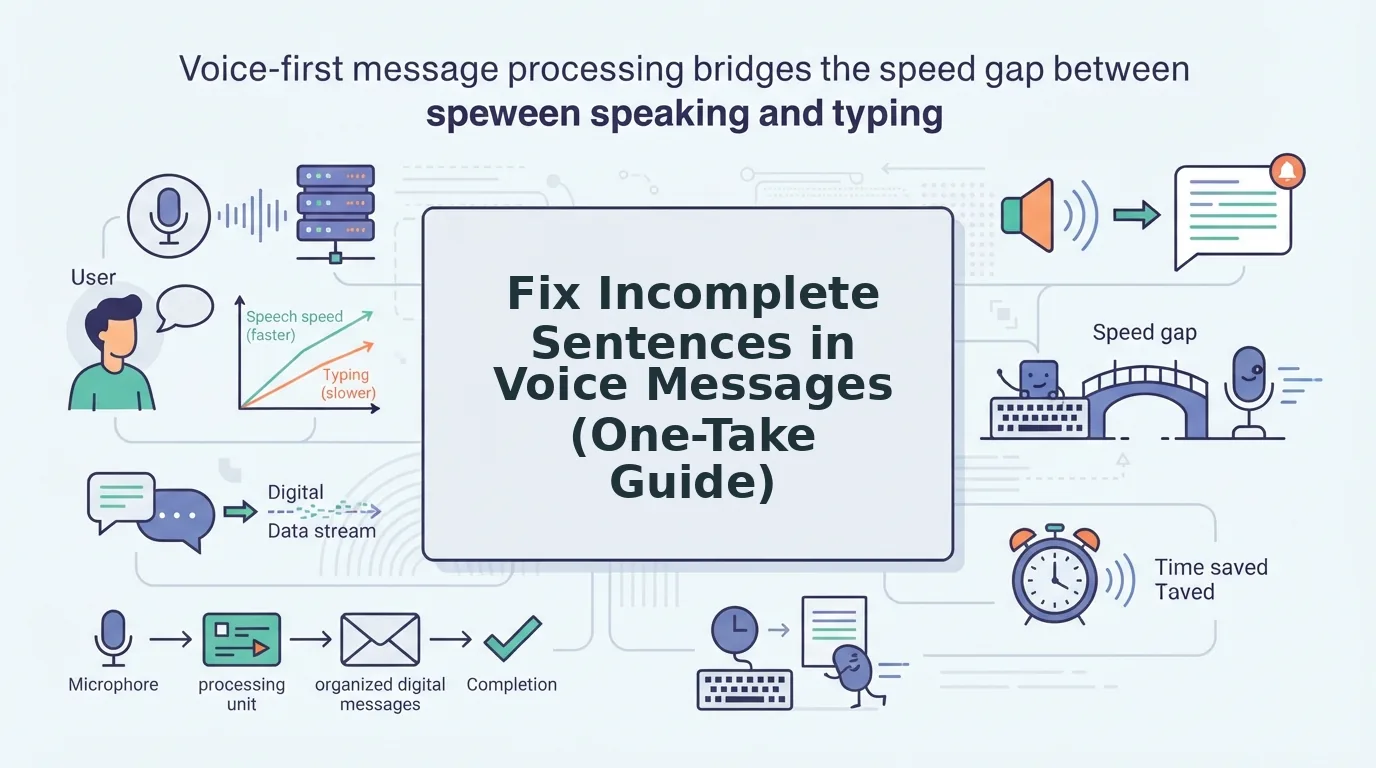
The root cause is rarely your microphone or recording app. It's the gap between how fast you think and how fast you speak. When your brain races ahead of your mouth, you abandon a sentence halfway through and start a new one, a mid-thought pivot. Other times, you trail off because you're not sure how to end the thought, or you restart with a false start like "What I meant was, actually, let me back up."
Here are the five most common patterns behind choppy voice messages:
| Pattern | What It Sounds Like | Root Cause |
|---|---|---|
| Trailing off | "So the Q3 numbers are looking... yeah." | Uncertainty about how to close the thought |
| Mid-thought pivot | "I think we should launch in, actually, the pricing needs work first." | Thinking faster than speaking |
| False start | "What I wanted to say was, okay, so the real issue is..." | Lack of pre-planning before recording |
| Non-native syntax gap | "The meeting we will have tomorrow is about the budget, we need to discuss." | Translating mentally from a first language |
| Filler-word fragment | "Um, basically, like, the thing is, you know..." | Buying time while searching for the next word |
Here's the part most guides miss: mid-sentence topic shifts are a planning problem, not a speaking problem. When you start recording without a clear endpoint, your brain treats the microphone like a thinking-out-loud session. The fix isn't to speak more slowly, it's to know your last sentence before you record your first one. The next section shows you a 10-second technique that eliminates trailing off and pivots before you ever hit record.
Step 1: Pause and Outline Before You Record
Before you touch the record button, spend 10 seconds deciding what your final sentence will be. This mental outline prevents mid-thought pivots and trailing off because your brain already knows where the message is headed.
Prerequisite: Nothing but your voice and a quiet moment. No special tools required.
- Decide your endpoint first. Ask yourself: "What is the one thing the listener should do or know after hearing this?" State that sentence in your head. Expected outcome: You now have a destination, so your sentences won't drift looking for one.
- List three supporting points in your head. Count them on your fingers: point one, point two, point three. Expected outcome: You've eliminated the "what else was I going to say?" pause that causes false starts.
- Say your closing sentence out loud once, silently or under your breath. This locks the ending into your short-term memory. Expected outcome: When you reach the end of your recording, the final sentence comes out complete instead of trailing off.
A founder leaving an investor update voice note for founders can use this exact sequence: endpoint ("we need $50K for the next production run"), three points (cost breakdown, timeline, ask), and a rehearsed closing line. The entire outline takes under 10 seconds. Once you've done this, you're ready to record in one take instead of re-recording.
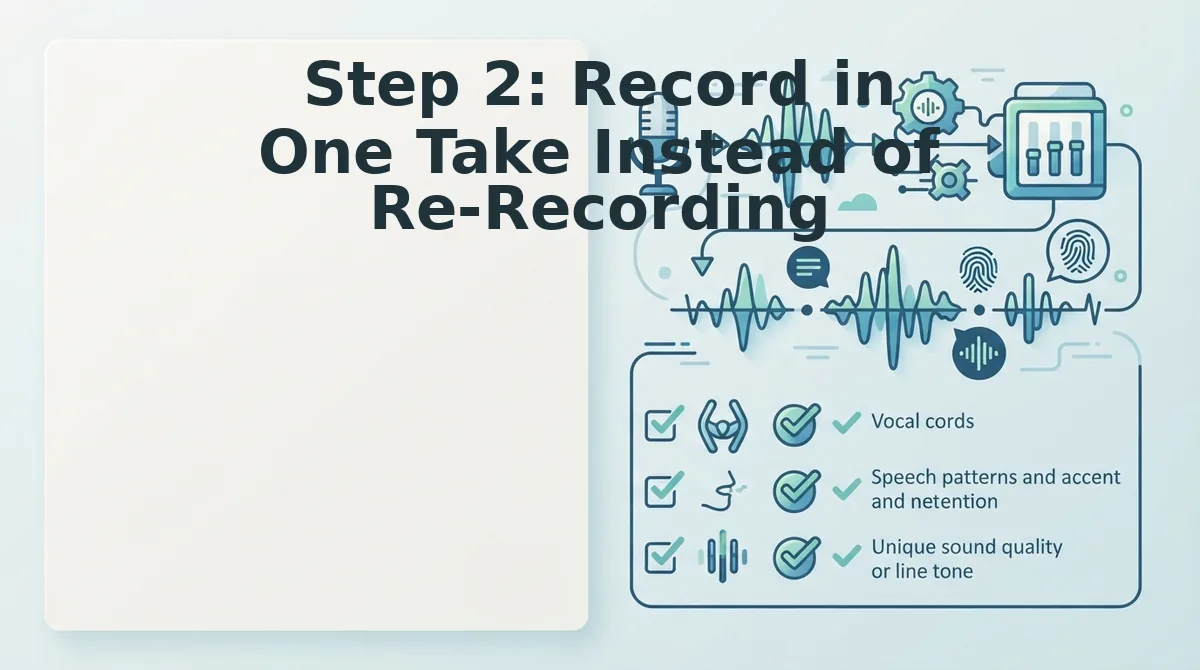
Step 2: Record in One Take Instead of Re-Recording
Re-recording creates a perfectionism loop that increases filler words and false starts. One take preserves your natural rhythm and reduces cognitive load.
Prerequisites: Your phone's voice memo app or VClar's recorder, a quiet room, and your outline from Step 1.
- Open your voice memo app and position the phone 6-8 inches from your mouth. You should see the recording level meter respond when you speak.
- Press record and deliver your entire outline in one continuous take, even if you stumble. Expect this to take 45-90 seconds for a standard message.
- Stop recording only after you reach your final point. You should have one raw file, not five.
- Resist the urge to re-record unless the message is unintelligible. Minor stumbles are fixable in Step 3; restarting resets your flow and invites new errors.
Step 3: Clean the Recording with a Voice Enhancer
VClar removes fillers, repairs fragments, and preserves your natural tone, accent, and rhythm. Here is the exact workflow, with a before/after transcript showing each fix.
Prerequisites: A raw voice memo from Step 2 and a VClar account. Total time: under 2 minutes.
- Open VClar and click Upload Audio. Select your raw voice memo file. You should see a processing indicator within seconds.
- Wait for the AI to analyze the recording. Processing typically takes 10-20 seconds for a 60-second clip.
- Review the cleaned transcript side by side with the original. You should see fillers struck through and fragments merged into complete sentences.
- Play the enhanced audio to confirm your voice still sounds like you. VClar preserves cadence and accent while removing only the noise.
Worked example, before: "So um, basically what I wanted to say was, like, the Q3 numbers. They came in. Uh, higher than we thought. You know?"
After VClar: "The Q3 numbers came in higher than we thought." Fixes applied: removed "so," "um," "basically," "like," "uh," and "you know"; merged two fragments into one complete sentence; preserved the speaker's original tone and pacing.
This is the same workflow VClar uses to fix grammar in voice messages and remove filler words from audio without flattening your delivery.
Step 4: Listen Once, Then Send
Run a three-point pre-send checklist before hitting send. This final gate ensures your intent survived the cleaning process intact.
- Does it sound like you? Play the cleaned audio once and confirm your accent, cadence, and personality are intact. If the tone feels off, re-upload the original and adjust cleaning intensity.
- Are all key points complete? Compare the cleaned transcript against your Step 1 outline. Every planned point should appear as a full sentence, not a fragment.
- Is the tone appropriate for the recipient? Read the transcript as if you were the receiver. A message to a client should sound decisive; a message to a teammate can stay casual.
AI cleaning works best on 45-90 second messages. Longer rambling recordings may need manual trimming first, since the enhancer cannot restructure a monologue into a focused note.
Once your message passes all three checks, send it. If questions remain, the FAQ below covers the most common edge cases.
FAQ: Fixing Incomplete Sentences in Voice Messages
Direct answers to the most common questions about fixing broken or unfinished sentences in voice notes, including editing after recording and cross-language use.
Can I edit a voice note after recording it?
Yes. A voice enhancer like VClar cleans grammar, removes fillers, and tightens phrasing on the existing recording, so you don't need to re-record. The tool processes the audio timeline directly, preserving your original voice, tone, and cadence while fixing incomplete or awkward sentences.
Why do my sentences trail off when I record voice messages?
Trailing off usually happens because you're thinking and speaking at the same time. Without a written outline, your brain outpaces your mouth and sentences lose their ending. Pausing for two seconds to plan the final point before recording fixes most incomplete endings.
Does fixing grammar in a voice message work for non-native speakers?
Yes. VClar corrects syntax gaps and incomplete sentence structures while preserving your accent, tone, and intent. The output still sounds like you, just clearer and more complete, which is why non-native speakers use it for professional voice notes in English and other languages.
How do I fix an incomplete sentence without sounding scripted?
Record naturally, then run the audio through a voice enhancer that removes fillers and completes grammatical gaps. Because the tool works on your actual voice recording rather than generating synthetic speech, the result keeps your natural rhythm and delivery while sounding decisive.
Can I translate a voice note and still fix incomplete sentences in it?
Yes. VClar's voice note translator cleans grammar and fillers first, then translates the polished audio across 11 languages. The translated message retains your vocal identity while delivering complete, grammatically sound sentences in the target language.
What's the fastest way to stop re-recording voice messages?
Use the four-step framework: pause and outline your point, record in one take, clean the audio with a voice enhancer, then listen once and send. This removes the re-record loop entirely because the cleaning step fixes incomplete sentences after the fact.
Send Cleaner Voice Messages Without the Re-Record Loop
The re-record loop isn't a discipline problem, it's a workflow problem. When you know a tool will fix incomplete sentences after recording, you stop obsessing over perfection mid-take and start sending messages in one pass.
The framework is simple: Pause to Outline to Record to Clean. You plan the ending before you speak, record once without stopping, then let VClar remove fillers, fix grammar gaps, and tighten phrasing while preserving your natural voice, accent, and cadence.
Your next step is to record one voice message today using this four-step flow and run it through VClar before sending. The difference between a rambling note and a decisive one is no longer willpower, it's a cleanup pass that takes seconds.