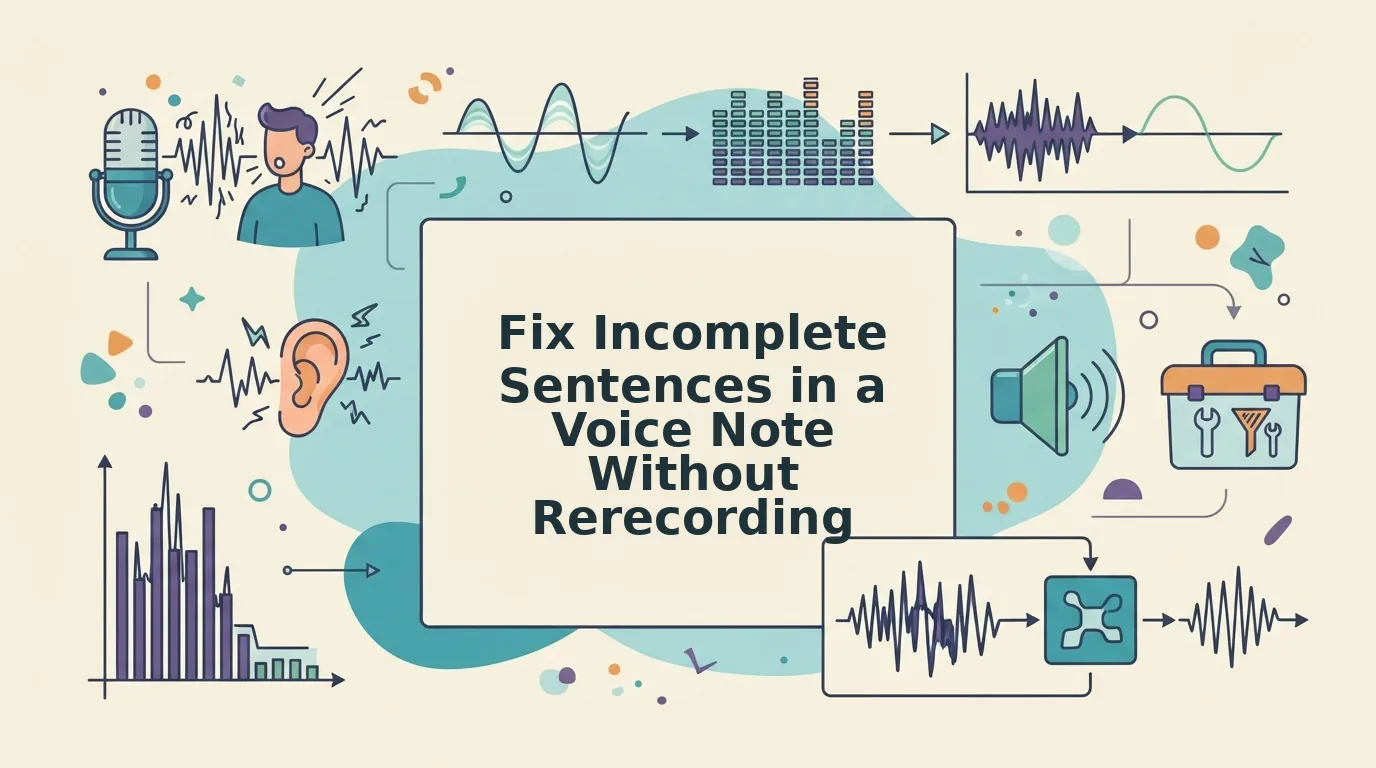

You think at roughly 150 words per minute, but you speak at about 125, and every time you stop to re-record a voice note, the thought you were chasing evaporates. That gap is why so many voice memos collapse into fragments, and why learning to fix incomplete sentences in a voice note without rerecording matters more than any microphone upgrade.
You already know the frustration: you hit record, get halfway through a point, trail off, and start again, only to lose the thread entirely. Raw voice memos are full of verbal fillers, awkward pauses, and disjointed grammar that quietly undermine your authority, especially when you send them to clients, investors, or teammates.
Here's the promise: you can repair a broken sentence inside an existing recording without losing your natural delivery, your accent, or your cadence. This guide walks you through the three fragment types that plague voice notes for founders and a four-step repair workflow you can apply in one pass. Along the way, you'll discover why most people cannot hear their own fragments, and why that blind spot is the real reason re-recording feels like the only option. It isn't.
Why Voice Notes Produce Incomplete Sentences
An incomplete sentence in a voice note is a spoken clause that starts with intent but never reaches a grammatical endpoint, and it happens because your brain outruns your mouth. You begin a thought, abandon it mid-clause, and start over, leaving a trail of broken syntax in the audio.
Think of speaking like drafting an email while the send button is already pressed. You cannot revise what you have already said, so when a better phrasing occurs to you halfway through, you either force the original sentence to a clumsy end or abandon it entirely. The recording captures the collision.
This produces three predictable fragment types:
- Abandoned thoughts: "So the Q3 numbers, if we look at the, actually, let me back up." The clause dies before a verb arrives.
- False starts: "I think we should, I mean, what I'm trying to say is we should delay." The speaker restarts the sentence two or three times.
- Trailing modifiers: "We need to finalize the proposal, which by the way, if the client responds." The sentence ends on a dependent clause that never resolves.
Here is the part most people miss: you often cannot hear your own fragments. When you listen back, your brain automatically fills in the missing pieces from memory, so the recording sounds complete to you even when it is broken to everyone else. That is why detection, not delivery, is the first real step in fixing a voice note.
If you have ever sent a voice memo and received a confused reply asking what you meant, you have experienced this gap. The listener heard the fragment; you heard the thought behind it.
How to Fix a Fragment Without Starting Over
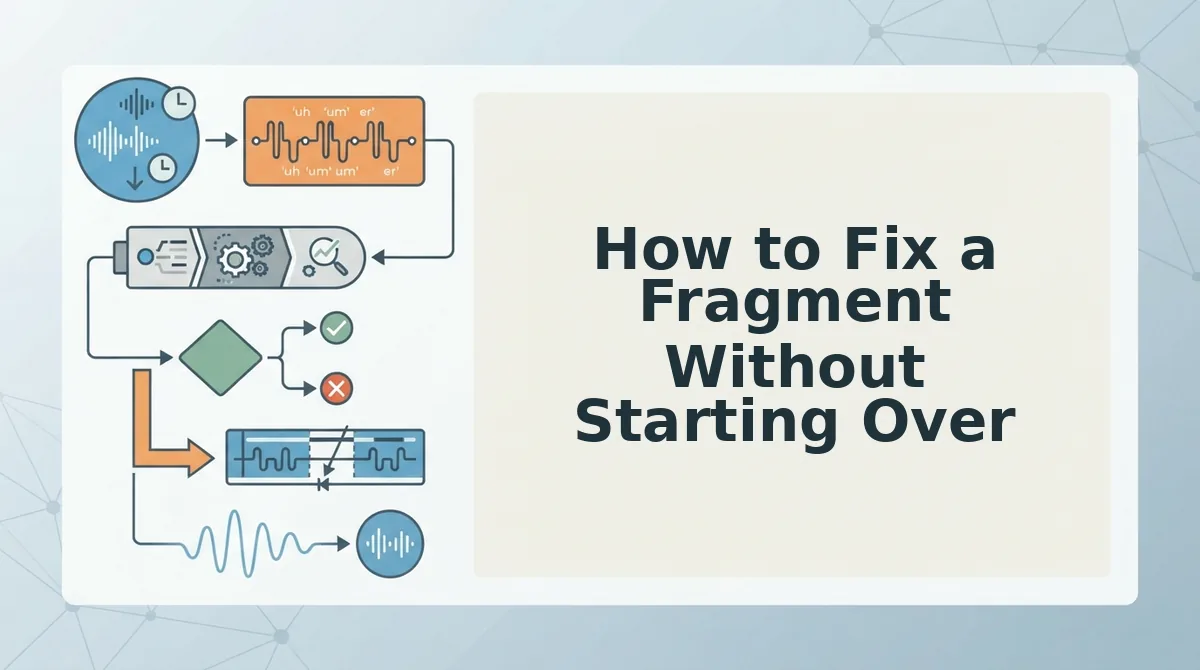
You can repair a broken sentence in an existing voice note in under two minutes using a four-step workflow: detect the fragment, isolate the broken clause, repair the sentence structure, and verify the fix, all without re-recording a single word.
Prerequisites: a raw voice note recording, a quiet listening environment, and either a manual editing tool or an AI voice enhancer that can fix grammar in a voice message while preserving your vocal delivery.
- Detect the fragment. Play the recording at 0.75x speed and listen for clauses that end without a verb or a complete thought. Mark the timestamp where the sentence breaks. Slower playback makes abandoned thoughts and trailing modifiers easier to catch because your brain cannot auto-fill the gaps as quickly.
- Isolate the broken clause. Trim the audio to the exact fragment, from the first word of the broken sentence to the moment you restart or trail off. You should now have a short clip containing only the incomplete sentence, separated from the surrounding context.
- Repair the sentence structure. Rewrite the fragment as a complete sentence in text first, then apply the fix to the audio. For example: "So I was thinking we could, um, maybe if the timeline works..." becomes "If the timeline works, I think we should proceed." An AI voice enhancer can perform this repair directly on the audio, removing fillers and restructuring the clause without changing your tone or accent.
- Verify the fix. Play the repaired segment in context with the sentences before and after it. Confirm the sentence now has a subject, a verb, and a complete thought, and that your voice still sounds like you, not a synthetic clone. You should hear a clean, decisive sentence where the fragment used to be.
This workflow works because it treats the fragment as a structural problem, not a performance problem. You are not asking yourself to speak better under pressure; you are repairing the sentence after the fact, which removes the cognitive load that caused the fragment in the first place.
Once you can fix a single fragment in one pass, the next challenge is handling recordings where fragments appear back to back.
What to Do When You Have Multiple Fragments
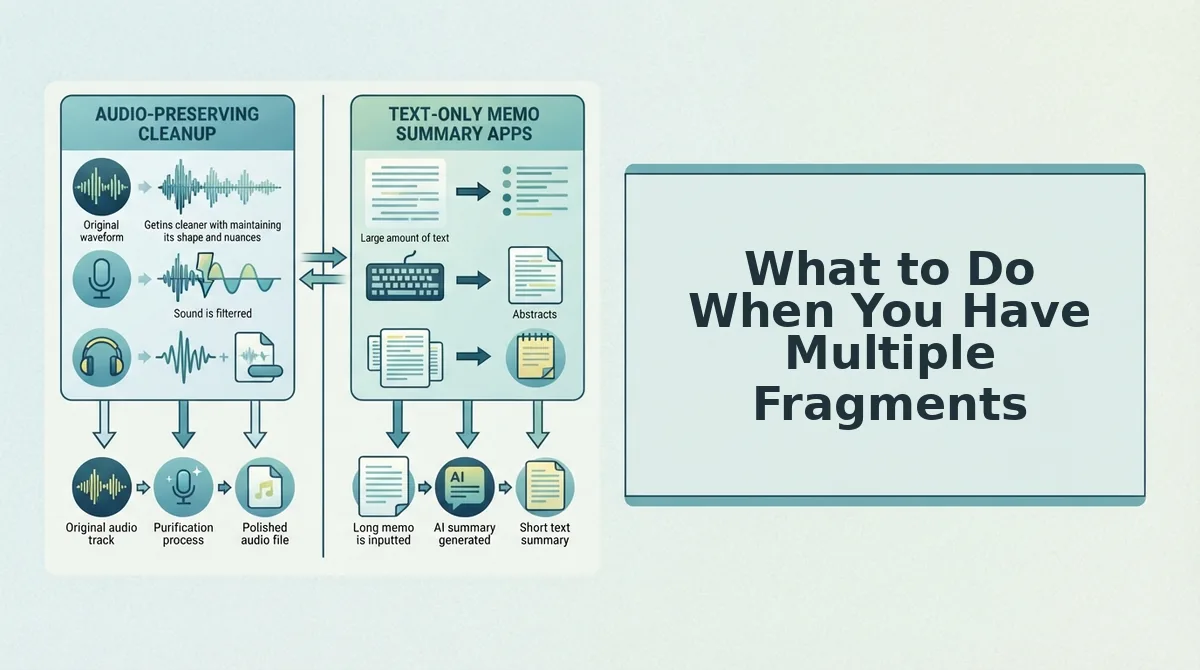
Fragment repair is the process of identifying and completing every broken sentence in a single pass, rather than hunting for them one at a time. When a voice note contains five or six incomplete thoughts, the real problem is detection: most speakers cannot hear their own fragments because their brain fills in the missing words automatically.
Start simple. Play the note back at 0.75x speed and mark every point where your intonation rises but the thought never lands. Then move to the intermediate step: group fragments by type, missing subjects, dangling clauses, or abandoned pivots, so you can apply the same fix pattern to each cluster instead of treating every fragment as unique.
For the advanced workflow, think of fragment repair like sorting laundry: you do not wash one sock at a time. You batch by category, then run everything through one cycle. VClar's fragment detection does the sorting for you, flagging incomplete sentences alongside filler words so you can remove filler words from audio and complete fragments in the same pass. That detection-before-repair gap is where most re-recording time disappears.
Fixing Fragments in a Second Language
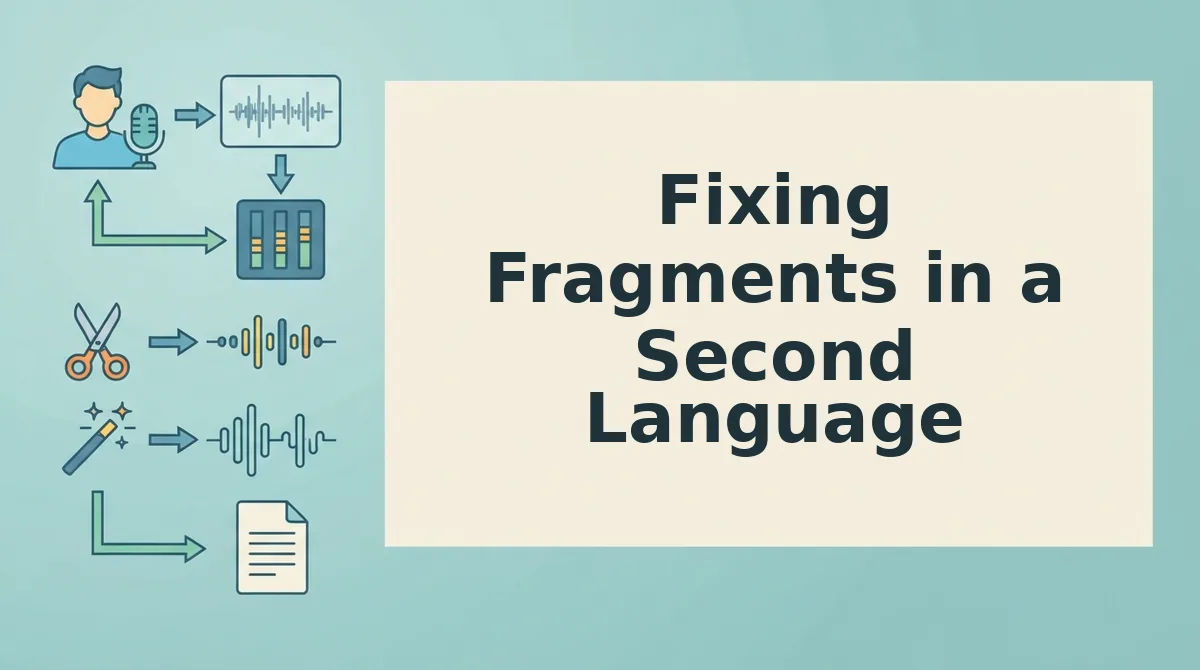
Cross-language fragment repair is the process of completing broken sentences in a non-native language before translation, so the translated output inherits full grammatical structure instead of amplified confusion. Speaking in a second language produces more fragments because you pause longer to search for vocabulary, and those pauses often split a sentence mid-clause.
Think of it like sending a handwritten letter through a fax machine: if the original has smudged or missing words, the received copy is worse, not better. Fragments are harder to translate accurately because machine translation engines guess at missing subjects and verbs, often inserting the wrong one.
Repair the fragment in the source language first, then translate. VClar's 11-language pipeline cleans and completes the message before converting it, so a Hindi fragment becomes a complete Hindi sentence before it becomes English. That ordering is the difference between a translated voice note that sounds like you and one that sounds like a guess. Try the voice note translator workflow when your next cross-border message starts falling apart mid-sentence.
The One-Take Repair Loop Is the Exit Ramp
Every fragment in a voice note falls into one of three buckets: missing subjects, dangling clauses, or abandoned pivots. The four-step workflow, slow playback, group by type, repair in source language, then translate, removes the need to re-record anything. The open loop from the start of this article resolves here: you do not need a better take, you need a repair pass.
The re-record loop is the real cost. Every retake resets your train of thought, adds background noise variance, and burns the spontaneity that made the original note worth sending. A one-take repair workflow treats the first take as the final take and fixes what is broken instead of replacing what is not.
Your next step is to run one rough voice note through VClar and compare the cleaned output to your usual re-recorded version. The time difference will tell you everything you need to know about which loop you have been stuck in.