
You hit record, speak for 45 seconds, and play it back, only to hear "basically" four times, two "you knows," and a trailing "so yeah" that undercuts everything you just said. So you re-record. Third take, same problem. The re-record loop isn't a discipline issue; it's a workflow issue. You're not alone: most people don't realize how many crutch words they use until they hear themselves on playback.
You agree the problem is real. Here's the promise: by the end of this article, you'll know exactly how to fix crutch words in voice message recordings without scripting every sentence or losing your natural delivery. We'll cover the difference between crutch words and filler words, the eight worst offenders in async voice messages, and a 3-pass cleanup workflow you can run in under five minutes.
One surprising finding: the most damaging crutch word in a voice message isn't "um", it's a word you probably use intentionally. That's coming up in Section 3. And if you want the fastest path, VClar's AI voice message translator removes these patterns automatically while preserving your tone, accent, and cadence.
Crutch Words vs Filler Words: What's the Difference?
Crutch words are habitual, speaker-specific phrases that carry meaning but weaken authority when overused, like "basically," "honestly," or "right?", while filler words are universal hesitation sounds with no semantic content, such as "um" and "uh."
Think of filler words like static on a radio: they're noise you tune out automatically. Crutch words are more like a nervous laugh in a conversation, they signal uncertainty, but they also carry a sliver of meaning. That's why removing them requires different strategies.
Most resources lump the two together. Communication coach Alexander Lyon's widely shared video on the topic treats "um," "uh," "like," and "you know" as one category of verbal clutter. This article separates them because the fix differs: filler words can be deleted outright with no loss of meaning, while crutch words often need a replacement strategy, either a pause, a stronger transition, or a more precise word.
For voice messages specifically, the distinction matters even more. In a live conversation, listeners tolerate crutch words because they're processing in real time. In an async voice message, the listener can replay your words. Every "basically" becomes a pattern they notice. A self-contained rule: if deleting the word changes the meaning of your sentence, it's a crutch word. If deleting it changes nothing, it's a filler word.
The 8 Crutch Words That Undermine Voice Messages
These eight crutch words appear most often in spontaneous voice messages, and each one chips away at how decisive and authoritative you sound. Here's what each word signals, why it hurts, and how to replace it.
- Basically. This word signals you're about to oversimplify, which makes listeners wonder what nuance you're leaving out. In a voice message, "basically" often precedes the actual point. Replace it with a direct statement: instead of "Basically, I think we should ship Friday," say "We should ship Friday."
- Honestly. Starting a sentence with "honestly" implies everything else you've said might not be fully truthful. It's a credibility leak. In async voice messages, where tone carries extra weight, drop it entirely, your statement should stand on its own.
- You know. This phrase asks the listener to fill in a gap you haven't articulated. In a voice message, the listener can't nod along, so "you know" creates dead air. Replace it with the actual information: "The client wants more time, you know" becomes "The client wants more time."
- Like. Used as a hedge, "like" softens every claim that follows it. "The numbers are, like, up 20%" sounds uncertain. In voice messages, precision builds trust. Pause instead of saying "like," then state the number directly.
- Right?. Tag questions like "right?" seek constant validation and make you sound unsure of your own position. In async messages, the listener can't respond in real time, so the question hangs awkwardly. Replace it with a confident period: "This is the right call, right?" becomes "This is the right call."
- I mean. This phrase often introduces a correction or backtrack, signaling you didn't say it right the first time. In a voice message, it wastes the listener's time. Cut it and start with the corrected statement directly.
- Sort of. Like "kind of," this hedge dilutes whatever follows. "I sort of agree with the plan" tells the listener you're not committed. In async voice messages, ambiguity forces follow-up questions. Say what you actually mean: "I agree with the plan, with one caveat."
- Kind of. The sibling of "sort of," this word turns firm positions into vague impressions. "I kind of think we should pivot" sounds like you haven't decided. Voice messages reward decisiveness, state your position, then explain your reasoning.
Now that you know which words to target, here's the workflow that removes them from your recordings in three passes.
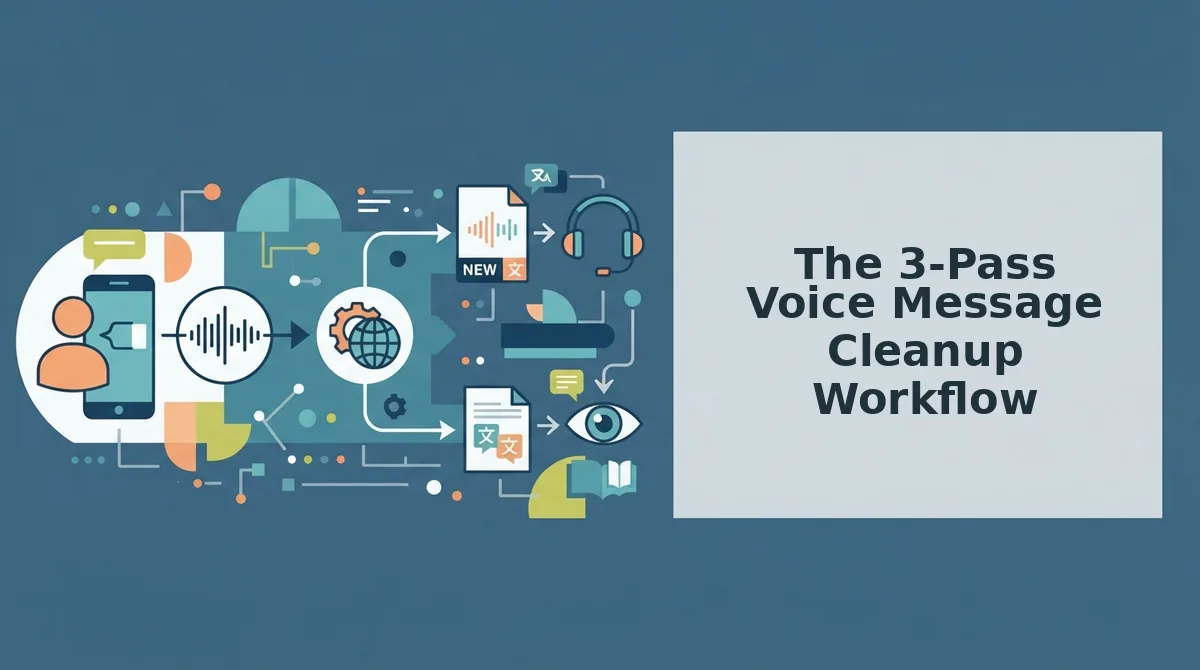
The 3-Pass Voice Message Cleanup Workflow
The 3-pass cleanup workflow is a sequential method for removing crutch words from voice messages: first identify your personal patterns, then remove or replace them, then verify the result still sounds like you. You'll need your voice message transcript (or a transcription tool), an audio editor or AI cleanup tool, and headphones.
- Open your transcript and highlight every crutch word. Paste your voice message transcript into any text editor or use your phone's built-in transcription. Read through and mark every instance of "um," "like," "basically," "you know," and repeated false starts. This transcript-review method parallels how author Alexa Donne approaches writing revision: identify the tics before you fix them. You should see a clear pattern of 2-3 personal crutch words that dominate. Budget 5 minutes for a 2-minute message.
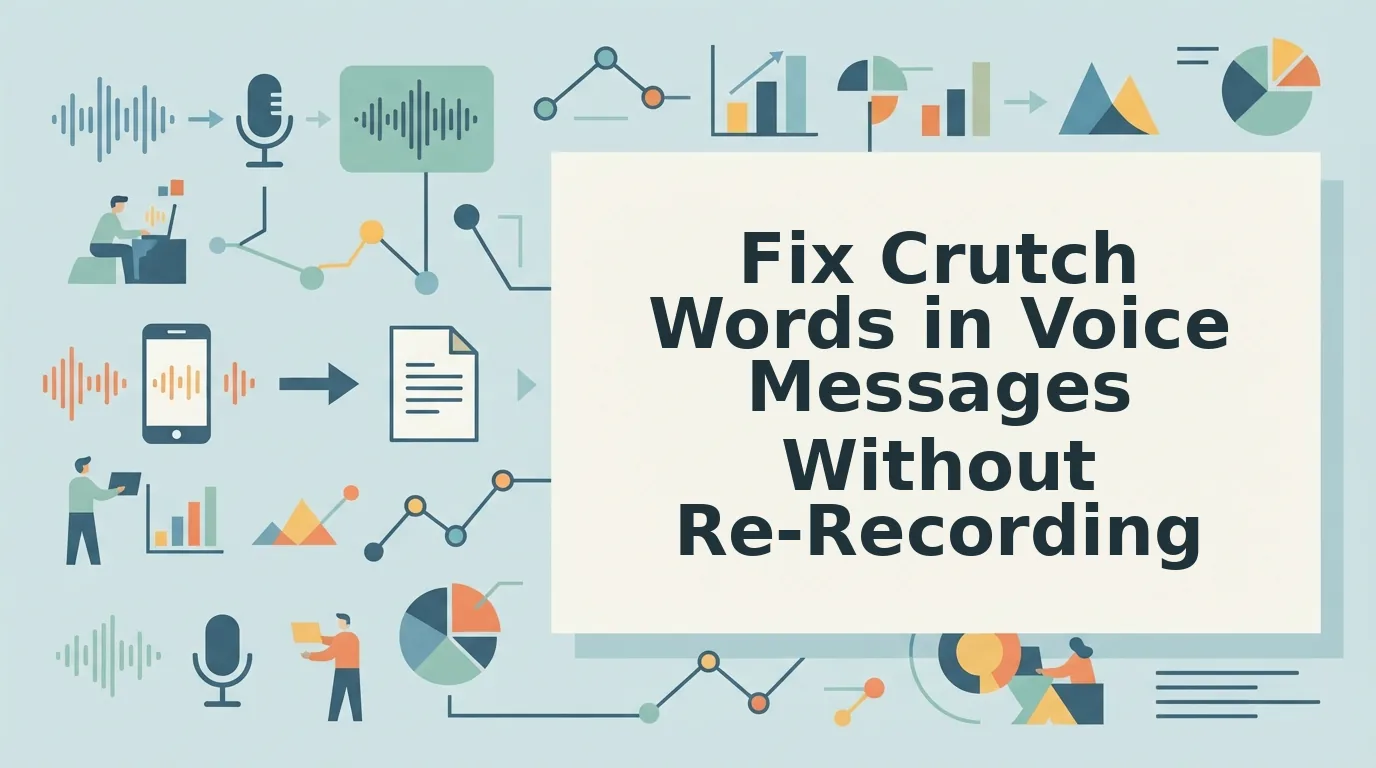
- Remove or replace each crutch word using manual editing or AI audio cleanup. For manual editing, open your audio file in any editor, zoom into the waveform, and cut the filler segments, expect 10-15 minutes per minute of audio. For a faster route, upload the same file to an AI cleanup tool like VClar's filler word remover, which detects and removes fillers automatically while preserving your tone and cadence. You can also fix grammar in voice messages during this pass. You should see a cleaner timeline with no audible "um" or "like" remaining.
- Listen back to the cleaned audio and check for rhythm and naturalness. Play the full message with headphones. Ask: does the pacing sound rushed or clipped? Are there awkward silences where a crutch word used to sit? If the message sounds robotic, restore one or two crutch words manually, over-cleaning is a real risk. You should hear a decisive, natural-sounding message that still sounds like you, not a scripted voiceover.
Pass 1 gives you a personal crutch-word inventory. Pass 2 removes them without re-recording. Pass 3 protects your authentic delivery. Together, the three passes take about 20 minutes for a typical 2-minute voice message, far less than re-recording the same note five times.
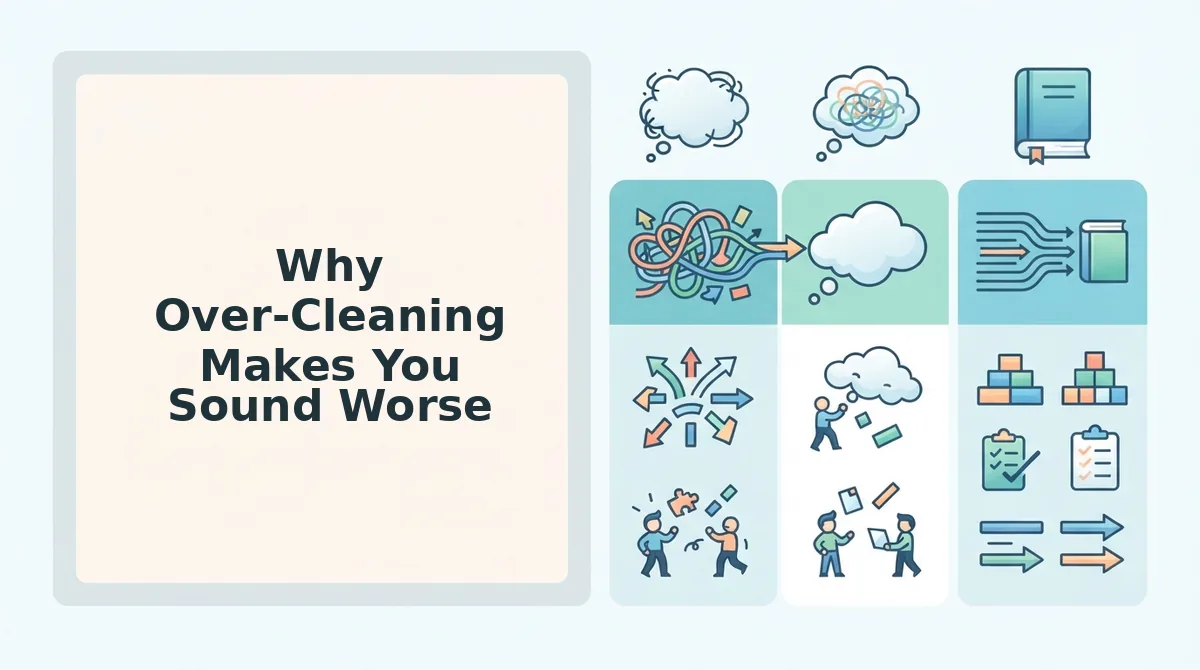
Why Over-Cleaning Makes You Sound Worse
Over-cleaning is the act of removing every hesitation, pause, and crutch word from a voice message until no trace of spontaneous speech remains. It produces robotic delivery that listeners perceive as scripted or synthetic.
Think of crutch words like seasoning in a dish. A pinch of salt makes food taste better; removing all salt makes it bland and unnatural. The same applies to speech. One or two "um" or "like" instances signal that a real person is thinking and speaking live, not reading from a teleprompter.
At an intermediate level, the problem compounds: when you strip every filler, you also strip the micro-pauses that give speech its rhythm. Listeners use those pauses to process meaning. Without them, the message feels rushed and dense. Advanced users learn to distinguish between crutch words that add nothing ("basically" before every sentence) and those that serve a conversational function (a single "you know" that builds rapport). The goal is not zero fillers, it's zero distracting fillers.
FAQ: Fixing Crutch Words in Voice Messages
Crutch words are habitual verbal tics like "um," "like," and "basically" that creep into spontaneous speech. Fixing them in voice messages requires identifying your personal patterns, removing the distracting instances, and preserving enough natural rhythm to sound human.
How do I fix crutch words in a voice message?
Record or upload your message, get a transcript, and highlight every crutch word. Then remove them using an audio editor or an AI cleanup tool that preserves your natural tone. Finally, listen back to confirm the message still sounds like you.
Can I remove crutch words without re-recording?
Yes. AI audio cleanup tools detect and remove fillers like "um," "ah," and "like" directly from the audio timeline, so you don't need to re-record. Manual waveform editing in any audio editor also works but takes longer.
What's the difference between crutch words and filler words?
Filler words are any sounds or words that pad speech, including "um" and "ah." Crutch words are a subset, habitual words like "like," "basically," and "you know" that you lean on repeatedly. All crutch words are fillers, but not all fillers are crutch words.
How many crutch words are acceptable in a voice message?
One or two per minute is generally acceptable and can make a message sound authentic and unrehearsed. More than that distracts listeners and weakens your authority. The threshold depends on context: a casual team update tolerates more than a client pitch.
Fix the Workflow, Not Just the Words
The 3-pass workflow works because it separates detection from decision from delivery. You stop trying to fix everything at once. That's the insight most advice misses: crutch words aren't a vocabulary problem, they're a processing problem. You say them while your brain catches up. So the fix isn't memorizing a banned-words list, it's building a repeatable cleanup rhythm.
Here's the payoff you were promised at the start: a 60-second voice message with 14 crutch words can drop to 2 or 3 in under five minutes. Not by re-recording. By running the passes.
Two ways to move forward:
- Try it manually first. Record one message, run the 3-pass workflow, and compare the before/after. You'll hear the difference immediately.
- Then automate the tedious pass. VClar's AI voice message translator and enhancer removes filler words, tightens phrasing, and cleans audio while keeping your natural tone and cadence intact. It handles pass one so you can focus on pass two and three.
Record one message today. Run the workflow. Compare the two versions side by side.
The goal was never to sound perfect. It's to sound like you, minus the hesitation.