
You record a voice memo, listen back, and realize the last sentence just… stops. No subject, no verb, no ending. You delete it and start over. Then it happens again. If you've ever burned 15 minutes re-recording a 90-second note, you already know the core problem: raw voice memos are full of verbal fillers, awkward pauses, and disjointed grammar that make you sound less authoritative than you actually are. The good news is you can fix incomplete sentences in a voice memo on iPhone without losing your natural delivery.
This guide walks you through why spoken sentences fragment in the first place, what the built-in Voice Memos app can and can't repair, and a practical workflow for cleaning up your recordings in one pass. Along the way, you'll see why the re-record loop is a habit you can break, and one surprising limitation of Apple's transcription feature that most people never notice.
Why Voice Memos Come Out with Incomplete Sentences
A sentence fragment is a group of words that does not express a complete thought, often because the speaker trails off, starts a new idea mid-sentence, or omits a subject or verb. In spontaneous speech, fragments are not a sign of poor language skills; they are a byproduct of how the brain plans speech in real time.
Think of speaking like driving without a map. Your mouth is the car, your thoughts are the destination, and your working memory is the navigation system. When you think faster than you speak, the navigation system recalculates mid-route. The car, your voice, makes a turn before the sentence reaches its destination. That is the "think faster than you speak" phenomenon, and it is the single most common cause of incomplete sentences in voice memos.
Three factors make this worse in iPhone recordings. First, the Voice Memos app captures everything, including the false starts you would normally edit out in writing. Second, background noise and breath sounds mask the natural pauses that signal a sentence boundary, making fragments harder to spot on playback. Third, many people record while walking, driving, or multitasking, which splits attention and increases the rate of abandoned clauses.
To diagnose your own recordings, run this 5-point fragment audit checklist: trailing off (the sentence fades without a conclusion), false starts (you begin a sentence, stop, and restart with different wording), filler clusters (ums, ahs, and "you know" pile up until the original thought is lost), run-ons (two or more sentences fused without a pause), and missing subjects (the verb is there, but the actor is implied rather than stated). Most raw voice memos contain at least two of these patterns.
What the iPhone Voice Memos App Can and Can't Fix
The Voice Memos app can trim audio, but it cannot fix grammar, remove filler words, or repair sentence fragments. Apple's built-in transcription feature displays text alongside your recording, but it offers no sentence-level editing, you can read what you said, not correct how it sounds.
This distinction matters because trimming and grammar repair solve different problems. Trimming removes silence or unwanted sections from the timeline. Grammar repair restructures the spoken content itself. If you cut out a trailing clause, you still have an incomplete sentence, just a shorter one.
| Capability | iPhone Voice Memos App | VClar |
|---|---|---|
| Trim audio | Yes | Yes |
| Show transcript | Yes | Yes |
| Remove filler words (um, ah, like) | No | Yes |
| Fix grammar and sentence fragments | No | Yes |
| Preserve speaker's voice and accent | N/A (no editing) | Yes |
Best for quick trims and playback: the built-in Voice Memos app. It is free, already on your iPhone, and fine for cutting dead air at the start or end of a recording. Best for founders, sales reps, and consultants who need polished one-take messages: VClar, which removes verbal hesitations, corrects spoken grammar, and tightens phrasing while keeping your authentic tone and cadence intact. If you need to fix grammar in a voice message without re-recording, the native app will not get you there.
Here's how to actually repair those fragments.
How to Fix Incomplete Sentences with VClar
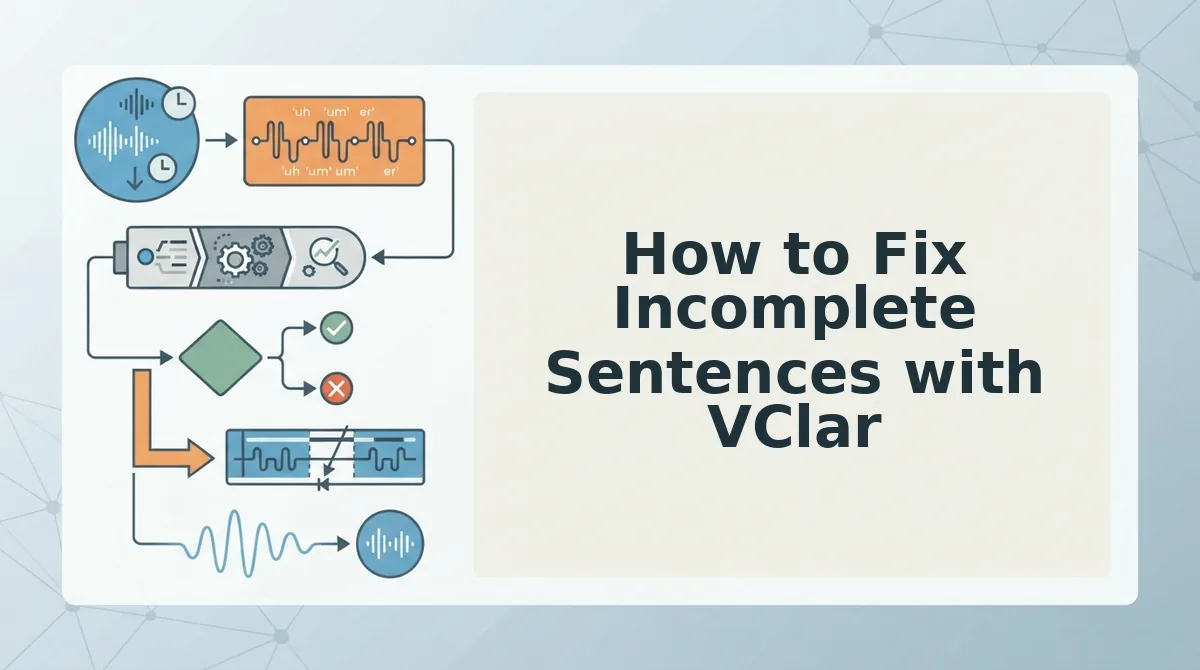
VClar repairs incomplete sentences in voice memos by processing your audio through its AI engine, which reconstructs trailing-off thoughts into complete, grammatically sound statements without changing your voice. You need an iPhone with the Voice Memos app, a VClar account, and a browser, no desktop audio software required.
VClar's audio engine processes 45-90 second voice messages and cleans fillers, grammar, and noise while preserving your natural tone, accent, and rhythm. Here is the exact browser-based workflow.
- Record your voice memo in the iPhone Voice Memos app. Open Voice Memos, tap the red record button, and speak your message naturally, even if you trail off mid-sentence. Tap the stop button when finished. You should see the recording appear in your list with a timestamp.
- Export the memo as an audio file. Tap the memo, then tap the ellipsis (…) icon, and select Share. Choose Save to Files and pick a folder. You should see a confirmation that the .m4a file has been saved.
- Open VClar in your browser and upload the file. Go to vclar.com, sign in, and click the Upload Audio button. Select the .m4a file you just saved. You should see a progress bar as the file uploads.
- Wait for VClar to process the audio. The engine detects incomplete sentences, removes fillers, repairs spoken grammar, and tightens phrasing automatically. Processing typically completes in under a minute for a 45-90 second clip. You should see a green checkmark when processing finishes.
- Review and download the polished version. Click Play to compare the original and cleaned audio side by side. Download the repaired file or copy the transcript. You should hear your same voice delivering complete, decisive sentences.
Worked example: A founder records an investor update that trails off mid-sentence, "We closed the Q3 numbers and, uh, the retention is looking like… basically we're seeing…" They upload the memo to VClar and get a polished version in under a minute: "We closed the Q3 numbers, and retention is trending upward." No re-recording required. For more on this workflow, see how voice notes for founders turn rough memos into investor-ready updates.
VClar's browser-based upload workflow means you never need to export audio into a desktop editor, splice waveforms, or manually reconstruct a sentence. The engine handles the repair while keeping your cadence intact.
What VClar Fixes That Manual Editing Can't
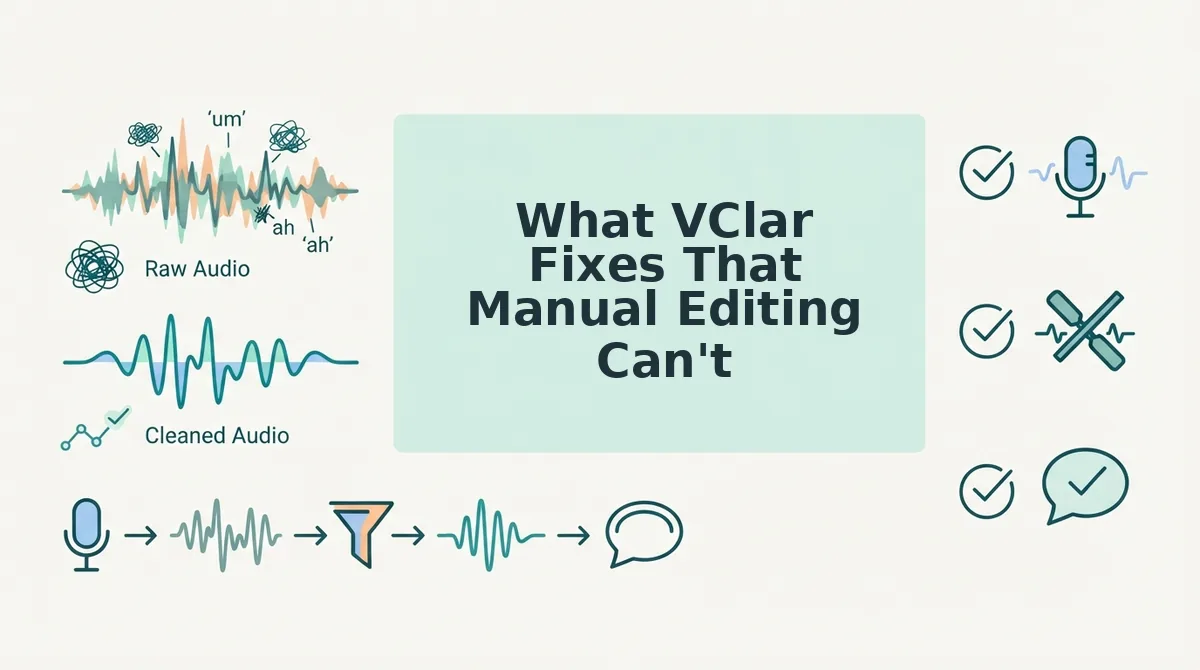
Manual audio editing removes what you can see on a waveform; VClar repairs what you can hear in the delivery. These five automated fixes replace hours of timeline surgery with a single upload.
- Filler word removal. VClar detects and deletes ums, ahs, "like," "basically," and false starts from the audio timeline seamlessly, so the message sounds decisive without audible cuts. Manual editing requires you to locate each filler by ear and splice it out, which leaves artifacts. Use the remove filler words from audio tool to clean a memo in one pass.
- Spoken grammar repair. VClar fixes subject-verb mismatches, tense shifts, and incomplete sentences that occur when you think faster than you speak. Manual editors can cut and rearrange audio, but they cannot reconstruct a sentence that was never fully spoken.
- Noise and mouth-click cleanup. VClar reduces background noise, breath sounds, and mouth clicks that make voice memos sound unpolished. Manual de-noising requires a dedicated plugin and still leaves breath artifacts between words.
- Phrase tightening. VClar trims redundant phrasing and rambling asides while preserving your natural rhythm and intent. Manual editing forces you to choose between leaving the ramble in or cutting context you might need.
- 11-language translation. VClar translates cleaned voice messages across 11 languages and 110 translation directions, keeping your voice, tone, and cadence intact in the target language. Manual workflows require a separate translation step that typically produces text only, not spoken audio in your voice.
If you are still re-recording voice memos to fix incomplete sentences, VClar replaces that loop with a single upload and a polished result.
The One-Take Trap Is Optional
Incomplete sentences in voice memos are not a discipline problem, they are a byproduct of thinking out loud. The One-Take Trap assumes you must either nail the recording on the first attempt or start over. VClar breaks that assumption with a three-step workflow: Record to Repair to Send. You record the thought as it comes, let the engine complete the sentence, and send a polished message without ever re-recording.
Your next step is to upload one rough voice memo to VClar and hear the difference on your own voice. If you send voice notes across languages, explore how VClar can translate voice notes across 11 languages while keeping your tone intact. The memo you already recorded is good enough. VClar makes it sound that way.