
You record a voice memo, listen back, and hear yourself trail off mid-sentence, so you delete it and start over. That re-record loop costs founders, sales reps, and consultants minutes per message, and it compounds across every client update, pitch, and team check-in you send.
You're not wrong to care. Fragments make you sound unsure, and in a voice memo, there's no backspace key for the listener. The good news: you can fix sentence fragments in a voice memo before sending without scripting every word or losing your natural delivery.
Here's the roadmap: first, you'll learn what fragments actually sound like in spoken audio. Then, a 5-second pre-record habit that prevents most of them. Finally, a 3-pass pre-send workflow to catch and fix what slips through, including a tool that removes fillers and tightens phrasing while keeping your voice intact.
One finding along the way may surprise you: the most common fragment type in voice memos isn't the one most people assume.
What a Sentence Fragment Sounds Like in a Voice Memo
A sentence fragment in a voice memo is any spoken thought that stops before reaching a complete subject-verb-object structure, leaving the listener to guess what you meant. In text, a reader can re-read the line. In audio, the fragment passes once and forces the listener to fill the gap, or ask you to clarify.
Think of a fragment like a handshake that ends halfway: you reach out, grip, and then let go before the other person knows the greeting is over. The intent is there, but the signal is incomplete.
Four fragment types show up most often in voice memos:
- Abandoned clause: "I was going to mention the Q3 numbers, but, " (the thought never lands).
- Trailing connector: "So if we move the launch date, then…" (the consequence is implied, never stated).
- Missing subject: "Need to circle back on that invoice." (who needs to? you? the team?).
- False start: "What I mean is, the thing is, basically we should, " (multiple restarts before the real sentence begins).
Fragments hurt more in voice than in text because the listener can't re-read. A written fragment is a stylistic choice; a spoken fragment reads as hesitation, and hesitation reads as uncertainty. In a sales pitch or founder update, that uncertainty transfers to your message, even when your actual recommendation is solid.
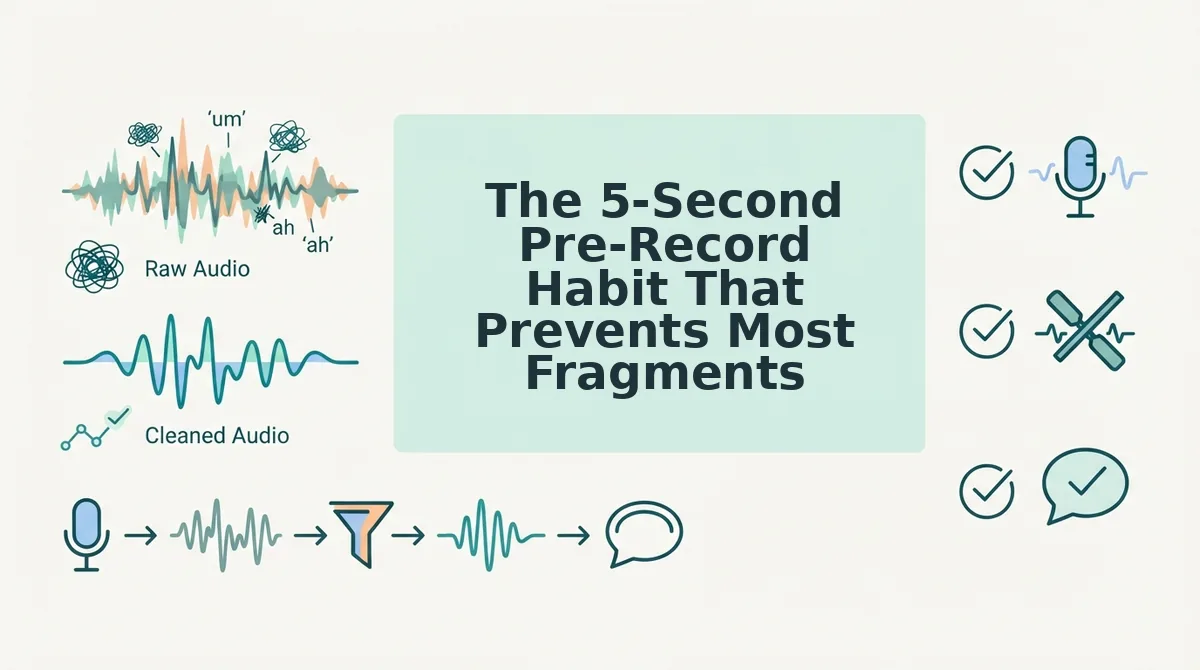
The 5-Second Pre-Record Habit That Prevents Most Fragments
You don't need a script to avoid fragments, you need a 5-second mental outline before you hit record. This reframes the problem from grammar correction after the fact to structure before you speak.
Prerequisite: nothing but your voice memo app and five seconds of silence before you press record.
- Name the subject. Decide who or what the sentence is about. Say it first: "The client," "Our timeline," "The budget." This prevents missing-subject fragments.
- Pick the verb. Choose the action: "needs," "moves," "approves." Subject plus verb gives you a complete core before you speak a single word.
- State the object or outcome. Finish the thought: "…a revised proposal by Friday." You now have subject-verb-object locked in your head.
- End the thought before you stop talking. When you reach the object, stop. Don't trail into "so yeah" or "and basically." A clean stop prevents trailing-connector fragments.
Success looks like this: you record one take, play it back, and every sentence lands with a clear subject, verb, and object. If a fragment still slips through, VClar's cleanup engine removes fillers and tightens phrasing without changing your voice, so the fix is one upload away.
Next: the 3-pass pre-send workflow to catch and fix fragments that survive recording.
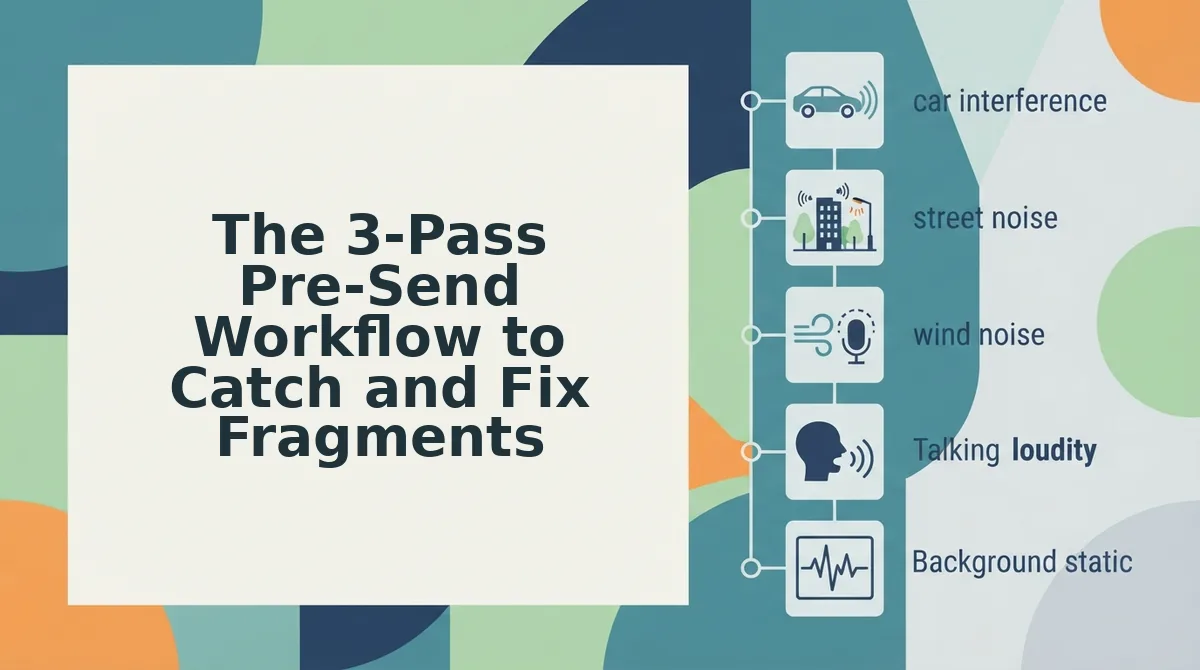
The 3-Pass Pre-Send Workflow to Catch and Fix Fragments
A 3-pass pre-send workflow catches and fixes sentence fragments in under 90 seconds: listen once for incomplete thoughts, mark the breaks, then repair or re-record based on message stakes.
Prerequisites: Your recorded voice memo, a way to note timestamps (phone notes app or paper), and either your voice recorder's re-record function or VClar's grammar repair tool.
- Listen for incomplete thoughts (Pass 1, ~30 seconds). Open your voice memo and play it back at normal speed. Focus only on whether each sentence has a subject and a completed verb. Flag any spot where your thought trails off, jumps to a new idea mid-sentence, or ends on a connector like "so," "and then," or "because." You should end this pass with a mental list of 1-3 problem spots.
- Mark the breaks with timestamps or mental flags (Pass 2, ~20 seconds). Pause at each flagged spot and note the timestamp (e.g., "0:14, 'because' trailing off"). If you are using VClar, upload the audio and let the transcript highlight incomplete sentences automatically. You should see each fragment clearly separated from complete sentences.
- Repair or re-record using the minor/major × casual/high-stakes matrix (Pass 3, ~40 seconds). For minor fragments in casual messages, re-record only the broken sentence and splice it in. For major fragments or high-stakes messages (client pitches, investor updates, team directives), run the full memo through VClar to remove fillers and fix grammar while preserving your tone. You should end with a memo where every sentence stands alone as a complete thought.
Use this decision matrix: if the fragment is minor (one missing word) and the message is casual, manual re-record is fastest. If the fragment is major (multiple broken thoughts) or the message is high-stakes, AI-assisted repair is more reliable than a third re-record attempt.
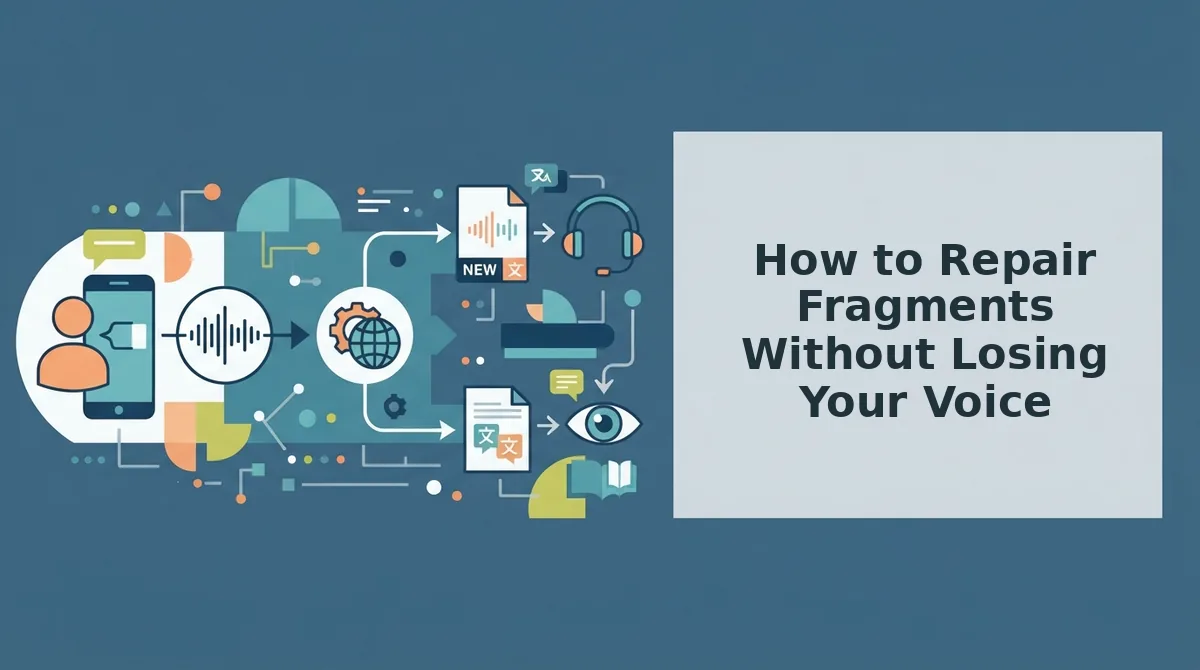
How to Repair Fragments Without Losing Your Voice
You can repair sentence fragments in a voice memo either by manually re-recording only the broken sentence or by using AI-assisted repair that cleans grammar while preserving your natural tone, accent, and rhythm.
Manual repair is the most transparent option: you keep full control over every word. The tradeoff is time, each re-record attempt risks introducing new hesitations or changing your delivery energy. AI-assisted repair removes fillers and fixes grammar in one pass, but some readers worry the output will sound synthetic. VClar specifically preserves the speaker's authentic vocal identity rather than replacing it with text-to-speech.
| Repair Method | How It Works | Voice Preservation | Best For |
|---|---|---|---|
| Manual re-record | Re-record only the broken sentence and splice it into the original memo | 100% your voice, but delivery may shift between takes | Creators and freelancers sending casual updates who want full word control |
| AI-assisted repair | Upload the memo; the tool removes fillers and fixes grammar in a voice message while keeping your tone, accent, and cadence | Preserves natural tone and rhythm; no synthetic voice replacement | Founders, sales teams, and cross-border operators sending high-stakes messages in one take |
| Full re-record | Delete the memo and record the entire message again from scratch | 100% your voice, but highest time cost and re-record loop risk | Short messages under 30 seconds where a clean take is easy |
If you have already spent two takes on a message and fragments keep appearing, switch to AI-assisted repair. The goal is one confident send, not a third recording session.
The 5-Point Pre-Send Checklist for Complete Sentences
Run this five-point checklist before sending any voice memo to catch sentence fragments, trailing thoughts, and tonal mismatches in under 30 seconds.
- Complete thoughts. Every sentence has a subject and a finished verb. Read the transcript if available and confirm no sentence ends mid-idea. This is the highest-value check because fragments most often hide at sentence boundaries.
- No trailing connectors. No sentence ends on "so," "and then," "because," or "which means." Listen for the last word of each sentence and flag any connector. Trailing connectors signal an unfinished thought that the listener cannot complete for you.
- Subject present. Every sentence names who or what is acting. Scan for orphaned verbs like "went ahead and" or "decided to" with no clear subject. Missing subjects force the listener to guess who did what.
- No false starts. No abandoned sentence openings like "I was going to, actually, what I meant was." Count how many times you restart a thought. False starts fragment the message and dilute your authority.
- Tone matches intent. The delivery energy matches the message stakes. A client update should sound decisive, not exploratory. If tone and intent diverge, re-record the affected sentence rather than sending a mismatch.
For common questions about fixing fragments, see the FAQ below.
FAQ: Fixing Sentence Fragments in Voice Memos
Direct answers to the questions people ask most about repairing incomplete sentences in recorded audio, before the message lands in someone's inbox.
How do I fix sentence fragments in a voice memo before sending it?
Run a 3-pass pre-send check: listen once for meaning, once for incomplete thoughts, and once for filler words. If you find a fragment, re-record only that sentence and splice it in, or use an AI voice cleaner that reconstructs the sentence while preserving your tone and cadence.
Can I fix grammar in a voice memo without re-recording?
Yes. VClar's grammar engine repairs incomplete sentences, subject-verb mismatches, and dropped clauses directly in the audio timeline. The tool edits the spoken transcript and regenerates the affected segment in your own voice, so you never need to re-record the full message.
What's the difference between removing fillers and fixing fragments?
Filler removal deletes hesitation words like "um," "like," and "you know" without changing sentence structure. Fragment repair rebuilds incomplete thoughts, adding missing subjects, verbs, or objects, so each sentence stands on its own. VClar handles both in one pass.
Do AI voice cleaners change how I sound?
No. VClar preserves your natural tone, accent, pacing, and vocal identity. The engine only removes verbal debris and repairs grammar, then regenerates the cleaned audio using your original voice characteristics, not a synthetic text-to-speech clone.
Why do I speak in fragments when recording voice memos?
Spontaneous speech runs ahead of sentence planning. Your brain starts a thought, pauses to search for the next word, and abandons the original structure. The 5-second pre-record habit, mentally completing one sentence before hitting record, prevents most fragment starts.
Can I remove filler words and fix fragments at the same time?
Yes. VClar's filler word remover and grammar repair engine work in a single processing pass. Upload your voice memo once, and the tool returns cleaned audio with fillers deleted and fragments rebuilt, ready to send in under a minute.
The End of the Re-Record Loop
Fragments in voice memos aren't a speaking flaw, they're a planning gap. The 5-second pre-record habit closes that gap before you hit record, and the 3-pass workflow catches what slips through before you hit send. Together, they eliminate the re-record loop that turns a 20-second message into a 5-minute ordeal.
The real shift is treating your voice memo like a first draft, not a final take. You wouldn't send an unedited email; you don't need to send an unedited voice message either.
Next step: run your next voice memo through VClar's grammar fixer and hear the difference one pass makes. If fillers are your bigger problem, start with the filler word remover instead. Either way, you'll send one take, and it'll be the right one.