
You hit record, speak for forty seconds, and play it back, only to hear yourself say, "Walking into the meeting, the slides weren't ready." Now you're staring at the delete button, dreading another full take. That's the moment you need to fix dangling spoken phrases without re-recording everything.
You're not alone. Speaking at roughly 150 words per minute means your mouth outpaces your sentence plan, so modifiers drift away from the subjects they describe. The good news: fixing a dangling phrase takes less time than the re-record you were about to do.
In this guide, you'll learn what a dangling spoken phrase actually is, why speech produces more of them than writing, and a three-step method to catch and correct them in your own voice notes. You'll also see how tools like VClar's AI voice message translator can clean up the audio timeline without stripping your natural delivery. Stick around, the most common trigger is one you're probably using as a crutch right now.
What Is a Dangling Spoken Phrase?
A dangling spoken phrase is a descriptive opener, usually a participial phrase like "walking into the meeting" or "as one of our valued guests", that never names the subject it's supposed to modify, leaving the listener to guess who or what the sentence is about.
Think of it like a signpost pointing at an empty parking spot. The phrase sets up an expectation, "someone is walking into the meeting", but the next words describe something else entirely: "the slides weren't ready." The listener's brain has to rewind and rebuild the sentence on the fly.
In written English, editors catch these instantly. In spoken audio, they slip through because the speaker is composing in real time. A famous real-world example comes from a hotel notice: "As one of our valued guests, we are excited to offer you a complimentary breakfast." The hotel isn't the guest, the reader is. The phrase dangles because "we" can't be "one of our valued guests."
For voice messages, the stakes are higher. A dangling phrase doesn't just sound sloppy, it forces the listener to decode your meaning instead of absorbing it. In a sales pitch or founder update, that decoding delay is the difference between sounding decisive and sounding scattered.
Why Speech Produces More Danglers Than Writing
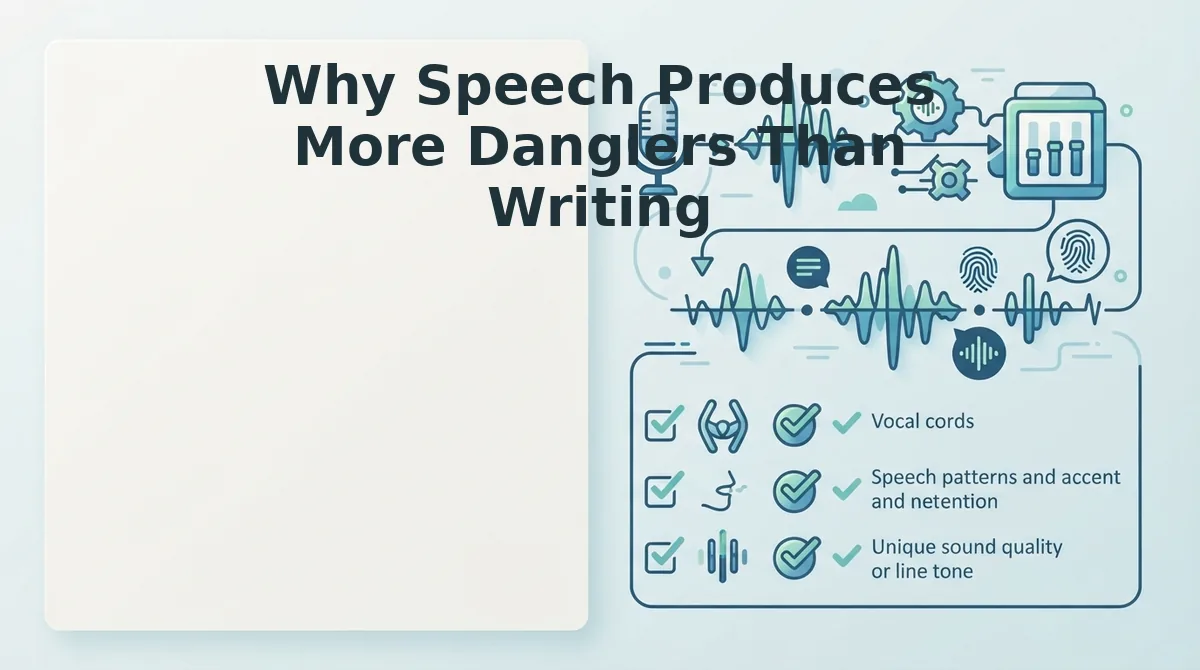
Speech produces more dangling phrases than writing because of the Compose-Ahead Gap: the cognitive lag between what your mouth is saying and what your brain is still planning to say next.
When you write, you can pause, reread, and revise before anyone sees the sentence. When you speak at conversational speed, your articulatory system commits to a phrase like "looking at the numbers" before your sentence planner has locked in the subject. If the next clause pivots, "the quarter looks rough", the modifier is left dangling.
Three speech-specific triggers make this worse:
- False starts: You begin with "Given the timeline," then change direction mid-sentence, abandoning the subject the phrase was meant to describe.
- Topic pivots: You shift from one idea to another without closing the grammatical loop, leaving the opener stranded.
- Filler-word bridges: Words like "basically" or "you know" buy time while your brain catches up, but they often mask a dangling structure that's already been spoken.
Think of the Compose-Ahead Gap like a chef plating a dish while the sauce is still reducing. The plate goes out before the sauce is ready, and the result is a mismatch. In speech, the mismatch is grammatical, and the listener hears it instantly.
Here's the part most people miss: you can't fix a dangling phrase by speaking more carefully. You fix it by changing how you review your own audio. That's exactly what the next section covers.
How to Catch a Dangling Phrase in Your Own Voice Notes
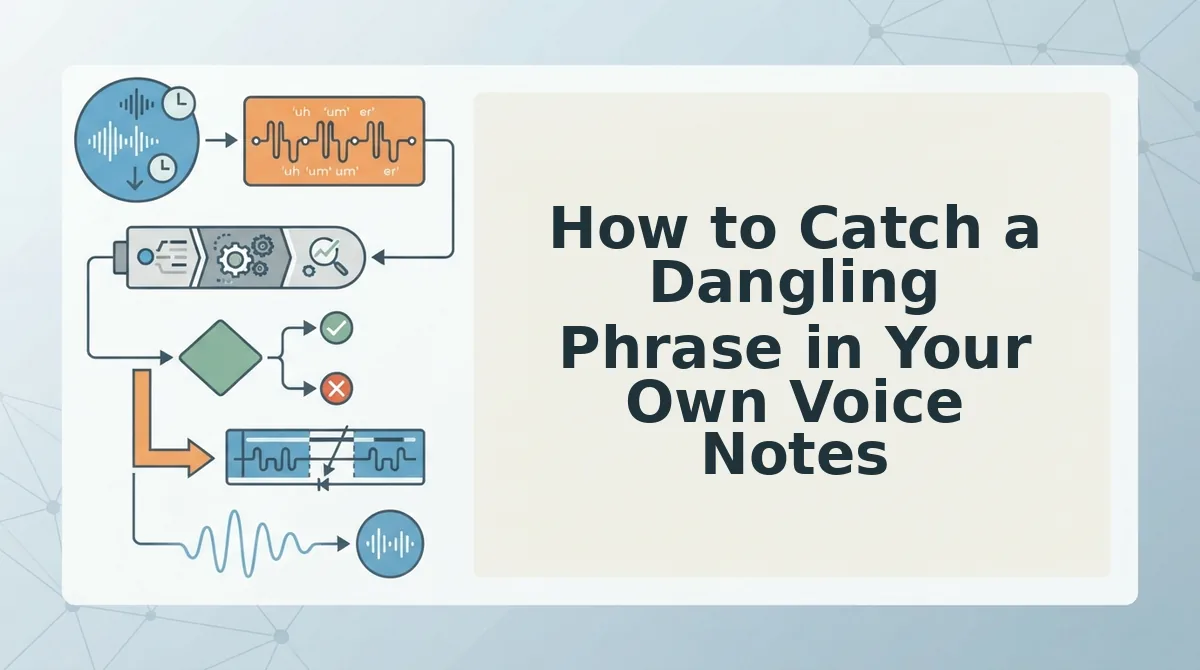
You can catch most dangling phrases in under two minutes by replaying your voice note and listening specifically for openers that never name a subject. You only need your phone's voice memo app or any audio player with a rewind button.
- Open your voice note and play the first 10 seconds. Tap the play button in your voice memo app and listen only to how each sentence begins. You should hear clear subjects like "I," "we," "the team," or "sales" right after any introductory phrase.
- Pause at every opener that starts with an -ing word or a time phrase. Press pause when you hear phrases like "After reviewing the numbers," "Walking into the meeting," or "Looking at the dashboard." Ask yourself: "Who is doing this?" You should be able to name the person or team immediately.
- Check whether the subject appears right after the comma. Resume playback and listen to the next three words. If you hear a subject like "I" or "the client," the phrase is complete. If you hear an object like "the report" or "the slides," you have caught a dangling phrase, the sentence never names who performed the action.
Run this 3-step self-check on any message before sending. If you want a faster pass, VClar's speech enhancer can flag and clean these grammar breaks automatically while preserving your natural delivery.
Three Ways to Fix a Dangling Spoken Phrase
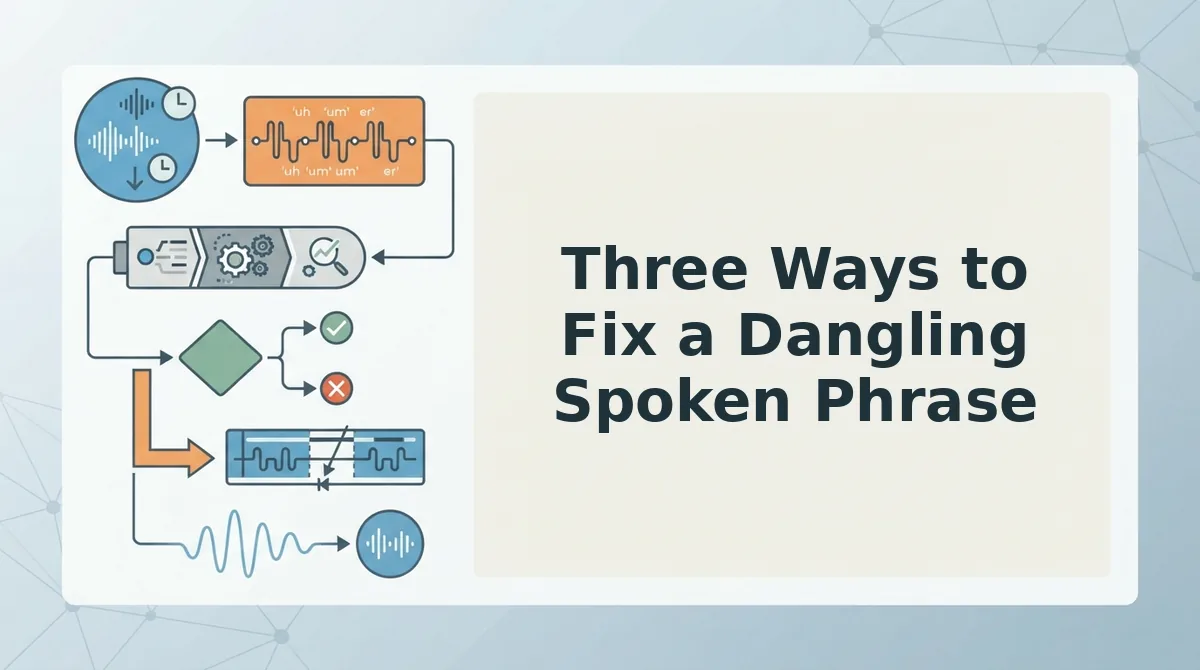
You can fix a dangling spoken phrase in three ways: restate the missing subject aloud, re-record only the broken clause, or run the audio through a speech enhancer that corrects grammar without changing your voice. Each method takes under a minute once you spot the problem.
- Restate the missing subject aloud in a new take. Open your voice memo app, tap record, and say the full corrected sentence: "Walking into the meeting, I saw the slides weren't ready." You should hear a complete subject-verb pair immediately after the comma, and the message should sound decisive on playback.
- Re-record only the broken clause, not the whole message. Tap record, speak just the clause that needs fixing, for example, say "I sent the report" instead of redoing the entire voice note. Then splice or re-record over the original segment in your audio editor. You should keep the rest of your message intact and save several minutes of re-takes.
- Upload the audio to a speech enhancer to clean the grammar automatically. Open VClar, select the voice note file, and let the engine correct dangling constructions while preserving your tone and cadence. You should get back an audio file that sounds like you, minus the grammatical gaps. This is the fastest route when you need to fix grammar in voice messages without re-recording, and you can pair it with a pass to remove filler words from audio in the same workflow.
If you send voice notes daily, the third method removes the friction of catching and repairing danglers manually. A dangling phrase is a grammar break, not a voice problem, so the repair should target the sentence structure, not your delivery.
Spoken vs. Written Repair: What Changes
Written repair edits the sentence on the page; spoken repair preserves your vocal identity and cadence while fixing only the broken grammar. The same dangling phrase gets treated differently depending on the medium.
| Repair Method | How It Works | What You Keep | Best For |
|---|---|---|---|
| Written edit | Type the corrected sentence: "After reviewing the numbers, I sent the report." | Clarity and grammar | Writers, editors, and anyone preparing a transcript or email |
| Spoken re-record | Re-record only the clause "I sent the report" and splice it into the original audio. | Your voice, tone, and cadence | Voice note senders who want a quick manual fix without redoing the whole message |
| AI speech enhancement | Upload the audio and let the engine correct the dangling phrase automatically. | Vocal identity, pacing, and one-take confidence | Founders, sales teams, and creators who send frequent voice messages and need speed |
Written repair gives you full control over every word, which is why it remains the standard for formal documents. Spoken repair trades that granular control for speed and authenticity, the exact tradeoff that matters when your voice is the message. Read on for the most common questions about dangling spoken phrases in audio messages.
FAQ: Dangling Spoken Phrases in Audio Messages
A dangling modifier has no subject to attach to; a misplaced modifier attaches to the wrong subject. Here are the questions people actually ask about fixing both in voice notes.
What is the difference between a dangling modifier and a misplaced modifier?
A dangling modifier has no subject in the sentence to attach to, so it floats without meaning. A misplaced modifier attaches to the wrong subject, changing the intended meaning. Both create confusion in audio messages, but the fix differs: add the missing subject for danglers, reposition the modifier for misplaced ones.
Can AI fix grammar in voice messages without changing my voice?
Yes. AI speech enhancers like VClar can correct grammar in voice messages while preserving the speaker's voice, tone, and cadence. The engine repairs broken clauses and dangling phrases in the transcript and audio timeline without replacing your delivery with synthetic text-to-speech.
Why do I start sentences with "so" or "basically" and then lose the subject?
Spontaneous speech runs ahead of sentence planning. You open with a connector or filler to hold the floor, then your brain pivots mid-thought and the subject never lands. The result is a dangling opener like "So, walking into the meeting..." with no one doing the walking.
How do I prevent dangling phrases before I hit record?
Pause for one second before speaking and name the subject first: "The client walked into the meeting." If you catch a floating opener mid-sentence, restart that clause immediately rather than pushing through. A voice note translator can also clean residual danglers after recording.
Does a dangling phrase make my voice message harder to understand?
Yes. Listeners must guess who or what the phrase refers to, which adds cognitive load and slows comprehension. In audio, there is no re-reading to recover meaning, so a dangling opener can derail the entire message before the main point lands.
Fix the Floating Opener, Keep the Take
The Compose-Ahead Gap explains why danglers appear: your mouth starts before your subject does. The three-tier repair workflow closes that gap in under a minute, catch the floating opener, restate the missing subject, repair only the broken clause. The fix takes less time than the re-record.
Next step: run your next voice note through VClar to fix grammar in voice messages and remove dangling phrases without losing your delivery. One pass, one take, message sent.
You already speak in complete thoughts. Now your audio can prove it.