
You hit record, nail the first half of your thought, then trip over the opening of your next sentence and have to start it again. That stumble, the false start, is the single most common reason people delete and re-record voice memos. Here's the truth: false starts are a normal part of spoken communication, not a personal failing. Even polished speakers do it constantly in conversation; you just never hear it because live speech moves on. This guide will show you how to fix false starts in a voice memo without re-recording, using either manual trimming or an automated cleanup that takes under 30 seconds and preserves your natural voice. You'll learn why false starts happen, how to remove them tap-by-tap in Apple Voice Memos, and the faster method that catches what manual editing misses, including one surprising detail about how false starts affect listener trust that most advice skips entirely.
Why False Starts Happen in Voice Memos (And Why They Matter)
A false start is a spoken fragment where a speaker begins a sentence, stops, and restarts, often with a different word or phrasing. They happen because speaking and thinking run on different clocks: your mouth starts before your brain has fully selected the next word.
Think of a false start like a typo you catch mid-keystroke. In typing, you backspace and nobody sees it. In a voice memo, the stumble is baked into the recording, and the listener hears the hesitation as a lack of confidence, even when the content itself is solid.
False starts fall into three recognizable types, which together form a simple diagnostic framework you can use when reviewing any recording:
- Repetition starts: The speaker repeats the same word or syllable before continuing, "I think we should, we should move the deadline."
- Abandoned starts: The speaker begins a sentence, drops it entirely, and pivots to a new thought, "What I wanted to say is, actually, let's talk about the budget first."
- Filler-prefixed starts: A filler word like "um," "so," or "basically" precedes the restart, "Um, so the key point is the timeline."
Each type signals a different cognitive moment: repetition starts happen when the speaker is double-checking word choice, abandoned starts occur when a new thought interrupts the current one, and filler-prefixed starts buy time while the brain catches up to the mouth. Recognizing which type dominates your recordings tells you whether the issue is vocabulary selection, thought organization, or processing speed, and that diagnosis changes how you fix it.
False starts matter because listeners interpret them as uncertainty. A voice memo with three or four stumbles reads as hesitant, even when the underlying message is decisive. Removing them doesn't change what you said, it removes the noise that was obscuring how clearly you actually thought it through.
How to Manually Remove False Starts in Apple Voice Memos
Apple Voice Memos includes a built-in trim tool that lets you cut false starts from a recording for free. The process takes about two to three minutes per memo and works on any iPhone or iPad running iOS 14 or later.
Here is the tap-by-tap workflow:
- Open the Voice Memos app and tap the recording you want to clean. The memo opens in a detail view with a waveform timeline at the top.
- Tap the three-dot menu in the upper-right corner of the memo detail screen, then select Edit Recording. The waveform switches to edit mode with yellow trim handles on both ends.
- Tap the waveform at the exact point where the false start begins. The playhead jumps to that position so you can confirm you're cutting the right segment.
- Drag the left trim handle to the right until it sits just after the false start ends and the clean sentence begins. The highlighted area between the handles is the portion that will be kept.
- Tap Trim to remove everything before the left handle. The false start is deleted, and the memo now starts at your clean sentence.
- Repeat the process for mid-memo false starts by using the trim tool on a duplicated copy: tap the memo, select Duplicate, then trim the duplicate down to only the segment containing the false start, and finally re-record or splice manually. Apple Voice Memos does not support cutting from the middle of a recording, only from the ends.
- Tap Save to commit the edit. You should see the memo's duration shorten and the waveform start cleanly at your first intended word.
Manual trimming works, but it has two real costs. First, it's time-consuming: a memo with false starts scattered throughout requires multiple passes, and mid-memo cuts aren't natively supported. Second, trimming from the ends risks awkward cuts, you may slice off the natural breath or inflection that made the sentence sound like you. For a single short memo, manual editing is fine. For anything longer or more frequent, the automated approach in the next section removes false starts anywhere in the recording in under 30 seconds without touching your vocal tone.
The Faster Way: Automated False Start Removal
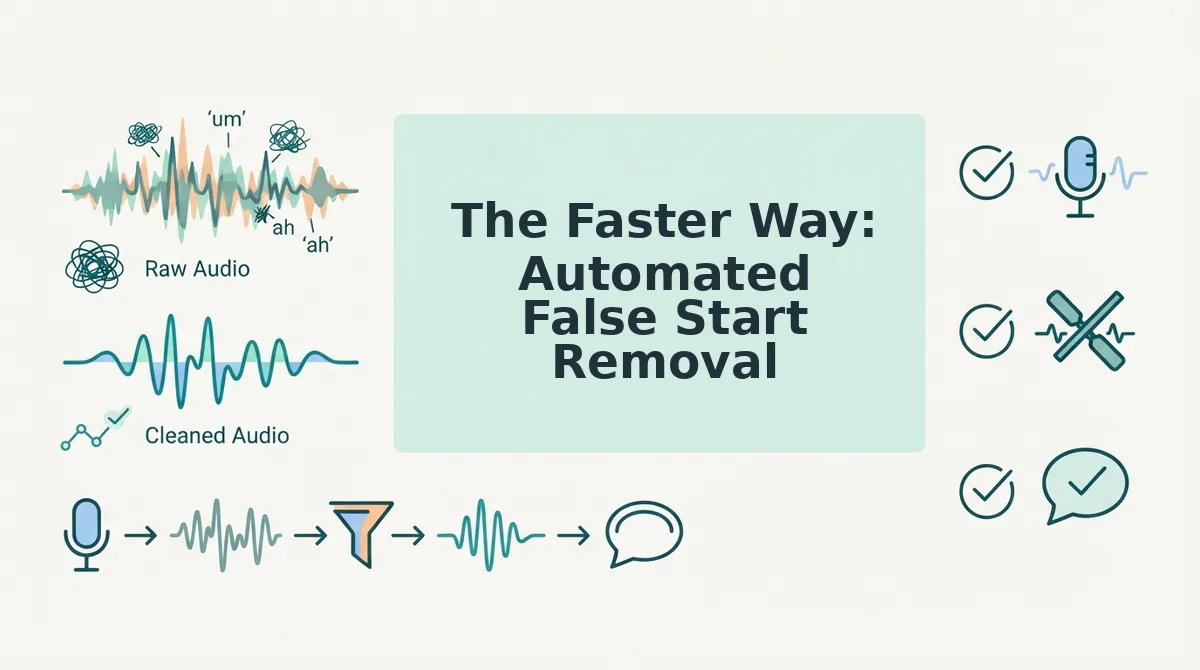
Automated tools detect and remove false starts in seconds, but they vary in how cleanly they handle the splice and whether they preserve your natural delivery.
Manual trimming in Apple Voice Memos gives you frame-level control and costs nothing beyond your time. The trade-off is precision: cutting mid-breath or mid-word can create audible clicks, unnatural pauses, or clipped syllables that make the edit obvious. Automated removal uses silence detection and speech-pattern analysis to identify restarts and stitch the timeline at natural boundaries.
VClar takes the automated route one step further. Instead of just deleting the false start, it analyzes the surrounding audio and smooths the transition so your tone, cadence, and accent stay intact. The result sounds like you recorded it cleanly the first time, not like an edited file.
Competitor tools like Descript and Adobe Podcast also offer automated filler and false start removal. Descript excels at transcript-based editing for podcasters who want to edit audio by deleting text. Adobe Podcast's Enhance feature prioritizes studio-quality noise reduction for creators recording in untreated rooms. Both are strong choices in their niches.
Here's how the main approaches stack up:
| Method | Time per false start | Output quality | Risk of awkward cuts | Best for |
|---|---|---|---|---|
| Manual trimming (Apple Voice Memos) | 2-5 minutes | Variable, depends on your editing skill | High if cut mid-syllable or mid-breath | Occasional editors who want full control and don't mind the learning curve |
| Transcript-based editing (Descript) | Under 1 minute | Clean, but can sound edited if overused | Moderate, text edits don't always map to natural audio boundaries | Podcasters and video editors already working from transcripts |
| AI voice enhancement (Adobe Podcast) | Under 1 minute | Polished, but focused on noise reduction over false start removal | Low for noise; false start removal is not its primary function | Creators prioritizing room acoustics and background noise cleanup |
| VClar automated removal | Seconds | Natural, preserves tone, cadence, and accent | Low, stitches at natural speech boundaries | Founders, sales teams, and cross-border operators who need one-take confidence |
If you're already editing in a timeline and enjoy granular control, manual trimming works. If you send voice memos daily and can't afford re-recording loops, automated removal is the pragmatic choice. VClar also handles filler word removal from audio in the same pass, so you fix false starts and verbal hesitations without switching tools.
Can automated tools remove false starts without making the audio sound edited? Yes, when the tool analyzes speech rhythm rather than just deleting a highlighted segment. Automated removal works by detecting the acoustic signature of a restart, a sudden pitch reset, an abandoned syllable, or a repeated word fragment, then stitching the timeline at the nearest natural pause or breath boundary. The key difference between tools is whether they splice at silence or at linguistically natural transition points. Splicing at silence can leave a perceptible gap or a clipped consonant. Splicing at a natural boundary, the end of a breath group or a syntactic phrase, produces a seamless result that sounds like the speaker simply paused and continued. VClar uses the latter approach, which is why the output preserves the speaker's natural cadence and accent instead of sounding surgically edited.
How to Prevent False Starts in the First Place
You can reduce false starts at the source with a few speaking habits that take minutes to learn and pay off in every recording.
- Pause instead of restarting when you stumble. A false start happens when you abandon a sentence and begin again. When you feel a stumble coming, stop talking for one full second, then continue the same sentence. The pause reads as deliberate, and you avoid the doubled opening that makes editing necessary.
- Outline three key points before you hit record. False starts spike when you're deciding what to say while saying it. Jot down three bullet points, even mentally, before recording. This gives your brain a runway and cuts restarts by giving every sentence a destination.
- Say your first sentence out loud once before recording. The opening line is where most false starts cluster. Rehearse just the first sentence once, out loud, before you press record. You'll start the actual take with momentum instead of a verbal warm-up.
- Slow your first three words. Rushing into a sentence is the most common trigger for a restart. Deliberately slow the first three words of each message. The pace anchors your phrasing and gives your brain time to plan the rest of the sentence.
- Embrace the first take and clean up later. Perfectionism drives re-recording loops, which create more false starts, not fewer. Record once, accept that a stumble may happen, and use a tool like VClar to fix grammar in voice messages and remove false starts after the fact. One confident take beats five anxious ones.
Frequently Asked Questions About False Starts in Voice Memos
What's the difference between a false start and a filler word?
A false start is an abandoned sentence fragment, you begin a thought, stop, and restart with different wording. A filler word is a verbal hesitation like "um," "ah," or "like" inserted inside an otherwise complete sentence. False starts create duplicated openings; fillers create pauses within a sentence. Both can be removed from audio, but they require different detection patterns.
Can I edit a voice memo after sending it?
No, once a voice memo is sent through iMessage, WhatsApp, or another messaging app, the recipient's copy cannot be edited or retracted. You can only edit the original file on your own device before sending. This is why cleaning up false starts before you hit send matters.
Do false starts make me sound less confident?
Yes, repeated false starts signal hesitation and can make a speaker sound uncertain or unprepared. Listeners often interpret restarts as a lack of conviction, even when the content is strong. Removing them from voice messages creates a more decisive, authoritative delivery without changing what you actually said.
Can I remove false starts from WhatsApp voice notes?
WhatsApp does not include built-in audio editing tools, so you cannot trim false starts inside the app. You need to record in a separate voice memo app, clean the audio with an editing tool, then send the polished file. For multilingual conversations, a voice note translator can also handle the language barrier in the same workflow.
One Take Is All You Need
False starts are fixable in under 2 minutes. You don't need to become a flawless speaker, you need a cleanup step that works as fast as you think.
Here's the shift worth internalizing: the goal was never perfect speech. It's confident delivery. Every re-record loop you've done before sending a voice memo was time spent doubting a message that was already good enough to fix.
What changes now:
- Record once, knowing hesitations and restarts will be handled.
- Run the audio through VClar and let false starts disappear automatically, your tone, cadence, and accent stay intact.
- Send the message without the anxiety spiral of take four, take five, take six.
If you want the same polish for your written voice, explore VClar's spoken English grammar cleaner for a deeper look at how cleanup applies across formats.
Try VClar on your next voice memo. Record it once, clean it once, send it with confidence.
You don't need a better voice, you need a better cleanup step.