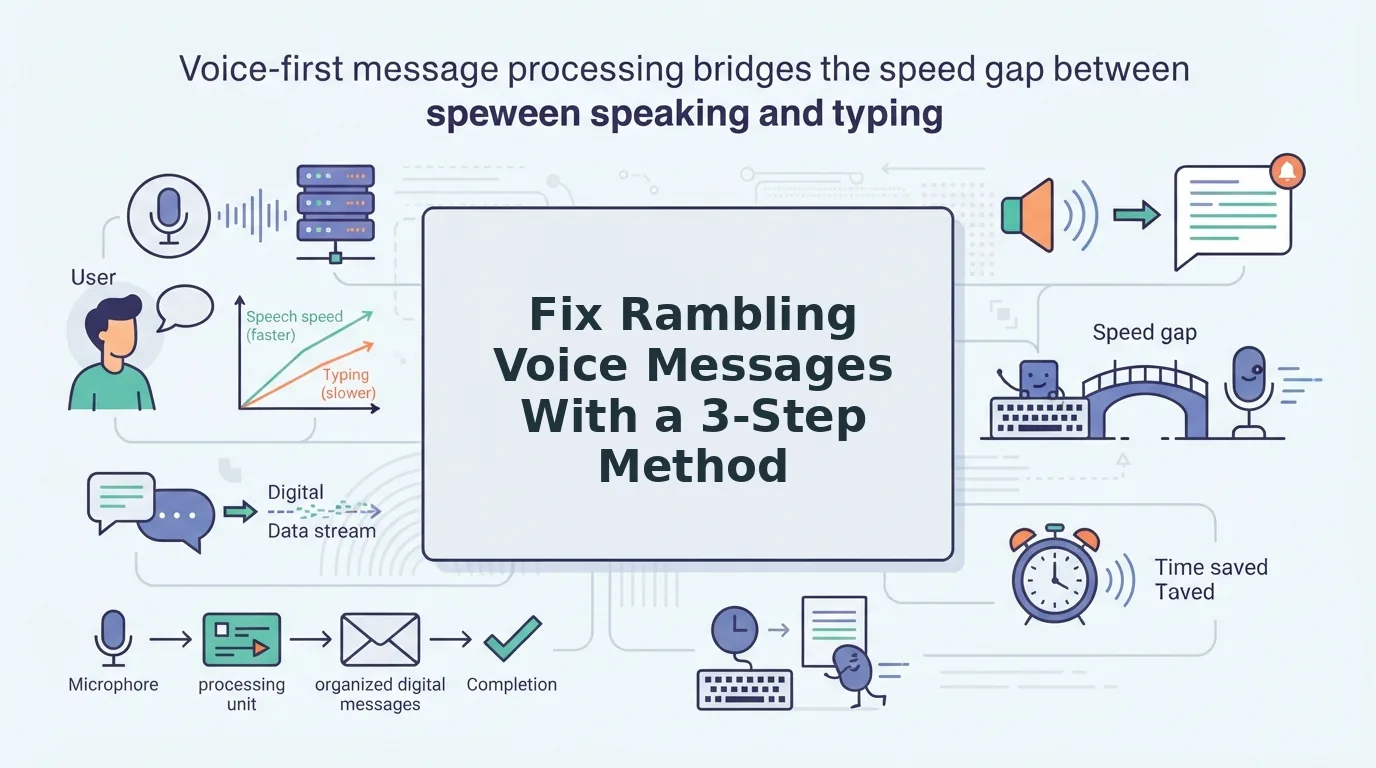

You hit record for the third time, watch the timer tick past two minutes, and still sound scattered. One Reddit user described the re-record loop as "three takes, two minutes wasted, still sounds scattered", and that frustration is exactly why learning to fix rambling spoken thoughts in a voice message matters more than any microphone upgrade.
Here's the truth: rambling isn't a voice problem. It's a structure problem. Communication coach Vinh Giang puts it bluntly, rambling comes from thinking while speaking instead of thinking before speaking. You're not inarticulate. You're unpracticed at pre-structuring a spoken thought.
This guide gives you a repeatable method: three steps to run before you hit record, one cleanup tool to run after, and a surprising reason why the most common advice, "just slow down", actually makes rambling worse. By the end, you'll record structured voice messages in one take, with VClar's filler-word removal handling whatever slips through.
Why You Ramble in Voice Messages (and Why Speaking Slower Doesn't Fix It)
Rambling is unplanned speech, talking without a defined endpoint, so your sentences loop, restart, and trail off while your brain searches for the next thought. The fix isn't slowing down; it's structuring before you speak.
Think of rambling like driving without a destination. You can drive slower, but you'll still circle the same blocks. Slowing down gives your brain more time to loop, which is why the classic "just speak slower" advice backfires for voice messages. The problem isn't speed, it's that you're composing and delivering at the same time.
Three triggers cause most voice-message rambling:
- Thinking while speaking. You start recording before you know your endpoint, so every sentence is a search query.
- Fear of silence. Dead air feels like failure, so you fill it with "um," "basically," and repeated phrases.
- No defined ask. Without a clear endpoint, your message has no reason to stop, so it doesn't.
Vinh Giang's YouTube lesson on articulation makes the same point: clear speech starts with clear thinking. When you decide your point, proof, and ask before recording, your brain stops hunting mid-sentence and starts delivering. The result is a voice message that sounds decisive, not slower, just structured.
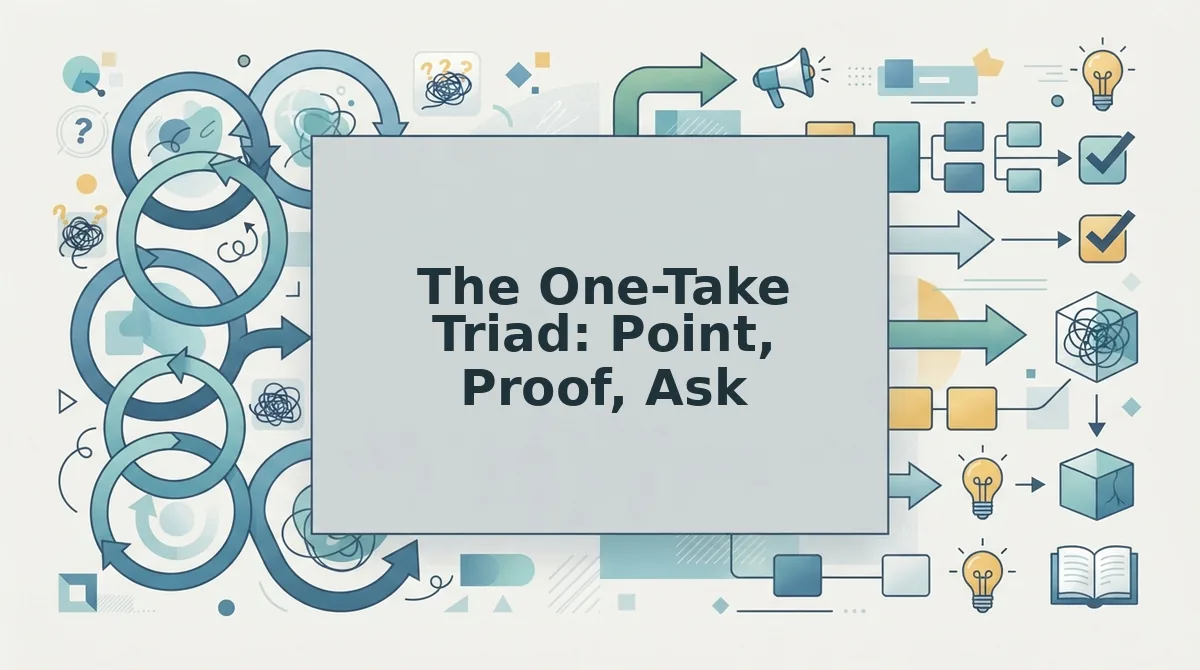
The One-Take Triad: Point, Proof, Ask
The One-Take Triad is a three-part pre-recording framework: state your point, support it with proof, and end with a specific ask. It turns a 90-second ramble into a 30-second structured message.
Before you record, you need nothing more than your phone's voice memo app and 30 seconds of planning. Communication coach Kara Ronin's three precise steps for articulating thoughts clearly, and Vicky Zhao's insight that framework thinking reduces cognitive load during spontaneous speech, both validate this approach: structure first, speak second.
1. Point: Name the single thing you want the listener to know
Open your voice memo app, but don't hit record yet. Write or mentally state one sentence: "The thing I need you to know is ___." If you can't finish that sentence, you're not ready to record. Expected outcome: a message that starts with a clear destination instead of a wandering preamble.
2. Proof: Attach one concrete detail that supports the point
Select one number, one example, or one observation, not three. Expected outcome: a middle section that feels grounded, not padded.
3. Ask: End with the specific action you want
State exactly what the listener should do next: "Can you approve the budget by Friday?" or "Reply with your availability for a call." A defined ask gives your message an endpoint, which is what stops rambling. Expected outcome: a message that ends cleanly instead of trailing off.
Worked example: A founder recording voice notes for founder updates transforms "Hey, so I wanted to, um, basically give you a quick update on, like, where things stand, things are going well, I think, we've been busy…" into: "Revenue grew 18% this month. The Android launch drove most of it. Can you approve the Q4 hiring plan by Friday?" That's 90 seconds down to 30.
Once you've recorded with the Triad, run your audio through VClar to strip any remaining filler words and tighten phrasing, without losing your natural tone. Next, run the Rambling Audit: five questions to test whether your last voice message actually held structure.
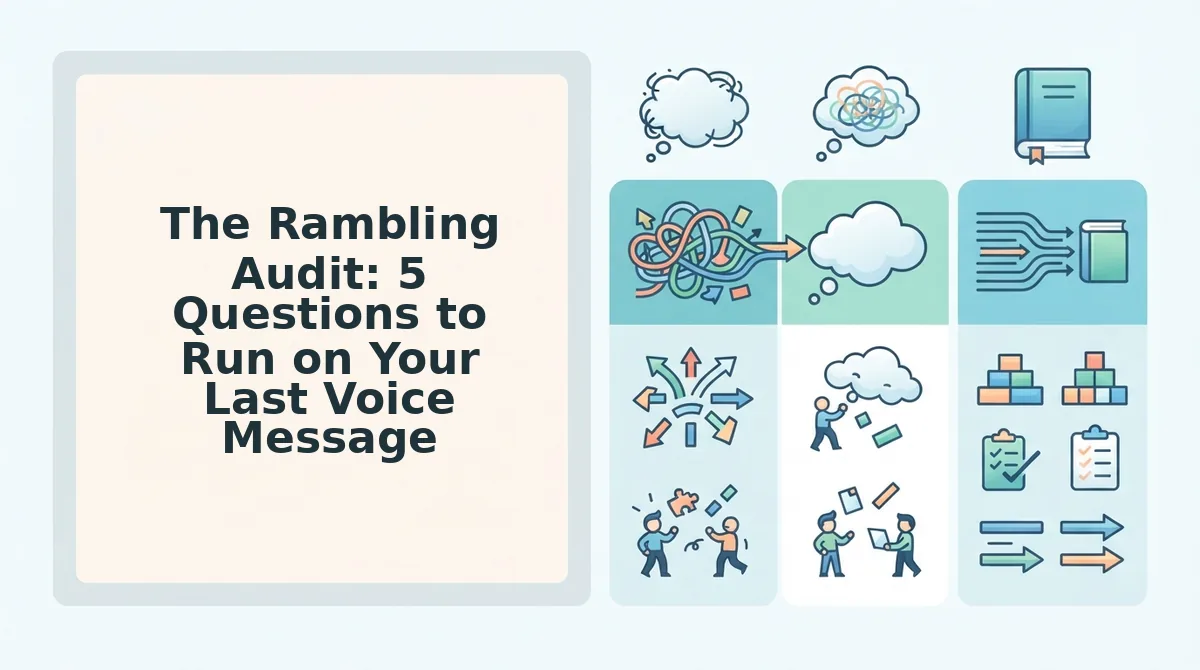
The Rambling Audit: 5 Questions to Run on Your Last Voice Message
Run these five diagnostic questions against your most recent voice message. Each "yes" answer pinpoints a specific rambling pattern you can correct in your next take or clean up automatically with VClar.
- Did you repeat the same point twice in different words? Repetition signals you were thinking while speaking instead of before speaking. Identify the stronger phrasing and delete the weaker version, or let VClar's transcript view show you exactly where the duplication occurs so you can trim it in seconds.
- Did you trail off without finishing a sentence? Trailing off leaves the listener guessing at your meaning and forces awkward follow-up questions. Mark every incomplete thought in your transcript and either finish it in a re-record or remove it entirely.
- Did you use three or more filler words in under 60 seconds? Fillers like "um," "like," and "you know" cluster when your brain is searching for the next word. VClar's transcript view makes these visible instantly, and you can remove filler words from your voice message without re-recording.
- Did it take more than 10 seconds to reach your main point? Listeners decide whether to keep listening in the first 10 seconds. If your opening is throat-clearing or context-dumping, cut it and start at the point itself.
- Did you end without a clear ask or next step? A voice message without a call to action forces the recipient to guess what you want. End every message with one specific request: a yes/no answer, a time slot, a file, or a decision.
VClar's transcript view turns this audit into a 10-second scan: open the message, read the transcript, and check off each question against the visible text.
How to Clean Up a Rambling Voice Message Without Re-Recording
You do not need to re-record a rambling voice message. Upload the audio to VClar, and the AI removes fillers, trims false starts, tightens phrasing, and reduces background noise while preserving your natural tone, accent, and rhythm.
Prerequisites: a recorded voice message (any format) and a VClar account.
- Upload your voice message. Open VClar, click Upload Audio, and select your file. You should see a processing indicator within seconds, followed by a cleaned audio preview and a side-by-side transcript.
- Review the filler word removal. Open the transcript view and scan for strikethrough or highlighted text showing removed fillers like "um," "ah," and "like." You should see the cleaned transcript read tighter and more direct than the original. If you want to adjust sensitivity, use the Filler Removal slider. Learn more about how to remove filler words from your voice message.
- Check grammar corrections. Click the Grammar tab to see where VClar fixed broken sentence structure, subject-verb mismatches, or run-on phrasing. You should see each correction highlighted with the original text shown for comparison. For a deeper look, see how VClar can fix broken grammar in voice recordings.
- Export the cleaned message. Click Export and choose audio, transcript, or both. You should receive a polished voice message that sounds like you, same voice, same accent, same cadence, minus the rambling.
AI cleanup eliminates the re-record loop entirely. Instead of recording five takes and settling for the least bad one, you record once, upload, and export a decisive message in under a minute. The engine works by transcribing your speech, identifying filler words, false starts, and grammatical errors, then reconstructing the audio timeline so removed words leave no audible gaps. Background noise, breath sounds, and mouth clicks are attenuated in the same pass. The result is a voice message that sounds like you on your best day, not a synthetic clone, but your actual voice with the rough edges removed.
FAQ
How do I stop rambling in voice messages?
Use the Point-Proof-Ask structure: state your main point in the first sentence, give one supporting detail, then end with a specific request. Before recording, write three bullet points on a sticky note, not a full script, and speak to those bullets only.
Should I script my voice messages to avoid rambling?
No. Full scripting makes you sound robotic and stiff because you are reading instead of speaking. Use a bullet skeleton instead: three to five short phrases that anchor your structure while leaving room for natural delivery, tone, and spontaneity.
Can AI fix a rambling voice message after I record it?
Yes. VClar removes filler words, trims false starts, tightens phrasing, and reduces background noise after recording. The cleaned audio preserves your natural voice, accent, and rhythm, so the message sounds like you, just more direct and decisive.
What is the ideal length for a voice message?
Fifteen to 45 seconds is the sweet spot. Under 15 seconds often lacks context; over 45 seconds risks losing the listener's attention. If your message runs longer, split it into two messages or cut everything that does not serve your main point and ask.
The One-Take Triad Is the Skill. VClar Is the Safety Net.
Rambling isn't a personality flaw, it's a planning gap. Point, Proof, Ask closes that gap before you hit record. The Rambling Audit catches what slips through. And when a message still runs long, VClar removes the filler words, tightens the phrasing, and fixes the grammar without making you re-record a single take.
Here's the synthesis that matters: you don't need perfect speech. You need a repeatable structure plus a cleanup layer that preserves your voice. That combination is what turns one-take confidence from a goal into a habit.
Your next step is concrete: record your next voice message using the Triad, then run it through VClar to hear the difference between raw and polished, same voice, same cadence, zero rambling.
For more on speaking clearly across languages, accents, and platforms, browse the voice communication guides.
"Rambling isn't fixed by speaking slower, it's fixed by thinking in threes and letting the cleanup happen after the take, not during it."