
You've recorded the same 30-second voice note four times, and every take still opens with "So, I was thinking, wait, actually, " before you trail off and hit delete. The re-record loop is the real enemy, not the false start itself. If you've burned ten minutes chasing a clean opening that never arrives, you're not alone, and you don't need another take.
This guide shows you exactly how to fix false starts in a voice note without re-recording anything. You'll learn what separates a false start from a filler word, how to trim them manually with precision, and when automatic removal is the smarter move. One surprising finding: the tightest manual cuts often sound worse than the original stumble, and there's a reason for that, which we'll get to shortly.
VClar removes false starts, filler words, and background noise in one pass while keeping your natural tone intact, so you can send the first take with confidence.
What Is a False Start in a Voice Note?
A false start is a repeated sentence beginning that a speaker abandons mid-phrase and restarts, such as saying "I think we should. I think the timeline works" instead of committing to one opening. It's a speech disfluency, but it's not the same as a filler word.
Think of a false start like typing a sentence, backspacing over the first half, and retyping it slightly differently, except in audio, the abandoned words stay on the timeline. Fillers like "um" or "like" are placeholders that buy thinking time. False starts are structural: the speaker launches a thought, rejects it, and relaunches.
Here's how the two disfluencies differ in practice:
| Feature | False Start | Filler Word |
|---|---|---|
| Definition | Abandoned phrase fragment restarted mid-sentence | Standalone word or sound inserted as a pause |
| Example | "We should, we need to ship Friday" | "We should, um, ship Friday" |
| Fix method | Delete the abandoned fragment, keep the restart | Delete the filler word, keep surrounding words |
| Tool needed | Waveform editor with precise selection, or automatic false-start detection | Simple cut or automatic filler removal |
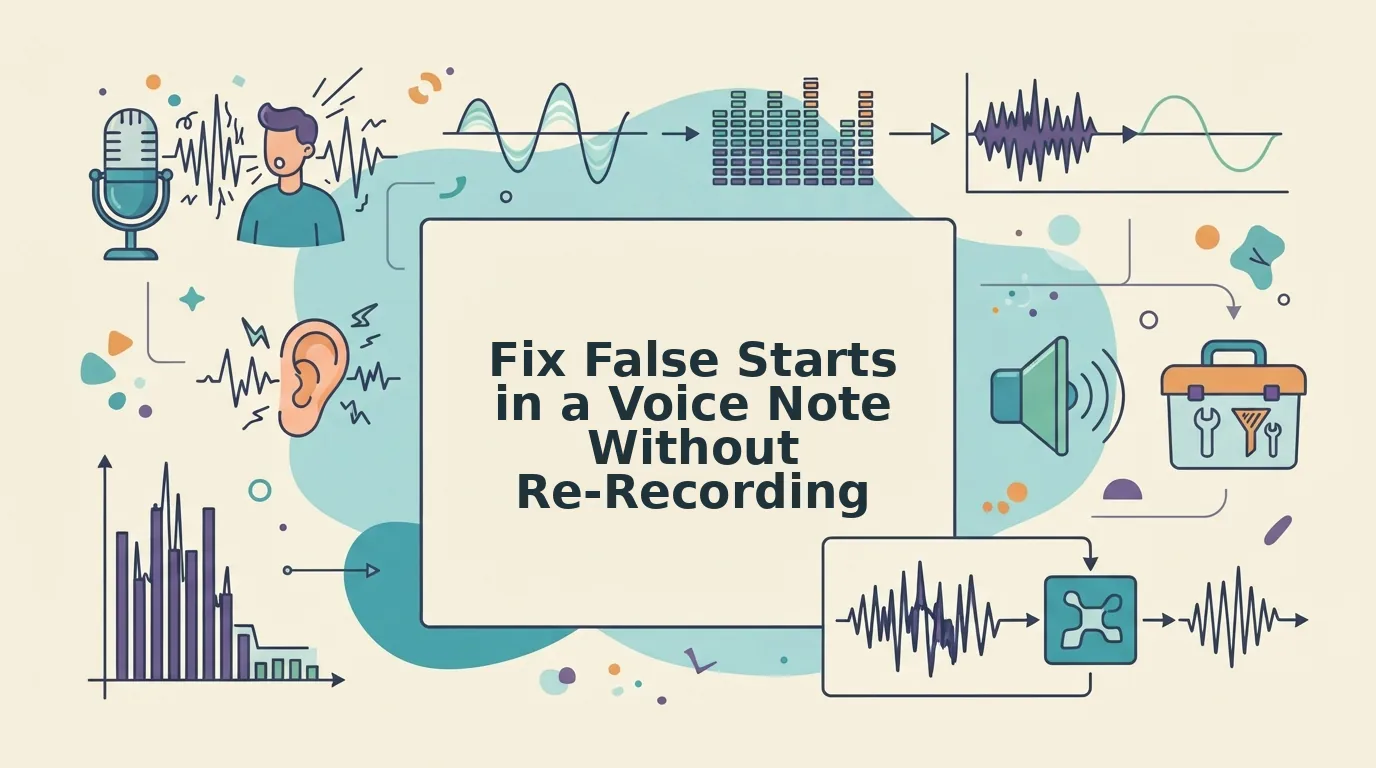
In a waveform editor, a false start looks like a burst of speech followed by a brief pause, then a nearly identical burst. The pause is the tell: the speaker's brain hit reset. Manual removal means finding that pause and deleting everything before it, which is precise but time-consuming when false starts appear multiple times in one recording.
How to Fix False Starts Manually Step by Step
Manual false-start removal means opening your voice note in an audio editor, locating each abandoned phrase fragment, and deleting it so only the restarted sentence remains. You'll need a waveform editor like Audacity, GarageBand, or Descript, plus your original voice note file.
- Open your voice note in a waveform editor. Import the audio file and zoom into the timeline until individual words are visible as distinct waveform clusters. You should see speech bursts separated by short flat gaps.
- Locate the first false start. Play back the audio and listen for an abandoned phrase followed by a restart. Mark the flat gap between the abandoned fragment and the restart, this is your cut point. The gap typically lasts 100-300 milliseconds.
- Select the abandoned fragment. Click and drag from the start of the false start to the cut point. Zoom in further to avoid clipping the first syllable of the restarted phrase. You should see the selection end exactly at the silence before the restart.
- Delete the selection. Press Delete or use the editor's cut command. The restarted phrase should now begin cleanly. Play back the transition, if you hear a clipped consonant or an unnatural jump, undo and adjust the cut point by a few milliseconds.
- Repeat for each false start. Scan the full timeline and remove every abandoned fragment. A 60-second voice note with three false starts typically takes 5-10 minutes to clean manually.
- Export and review. Export the trimmed audio and listen once from start to finish. Check that no restarted phrases sound abrupt or cut off at the edges.
Here's what a raw transcript looks like before and after manual trimming:
Before: "I wanted to. I wanted to follow up on the proposal we, the proposal we discussed Tuesday."
After: "I wanted to follow up on the proposal we discussed Tuesday."
Manual trimming is precise but slow, and tight cuts can sound abrupt because natural speech has micro-pauses that a hard delete removes. If you'd rather skip the waveform surgery, you can also fix grammar in a voice message automatically while removing false starts in the same pass. That tradeoff is exactly what the next section covers.
Manual Trimming vs Automatic False Start Removal
Manual trimming gives you frame-level control but costs time and risks cutting into natural speech rhythm; automatic removal detects repeated sentence beginnings and deletes them in seconds while preserving tone.
Both approaches have legitimate strengths. Manual editing in Audacity, Descript, or Adobe Audition lets you hear every syllable and make judgment calls a machine might miss. Automatic tools like VClar scan for the acoustic signature of a false start, a partial clause followed by a restart, and remove it without flattening your cadence.
What to look for in a voice-cleaning tool: false-start detection, filler removal, grammar repair, tone preservation, and mobile support. Not every tool checks all five boxes, so match the tool to your workflow.
| Factor | Manual Trimming | Automatic Removal |
|---|---|---|
| Time per 2-min note | 10-20 minutes | Under 60 seconds |
| Precision | Frame-accurate, judgment-based | Pattern-based, consistent |
| Naturalness risk | High if you cut too tight | Low, engine preserves tone and cadence |
| Learning curve | Moderate (waveform editing) | None (upload and clean) |
| Best for | Podcast editors and audio professionals who need surgical control | Founders, sales reps, and creators who send voice notes daily and need one-take confidence |
Voice-cleaning tools detect repeated sentence beginnings and remove them while preserving tone, a capability manual editors often sacrifice when rushing a cut. If your workflow also involves scrubbing ums and ahs, VClar's filler word removal handles both in the same pass.
Best for audio professionals: manual trimming, when you have the time and need frame-level control. Best for busy communicators: automatic removal, when the goal is a clean voice note in one take, not a five-take editing session.
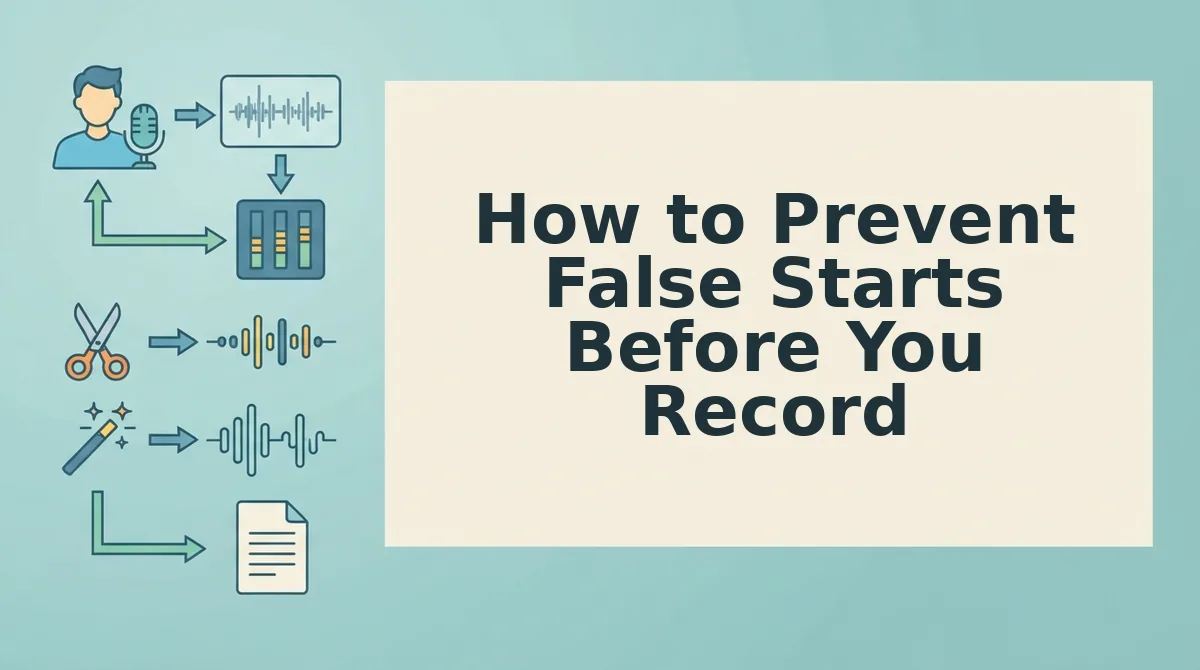
How to Prevent False Starts Before You Record
Prevention reduces how many false starts you need to fix, but it doesn't eliminate them, the realistic workflow is one take plus a quick post-fix pass.
- The 3-Second Pause Rule. Pause three full seconds before speaking, mentally complete the first clause, then start. This forces your brain to finish the sentence structure before your mouth commits to it, cutting false starts at the source.
- Mentally complete the first clause. Before you hit record, say the opening clause silently in your head, word for word. If you can't finish it mentally, you'll stumble out loud, so revise the opening until it has a clear endpoint.
- Record in short segments. Break longer messages into 15-30 second chunks with a breath between each. Shorter segments reduce cognitive load, which is where most false starts originate, and make any remaining fixes easier to locate.
- Start with the conclusion. Open with your main point or ask, then explain. When you know exactly where the sentence is heading, your brain doesn't search for words mid-clause and restart.
- Write a 5-word trigger note. Jot down the first five words of your message before recording. Seeing the opening on screen anchors your speech and prevents the hesitation-restart loop that kicks off most voice notes.
- Record standing up or walking. Physical movement regulates breath and reduces the nervous energy that produces rushed, false-start-heavy speech. A steady breath pattern keeps your clauses flowing to completion.
- Accept that one clean pass is the goal, not perfection. Prevention shrinks the problem but won't erase it, even polished speakers false-start under pressure. Pair these tactics with a fast automatic clean-up pass so one take is genuinely enough.
Clean Voice Notes Are a Skill, Not a Talent
The goal was never five takes, it's one take, then a clean pass. False starts are a byproduct of thinking in real time, and the fix is a repeatable workflow: prevent what you can with the 3-Second Pause Rule, then remove what slips through with a tool that preserves your tone.
Cleaning voice notes is a skill you build, not a talent you're born with. The speakers who sound effortless are simply the ones who stopped re-recording and started post-processing.
Your next step: run your next voice note through VClar's AI voice message translator and hear the difference one clean pass makes. If you're not ready for a tool yet, apply the 3-Second Pause Rule on your next recording, or review the manual trimming steps above. Either way, you're one take closer to sounding like you meant every word.