
You've recorded the same 90-second voice memo four times, and every take ends with a sentence that trails into silence. If you're a founder, sales rep, or consultant who thinks faster than you speak, you already know the re-record loop: you start strong, hit a false start, and suddenly the whole message feels unusable. Here's the truth, incomplete sentences in voice memos are a cognitive artifact, not a speaking deficiency. Your brain generates ideas at roughly 400 words per minute while speech tops out around 150, so the gap forces your mouth to abandon clauses mid-thought. This guide will show you why this happens and how to fix incomplete sentences in a voice memo without recording a single extra take. You'll learn a three-step repair framework, the difference between audio-level and transcript-level fixes, and one surprising reason your grammar sounds worse in recordings than in person, a finding that changes how you should approach every voice message you send.
Why Voice Memos Produce Incomplete Sentences
An incomplete sentence in a voice memo is any spoken utterance that lacks a grammatically complete subject-predicate structure, a clause that starts, then stops before delivering its full meaning. Voice memos amplify this pattern because they remove the visual feedback loop of in-person conversation, where a listener's nod or raised eyebrow signals you to finish a thought.
Think of your working memory like a browser with too many tabs open. When you speak extemporaneously, each new idea competes for the same cognitive bandwidth that's supposed to manage sentence structure. The result: your mouth starts a sentence before your brain has finished composing the ending. In person, your conversation partner's reactions act as a buffer, a subtle "keep going" signal. A voice memo offers no such buffer, so incomplete sentences surface unchecked.
Incomplete sentences in voice memos fall into three distinct patterns. False starts occur when you begin a thought, then immediately pivot: "I think we should, actually, let me back up." Abandoned clauses happen when a conditional or subordinate clause never resolves: "If we can get the budget approved by Friday, then... yeah." Filler-trailing is when a sentence dissolves into hesitation markers instead of a conclusion: "The main point is, you know, like, um..."
Each pattern has a different cognitive trigger. False starts stem from mid-sentence idea replacement, your brain upgrades the thought while your mouth is still executing the old one. Abandoned clauses typically occur when the speaker loses track of the grammatical structure they opened with, especially with nested conditionals. Filler-trailing is a stalling mechanism: your brain needs 300-500 milliseconds to retrieve the next word, and fillers buy that time. Understanding which pattern dominates your speech is the first step toward targeted repair. For a deeper look at how AI tools handle these patterns at the sentence level, see our guide on spoken English grammar cleaning.
How to Fix Incomplete Sentences Without Re-recording
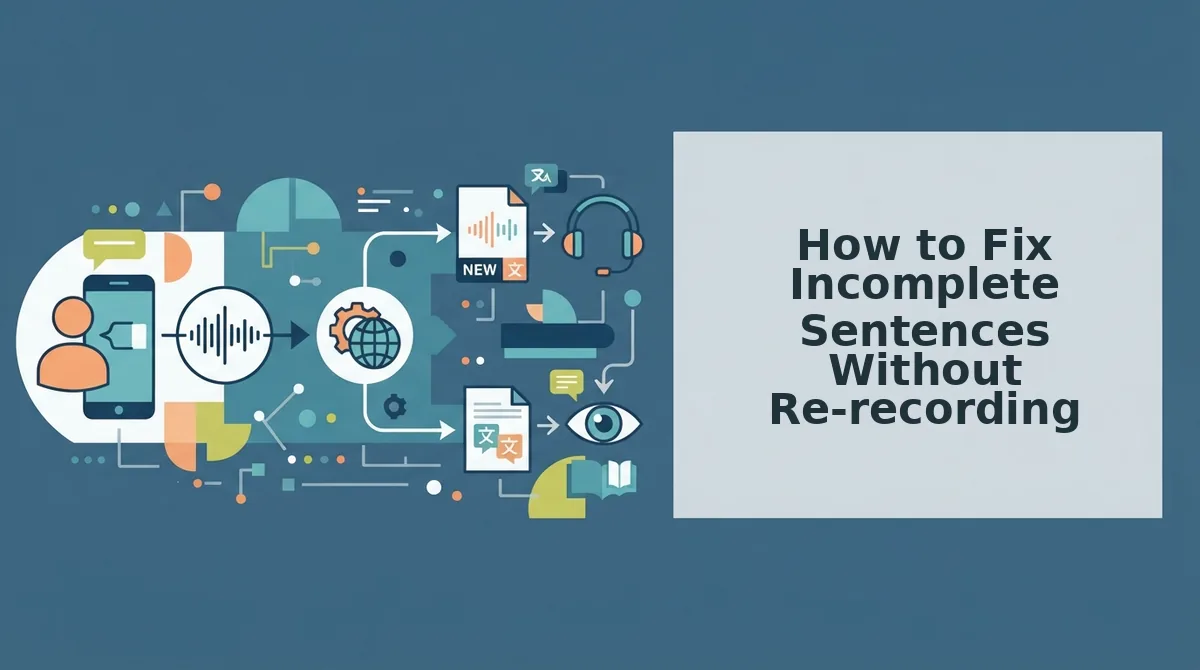
You can repair incomplete sentences in a voice memo in under two minutes using the One-Take Repair framework: identify the pattern, isolate the problem segment, and replace it with a grammatically complete version, all without re-recording. You'll need your original audio file and an AI voice cleaner that edits at the audio level while preserving your vocal timbre.
- Identify the incomplete sentence pattern. Play back your memo once and listen specifically for false starts ("I think we should, actually..."), abandoned clauses ("If we can get this done by Friday, then..."), and filler-trailing ("The main point is, you know, like..."). Mark each occurrence with a timestamp. Success looks like a list of 2-5 flagged segments for a typical 60-second memo.
- Isolate the problem segment on the timeline. Open your audio in an editor that shows a waveform. Select the exact range covering the incomplete clause, start just before the first word of the broken sentence and end where the thought trails off. Include any filler words inside that range. You should see the selection highlighted and hear only the broken segment when you play the isolated clip.
- Replace the segment with a complete sentence. Use an AI voice cleaner that repairs grammar at the audio level, not just in a text transcript. The tool should remove fillers, resolve false starts, and complete abandoned clauses while keeping your original tone, accent, and cadence intact. After processing, play the repaired segment, you should hear your own voice delivering a grammatically complete sentence with no audible splice or synthetic artifact.
Audio-level repair matters because it fixes the sound file itself, not just the text below it. When a tool only corrects a transcript, your listener still hears the original broken audio. VClar's engine operates directly on the audio timeline, removing fillers and reconstructing sentence flow while preserving your natural vocal identity, so the repaired memo sounds like you, just clearer. The distinction between these two approaches is the single most important factor in whether a repaired voice memo sounds natural or obviously edited.
Next, we'll break down exactly how audio-level repair differs from transcript-level repair, and why that difference determines whether your listener trusts the message.
Audio-Level Repair vs. Transcript-Level Repair
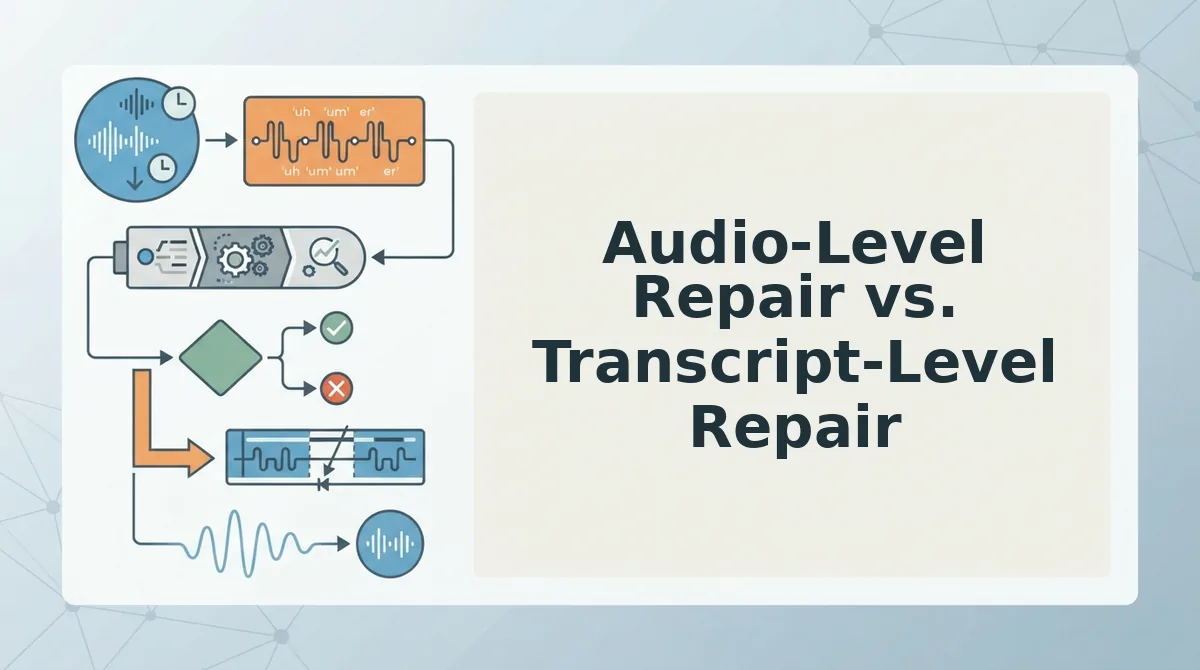
Audio-level repair edits the actual sound wave, removing fillers and restructuring broken syntax while preserving your natural voice. Transcript-level repair changes the text but leaves the spoken audio untouched.
| Factor | Audio-Level Repair | Transcript-Level Repair |
|---|---|---|
| What it edits | The sound wave itself | The written text only |
| What the listener hears | Clean, complete sentences in your voice | Original audio with broken syntax and fillers |
| Filler word removal | Yes, removed from the audio timeline | No, fillers remain in the audio |
| Grammar correction | Yes, restructured in the spoken output | Yes, corrected in text only |
| Voice preservation | Natural tone, accent, and cadence intact | Not applicable to audio |
Transcript-level tools like Otter and Rev are genuinely useful for documentation, search, and written follow-ups. They produce clean text quickly and accurately. But if the recipient listens to the memo, the transcript fix never reaches their ears.
Audio-level repair is the only option that changes what a listener actually experiences. VClar removes fillers and repairs broken syntax directly in the audio timeline, so the message sounds decisive without re-recording.
Best for documentation and written records: transcript-level repair. Best for anyone who sends voice memos that get listened to, founders, sales reps, creators, audio-level repair. If your memos are full of ums and false starts, remove filler words from audio before sending.
What to Do When You Can't Re-record
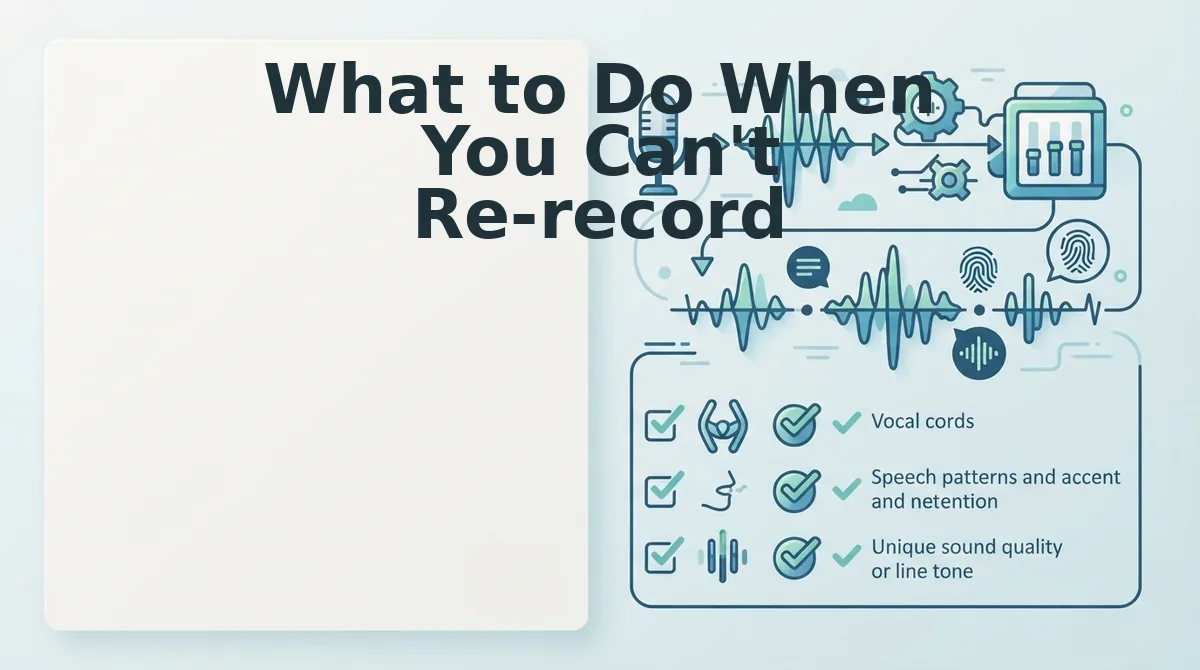
You have five practical options when a broken voice memo can't be redone. Order them by how much of the original take you preserve.
- Run the memo through an AI voice cleaner. An AI voice cleaner repairs grammar and removes fillers at the audio level, so the listener hears a complete sentence in your voice. Upload the memo once and send the cleaned version, no re-recording required.
- Re-record only the broken sentence and splice it in. Record just the incomplete thought again, then use a simple audio editor to replace the broken segment. This preserves the original energy of the rest of the memo while fixing the one weak spot.
- Send a follow-up voice note that clarifies the incomplete thought. A short second memo that says "To finish that last point..." resolves ambiguity without touching the original. It adds a step for the listener but keeps your workflow moving.
- Pair the memo with a corrected written summary. Send the audio as-is, then add one or two lines of text that complete the thought. This works when the audio is mostly fine and only the ending trails off.
- Use a transcript as the primary message. If the audio is too broken to salvage, generate a transcript, fix the text, and send that instead. You lose the voice delivery but gain clarity.
VClar handles the first option automatically, it can fix grammar in voice messages without changing your tone or cadence.
Frequently Asked Questions About Fixing Incomplete Sentences in Voice Memos
How do I fix incomplete sentences in a voice memo without re-recording?
Use an AI voice cleaner that edits the audio itself, not just the transcript. The tool removes fillers, repairs broken syntax, and tightens phrasing while preserving your natural voice. Upload the memo once, download the cleaned version, and send it, no re-recording needed.
Why do I trail off when recording voice memos?
Trailing off happens because speaking and thinking occur at the same speed. You start a sentence before the full thought is formed, then lose the thread mid-way. Background distractions, multitasking, and the pressure of a one-take recording amplify the problem.
Can AI fix grammar in voice messages?
Yes. AI voice enhancement tools detect incomplete sentences, false starts, and grammatical errors in spoken audio, then restructure the speech into complete, grammatically sound sentences. The repair happens at the audio level, so the listener hears the corrected version in your voice.
What's the difference between cleaning a transcript and cleaning audio?
Cleaning a transcript edits the written text only, the audio remains unchanged, so listeners still hear the fillers and broken syntax. Cleaning audio edits the sound wave itself, removing fillers and restructuring sentences so the spoken message sounds complete and decisive.
Does fixing a voice memo change how I sound?
No. Audio-level repair preserves your natural tone, accent, cadence, and vocal identity. The tool removes fillers and repairs syntax, but the voice remains recognizably yours, not a synthetic clone or text-to-speech output.
If you send voice memos across languages, a voice note translator can clean and translate your message in one pass. Send cleaner voice memos with one-take confidence.
Send Cleaner Voice Memos With One-Take Confidence
Incomplete sentences in voice memos are not a speaking failure, they are a recording workflow problem. The One-Take Repair framework turns that problem into a repeatable system: record naturally, clean intelligently, send confidently.
AI repair works best on messages between 45 and 90 seconds. If your environment is too loud for even the best cleanup, re-recording is still the honest fallback, but it should be your last resort, not your default loop.
Here is the sequence that closes the loop:
- Record once, without self-editing. Let the incomplete sentence happen. The repair happens after, not during.
- Run the audio through VClar. It removes filler words, fixes spoken grammar, and preserves your natural voice, tone, and cadence.
- Send the cleaned result. No re-recording, no transcript surgery, no lost time.
Your next step is simple: clean voice memos online with VClar and turn one rough take into a message that sounds finished.
The voice memo is already your fastest communication tool. The only thing slowing it down was the cleanup, and that part is now automated.