
You record a voice note, hit send, and the recipient gets a wall of text that sounds nothing like you. That's the core of what AudioPen misses in voice notes, and it's a problem most people don't realize until they hear their own words flattened into a generic summary. If you've ever felt that sinking moment when your personality, cadence, and tone vanish into a text block, you're not imagining it.
AudioPen's core function is voice-to-text summarization, not audio enhancement. It takes your unstructured spoken thoughts and converts them into clearly organized text, useful for personal notes, but it erases the very thing that makes voice messages powerful: your voice. This article will walk you through exactly where AudioPen stops, what gets lost in that translation, and how VClar approaches voice notes differently by preserving your authentic vocal identity while cleaning up the rough edges.
Here's the roadmap: first, we'll clarify whether AudioPen even outputs audio. Then we'll compare the two tools side by side. Finally, we'll look at what AudioPen users actually experience, including one surprising limitation that most reviews gloss over.
Does AudioPen Output Audio or Just Text?
AudioPen outputs text only, it does not produce an audio file. The tool converts your spoken words into organized, summarized text, leaving your original voice recording behind in the process.
Think of AudioPen like a court stenographer who listens to your testimony and hands you a typed transcript. The words are all there, cleaned up and reorganized, but the sound of your voice, your pauses for emphasis, your laugh at the end of a sentence, none of that survives. You get the content, not the delivery.
This matters more than it first appears. When you send a voice note, you're not just transmitting information. You're transmitting tone, warmth, urgency, and personality. A text summary strips all of that away. The recipient reads your words but hears nothing.
To understand what's happening, it helps to use a simple framework. Voice erasure is the progressive loss of vocal identity that occurs when spoken communication is converted into text-only output. There are three levels:
- Level 1. Full voice erasure: AudioPen converts voice to text, erasing vocal identity entirely. You get a summary, not a message.
- Level 2. Voice preservation with enhancement: VClar enhances your voice by removing filler words and correcting grammar, then produces both enhanced audio and a matching transcript. Your tone, accent, and cadence remain intact.
- Level 3. Human judgment: Neither tool replaces your decision about what to say. The tools handle cleanup; you handle meaning.
For a quick self-contained answer: if you need a text summary of your spoken thoughts for personal notes or journaling, AudioPen does exactly that. If you need to send a polished voice message that still sounds like you, with the ums and false starts removed but your vocal identity intact, you need a tool that outputs audio, not just text. VClar fills that gap by cleaning the audio timeline itself, so the voice message sounds decisive and direct without sounding like someone else.
AudioPen vs VClar: Side-by-Side Comparison
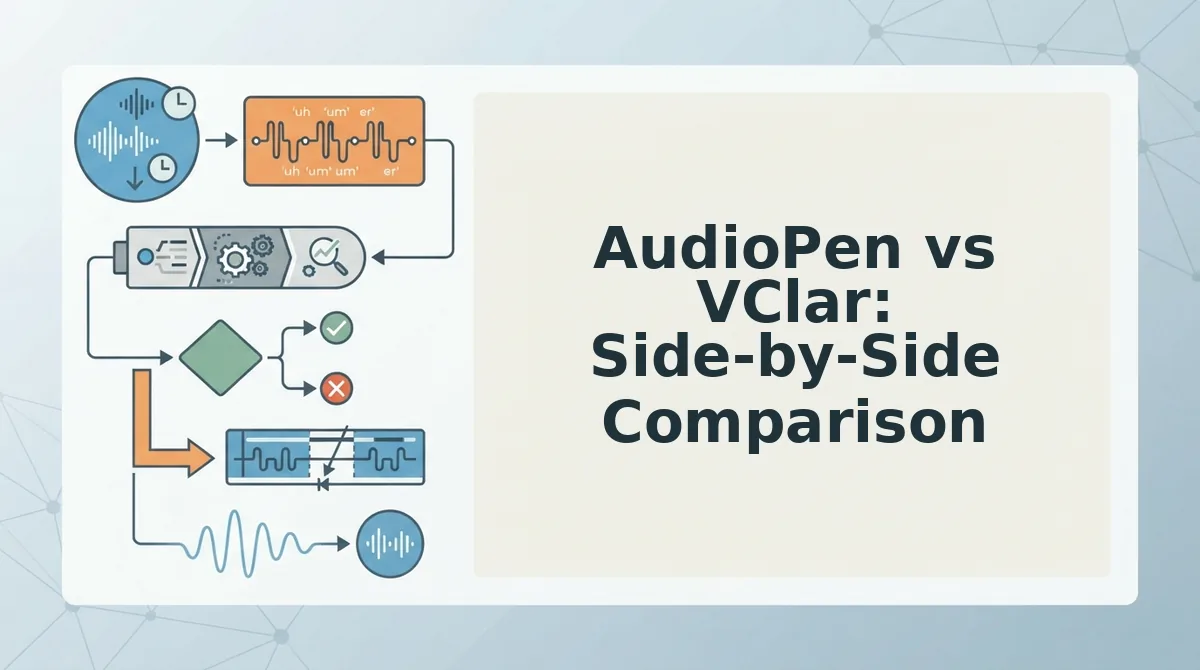
AudioPen and VClar serve fundamentally different purposes: AudioPen is a voice-to-text note-taking tool, while VClar is an AI voice message translator and speech enhancer that preserves your audio. Both have legitimate strengths, but they're built for different jobs.
AudioPen deserves credit for what it does well. It's fast, simple, and excellent at turning rambling spoken thoughts into clean, organized text. If your goal is capturing ideas for yourself, meeting notes, journal entries, brainstorming sessions. AudioPen is a strong choice. It's positioned as a note-taking tool, not a voice messaging tool, and it delivers on that promise.
Where AudioPen stops is where VClar starts. VClar doesn't convert your voice into text and discard the audio. It works directly on the audio timeline, removing filler words like "um," "ah," and "like," correcting spoken grammar, and cleaning up acoustic distractions, all while keeping your authentic voice, tone, and cadence. The output is enhanced audio plus a matching transcript.
| Feature | AudioPen | VClar |
|---|---|---|
| Primary output | Text summary only | Enhanced audio + transcript |
| Preserves vocal identity | No, voice is erased | Yes, tone, accent, cadence intact |
| Removes filler words | In text summary | In the audio itself |
| Corrects spoken grammar | In text summary | In the audio itself |
| Translates across languages | No | Yes |
| Best for | Personal notes, journaling, idea capture | Client-facing voice messages, sales outreach, cross-border communication |
Best for personal note-takers: AudioPen. If you think faster than you type and want a clean text summary of your thoughts for your own reference, AudioPen does the job well.
Best for professionals sending voice messages: VClar. If you're a founder, sales rep, freelancer, or creator sending voice notes to clients, prospects, or collaborators, you need the recipient to hear you, not a text approximation of you. VClar removes the hesitations and grammar slips while keeping your voice intact.
The decision matrix is simple: ask yourself two questions. First, is this for personal use or client-facing communication? Second, do you need text only, or audio plus text? If personal and text-only, AudioPen works. If client-facing and audio matters, VClar is the tool built for that job. For a deeper dive into how these two tools stack up, see our full breakdown of how VClar compares to AudioPen.
But feature lists only tell part of the story. What actually happens when you use AudioPen day to day?
What AudioPen Users Actually Experience
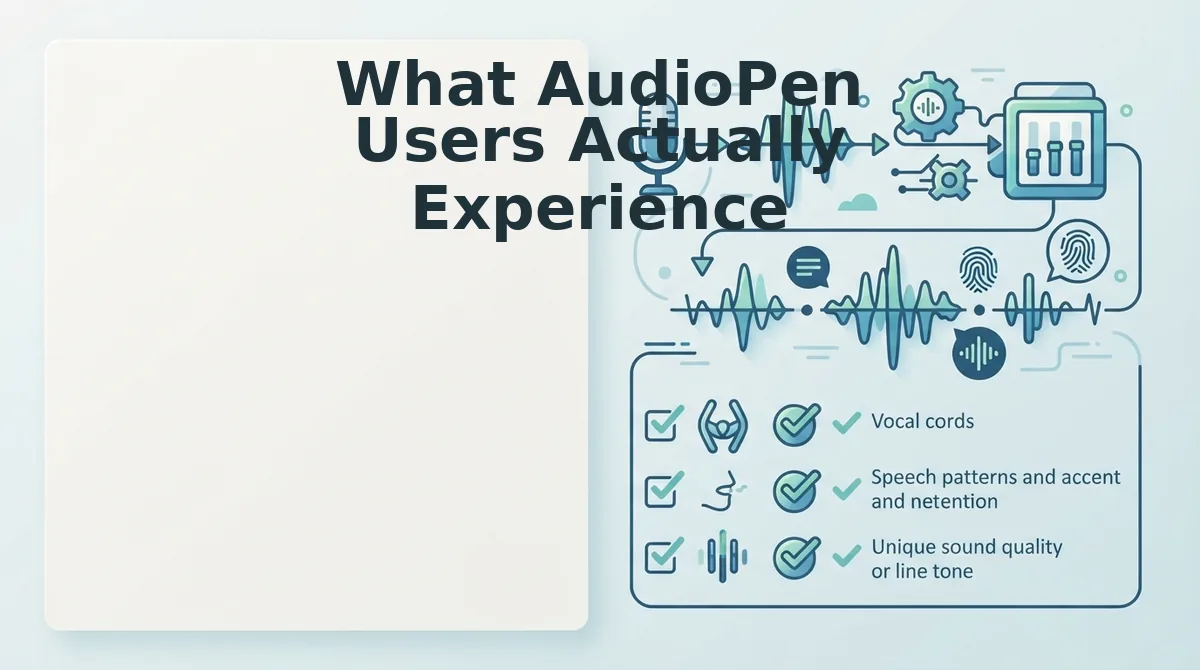
AudioPen turns spoken notes into clean text, but users consistently report the same trade-off: the voice itself disappears. Here are the seven most common experiences shared by AudioPen users, ranked by how often they surface.
- The voice message they wanted to send is gone. A founder records a 60-second update. AudioPen returns a clean text summary, but the voice message they wanted to send is gone. They re-record or settle for text. VClar returns the same message with fillers removed, grammar fixed, and their voice intact.
- Recipients get a summary, not a message. Text summaries strip tone, emphasis, and urgency. A sales rep's enthusiasm for a deal reads flat in a bulleted recap. VClar keeps the vocal delivery so the recipient hears confidence, not a paraphrase.
- Cross-language teams lose the speaker's identity. AudioPen's text output can be pasted into a translator, but the result is generic. VClar translates speech across languages without altering the speaker's authentic voice, tone, or cadence, so a founder in Berlin still sounds like themselves to a client in Tokyo.
- Re-recording becomes the default workflow. Users who need audio, not text, end up recording twice: once for AudioPen's summary, once for the actual message. VClar eliminates that loop by cleaning the original take in one pass.
- Filler words survive in the original audio. AudioPen may ignore ums and ahs in its text output, but the raw recording still contains them. If you share that audio, the fillers are still there. VClar lets you remove filler words from audio directly, not just from a transcript.
- Grammar fixes only live in the text version. AudioPen corrects grammar in its summary, but the spoken version remains unpolished. VClar applies the same correction to the audio timeline, so what you hear matches what you read.
- Users settle for text because they think audio can't be fixed. Many AudioPen users assume a polished voice message requires a studio or a script. VClar proves otherwise: one take, cleaned automatically, delivered as enhanced audio plus transcript.
If any of these sound familiar, the fix is not another text tool, it is a tool that treats your voice as the deliverable. VClar lets you fix grammar in voice messages without losing the message itself.
How VClar Fixes What AudioPen Misses
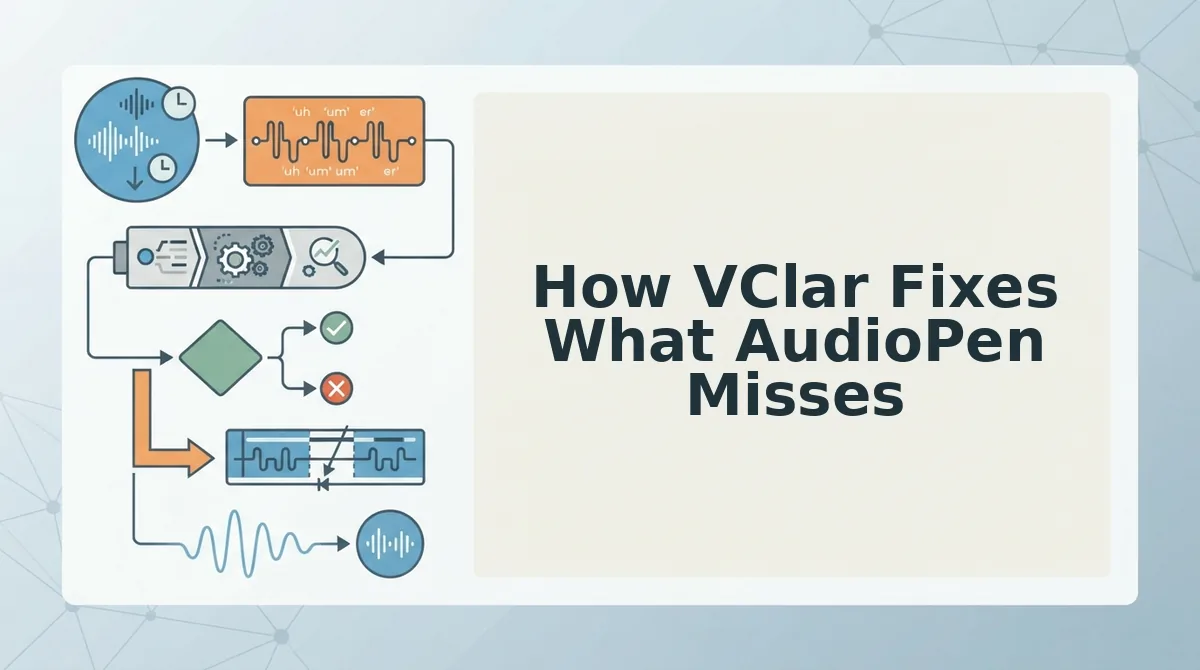
VClar processes the same voice note AudioPen would summarize, but returns enhanced audio plus a matching transcript, keeping your voice, tone, and cadence intact. You need a VClar account and a raw voice recording or live microphone.
- Record or upload your voice note. Open VClar and either record directly or upload an existing audio file. You should see the waveform appear with a processing indicator within seconds.
- Let VClar detect and remove fillers automatically. The engine scans for ums, ahs, "like," "basically," "you know," and false starts. You should see a cleaned timeline where those hesitations are gone, with no audible gaps or cuts.
- Review the grammar corrections in the transcript. VClar corrects spoken grammar in both the audio and the text output. You should see the transcript update in real time, matching what you now hear in the enhanced audio.
- Check the acoustic cleanup. Background noise, echo, and other distractions are removed from the audio track. You should hear your voice clearly, without the room or the street competing for attention.
- Translate if needed. For cross-border messages, select the target language. VClar translates the speech while preserving your authentic voice, tone, and cadence, the recipient hears you, not a synthetic voice.
- Export and send. Download the enhanced audio, the corrected transcript, or both. You should have a message ready to send in one take, with no re-recording required.
VClar eliminates verbal hesitations, corrects spoken grammar, removes acoustic distractions, and translates speech across languages without altering the speaker's authentic voice, tone, or cadence. For founders, sales teams, and cross-border operators, this means the difference between sending a rough draft and sending a finished message. If your current workflow involves recording twice, once for a text summary, once for the actual voice note. VClar collapses that into a single step. The remove filler words from audio capability is the core of this: it fixes the recording itself, not just a text version of it.
The Real Difference Is What Your Recipient Hears
AudioPen solves a writing problem. VClar solves a speaking problem. The distinction matters because voice messages are not drafts, they are the deliverable. When a founder sends a voice update to investors, a sales rep leaves a voicemail for a prospect, or a freelancer briefs a client across time zones, the recipient is not evaluating a summary. They are evaluating the speaker.
That is why VClar's approach, enhanced audio plus transcript, with fillers removed, grammar fixed, and vocal identity preserved, changes the workflow entirely. You stop re-recording. You stop settling for text when you wanted to speak. You stop worrying that your first take was not clean enough.
VClar is built for founders, sales teams, creators, freelancers, and cross-border operators who think faster than they type. If you have been using AudioPen to clean up your thoughts, try VClar on your next voice note and send the audio itself. For messages that need to cross languages, the voice note translator keeps your voice intact in any language. Your next message can be one take, one send, and still sound exactly like you.