
You think at roughly 150 words per minute but speak at about 120. That 30-word gap is where broken syntax lives, and it's why your voice messages come out tangled even when your ideas are clear. If you've ever listened back to a voice note and cringed at a half-finished clause or a sentence that changed direction mid-thought, you already know the problem. The good news: you don't need to become a better speaker to repair broken sentence syntax in a voice message. You need a better workflow.
Agree: re-recording loops are the default fix, and they're terrible. They burn time, raise anxiety, and rarely produce a cleaner take. Promise: this guide shows you how to fix syntax breaks after recording, without losing your natural voice, tone, or cadence. Preview: you'll learn why spontaneous speech fragments in the first place, then follow a one-take repair workflow that turns rough audio into decisive, polished messages. Stick around for the surprising reason re-recording is the worst possible fix, and what to do instead.
Why Spontaneous Speech Breaks Syntax (And Why That's Normal)
Broken sentence syntax in spoken language is the gap between what your brain plans to say and what your mouth can execute in real time. It's not a skill deficit, it's a processing constraint.
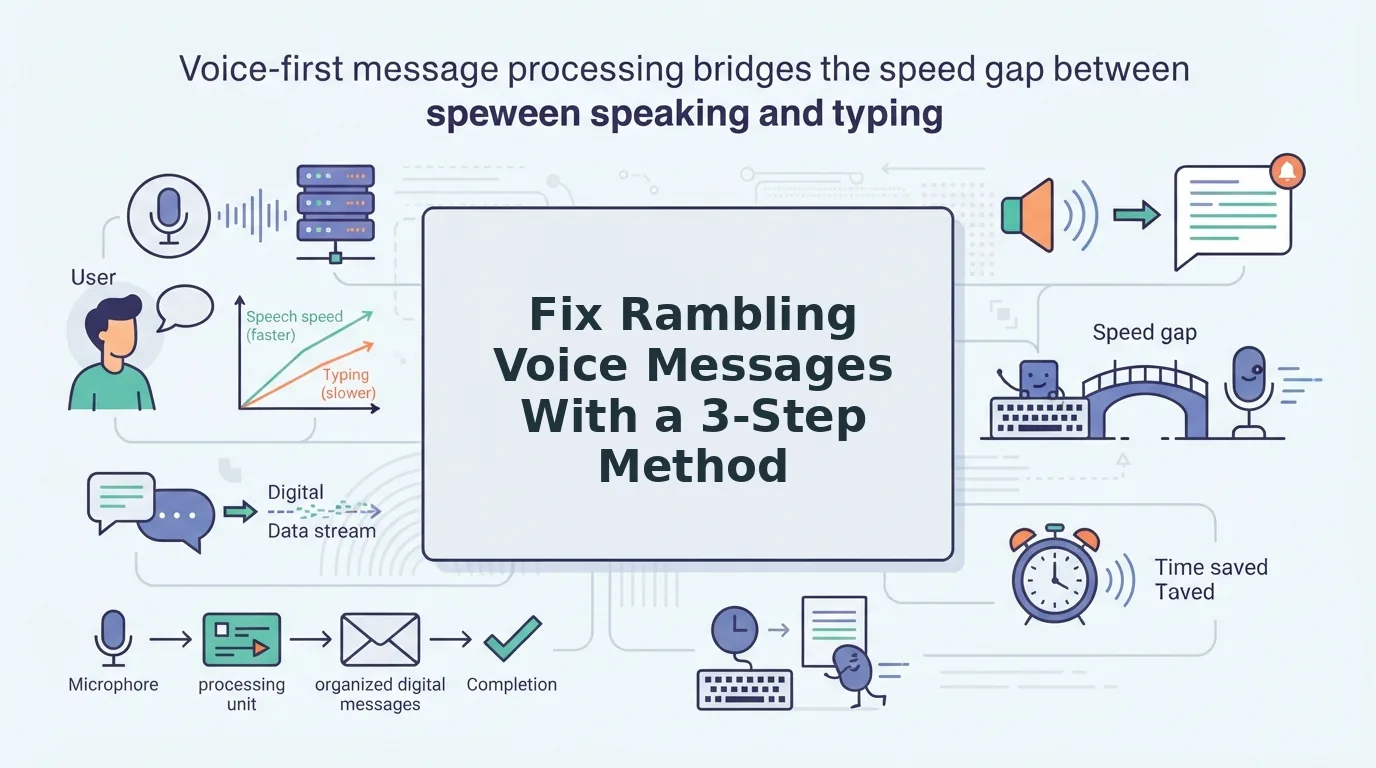
Think of speaking like typing on a keyboard with a 30-word-per-minute lag. Your brain generates sentences at 150 wpm, but your speech apparatus delivers at 120 wpm. The backlog creates a buffer overflow: planned clauses pile up, and fragments spill out. That's why you start a sentence, abandon it, start another, and end up with a run-on that made sense in your head but sounds scrambled on playback.
Four syntax breaks dominate spontaneous speech. False starts occur when you begin a clause, stop, and restart with different wording. Abandoned clauses happen when you drop a thought mid-sentence and never return to it. Run-on stacking chains multiple clauses with "and" or "so" until the original subject disappears. Subject-verb drift occurs when the grammatical subject changes mid-sentence but the verb doesn't follow. All four are normal outputs of a brain that plans faster than a mouth can deliver.
Here's the key insight: written grammar rules don't apply cleanly to spoken language. In writing, you can revise before anyone sees the draft. In speech, every word is a live broadcast. The planning-vs-execution gap means fragments aren't errors, they're evidence that your cognitive engine is running at full speed. The fix isn't slowing down your thinking. It's repairing the audio after the fact, so the message sounds as clear as the thought behind it.
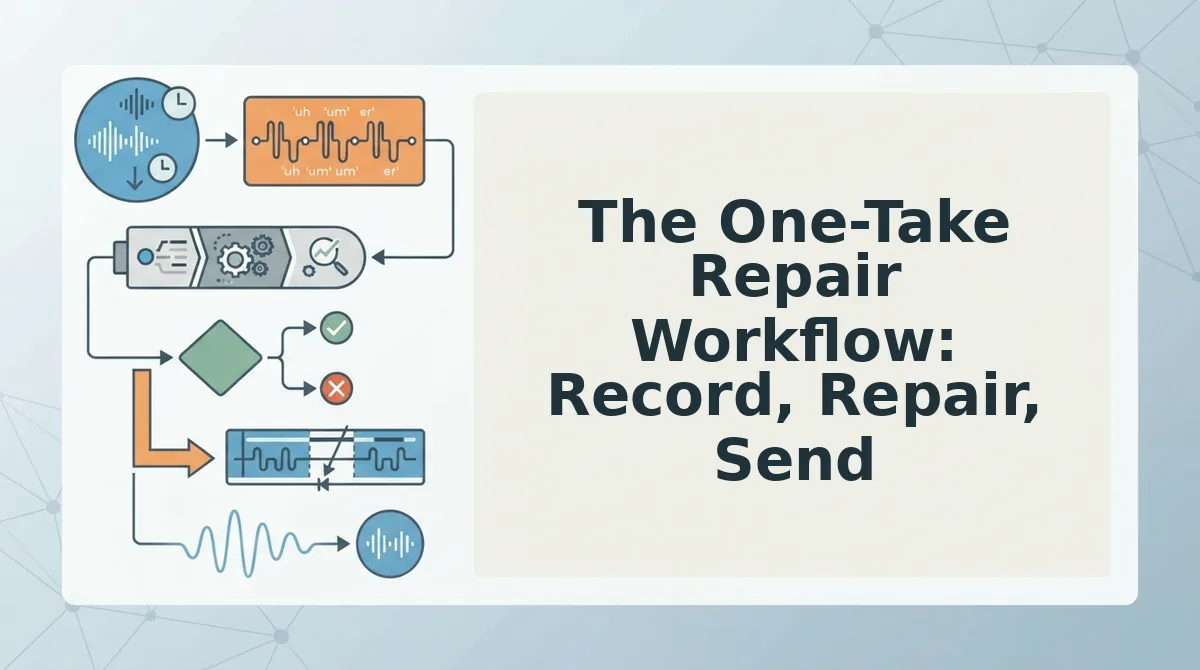
The One-Take Repair Workflow: Record, Repair, Send
Repairing broken syntax beats re-recording every time. Re-recording loops waste minutes per message and increase anxiety with each failed take. A repair workflow fixes the audio you already have, in one pass.
Prerequisites: a voice message between 45 and 90 seconds (repair works best in this range, not on long-form audio), and a tool that can remove filler words from audio while preserving your natural voice.
- Record your message in one take, no stopping, no restarting. Let the false starts and fragments happen. Your only job is to get the full thought out. Expected outcome: a raw voice note that contains all your ideas, even if the syntax is rough.
- Upload the audio to VClar and run syntax repair. The engine detects false starts, abandoned clauses, run-on stacking, and subject-verb drift, then cleans the audio timeline seamlessly. Expected outcome: a message that sounds decisive and direct, same voice, same cadence, no verbal debris.
- Listen once to confirm the message still sounds like you, then send. Check that your tone and intent survived the repair. Expected outcome: a polished voice message delivered with one-take confidence, no re-recording required.
Repair works because it treats voice grammar as a workflow problem, not a writing problem. You don't need to rehearse or slow down. You need a post-recording pass that removes the overflow without flattening your delivery.
Next: not every syntax break should be fixed. Some fragments carry emphasis, personality, and intent that you'll want to preserve.
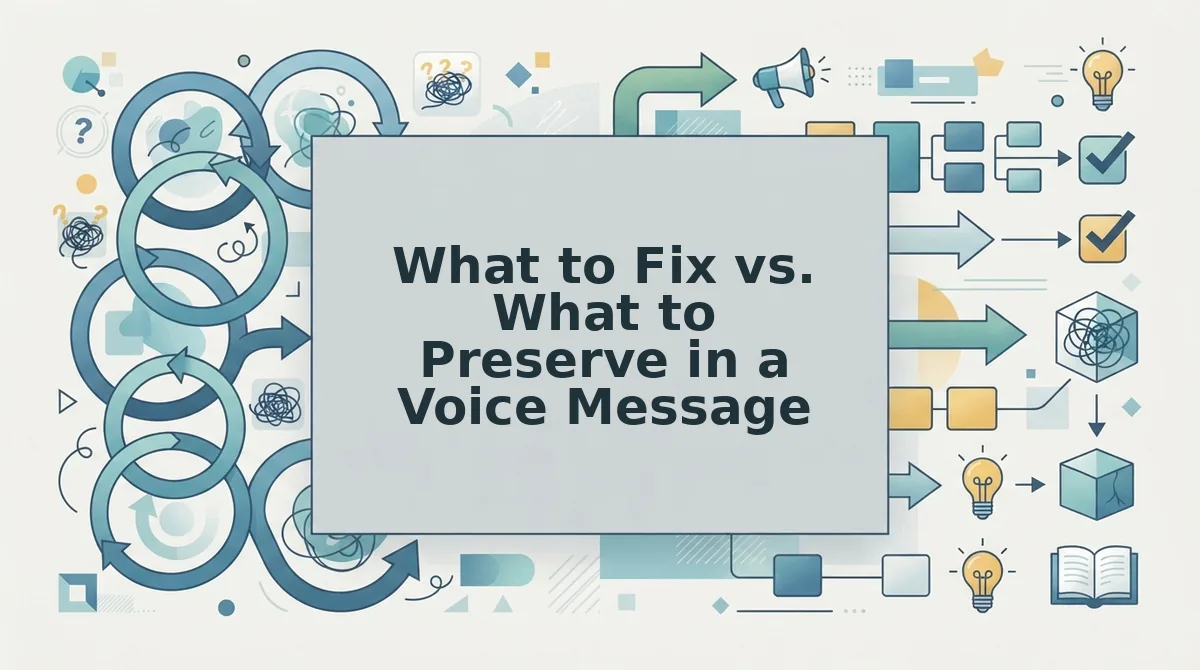
What to Fix vs. What to Preserve in a Voice Message
Grammar repair should be invisible: fix syntax, not timbre, accent, or cadence. The goal is a message that sounds like you on your best day, not a synthetic voice reading a script.
Spontaneous speech breaks down in predictable ways, false starts, tangled clauses, filler words, and subject-verb mismatches. Those are fair game for repair. What must remain untouched are the acoustic fingerprints of your voice: pitch, pace, accent, emotional tone, and natural pauses. A repair tool that flattens those elements solves one problem by creating a worse one.
Competitors in the audio cleanup space handle this differently. Some prioritize aggressive noise reduction and end up stripping warmth from the recording. Others focus on transcription accuracy but leave the audio itself untouched. VClar's approach is to treat syntax repair and vocal preservation as one continuous operation, not two competing priorities.
| Element | Fix It | Preserve It | Best For |
|---|---|---|---|
| Filler words (um, ah, like) | Remove seamlessly from audio timeline | Natural breathing rhythm around them | Sales reps sending follow-up voice notes |
| Broken sentence syntax | Repair subject-verb agreement, tangled clauses | Original word choice and phrasing style | Founders recording investor updates |
| False starts and repetitions | Delete the abandoned attempt | The confident final delivery | Creators publishing voice content |
| Accent and regional pronunciation | Leave completely untouched | Full vocal identity and authenticity | Cross-border operators communicating globally |
| Emotional tone and emphasis | Leave completely untouched | Stress patterns, warmth, urgency | Freelancers negotiating with clients |
If a repair tool cannot distinguish between a grammatical error and a stylistic choice, it will overcorrect. The best tools make surgical fixes to syntax while leaving the speaker's vocal identity, pitch, pace, accent, emotional tone, and natural pauses, completely intact. That is the difference between a message that sounds polished and one that sounds processed.
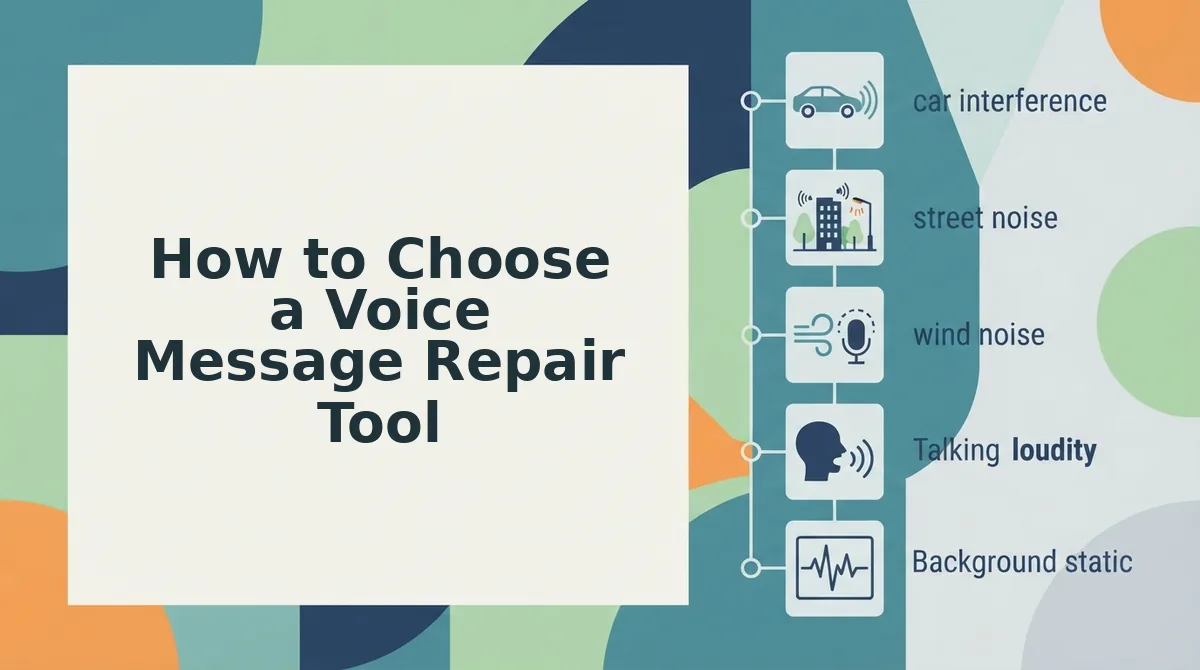
How to Choose a Voice Message Repair Tool
A repair tool earns its place in your workflow when it fixes syntax without flattening your voice. Evaluate options against these five criteria, ordered by impact.
- Does it preserve my voice? The tool must keep your pitch, accent, cadence, and emotional tone intact. If the output sounds like a different person or a text-to-speech clone, the repair cost you more than the grammar error did.
- Does it fix audio artifacts? Background noise, mic pops, and uneven levels distract listeners as much as broken syntax. Look for a tool that cleans the audio timeline alongside grammar repair so you do not need a second pass in another app.
- Does it give a side-by-side transcript? A readable transcript lets you verify what changed before you send. You should see the original and repaired versions next to each other, not a black box that silently rewrites your words.
- Does it handle translation without breaking grammar? If you send voice messages across languages, the tool should repair syntax in the target language too. A voice note translator that translates but leaves grammar broken defeats the purpose.
- Does it avoid synthetic cloning? Some tools replace your audio with a generated voice to achieve clean output. VClar's repair engine corrects grammar without synthetic cloning or complex timeline editing, so the voice in the message is still yours.
Start with a short test clip: record 30 seconds of unscripted speech, run it through the tool, and compare the original against the output. If you can hear the edits but not the editor, you have found the right workflow to fix grammar in a voice message without losing yourself in the process.
Frequently Asked Questions About Repairing Voice Message Syntax
Voice message repair is a new workflow for most people. These answers cover the questions that come up most often when someone first tries it.
Can I fix grammar in a voice message without re-recording?
Yes. A voice repair tool analyzes your recording, identifies grammatical errors and filler words, and removes or corrects them directly in the audio timeline. You do not need to re-record the message. The original vocal delivery stays intact while the syntax gets cleaned up.
Does grammar repair make my voice sound robotic?
No, if the tool preserves timbre, accent, and cadence. Robotic output happens when a tool replaces your audio with synthetic speech or applies heavy processing. A repair engine that edits only the problem segments keeps your natural voice, pitch, and emotional tone unchanged.
Why does my spoken grammar break down even when I write well?
Speaking happens in real time with no backspace key. Your brain plans the next clause while your mouth is still delivering the current one, which creates false starts, tangled syntax, and filler words. It is a cognitive limitation of spontaneous speech, not a reflection of your language ability.
Can I translate a voice message and keep the grammar clean?
Yes. VClar translates and repairs in one pass, so the output in the target language has correct syntax without filler words or broken clauses. The voice note translator workflow handles both tasks simultaneously, which saves a second editing step.
What is the difference between a transcript fix and an audio fix?
A transcript fix corrects the text version of your message but leaves the audio unchanged. An audio fix edits the actual recording so the spoken output sounds clean. If your recipient listens rather than reads, you need the audio-level repair, not just a polished transcript.
Once you know what to fix and what to protect, the only step left is trusting the send button.
Send With Confidence, Not Perfection
Repair is not a substitute for clear thinking, but it removes the penalty for thinking out loud. That distinction changes how you record. You stop rehearsing sentences in your head and start speaking with the same momentum you'd use in a live conversation.
The workflow is simple:
- Record the message in one take, without stopping to fix yourself.
- Run it through VClar to repair broken sentence syntax in a voice message in a single pass.
- Send it knowing the grammar lands clean while your tone stays intact.
Every retake you skip is time returned to the actual work. The message that would have taken four attempts now takes one, and it sounds more like you, not less.
Clarity is a cleanup problem, not a confidence problem.