

You record a 45-second voice message, listen back, and realize half of it is sentence fragments, so you delete it and start over. Again. That re-record loop is the hidden tax on every founder, sales rep, and freelancer who thinks at 150 words per minute but speaks at 120-150, and types at a sluggish 40. You're not a bad communicator; your mouth just can't keep up with your brain.
Here's the reality: you don't need to re-record to fix incomplete sentences in a voice message. You need a workflow that repairs fragments after the take, not before it. In this guide, you'll learn why voice messages produce more fragments than writing, how to identify the four fragment types that sabotage your authority, and a one-take repair method that eliminates the re-record loop entirely.
One capability changes the math: VClar detects and removes verbal false starts and trailing thoughts from raw audio, so your first take becomes your final take. And there's a surprising reason most fragment-fixing advice fails for voice, it's buried in the cognitive mechanics below.
Why Voice Messages Produce More Sentence Fragments Than Writing
A sentence fragment is a group of words that lacks a complete grammatical structure, missing a subject, a verb, or a complete thought. Voice messages produce more of them than writing because speaking is real-time with no backspace.
Think of writing like drafting an email with an undo button: you can pause, delete, and restructure before anyone sees it. Speaking is more like painting in permanent ink, every false start and abandoned thought lands on the canvas. When your brain generates ideas at roughly 150 words per minute but your mouth delivers them at 120-150 words per minute, a queue forms. That queue forces you to start sentences before you know how they'll end.
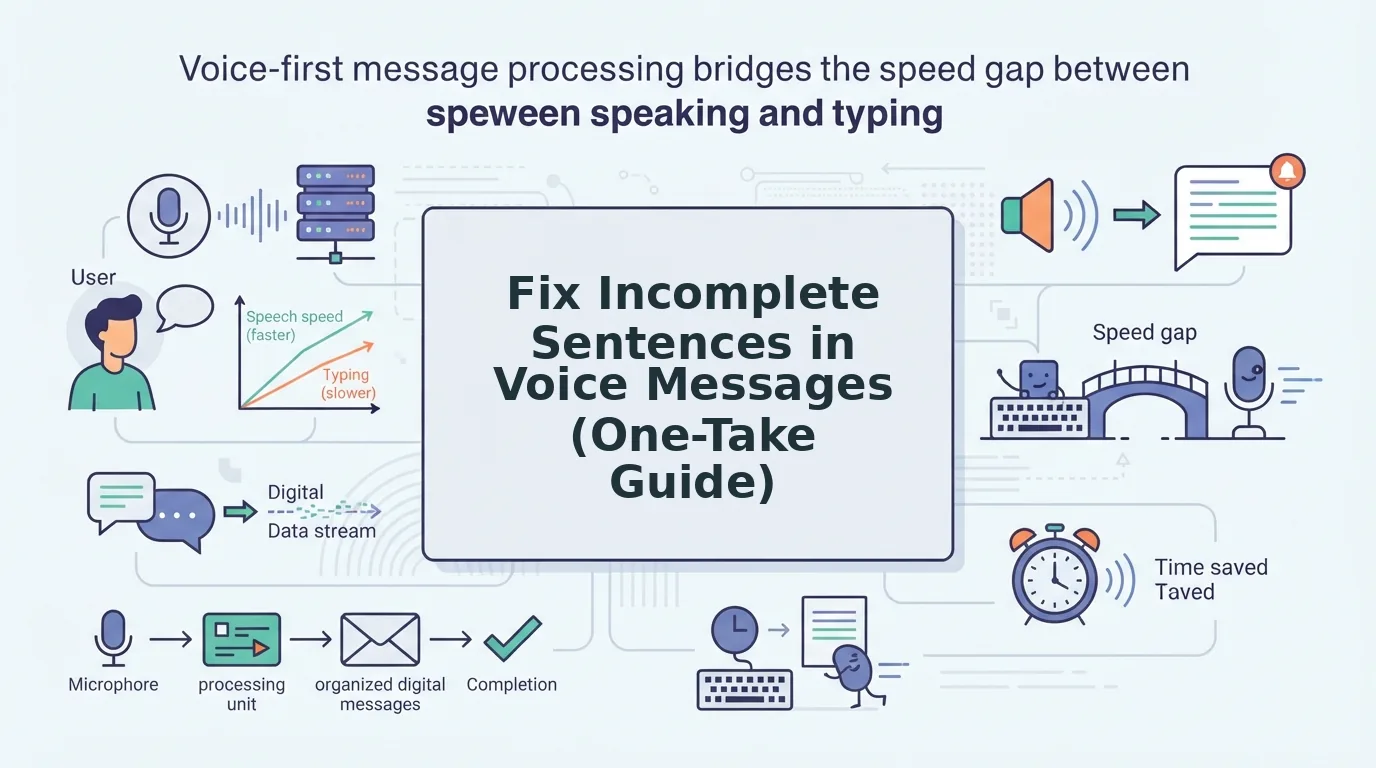
This is the Speech-to-Text Gap: the cognitive distance between how fast you think and how fast you can articulate. Typing widens the gap to 40 words per minute, which paradoxically helps, the slower output gives your brain time to complete thoughts before committing them. Speaking collapses that buffer, so fragments slip through.
Voice messages also lack the visual editing cues of text. In writing, you see an incomplete sentence and fix it before sending. In audio, the fragment is already recorded, and most people only notice it on playback, which triggers the delete-and-rerecord cycle. The fix isn't slowing your speech to typing speed; it's repairing fragments after the take, which is exactly what VClar's filler and false-start removal engine does to the audio timeline.
The 4 Types of Incomplete Sentences in Voice Messages (With Examples)
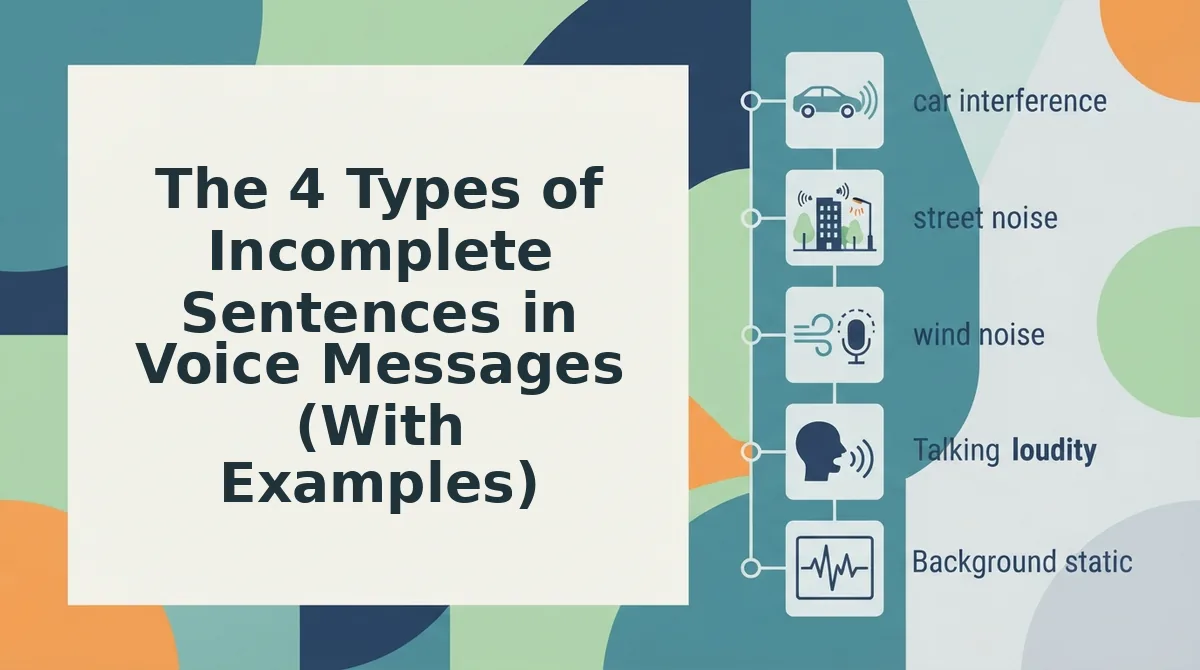
Incomplete sentences in voice messages fall into four diagnostic categories: missing subject, missing verb, trailing thought, and false start. Each has a distinct spoken pattern and a specific repair strategy.
- Missing subject, the fragment leaves out who or what is acting. Example: "Sounds good to me." Sounds good, but what sounds good? The proposal? The timeline? In writing, you'd catch the missing "that" or "the plan." In speech, the subject gets dropped because your brain assumes the listener shares your context. This fragment undermines authority in client messages, where ambiguity reads as uncertainty.
- Missing verb, the fragment names a thing but never says what about it. Example: "The client meeting tomorrow." What about it? Rescheduled? Needs prep? Canceled? Spoken fragments like this happen when you announce a topic before deciding what you want to say about it. The listener is left waiting for an action that never arrives.
- Trailing thought, the sentence starts with intent but dissolves into filler. Example: "I think we should... yeah, that's it." The thought evaporates mid-sentence because your brain moved on before your mouth finished. Trailing thoughts are the most common fragment in spontaneous voice notes and the hardest to self-detect without playback.
- False start, the speaker begins, aborts, and restarts. Example: "What I meant was, no wait, the thing is..." False starts are verbal scaffolding, you're building the sentence out loud while still figuring out the structure. They're invisible to the speaker in the moment but glaring to the listener on playback.
These four fragment types account for nearly every incomplete sentence in raw voice audio. The good news: VClar's engine detects and removes false starts and trailing thoughts directly from the audio timeline, so you don't have to manually edit around them. Next, the one-take repair method shows you how to fix fragments without ever hitting re-record.
The One-Take Repair Method: Fix Fragments Without Re-Recording
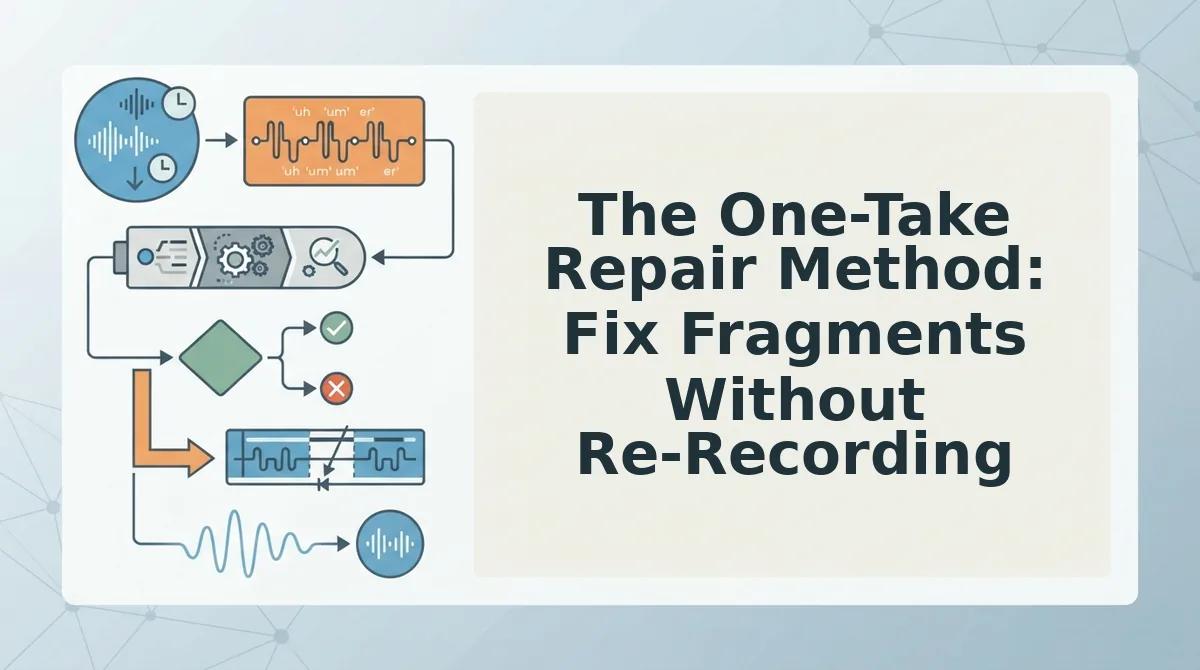
You can repair an incomplete sentence in a voice message without starting over. The one-take method uses a short spoken add-on phrase plus an AI voice cleaner to splice the fix seamlessly into your original recording.
Prerequisites: Your original voice message file (or the ability to re-open the recording app), a quiet moment to record a 2-5 second repair phrase, and access to VClar's AI voice cleaner.
- Identify the fragment type from your recording. Replay the message and classify the incomplete sentence using the four types from Section 3: missing subject, missing verb, dangling modifier, or abandoned thought. Say the fragment out loud once to confirm exactly which grammatical element is missing. You should be able to name the gap in one phrase, such as "missing verb after 'the budget.'"
- Speak the missing subject or verb as a short add-on phrase. Open your voice recorder app and record only the missing element in your natural speaking voice, matching the tone and pace of the original message. For example, if the original says "…and then the client," record "approved the timeline" as a standalone clip. Keep the add-on under 5 seconds. You should hear the repair phrase blend naturally when played immediately after the fragment.
- Upload both clips to VClar's AI voice cleaner. Open VClar, select Upload, and add the original message file followed by the repair clip in sequence. The tool detects the fragment boundary and splices the add-on into the audio timeline at the correct position. You should see a preview waveform showing the two clips joined without a visible gap.
- Run filler and grammar correction on the combined audio. Click Clean Audio to remove filler words from audio and let VClar fix grammar in a voice message across the full timeline, including the spliced section. You should hear the repaired sentence flow as if it was spoken in one continuous take.
- Export and send the corrected message. Click Export and choose your preferred format. Play the final file once before sending. You should hear a complete, decisive sentence with no trace of the original fragment or the splice point.
This workflow eliminates the re-record loop entirely. Instead of redoing a 90-second message because of one broken sentence, you spend 15 seconds recording a repair phrase and let the AI handle the splice, filler cleanup, and grammar correction in a single pass.
Speak in Complete Thoughts, Not Perfect Sentences
The goal of a voice message is not formal grammar, it is a complete thought the listener can act on without asking follow-up questions. A fragment like "…and then the client" fails because the thought is unfinished, not because it violates a style guide. VClar fixes the grammar while preserving your natural tone, accent, and rhythm, so the message still sounds like you on your best take.
Next step: record your next voice message in one take, run it through VClar's grammar correction, and send it without a re-record. For more on tightening your spoken delivery, browse voice message tips on the VClar blog. One take, one clean message, zero re-record loops, that is the standard you can hold every voice note to.