
You've recorded the same voice note four times, and each take somehow sounds less coherent than the last. That's the re-record loop, a quiet time sink that startup founders, B2B sales reps, and freelancers know all too well. You're not losing the ability to think clearly; you're losing the battle against your own spontaneous speech patterns.
Here's the good news: you can fix rambling sentence structure in a voice note without scripting every word or recording a dozen takes. This guide walks you through why voice notes ramble in the first place, a three-step mental model that replaces scripting entirely, and the ideal length for a message that lands with authority. Along the way, you'll discover why planning less, not more, produces cleaner audio, and how tools like VClar's filler word removal can clean up what slips through.
Why Voice Notes Ramble (and Why Scripting Makes It Worse)
Rambling in a voice note is the gap between thinking speed and speaking speed, your brain generates ideas faster than your mouth can organize them, so sentences start mid-thought, double back, and trail into new tangents. Scripting seems like the fix, but it creates a different problem: stiff, robotic delivery that defeats the purpose of async voice.
Think of a voice note like a jazz solo. A scripted message is sheet music played note-for-note, technically correct but lifeless. A rambling message is free jazz with no key signature, energetic but impossible to follow. The goal is the middle ground: a structured improvisation where you know the chord changes before you start playing.
Kara Ronin's widely viewed video on clear communication reinforces this link: clear speech follows clear thinking, not memorized lines. The distinction that matters is conversational versus circular speech. Conversational speech moves forward, each sentence adds new information. Circular speech loops back on itself, repeating points and reopening settled ideas.
Before you record your next voice note, run this three-question self-check: (1) Did I repeat the same point twice? (2) Did I introduce a new topic mid-sentence? (3) Did I end where I started? If you answered yes to any of these, your note is circular, not conversational. The fix isn't scripting, it's a lightweight mental structure you apply before you hit record, which the next section breaks down step by step.
The One-Take Framework: Anchor, Sequence, Stop
The One-Take Framework is a three-step mental model that replaces scripting by giving your voice note a clear spine before you record, no written notes required, just 30 seconds of thinking. You'll need nothing more than your phone's voice recorder or messaging app.
- Anchor: State your point in one sentence before you record. Say it out loud to yourself once, not as a script, but as a compass. If you can't compress your message into one sentence, you don't know what you're trying to say yet. Success looks like a sentence you could text someone without explanation.
- Sequence: Order your 2-3 supporting points. Assign each point a number in your head, first, second, third. This creates a mental checklist that keeps you moving forward instead of circling. You should feel a clear "next" after each point, not a search for what else to say.
- Stop: End when the anchor is supported, not when you run out of breath. The moment your final supporting point lands, close with a one-line call to action or summary and stop recording. Success looks like a note that ends decisively, no trailing "so yeah" or awkward silence.
Here's the framework in action. She stops after point two with: "Full metrics in the email, flagging the churn item for our call Thursday." Total length: under 45 seconds, no re-records.
If you're a founder using voice notes for founders to send investor or team updates, this framework removes the pressure of perfect delivery. And when a filler word or false start still slips through, VClar's filler word removal cleans the audio timeline without changing your natural tone. Next, let's look at the ideal length for a voice note that keeps attention without losing substance.
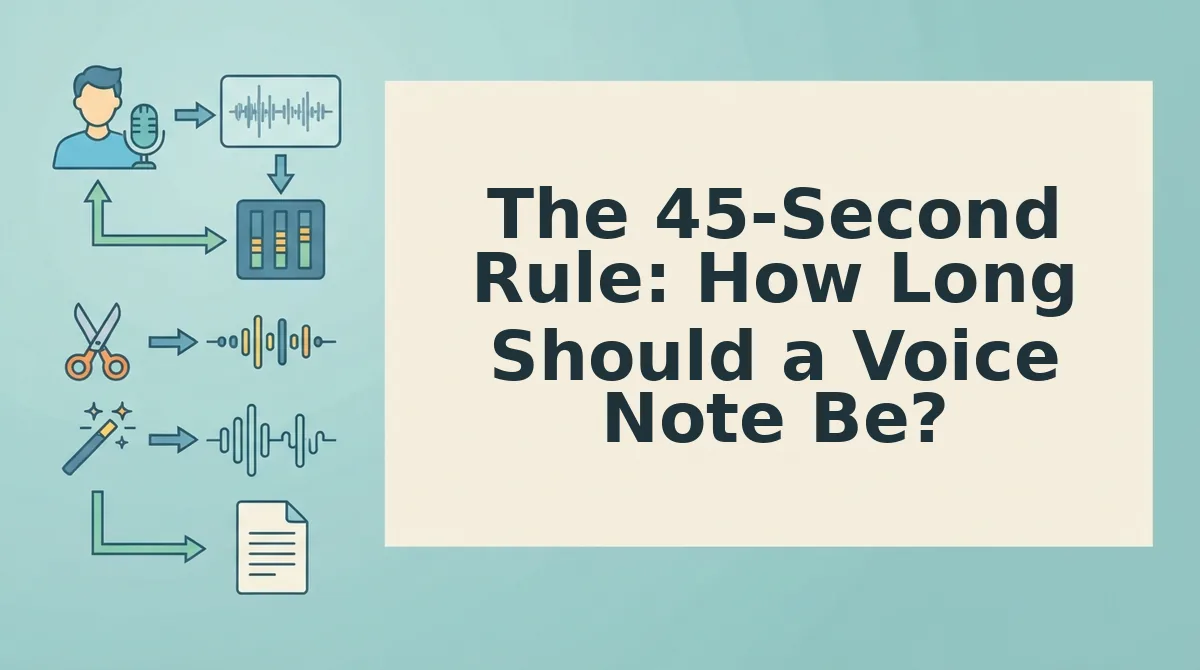
The 45-Second Rule: How Long Should a Voice Note Be?
The 45-second rule is a length guideline that keeps voice notes within the 45-90 second range most listeners can absorb without losing the thread. Think of a voice note like a sandwich: the first 5 seconds are the bread that tells the listener what they're about to eat, the middle 30 seconds hold the filling, and the final 10 seconds wrap it up so nothing spills out.
Start with a 5-second anchor that states your purpose in one sentence, "Here's the hiring update you asked for." Spend the next 30 seconds on two or three supporting points, in the order you'd want them repeated back to you. Close with 10 seconds that names the single action or decision you need from the listener.
If you consistently run past 90 seconds, you're not rambling because you lack vocabulary, you're rambling because you haven't decided what the note is for. Cut the scope before you cut the words. VClar's filler word remover handles the verbal debris; the 45-second structure handles the thinking.
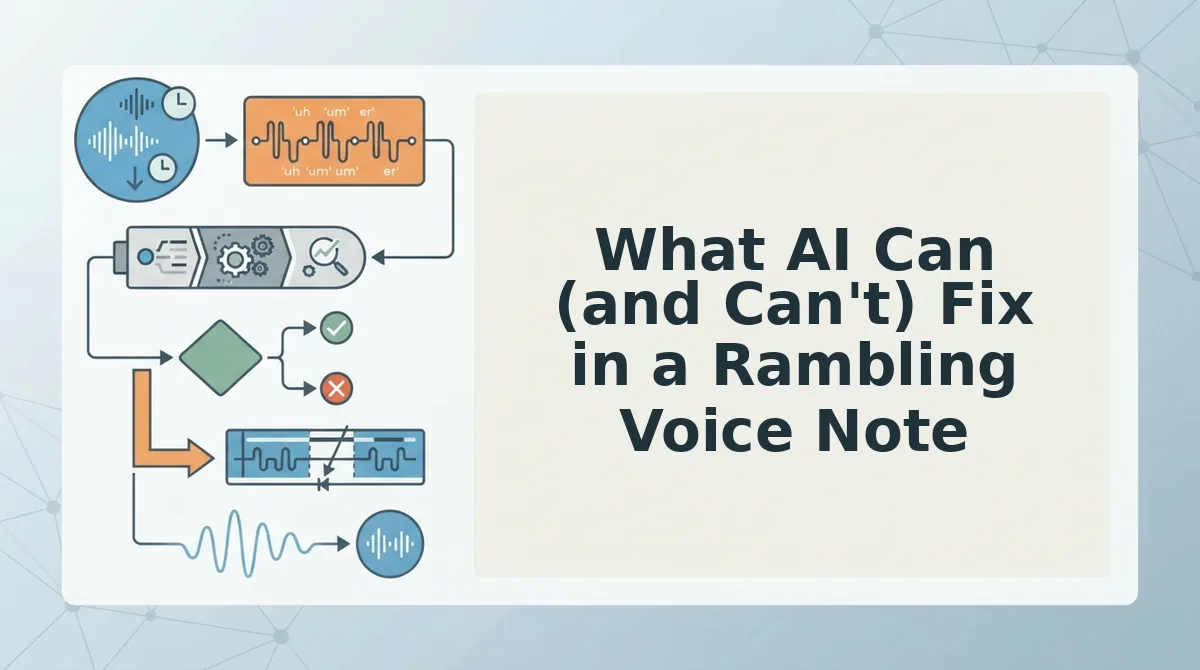
What AI Can (and Can't) Fix in a Rambling Voice Note
AI voice cleanup removes the mechanical noise of spontaneous speech, fillers, false starts, circular phrasing, and awkward pauses, but it does not rewrite your intent or replace your vocal identity. The distinction matters because the most common objection to AI voice tools is the fear of sounding robotic.
Here's the honest breakdown:
| What AI removes | What AI preserves |
|---|---|
| Filler words: "um," "ah," "like," "you know" | Your natural tone and emotional register |
| False starts and abandoned sentence fragments | Your accent and regional pronunciation |
| Circular phrasing that repeats the same point twice | Your speaking rhythm and cadence |
| Awkward pauses and dead air between thoughts | Your intent, what you actually meant to say |
Competitor tools that lean on text-to-speech synthesis can produce grammatically perfect output, but they flatten the very qualities that make a voice note feel human. That trade-off is fine for automated customer service prompts; it's a liability when you're sending a founder update to investors.
VClar's approach is different: the filler words remover edits the audio timeline itself, deleting verbal debris without re-synthesizing your voice. You keep the accent, the cadence, the slight breath before a key point, everything that signals "this is me, thinking clearly."
Best for founders and sales leads who need one-take confidence without sounding scripted: a cleanup tool that edits rather than replaces. Best for automated IVR or chatbot voice lines where consistency trumps personality: full text-to-speech synthesis.
Here's the self-contained answer: AI can fix the structure of a rambling voice note by removing fillers, false starts, circular phrasing, and awkward pauses from the audio timeline. It cannot, and should not, fix your tone, accent, rhythm, or intent, because those are the authentic vocal qualities that make a voice note land differently than an email. The right tool edits the audio you recorded rather than generating a new voice from text.
Before and After: A Rambling Voice Note, Fixed
Here's a real founder update scenario, transcribed before and after cleanup. The changes show exactly what rambling structure looks like, and what removing it does to clarity.
Before (raw, 38 seconds): "Hey um, so I wanted to, you know, give you a quick update on where we are. Basically we've been seeing some traction, like real traction actually, with the enterprise pilot. Um, the hiring thing, we're still figuring that out. You know, the two engineers we talked to, one of them is, um, still deciding. Anyway, traction is good, that's the main thing."
After (VClar cleanup, 19 seconds): "Quick update: the enterprise pilot is showing real traction. On hiring, one of the two engineers we interviewed is still deciding. Traction is the headline. I'll send numbers this afternoon."
- Filler words removed: "um," "you know," "basically," and "like" were deleted from the audio timeline, cutting roughly 6 seconds of dead verbal weight without altering the speaker's tone.
- Circular phrasing cut: The repeated point about traction, stated three times in the original, was compressed to a single headline statement plus a concrete follow-up action.
- Fragmented sentence fixed: The broken hiring update ("the two engineers we talked to, one of them is, um, still deciding") was restructured into a complete, decisive sentence.
Send the Note That Actually Gets Answered
Rambling isn't a personality flaw. It's what happens when you think and speak at the same time without a container. The One-Take Framework gives you that container: Anchor your first sentence, Sequence your points, Stop before the 45-second mark runs out.
But here's the synthesis you may have missed: the framework and the time limit work together because they attack the same problem from opposite ends. The framework controls structure. The 45-second rule controls scope. Structure without scope still rambles. Scope without structure still confuses. You need both.
What AI adds is a safety net, not a script. You record the rough take, let VClar strip the fillers and tighten the phrasing, and send the cleaned version without re-recording. One take, done.
Your next step: record a voice note using Anchor to Sequence to Stop, run it through VClar, and send it. Expect a reply that actually addresses your point instead of asking you to clarify it.
A clear voice note isn't shorter thinking. It's thinking that respects the listener's time.