
You've just listened back to a 90-second voice note you sent a client and counted seven "ums," three false starts, and one sentence that trailed off into nowhere. The worst part? You knew it was rambling before you hit send, but re-recording felt worse than sending it. You're not alone: raw voice memos almost always contain verbal fillers, awkward pauses, and disjointed grammar that quietly undermine your authority and clarity.
Here's the good news: you don't need to re-record a rambling voice message. A 3-step pre-send cleanup turns a rough voice note into a clear, decisive message in under two minutes, without losing your natural tone, accent, or cadence.
In this guide, you'll learn how to fix rambling voice messages before sending using a simple listen-once, fix-once routine. First, we'll walk through a pre-send cleanup checklist that catches filler clusters and structural drift. Then, we'll cover a rescue workflow for voice notes you've already recorded. Finally, we'll show you what to fix first, fillers, grammar, or structure, so you stop second-guessing every send. Stick around to the end: there's a surprising reason most "just plan before you record" advice fails, and it has nothing to do with discipline.
VClar's voice message cleanup removes fillers, tightens phrasing, and reduces background noise in one pass, so your next voice note lands the way you actually sound on your best day.
How to Stop Rambling in Voice Notes with a Pre-Send Cleanup Routine
A pre-send cleanup routine is a 3-step checklist you run on any voice note before hitting send. It catches filler clusters, structural drift, and grammar slips in under two minutes, no re-recording required.
Prerequisites: a recorded voice note (or a voice recorder app), and a cleanup tool like VClar that can remove filler words from your voice message without altering your tone.
Here's the Listen-Once, Fix-Once checklist:
- Listen once for structure, not polish. Play your voice note at 1.2x speed and ask one question: does the message have a clear start, middle, and end? If you hear yourself circling back to a point you already made, mark that spot. Expected outcome: you identify the 1-2 structural problems that actually confuse listeners, not the cosmetic ones.
- Identify filler clusters. Filler clusters are groups of ums, ahs, likes, and false starts that occur together, usually when you're thinking while talking. A single "um" is fine. Three in a row before a key sentence is not. Scan for these clusters and note where they appear. Expected outcome: you know exactly which segments need cleanup, not a vague sense that "it sounds rough."
- Apply targeted cleanup. Upload the voice note to VClar and let the engine remove filler words, tighten phrasing, and reduce background noise in one pass. Listen to the cleaned version once to confirm your tone and accent are intact. Expected outcome: a voice message that sounds like you on a focused day, decisive, direct, and ready to send.
If you want to skip manual listening entirely, VClar's filler word remover detects and removes ums, ahs, "like," "basically," "you know," and repeated false starts automatically. The audio timeline is cleaned seamlessly, so the message sounds decisive without sounding edited.
Most "plan before you record" advice assumes you have time to outline your thoughts. In practice, you're recording between meetings or while walking. This checklist works on any voice message, even one you've already recorded, because it treats cleanup as a post-production step, not a pre-recording ritual.
How to Clean Up a Voice Message You've Already Recorded
You don't need to re-record a rambling voice message. A cleanup workflow for existing voice memos lets you fix fillers, grammar, and structure after the fact, using side-by-side comparison to catch what you missed.
Prerequisites: the original voice note file, and a tool with a comparison view like VClar's side-by-side comparison.
- Upload the original voice note. Open VClar and upload your recorded audio file. The tool generates a cleaned version and a transcript automatically. Expected outcome: you see both the original and cleaned audio in one view.
- Open the comparison view. Select the side-by-side comparison option to play the original and cleaned versions against each other. Listen for any spots where the cleanup removed something you actually wanted to keep, like a deliberate pause for emphasis. Expected outcome: you catch over-edits before they reach your recipient.
- Review the transcript for grammar fixes. Check the cleaned transcript for corrected spoken grammar and tightened phrasing. Transcript-based cleanup can shorten a voice note without losing the instruction, the core message stays intact while the rambling falls away. Expected outcome: a transcript that reads as clearly as the audio sounds.
- Send or export. Once the cleaned version passes your listen-through, send it directly or export the audio and transcript. Expected outcome: a polished voice message delivered in one take's worth of effort.
Most advice says "plan before you record," but real users ramble after recording. The rescue path is comparison-based cleanup: you don't guess what to fix, you hear the difference side by side and approve only the changes that improve clarity.
Now that you know how to clean up an existing voice note, the next question is where to start: fillers, grammar, or structure?
What to Fix First in a Rambling Voice Message: Fillers, Grammar, or Structure?
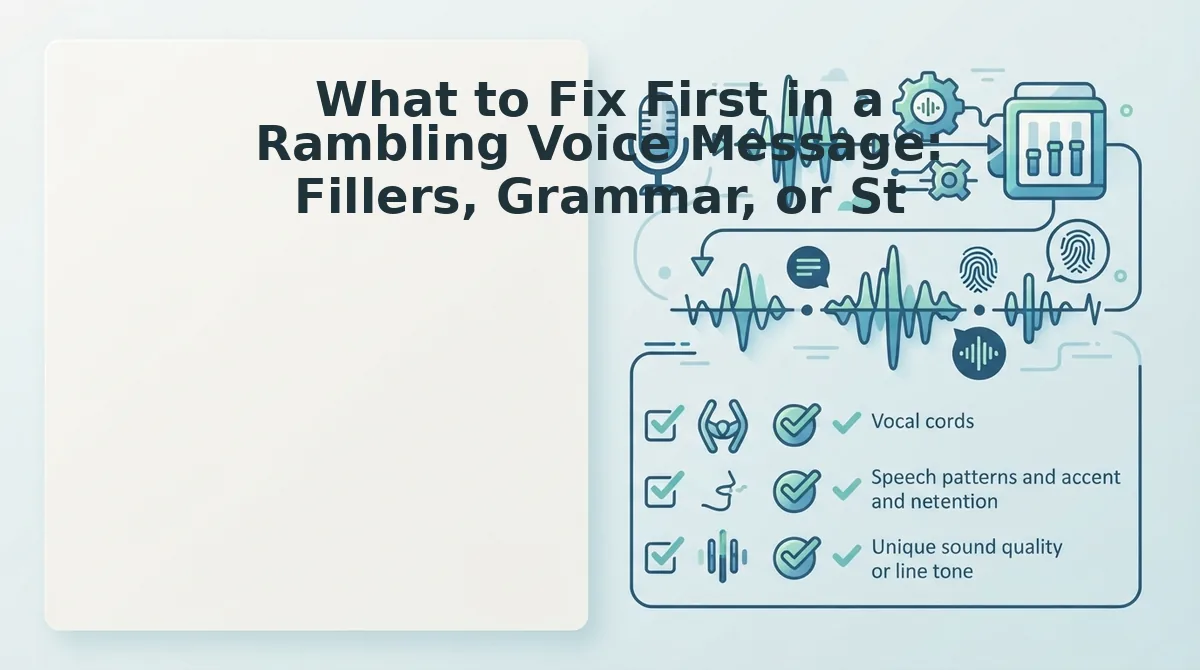
A rambling voice message is a voice note with verbal fillers, circular phrasing, false starts, or over-explanation that obscures the core message. Fix fillers first for the fastest win, then structure for the highest impact, and grammar last for professional polish.
- Remove filler words first, it's the fastest, most audible win. Fillers like "um," "uh," "like," and "you know" are the most obvious signal of rambling and the easiest to strip without changing your message. Removing them instantly makes you sound more decisive, and tools like VClar's filler word remover handle this automatically so you don't have to re-record.
- Fix structure second, it delivers the highest impact on clarity. A rambling message usually means the speaker circled the point instead of landing it. Restructure by stating your main point in the first sentence, then adding one supporting detail, then a clear ask or next step. This one change turns a 90-second ramble into a 20-second message people actually respond to.
- Correct grammar third, it matters most in professional or non-native contexts. Spoken grammar slips like tense shifts or subject-verb mismatches are less noticeable in casual chats but can undermine credibility in client messages or cross-border communication. You can fix spoken grammar in a voice memo with VClar without re-recording, keeping your natural delivery intact.
- Cut false starts and repeated phrases before anything else. False starts like "I wanted to, what I mean is, " and repeated openers ("So, so, so...") signal uncertainty more than any filler word. Deleting them tightens the timeline and makes the remaining words carry more weight.
- Reduce over-explanation after you've landed the point. Rambling often comes from justifying a simple request three different ways. Once your ask is clear, stop. If you need to trim, cut the second and third explanations first, the first one is usually sufficient.
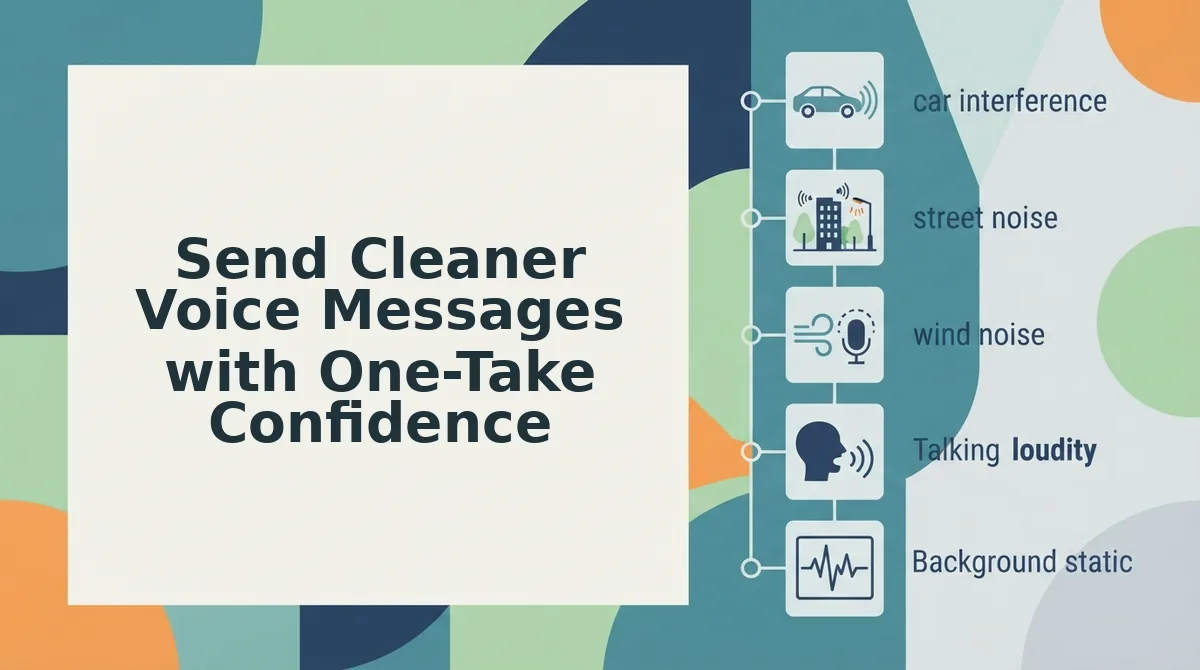
- Address background noise and mouth sounds last, but don't skip them. Breath sounds, clicks, and room echo distract listeners even when your words are clean. Cleaning the audio timeline after fixing content ensures the polished message actually sounds polished.
- Apply this order every time: fillers, structure, grammar, then audio cleanup. This sequence front-loads the fastest wins and reserves the highest-effort fixes for when they matter most. Consistency here builds the habit of sending clean messages in one take.
Send Cleaner Voice Messages with One-Take Confidence
The goal isn't to stop rambling, it's to accept that cleanup is a normal step in voice messaging, not a personality flaw. The One-Take Confidence mental model reframes the problem: you record naturally, then run a quick cleanup pass instead of looping through re-recordings.
VClar preserves your natural tone, personal cadence, accent, and speaker intent while removing fillers and fixing grammar, so the message still sounds like you, just clearer. When you need to reach someone in another language, you can also translate voice notes across 11 languages without losing that authenticity.
Your next step: record one message today, run it through VClar's cleanup, and send it without a single re-take. The habit of one-take confidence starts with the first message you don't overthink.