
You just recorded a 90-second voice note for a client, and the idea was sharp, but somewhere between "um, so basically" and a sentence that trailed into silence, the authority evaporated. Voice notes are faster than typing, yet grammar mistakes in spoken audio undermine credibility in ways written typos never do. Most people check the wrong things in spoken audio because written grammar rules don't map cleanly to voice.
You're not alone in this. Founders and sales reps think at 150 words per minute but lose hours re-recording messages that should have taken one take. This spoken grammar correction checklist for voice notes gives you a repeatable pre-send routine that catches the errors listeners actually notice, not the ones a style guide cares about.
You'll learn why spoken grammar has a different error hierarchy than written grammar, get a 5-point checklist you can run in under two minutes, and discover how to fix grammar in voice message audio without re-recording. One of the five checks surprises most people, it has nothing to do with grammar rules at all, and skipping it is why polished voice notes still sound off.
VClar's speech enhancement engine removes filler words and corrects spoken grammar while preserving your natural tone, so the checklist below doubles as a quality gate for audio you've already cleaned up.
Why Spoken Grammar Is Different From Written Grammar
Spoken grammar is the set of structural patterns that govern how people actually talk, fragments, repairs, and rhythm included, and it follows a different error hierarchy than the rules applied to written text. A sentence that looks broken on a page can sound completely natural in a voice note, while a grammatically perfect sentence can sound stiff and rehearsed when spoken aloud.
Think of spoken grammar like a live jazz performance versus sheet music. Written grammar is the score: precise, fixed, and intolerant of deviation. Spoken grammar is the performance: improvisational, shaped by breath and pacing, and judged by how it lands in the listener's ear, not on the page. A musician who plays every note exactly as written can still sound lifeless, and a voice note that follows every written grammar rule can sound robotic.
The errors that actually damage credibility in spoken audio are fragments, false starts, filler clusters, and tense drift. A fragment like "So the Q3 numbers, " followed by silence signals a lost thought. A false start like "What I meant to, what I'm saying is" forces the listener to rewind mentally. Filler clusters, "um, like, basically, you know", accumulate into a pattern that reads as uncertainty. Tense drift, where a speaker shifts from past to present mid-thought, confuses timelines.
Meanwhile, things that written grammar checkers flag aggressively are often fine in voice. Contractions sound natural. Sentence-ending prepositions, "the client we're meeting with", are how people talk. Split infinitives like "to quickly follow up" are invisible to listeners. Text-based grammar checkers flatten voice and flag the wrong things for spoken messages, which is why applying a tool built for essays to a voice note produces corrections that make you sound less like yourself. For a direct breakdown of how this plays out, see VClar vs Grammarly.
If you're checking a voice note before sending, the highest-value checks are: did I trail off mid-thought, did I restart a sentence awkwardly, did I stack fillers, and did I switch tenses? Those four account for most of the credibility damage in spoken audio, and none of them appear on a standard written grammar report.
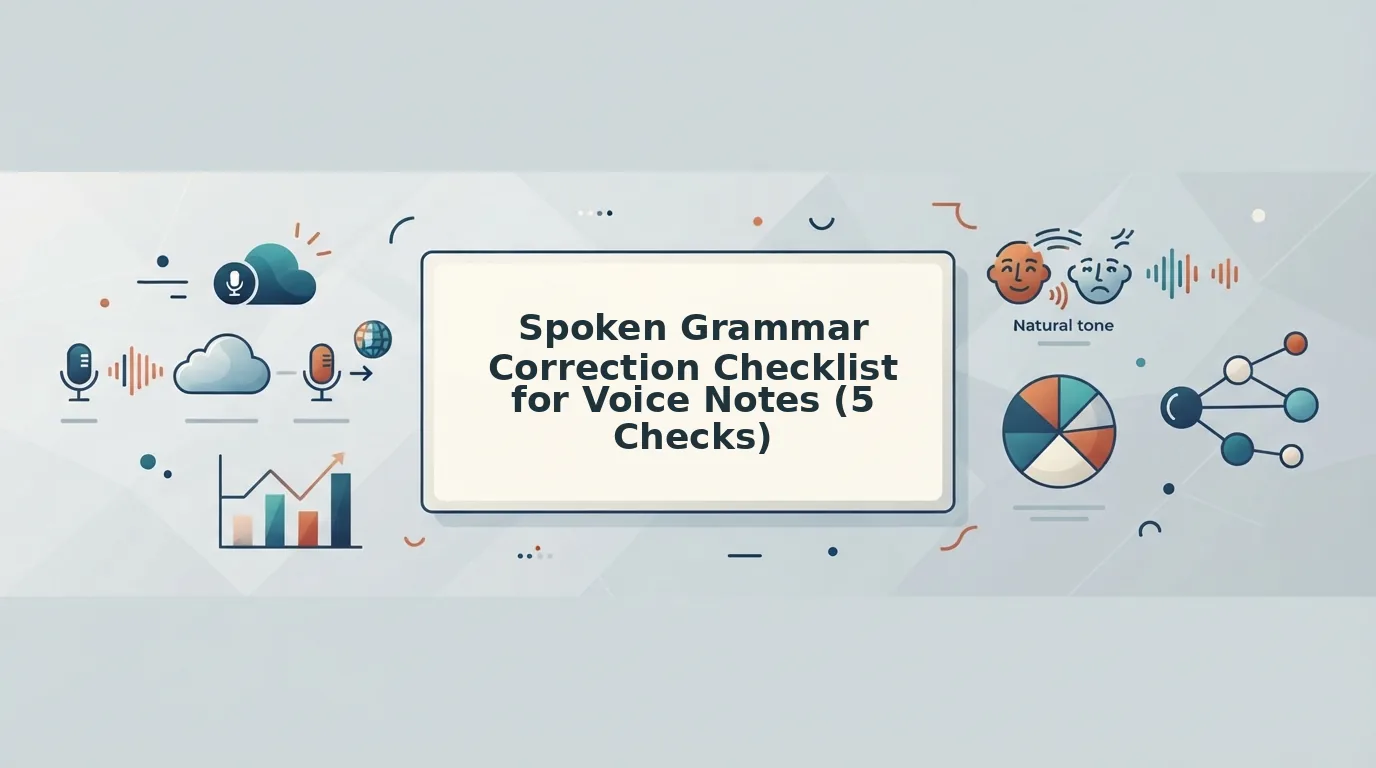
The 5-Point Pre-Send Voice Note Checklist
Run these five checks in order before sending any voice note. You'll need your recorded audio and about two minutes. Each check includes what to listen for and what to do if you catch it.
- Filler Word Sweep, listen for ums, ahs, "like," "basically," and false starts. Play the note at 1.25x speed and count every filler. If you hear more than two in a 60-second note, the message reads as uncertain. What to do: re-record the affected sentence once, or run the audio through a filler word remover that strips fillers and false starts from the timeline without changing your voice. Success looks like a note where every word carries meaning, no verbal scaffolding.
- Sentence Fragment Repair, catch incomplete thoughts that trail off. Listen for moments where a sentence starts with intent and then fades: "So the pricing model is, " or "And that's why we should, ". Fragments force the listener to guess your meaning. What to do: identify the missing clause and record a one-sentence replacement that completes the thought. Success is a note where every sentence has a subject, a verb, and a landing point.
- Tense Consistency, spot switching between past and present mid-thought. Listen for sentences like "We launched the beta last week, and the feedback is great, so we decide to expand." The shift from past ("launched") to present ("decide") confuses the timeline. What to do: pick the tense that matches the dominant timeframe of the message and align every verb to it. Success is a note where the listener never has to ask "wait, when did this happen?"
- Subject-Verb Agreement in Long Sentences, the "is/are" drift. In spoken audio, long sentences invite agreement errors: "The list of features we're prioritizing are ready" instead of "is ready." The further the verb is from its subject, the more likely the drift. What to do: isolate the core subject of each long sentence and check the verb against it alone, ignoring the words in between. Success is a note where no sentence forces a listener to mentally correct your grammar.
- Tone Preservation, ensure corrections still sound like you. This is the check most people skip, and it's why polished voice notes can still sound off. After fixing fillers, fragments, and tense issues, listen once more and ask: does this still sound like me talking, or like a script I'm reading? If a correction makes you sound formal in a way you never are, soften it. Success is a note that sounds like your best take, not a different person's. VClar's speech enhancement preserves your natural tone, accent, and cadence while cleaning up the rough edges, so this check confirms the output still carries your voice.
If you're short on time, prioritize checks one and five: filler words are the most common credibility killer in voice notes, and tone preservation is the difference between a message that sounds corrected and one that sounds like you on a good day. Once you've run the checklist, the next question is how to apply these fixes without burning another ten minutes on re-recording.
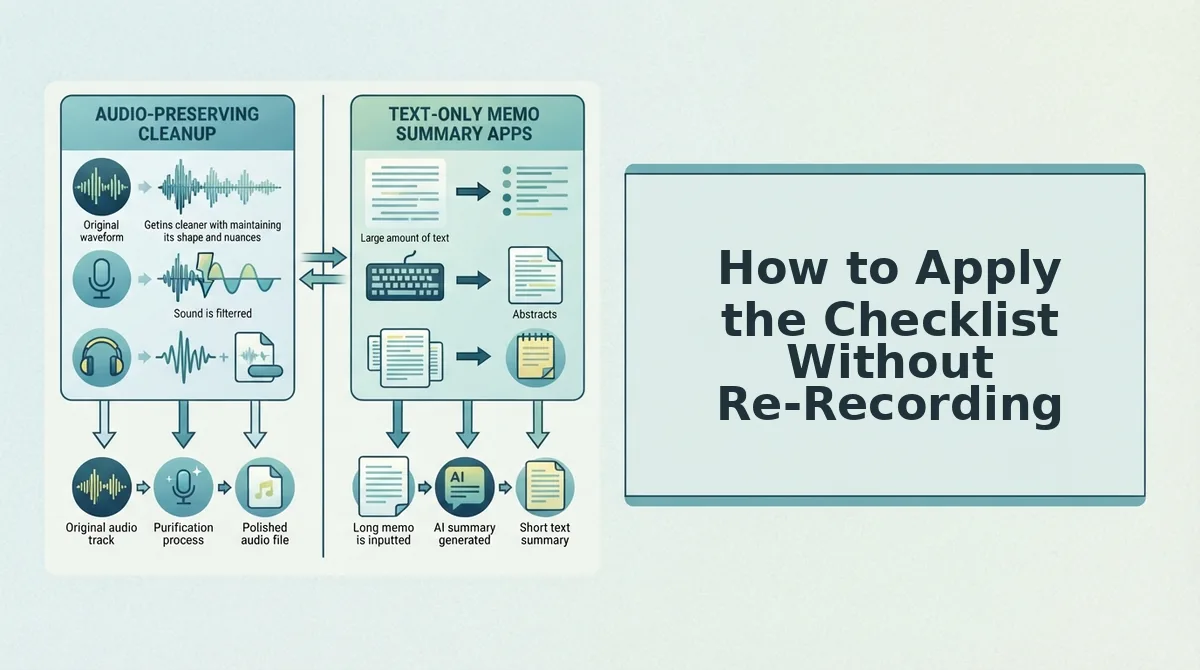
How to Apply the Checklist Without Re-Recording
You can apply every grammar correction from the checklist without recording a single new take. The workflow below uses VClar to clean your audio, verify the changes, and send, all in under two minutes.
Prerequisites: A recorded voice note (any length), the VClar app or web dashboard open, and headphones for the side-by-side comparison step.
- Upload your raw voice note. Click Upload Audio in the VClar dashboard and select your file. You should see a waveform appear within 3-5 seconds, confirming the file loaded correctly.
- Run the grammar correction pass. Click Clean & Correct. VClar detects filler words, false starts, and spoken grammar errors, then applies corrections to the audio timeline. Expect processing to finish in under 30 seconds for a 60-second note.
- Review the correction summary. Open the Changes panel to see exactly what was corrected, every removed "um," every repaired subject-verb agreement. You should see a green checkmark next to each applied fix.
- Compare side-by-side before sending. Click Compare to play the original and corrected versions back-to-back. Listen specifically for tone, cadence, and accent preservation. If a correction sounds stiff, toggle it off in the Changes panel.
- Export or send. Click Export to download the corrected audio or Send to share it directly. You should see a confirmation message with the file ready in your chosen format.
The entire workflow takes about two minutes, less time than a single re-record, and your voice stays exactly as you spoke it, minus the hesitations.
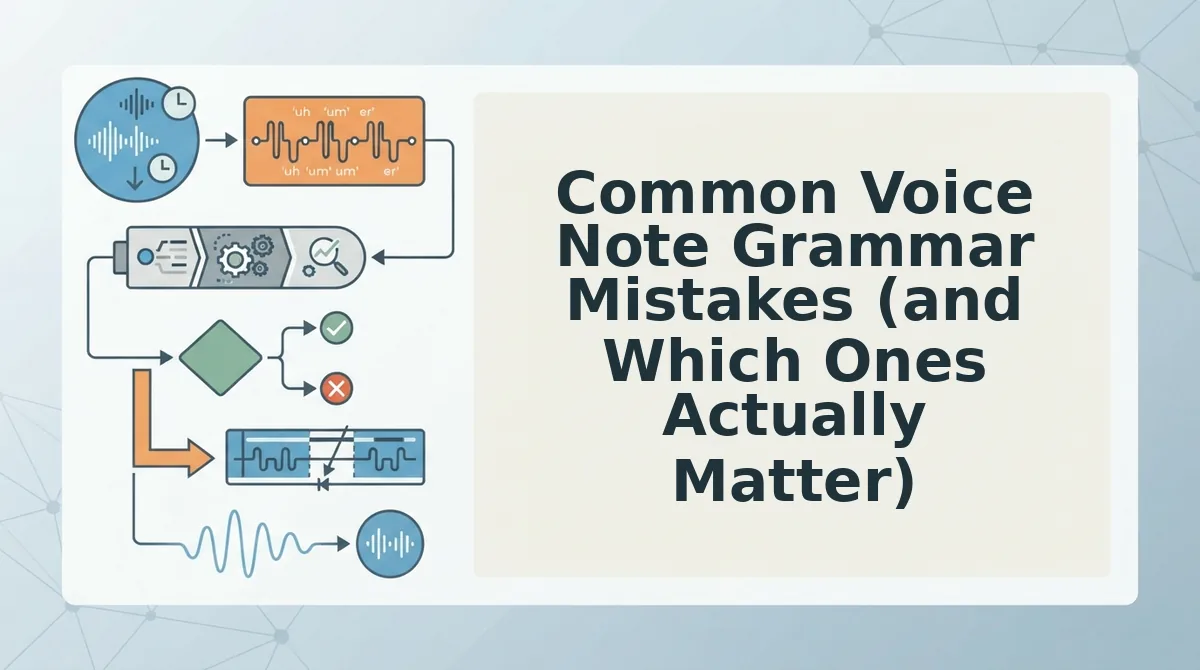
Common Voice Note Grammar Mistakes (and Which Ones Actually Matter)
Not every spoken grammar slip deserves a fix. Here are the seven most common voice note mistakes, ranked by how much they affect clarity and credibility, and which ones you can safely ignore.
- Filler words and false starts. "Um," "like," and restarted sentences are the highest-impact fixes because they directly undermine perceived confidence. Removing them makes you sound decisive without changing a single word of your actual message.
- Subject-verb disagreement. Saying "the numbers shows" instead of "the numbers show" distracts listeners and signals carelessness. Fix this every time, it is a clarity issue, not a style preference.
- Run-on sentences without pauses. Spoken run-ons bury your main point. Breaking them into shorter sentences improves comprehension, especially for listeners hearing your note once.
- Wrong verb tense shifts. Jumping from past to present tense mid-story confuses the timeline. Correct tense consistency whenever you are describing events or outcomes.
- Dropped articles and prepositions. Omitting "the" or "to" in fast speech is common and usually harmless in casual notes. Fix only when the missing word changes meaning or sounds unprofessional in a client-facing message.
- Over-corrected formality. Replacing every contraction with "do not" or "cannot" strips personality from your voice. Keep conversational contractions, authority comes from clarity, not stiffness.
- Redundant qualifiers. Phrases like "basically," "sort of," and "kind of" soften your point. Remove them when you are making a recommendation or closing a deal, especially in voice notes for sales, where hedging costs trust.
If a correction makes you sound formal or unlike yourself, undo it. The goal is a clearer you, not a polished stranger.
FAQ: Spoken Grammar Correction for Voice Notes
Direct answers to the most common questions about fixing grammar in voice messages, without losing your natural delivery.
What should I check before sending a voice note with grammar corrections?
Check three things: filler words removed, subject-verb agreement fixed, and tone preserved. Play the corrected note once and confirm it still sounds like you speaking naturally. If any correction makes you sound stiff, toggle it off before sending.
How do I fix grammar in a voice note without re-recording?
Upload the note to a tool like VClar's voice note translator, run the grammar correction pass, and review the changes panel. Corrections are applied directly to the audio timeline, so your original voice, cadence, and accent stay intact, no new take required.
Will grammar correction make my voice sound robotic?
No, when done correctly. Grammar correction edits the words and sentence structure, not your vocal characteristics. Your pitch, pace, accent, and emotional tone remain unchanged. If a tool replaces your voice with synthetic audio, it is not grammar correction, it is text-to-speech.
Can I translate a voice note and fix grammar at the same time?
Yes. VClar applies grammar correction and translation in a single pass, cleaning filler words and spoken errors while converting the message to another language. The output preserves your original tone and cadence in the target language.
Ready to put the checklist into action? Send your next voice note with confidence.
Send Your Next Voice Note With Confidence
The five checks, pause, grammar, filler words, sentence length, and tone, collapse into one habit: one take, no re-recording. You keep your natural voice and authority while the rough edges disappear.
Here's the payoff: your next voice note lands cleaner, sounds more decisive, and respects the listener's time. No second-guessing. No delete-and-retry loop.
- Record your next message exactly as you'd speak it.
- Run it through VClar's spoken grammar correction.
- Send it, once.
Spoken grammar isn't about sounding written. It's about sounding finished. The voice that got you here is the voice your audience trusts. VClar just removes what gets in its way.