
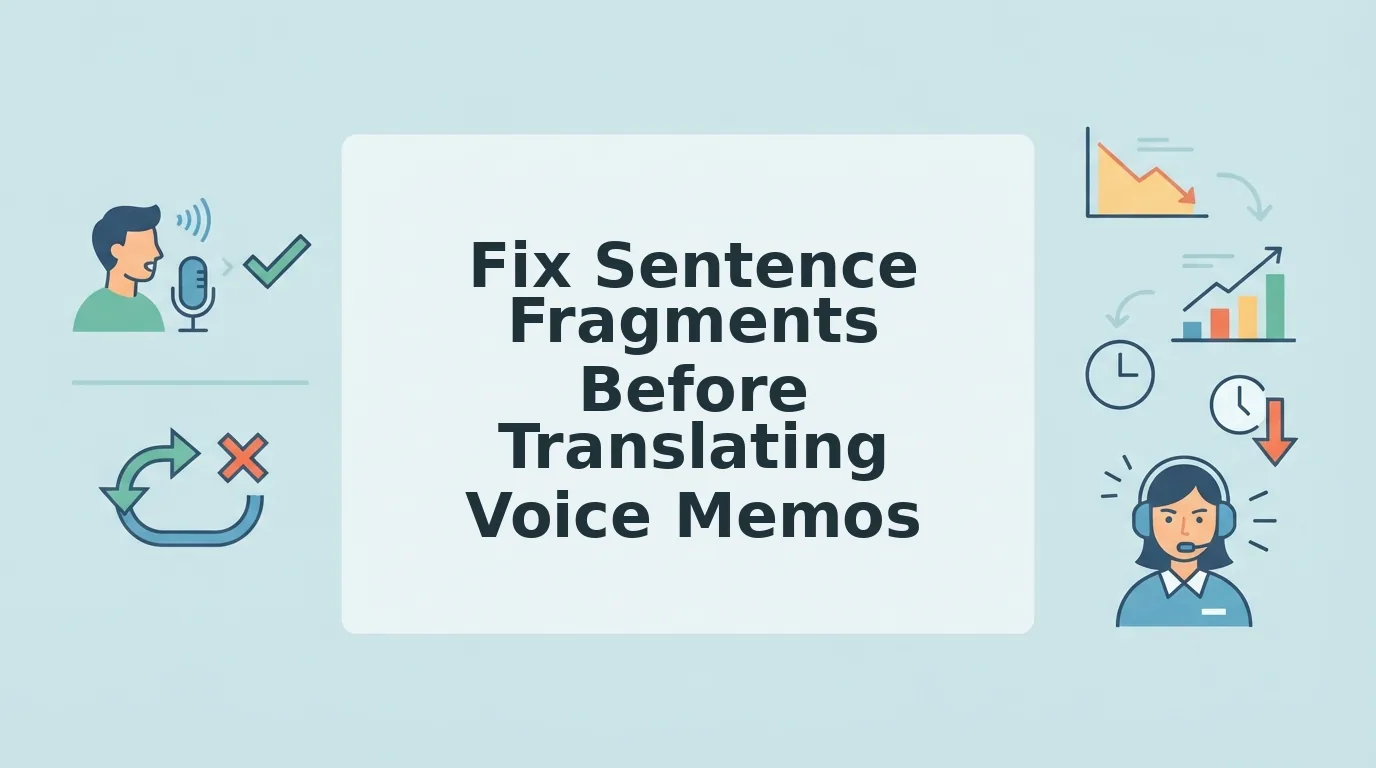

You record a 40-second voice memo in English, hit translate, and the Spanish output reads like a ransom note with missing verbs. That garbled result isn't a translation failure, it's a fragment problem. If you don't fix sentence fragments before translating voice memo audio, every abandoned clause and trailing "so..." forces the translation engine to guess, and guesses come out wrong.
You're not alone. Founders, sales reps, and consultants live in the re-record loop: record, listen, cringe, delete, repeat. The fix isn't another take. It's knowing which fragments to repair before the audio ever hits a translator.
Here's the roadmap: first, you'll see exactly why fragments break machine translation. Then you'll learn the four fragment types hiding in your voice memos. Finally, you'll get a one-take workflow that cleans fragments without re-recording, including how VClar's grammar correction handles this automatically. Stick around for the surprising part: one fragment type causes more translation damage than the other three combined.
Why Sentence Fragments Break Voice Memo Translation
A sentence fragment is an incomplete grammatical unit, a group of words missing a subject, a verb, or a complete thought. Machine translation engines need complete units to map syntax from one language to another. Give them a fragment, and they guess. Guesses produce garbled output.
Think of a translation engine like a GPS. A complete sentence is a full street address: "We discussed the budget yesterday." A fragment is "When we discussed the budget...", the GPS knows the street but not the house number, so it drops you somewhere random.
The damage compounds with voice memos because spoken language is fragment-heavy by nature. You trail off, restart, or leave a connector dangling. Here's a concrete before/after: the English fragment "When we discussed the budget..." translated raw to Spanish becomes "Cuando discutimos el presupuesto...", an incomplete thought that leaves the listener waiting. Clean it to "We discussed the budget yesterday," and the Spanish output is "Discutimos el presupuesto ayer", complete and unambiguous.
Abandoned clauses, trailing "so..." endings, and subjectless predicates are the worst offenders. The translation engine can't infer what you meant to say next, so it either preserves the incompleteness or invents a continuation. Neither outcome works for a client-facing message.
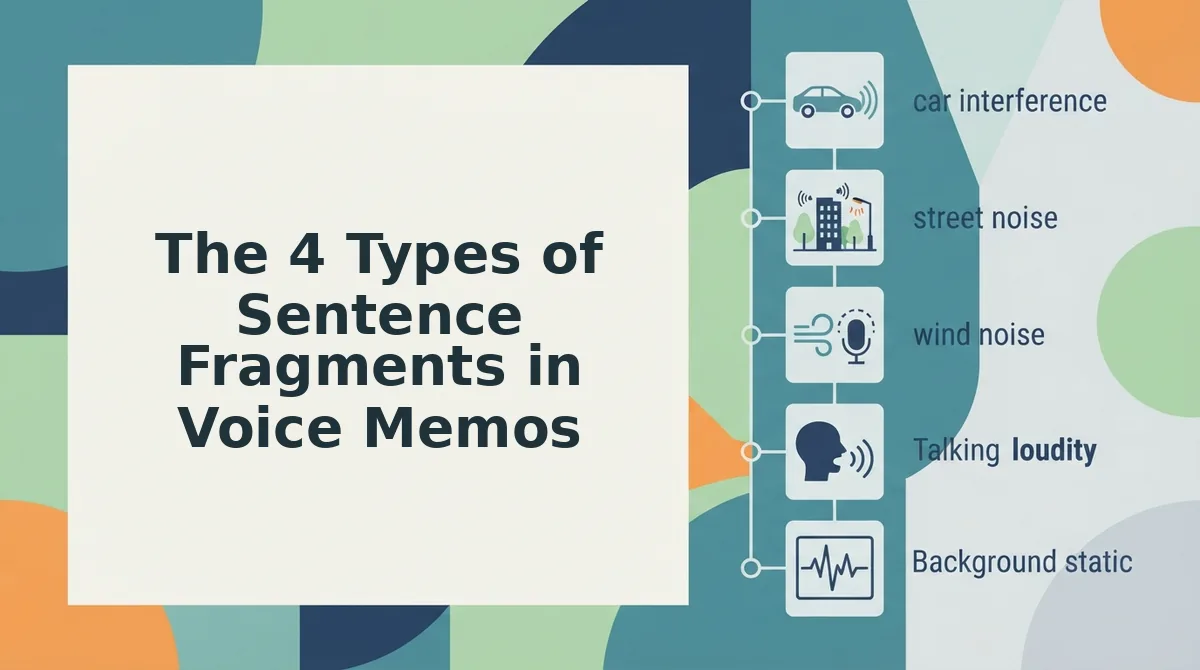
The 4 Types of Sentence Fragments in Voice Memos
Spoken fragments fall into four predictable patterns. Recognizing them is the first step to fixing them before translation.
- Abandoned clause: The speaker starts a dependent clause and never finishes it, "So when we looked at the numbers..." then silence. This fragment has no main verb to anchor the thought, so the translation engine has nothing to map. Fix it by completing the thought: "So when we looked at the numbers, we saw a 12% increase."
- Missing subject: The speaker drops the subject entirely, "Need to send the update by Friday." In English, context fills the gap. In translation, the engine must invent a subject, and languages like Japanese or Spanish require explicit subject marking. Fix it by naming the actor: "I need to send the update by Friday."
- Trailing connector: The speaker ends on a conjunction, "The demo went well, so..." The "so" dangles with no result clause. Translation engines often preserve the dangling connector, producing awkward output in the target language. Fix it by completing the result: "The demo went well, so we're moving to the proposal stage."
- False start: The speaker begins, stops, and restarts, "I think we should, what I mean is, the pricing page needs work." The first clause is abandoned mid-thought. Translation engines may translate both halves, creating a confusing double statement. Fix it by keeping only the final version: "The pricing page needs work."
If you want to fix grammar in voice messages without manually editing transcripts, the next section covers a one-take workflow that handles all four fragment types automatically.
How to Fix Fragments Without Re-Recording
You don't need a second take. A three-step pipeline, record once, clean the audio, translate the result, repairs sentence fragments in under two minutes without touching the record button again.
Prerequisites: A smartphone or computer with a microphone, one raw voice memo containing fragments, and a VClar account.
- Record once and let the fragment happen. Open your voice memo app and speak naturally. Do not stop, delete, or self-edit when you hear yourself trail off with "so…" or start a sentence without a subject. A single uninterrupted take preserves your authentic tone and cadence, which matters because VClar keeps your voice intact while fixing the grammar underneath. Expected outcome: one raw audio file, fragments included, ready for cleanup.
- Upload the audio and run grammar repair. Open VClar, click Upload, and select your voice memo. The tool will fix grammar in voice messages by converting fragments into complete sentences, adding missing subjects, closing trailing clauses, and restructuring false starts. It will also remove filler words from audio like "um," "like," and "you know" in the same pass. You should see a cleaned transcript appear alongside the processed audio within roughly 30-60 seconds.
- Translate the cleaned message. Click Translate and choose your target language. VClar can translate voice notes across 11 languages, including Hindi, French, Japanese, and German, using the repaired, complete sentences as the source. You should hear the translated audio in your own voice, with no fragment-induced gaps or dangling clauses.
This record to clean to translate workflow eliminates the re-record loop entirely. Instead of doing five takes to avoid saying "so…" at the wrong moment, you do one take and let the cleanup layer handle the grammar.
If your voice memo contains a fragment like "So when we discussed the roadmap…" and you skip repair, the translation inherits that incomplete thought. Running grammar repair first converts it to "We discussed the roadmap yesterday," which then translates cleanly into any of the 11 supported languages. The repair step is not optional polish, it is the difference between a translated message that lands and one that confuses the recipient.
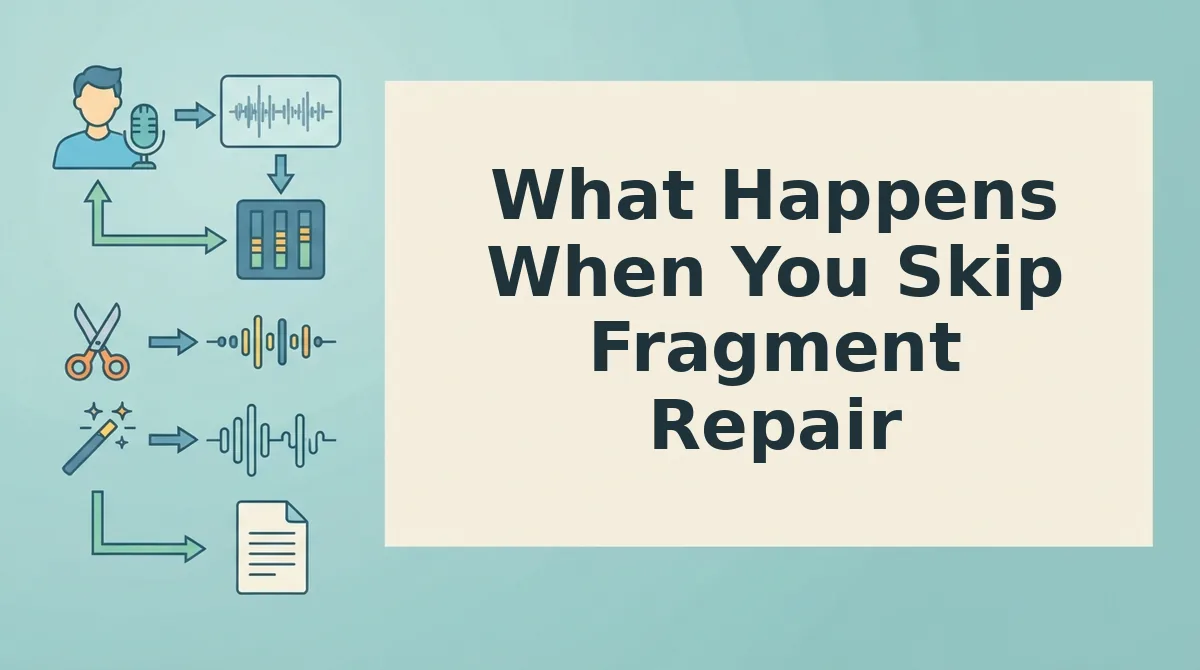
What Happens When You Skip Fragment Repair
Skipping fragment repair means your translation inherits every grammatical gap from the original audio. The cost is concrete: an incomplete thought in English becomes an incomplete thought in Hindi, Japanese, or any target language.
| Approach | Raw Fragment Example | Hindi Translation | Best For |
|---|---|---|---|
| Skip repair, translate raw | "So when we discussed the roadmap…" | तो जब हमने रोडमैप पर चर्चा की… | Recipients who already know the context and can infer the missing clause |
| Repair first, then translate | "We discussed the roadmap yesterday." | हमने कल रोडमैप पर चर्चा की। | Cross-border teams, client updates, and any message where clarity is non-negotiable |
Raw translation tools, including built-in voice translators on messaging apps, do exactly what they promise: they translate what you said, fragments included. That is not a flaw in their design; it is a limitation of the pipeline. If your recipient already knows the subject and context, a dangling "so when we discussed…" may still land. But for a new client, a remote teammate, or a vendor, that same fragment reads as an unfinished thought in any language.
VClar's repair-first approach is best for anyone sending voice memos across language barriers where the recipient cannot ask clarifying questions in real time. The difference is not translation quality, it is whether the source sentence was complete before translation began.
FAQ
Can I fix fragments after translating?
No. Translation errors caused by sentence fragments are baked into the output. Once a fragment like "So when we discussed…" is translated, the target language inherits the incomplete structure. You must repair the source audio or transcript before running translation.
Do voice memo translators fix grammar automatically?
Most do not. Standard voice translators convert speech to text and translate word-for-word, preserving fragments, fillers, and false starts. VClar is built to clean spoken English grammar before translation, which is the exception rather than the rule.
What's the difference between a fragment and an incomplete thought?
A fragment is a grammatical error, a sentence missing a subject, verb, or complete clause. An incomplete thought can be intentional, like trailing off for effect. Repair tools should fix the former while leaving intentional pauses alone.
How do I know if my voice memo has fragments?
Listen for trailing "so…" or "and then…" at the end of sentences, or phrases that start with a verb but lack a subject, like "Discussed the roadmap yesterday." If a sentence leaves you asking "who?" or "what happened?", it is a fragment.
One Take Is Enough When You Fix Fragments First
The 4-type checklist turns fragment repair from guesswork into a 30-second scan. You don't need perfect grammar before you hit record, you need a system for catching the fragments that actually break translation.
Here's the workflow that closes the loop:
- Record your message in one take, fragments and all.
- Run the 4-type checklist to spot dependent clauses, missing subjects, abandoned thoughts, and verbless phrases.
- Patch the fragments mentally or re-record only the broken sentence, not the whole memo.
- Let VClar clean voice memos online and handle cleanup plus translation in a single pass.
That last step is the payoff: VClar removes fillers, tightens phrasing, and translates across 11 languages without touching your tone, accent, or cadence. No re-recording loop. No second-guessing your delivery.
Fix the fragments your translator can't see, and let the tool handle everything it can.