
You hit send on a sales voice note, then replay it thirty seconds later and cringe at the "ums," the false start, the sentence that trailed into nowhere. That moment matters more than you think: prospects form credibility judgments within seconds of hearing a voice note, an 8-second window where grammar slip-ups quietly erode trust. If you need to fix spoken grammar in a sales voice note, you're not alone, and you're not stuck re-recording until your voice gives out.
Most advice assumes you must nail the take live. This article takes the opposite position: grammar fixing is a post-recording workflow, not a performance problem. You'll learn why spoken grammar hits harder in audio than in email, the five error types that kill sales credibility, and a four-step repair loop that lets you salvage any take. One of those steps reveals a repair method most sellers never consider, and it's the difference between resending and losing the deal.
Why Spoken Grammar Matters More in Voice Notes Than in Email
Spoken grammar is the real-time sentence structure a listener hears, including hesitations, restarts, and tense shifts that written grammar never exposes. In a voice note, every stumble is audible and permanent, unlike email, where you can revise before anyone sees the draft.
Think of a voice note like a handshake that lasts thirty seconds. A firm grip builds confidence instantly; a limp, fumbling grip makes the other person question everything else about you, even if your product is solid. Email lets you polish the handshake. Voice notes broadcast it raw.
The stakes are concrete. A sales prospect hears your first eight seconds and forms a credibility judgment that colors the rest of the conversation. Spoken grammar errors don't just distract, they signal preparation level, clarity of thought, and attention to detail. In a sales context, that signal is the difference between "this person knows their stuff" and "this person is figuring it out as they go."
Five spoken grammar errors consistently damage sales credibility:
- False starts, "So what I wanted to, actually, let me back up." Signals disorganized thinking and wastes the listener's attention.
- Filler chains, "Um, so, like, basically, you know, the thing is…" Signals low preparation and makes you sound unsure of your own pitch.
- Fragment trails, "And the ROI is, well, it's kind of like when you… yeah." Leaves the prospect guessing at your point, which in sales means they stop guessing and stop listening.
- Circular phrasing, "It helps you save time because it makes things faster." Sounds like you're padding a weak value proposition.
- Tense drift, "We worked with them and they're seeing results, so it was a good fit." Confuses whether the outcome is past, present, or hypothetical, undermining proof points.
Each of these errors maps to a specific credibility loss. Filler chains, for example, are the audio equivalent of typos in a proposal, one or two are human, but a pattern makes the prospect wonder what else you haven't prepared. The good news: you can remove filler words from audio after recording, which means none of these errors have to survive into the message you actually send.

The One-Take Repair Loop: 4 Steps to Fix Grammar After You Record
You don't need a perfect take, you need a repair workflow. The One-Take Repair Loop is a four-step process: Speak, Detect, Repair, Send. It lets you fix spoken grammar errors after recording, without re-recording, using either manual methods or an AI voice message translator like VClar.
Prerequisites: a voice recording app (your phone's built-in recorder works), a transcript of your message, and either a text editor for manual fixes or a tool that can fix grammar in voice message audio automatically.
- Speak, record the message once, without stopping. Open your voice recorder, hit record, and deliver the full message in one take. Don't restart when you stumble; the repair loop exists precisely so you don't have to. Expected outcome: one raw audio file, imperfections included.
- Detect, transcribe the audio and mark every error. Play back the recording and write down what you actually said, or use a transcription tool to generate the text. Then scan for the five credibility killers: false starts, filler chains, fragment trails, circular phrasing, and tense drift. Highlight each one. Expected outcome: a marked-up transcript showing exactly where the grammar breaks.
- Repair, fix the errors without re-recording. This is the step most sellers miss. Rewrite the transcript with clean grammar: cut fillers, complete fragments, straighten tense, and tighten circular phrasing. Then apply those fixes to the audio itself. You can do this manually by re-recording only the corrected sentences and splicing them in, or you can use an AI voice message translator like VClar to clean the audio timeline automatically while preserving your voice, tone, and cadence. Expected outcome: a polished voice note that still sounds like you, minus the grammar errors.
- Send, review once and deliver. Play the repaired audio from start to finish. Confirm the grammar is clean, the pacing sounds natural, and your voice is intact. Then send it. Expected outcome: a voice note that lands with the credibility of a written proposal and the authenticity of a live conversation.
Next, see what this loop looks like on a real sales voice note, before and after.
Before and After: A Real Sales Voice Note, Repaired
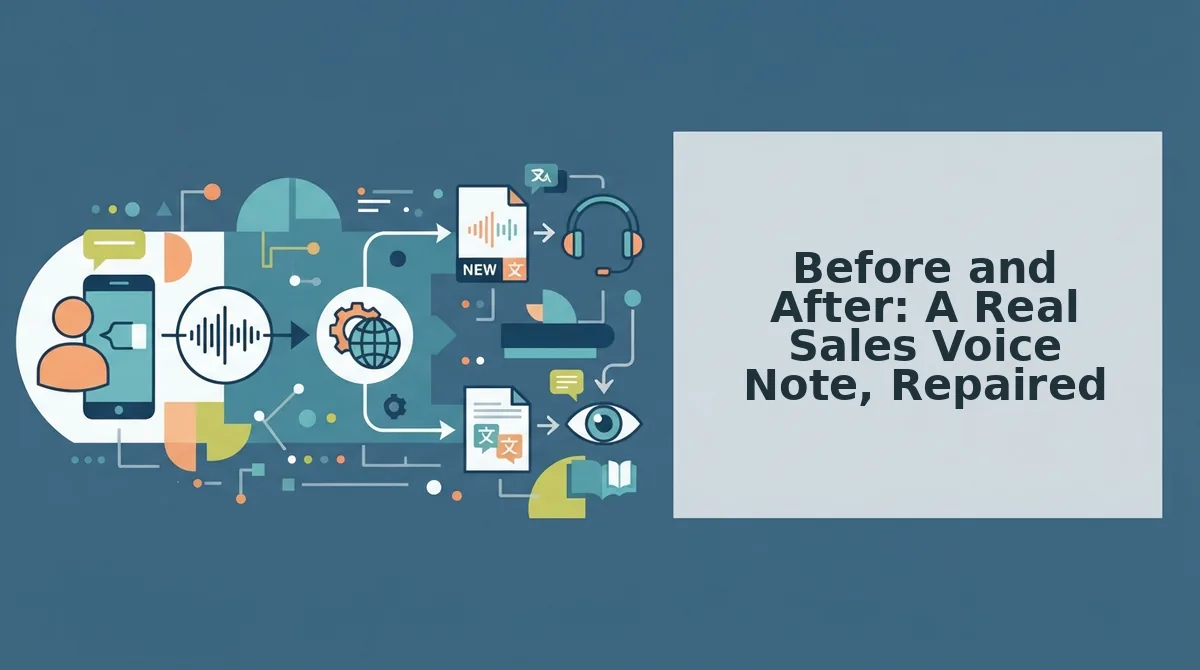
Here is a 22-second voice note from a founder following up with a prospect, shown verbatim and then repaired using the one-take loop. The annotated fixes show exactly what changed and why the speaker still sounds like themselves.
| Element | Original (verbatim) | Repaired | Fix applied |
|---|---|---|---|
| Opening | "Hey Sarah, um, so I was, like, basically thinking about our call and, " | "Hey Sarah, I was thinking about our call." | Removed filler chain ("um," "like," "basically") and false start ("so I was, like, basically") |
| Body | "You know, the pricing thing we talked about, uh, I think we can, we could do a pilot." | "On the pricing we discussed, I think we can do a pilot." | Deleted "you know" and "uh," merged repeated false start ("we can, we could") |
| Close | "And yeah, so if that works for you, basically let me know and we'll, uh, get it going." | "If that works for you, let me know and we'll get it going." | Removed "yeah, so," "basically," and "uh," completed the fragment |
The repaired version keeps the speaker's cadence, accent, and conversational tone. It simply removes the noise that made the original sound hesitant. Tools like VClar's filler word remover automate this cleanup, while manual editing in any audio timeline works for one-off notes. Best for founders who send multiple voice notes daily and want one-take confidence without re-recording.
Where to Draw the Line: Authenticity vs. Over-Polishing
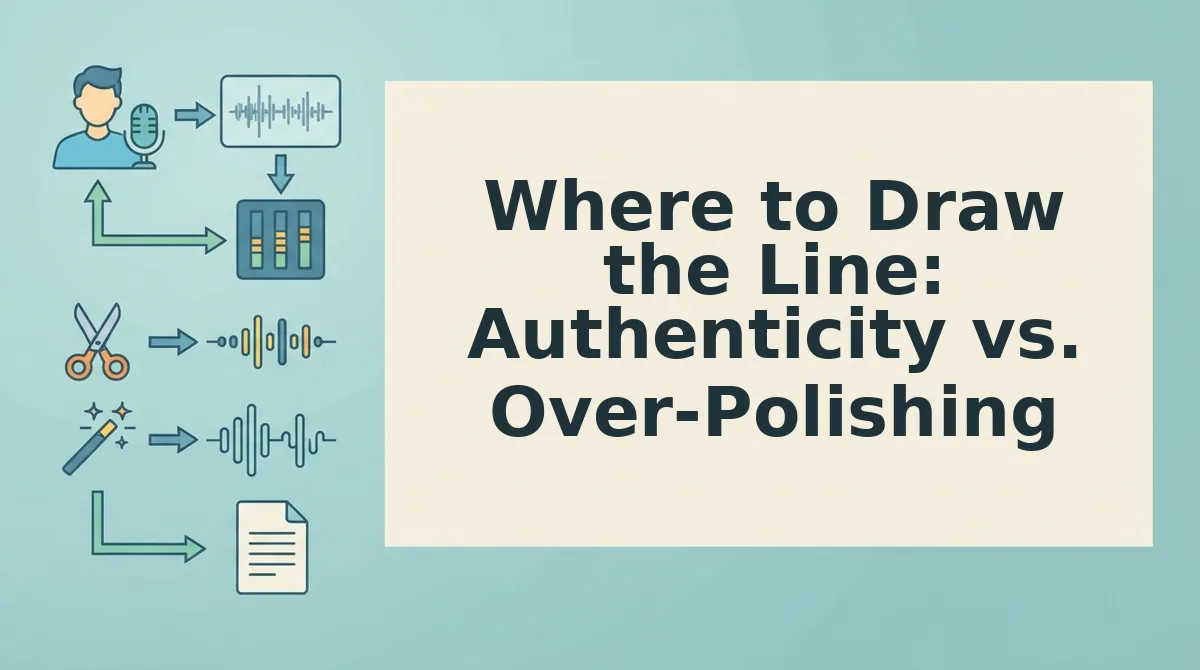
Over-polishing is the act of editing a voice note so heavily that it loses the speaker's natural rhythm and sounds scripted. Think of it like tailoring a suit: you want to remove wrinkles and loose threads, not replace the fabric.
Start simple: delete filler words and false starts. Intermediate: complete fragments and fix tense drift. Advanced: preserve intentional emphasis and conversational connectors like "so" or "actually" when they carry meaning.
Keep: personal cadence, accent, intentional emphasis, conversational connectors that signal warmth. Fix: false starts, filler chains, tense drift, incomplete sentences. The goal is a voice note that sounds like you on your best day, not a text-to-speech clone. For voice notes for founders, this balance is what keeps prospects trusting the human on the other end.
FAQ: Fixing Spoken Grammar in Sales Voice Notes
How do I fix spoken grammar in a sales voice note?
Record once, then repair the audio by removing filler words, completing fragments, and correcting tense drift. Tools like VClar's grammar fixer automate this without changing your voice. Manual editing works too, but takes longer.
Can I fix grammar after recording a voice note?
Yes. Upload the audio to an editing tool or AI voice cleaner, delete fillers and false starts, and export the repaired file. The speaker's vocal identity stays intact because you are editing the timeline, not re-recording.
What mistakes do prospects notice most in voice notes?
Prospects notice filler chains ("um, like, basically"), repeated false starts, and incomplete sentences. These signal hesitation and reduce perceived confidence. Grammar slips like tense drift are less noticeable but still worth fixing.
Does fixing grammar make my voice note sound robotic?
No, if you only remove fillers and complete fragments while preserving cadence, accent, and emphasis. Robotic sound comes from over-editing or text-to-speech replacement, not from grammar repair itself.
Repair, Not Perfection, Is the Sales Skill That Wins
That cringe moment from the intro, the voice note you almost deleted because the grammar slipped, doesn't have to be the end of the conversation. It's the start of a better one.
The One-Take Repair Loop changes the math. Instead of three re-recordings and a rising frustration level, you get one raw take, one cleanup pass, and a message that sounds like you on your best day. The skill isn't flawless speech. It's knowing what to fix and having a fast way to fix it.
Here's what that looks like in practice:
- Record once. Stop chasing a perfect take. Say what you mean, fillers and all.
- Run it through an AI voice message translator. Let the tool strip the ums, smooth the grammar, and keep your cadence intact.
- Send with confidence. One pass, one polished message, zero re-record loops.
Repair beats perfection because buyers respond to momentum, not polish. A voice note that arrives in 90 seconds with clean grammar builds more trust than a flawless one that took 20 minutes to produce. The speed signals competence. The natural tone signals authenticity. You keep both.
Your next voice note is the test. Record it once, repair it with VClar, and send it before the hesitation wins.
"The sales voice note that wins isn't the one with perfect grammar, it's the one that sounds like you, minus the friction."