
You've recorded the same 90-second voice memo four times, and each take is somehow worse than the last. The ums multiply, your sentences trail off mid-thought, and by attempt five you're questioning whether you know how to speak at all. That loop is the real problem, not your grammar.
You're right to care. Raw voice memos carry verbal fillers, awkward pauses, and disjointed grammar that quietly undermine your authority. But re-recording rarely helps, because speech is planned in real time, and pressure makes planning harder. Here's the promise: you can fix spoken grammar in a voice memo before sending without recording a single extra take. This guide walks you through why spoken grammar breaks, a one-take workflow that cleans it up, and what the fix sounds like in audio versus transcript form. Along the way, you'll see why the tool you use matters more than your willpower, and one capability that changes the entire equation.
Why Spoken Grammar Breaks and Why Re-Recording Doesn't Fix It
Spoken grammar is the real-time assembly of language as you speak, and it breaks because your mouth moves faster than your sentence plan. Re-recording adds pressure, which makes the planning slower and the stumbles more frequent.
Think of speaking like improvising a melody on a piano while someone is already listening. Writing, by contrast, is composing the sheet music first, you can erase, reorder, and refine before anyone hears a note. When you record a voice memo, you're improvising. Fragments, fillers, and circular phrasing aren't failures; they're the natural byproducts of planning speech in real time.
Now layer on the re-record loop. You stumble, stop the recording, and start again. But now you're not just improvising, you're improvising while monitoring yourself for the exact mistake you just made. That split attention is why take three often sounds worse than take one. You're not fixing grammar; you're adding cognitive load to a system that already runs at capacity.
Here's the part most advice skips: the fix doesn't belong in your head during recording. It belongs in the audio after recording. A tool that removes fillers, tightens phrasing, and corrects spoken grammar lets you stay in improvisation mode, where you sound most like yourself, and handles the editing separately. That's the difference between polishing a performance and forcing yourself to perform perfectly on command.
The One-Take Grammar Fix: A 4-Step Workflow
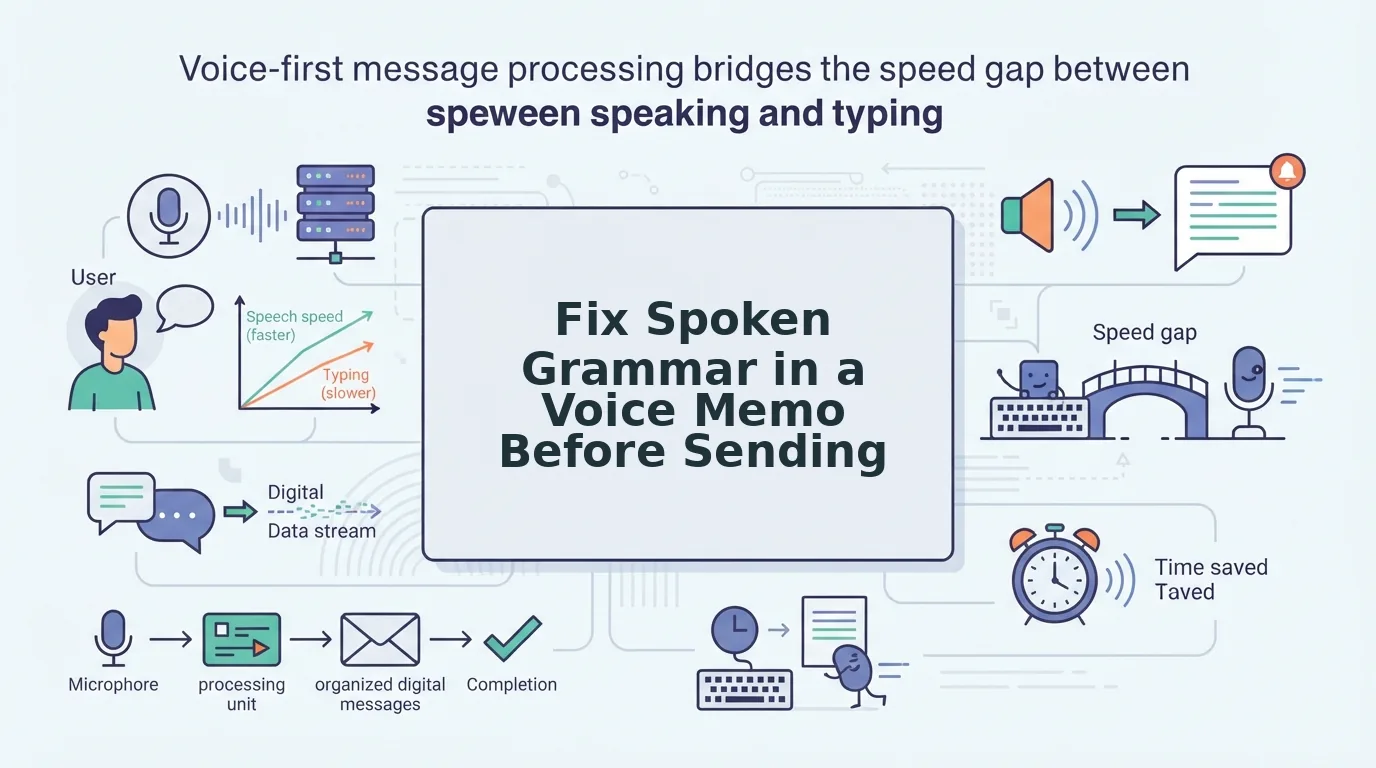
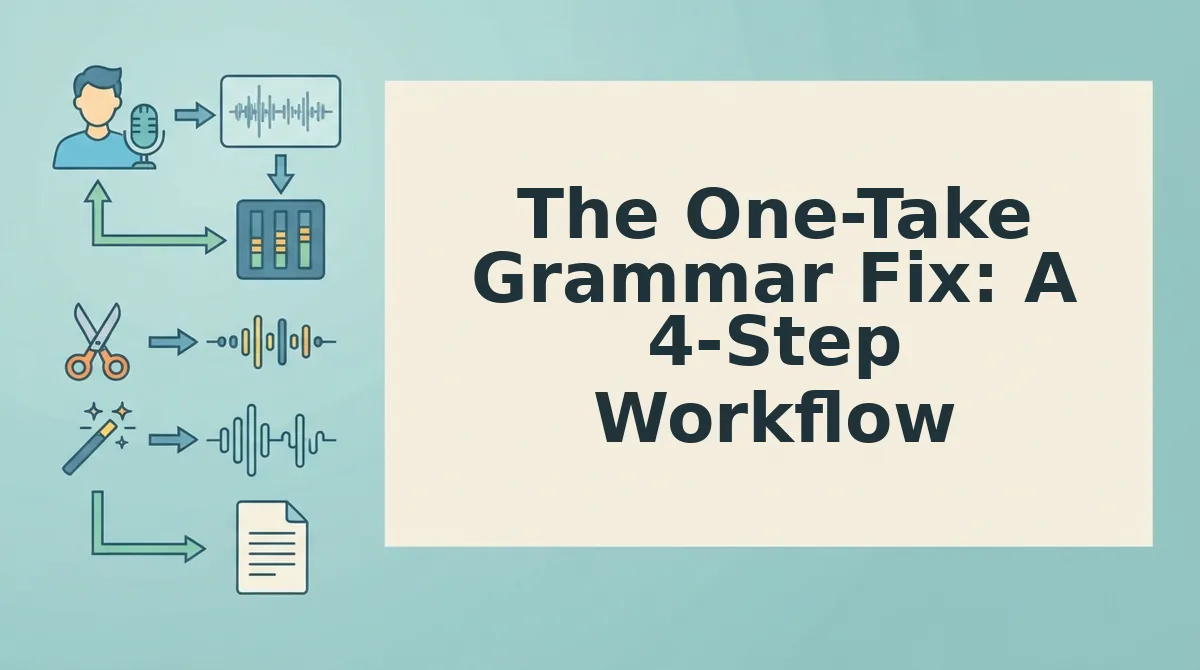
You can fix spoken grammar in a voice memo in one take by recording naturally, cleaning the audio with VClar, reviewing the result, and sending or translating it. No re-recording required.
Prerequisites: a voice memo app on your phone or computer, and a VClar account for the cleanup and grammar pass. Total time: under three minutes per memo.
- Record the memo in one take, and stop judging yourself. Open your voice memo app, hit record, and speak the full message without stopping. Expect fillers and rough edges; they're normal. Success looks like a complete thought captured in under two minutes, not a flawless delivery.
- Upload the audio and let VClar clean it. Open VClar, upload your raw memo, and run the cleanup. The engine detects and removes ums, ahs, false starts, and fragments, the same job as a dedicated tool to remove filler words from audio, while correcting spoken grammar in the transcript and audio timeline. You should see a cleaned version ready in seconds, with your tone and cadence intact.
- Review the cleaned result once. Play back the polished audio or read the transcript. Confirm the grammar reads naturally and your meaning survived the cleanup. If you want a deeper grammar pass, use the dedicated workflow to fix grammar in a voice message. Success looks like a memo you'd be proud to send, decisive, direct, and still unmistakably you.
- Send it, or translate it, with confidence. Export the cleaned memo and send it through your usual channel. If your recipient speaks another language, use VClar to translate a cleaned voice memo across 11 languages without losing your vocal identity. This workflow is especially useful for voice notes for founders who need to sound sharp in one take.
Next, we'll look at what these grammar fixes actually sound like in audio versus what they look like in a transcript, and where the two diverge.
Audio vs. Transcript: What Grammar Fixes Sound Like and Look Like
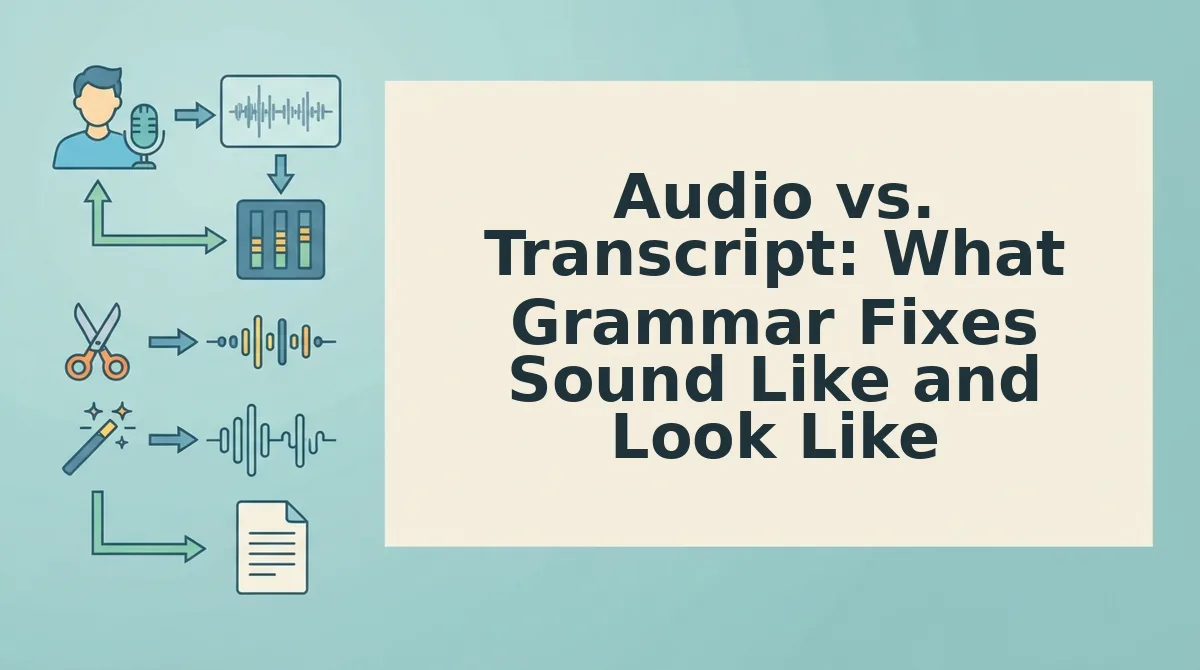
Grammar fixes in audio and grammar fixes in a transcript solve different problems. Audio fixes remove pauses, repair fragments, and eliminate fillers while preserving your voice; transcript fixes produce complete sentences and professional phrasing on the page.
| Fix Type | What It Changes | What It Preserves | Best For |
|---|---|---|---|
| Audio grammar fix | Removes ums, ahs, false starts, and repeated words; tightens sentence fragments into complete spoken thoughts | Your natural tone, accent, cadence, and vocal identity | Founders, sales reps, and creators who need to sound decisive in one take without re-recording |
| Transcript grammar fix | Rewrites spoken text into polished, grammatically complete written sentences | The meaning and intent of the message, but not the spoken delivery | Freelancers and operators who send written summaries, captions, or documentation alongside voice notes |
| Manual re-record | Replaces the entire take with a new one | Nothing from the original take; costs time and spontaneity | Anyone with unlimited time and a script, which is almost nobody sending voice memos |
VClar handles both layers: the audio timeline gets cleaned without altering your voice, and the generated transcript reads as professional prose. If you only need the written version fixed, a transcript editor works fine. If the voice memo itself is the deliverable, only an audio-level fix removes the hesitations your listener would otherwise hear.
The Pre-Send Checklist: 5 Things to Verify Before You Hit Send
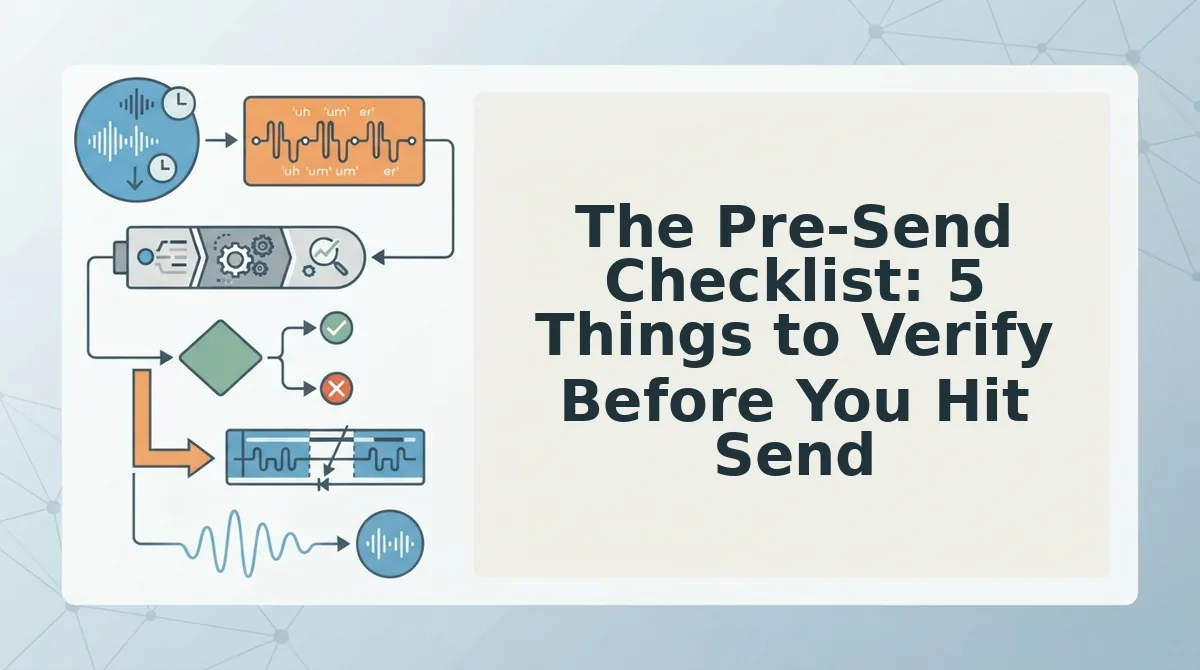
- Filler count. Scan the cleaned transcript for any remaining ums, ahs, or "you know" instances. A single missed filler can undercut the decisive tone you just spent a take building.
- Fragment check. Read the transcript once and flag any sentence that lacks a subject or verb. Spoken fragments feel natural in the moment but read as incomplete in a transcript or translated message.
- Tone check. Listen to the cleaned audio and confirm your intent still lands. VClar preserves your natural tone, accent, and rhythm, but you should verify the fix didn't flatten emphasis you meant to keep.
- Translation check. If you're sending across languages, review the translated transcript for phrasing that matches your intent. Idioms and casual phrasing don't always map one-to-one across the 11 supported languages.
- Playback test. Play the final audio once from start to finish before sending. This catches any awkward splice points or residual background noise that a transcript review alone would miss.
Run this checklist on your next voice memo inside the VClar workflow, and the one-take habit becomes a repeatable system rather than a lucky break.
Send the Take You Actually Recorded
The one-take workflow eliminates the re-record loop by separating what you said from how you said it. You keep the authentic delivery, the tone, accent, and rhythm that make the message yours, while VClar removes the hesitations and fragments that undercut it.
The open loop from the start resolves simply: you don't need a better take. You need a cleaner version of the take you already have.
Run your next voice memo through VClar's grammar fix before you send it. The first take was probably good enough all along.