

You record a 90-second voice note, listen back, hear three "ums," a false start, and one "basically", so you delete it and start over. By take four, you've spent eight minutes on a message that should have taken one. Now imagine that same filler-laden note gets translated into Japanese or French before you catch the problem. The cleanest way to remove filler words before translating voice note audio is to strip the hesitations first, then send the cleaned file through your translation workflow.
You're not alone in this loop. Founders, sales reps, and cross-border teams send raw voice notes daily, and the re-record cycle eats real time. Alexander Lyon's 383K-view video on filler words proves fillers undermine clarity, but almost no one addresses what happens when a filler-heavy voice note hits a translation engine. That's the gap this article closes.
Here's the roadmap: you'll learn why fillers break machine translation, how to clean an existing voice note without re-recording, and what actually changes in the translated output after cleanup. Stick around, the mechanism behind filler-to-mistranslation is more mechanical than you'd expect, and it's the reason a founder sending a Hindi voice note to an English-speaking investor can't afford to skip this step. VClar's filler-removal engine handles this cleanup while preserving your natural tone and cadence.
Why Filler Words Break Voice Note Translation
Filler words are verbal placeholders, "um," "ah," "like," "basically," "you know", that speakers use to hold their turn while thinking. They're harmless in casual conversation, but they become structural noise the moment a translation engine tries to parse your speech. Think of fillers like potholes on a road: a human driver swerves around them without thinking, but an autonomous vehicle slams the brakes and recalculates the route.
The breakdown follows a four-step chain. First, a filler creates a false sentence boundary, the engine hears "I think we should, um, launch in Q3" and splits it into two fragments. Second, that split confuses subject-verb parsing, because the engine now tries to make "um, launch in Q3" a standalone clause. Third, some language pairs translate the filler literally or treat it as a meaningful word. Fourth, you get a wrong or awkward target-language phrase that no longer matches your intent.
False starts and repeated fillers are especially damaging for Hindi-to-English and Spanish-to-English pairs, two of the most common translation directions in VClar's use cases. A Hindi speaker who says "main sochta hoon ki, matlab, humein..." and then restarts the sentence gives the engine three competing clause boundaries before a single complete thought emerges. The Spanish "este" and "bueno" function similarly, and engines frequently render them as "this" or "good" instead of dropping them.
Here's the self-contained answer: To remove filler words from audio before translation, run the voice note through a filler-removal tool that detects and deletes verbal hesitations, false starts, and repeated words from the audio timeline, then export the cleaned file and feed it to your translation engine. This two-step order matters, cleaning first, translating second, because translation engines inherit every parsing error the fillers introduced. VClar's filler word remover handles this cleanup without altering your vocal tone, accent, or cadence, so the translated output reflects what you actually meant to say.
How to Remove Fillers From an Existing Voice Note Without Re-Recording
You don't need to re-record the message. A browser-based filler-removal tool can clean the audio in under two minutes, preserving your original vocal delivery while stripping the hesitations that would otherwise derail translation. Here's the four-step workflow.
- Open a filler-removal tool and upload your voice note. Go to VClar's filler word remover and drag your audio file into the upload area. The tool accepts common voice memo formats and starts processing immediately. You should see a progress indicator while the engine scans for fillers, false starts, and repeated words.
- Run the filler-removal pass. Click the clean or process button. The engine detects and removes "um," "ah," "like," "basically," "you know," and repeated false starts from the audio timeline, seamlessly, so the message still sounds like you. This step preserves your vocal tone, accent, and cadence; there's no synthetic voice cloning involved. Expect this to take 10-30 seconds for a typical 90-second note.
- Review the cleaned transcript for meaning shifts. Open the transcript view and read through the cleaned text. Check that no critical words were removed and that your intended meaning is intact. This review step is the one most audio editing tutorials skip, and it's the difference between a clean note and a subtly altered message. If something looks off, adjust before moving to translation.
- Export the cleaned audio and translate it. Download the cleaned file, then run it through your translation workflow, whether that's VClar's 11-language voice note translator or another engine. Because the fillers are already gone, the translation engine receives clean sentence boundaries and parses your subject-verb structure correctly.
Here's the self-contained answer: To remove fillers from an existing voice note without re-recording, upload the audio to a filler-removal tool, run the cleanup pass, review the cleaned transcript for meaning shifts, then export and translate the cleaned file. This browser-first workflow takes under two minutes and avoids the heavy timeline editing that tools like Descript require. VClar also lets you fix spoken grammar before translation, so the cleaned note reads as polished as it sounds.
Once the fillers are gone, the translation engine has a much easier job, and the difference shows up in the output.
What Changes in the Translated Output After Cleanup
Filler words act as noise that machine translation engines must interpret before they can render meaning. Removing them before translation produces shorter, more accurate target-language output with fewer dropped clauses and fewer invented phrases.
Here is a concrete founder-update scenario. Raw transcript with fillers: "So, um, basically we are, like, ready to ship the, uh, beta next week." A Hindi-to-English translation engine often renders this as a fragmented or hedged sentence, sometimes inserting uncertainty that was not in the speaker's intent. Cleaned transcript: "We are ready to ship the beta next week." The translated output becomes direct, natural, and faithful to the original message.
No single tool owns this workflow. Here is how the main approaches compare on facts available in the research and site context.
| Approach | What it does | Translation impact | Best for |
|---|---|---|---|
| Manual re-recording | You re-record the voice note until it is clean | Highest accuracy, but costs time and spontaneity | Short, high-stakes messages where one take matters |
| VClar cleanup then translate | Removes fillers, breath sounds, and mouth clicks while preserving tone, accent, and cadence, then translates across 11 languages | Cleaner source audio produces more accurate, natural target-language output | Founders, sales teams, and cross-border operators who send voice notes daily |
| Translate raw audio directly | Feeds the unedited voice note straight into a translation engine | Fastest, but fillers and false starts can distort meaning in the target language | Casual, low-stakes messages where precision is optional |
Direct translation tools are genuinely faster when the message is informal and the recipient tolerates rough edges. VClar's strength is the cleanup step before translation, which matters when the message carries a deadline, a price, or a commitment. If you regularly translate voice notes across 11 languages, cleaning first is the workflow that protects meaning.
Does Cleaning Change How You Sound?
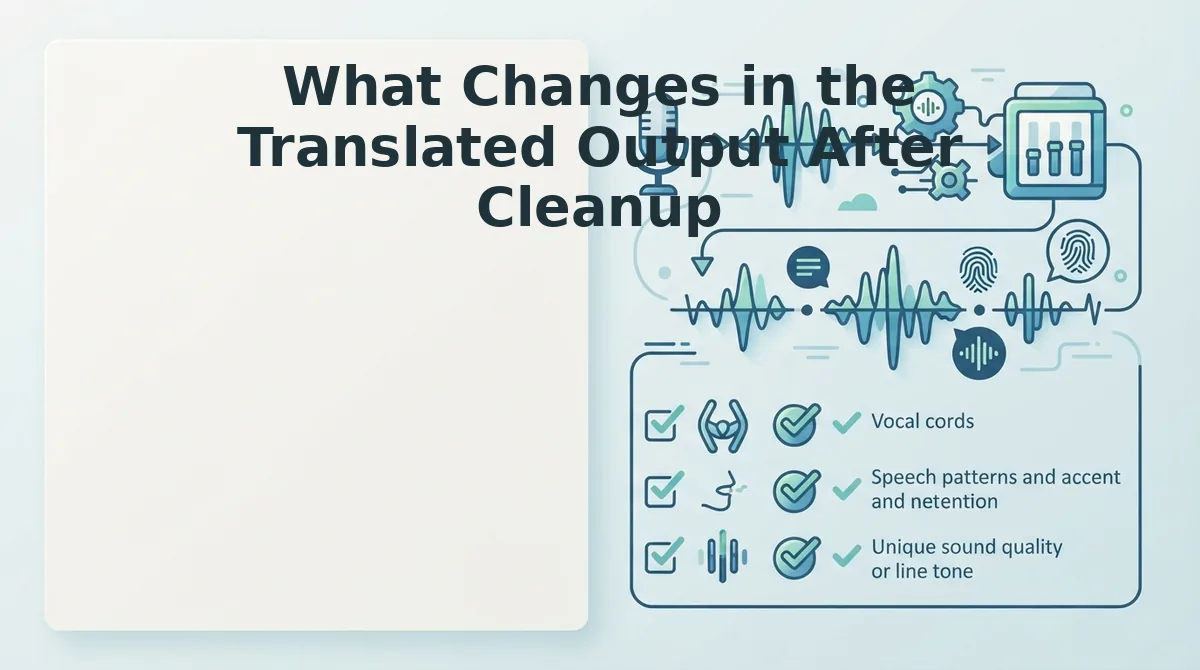
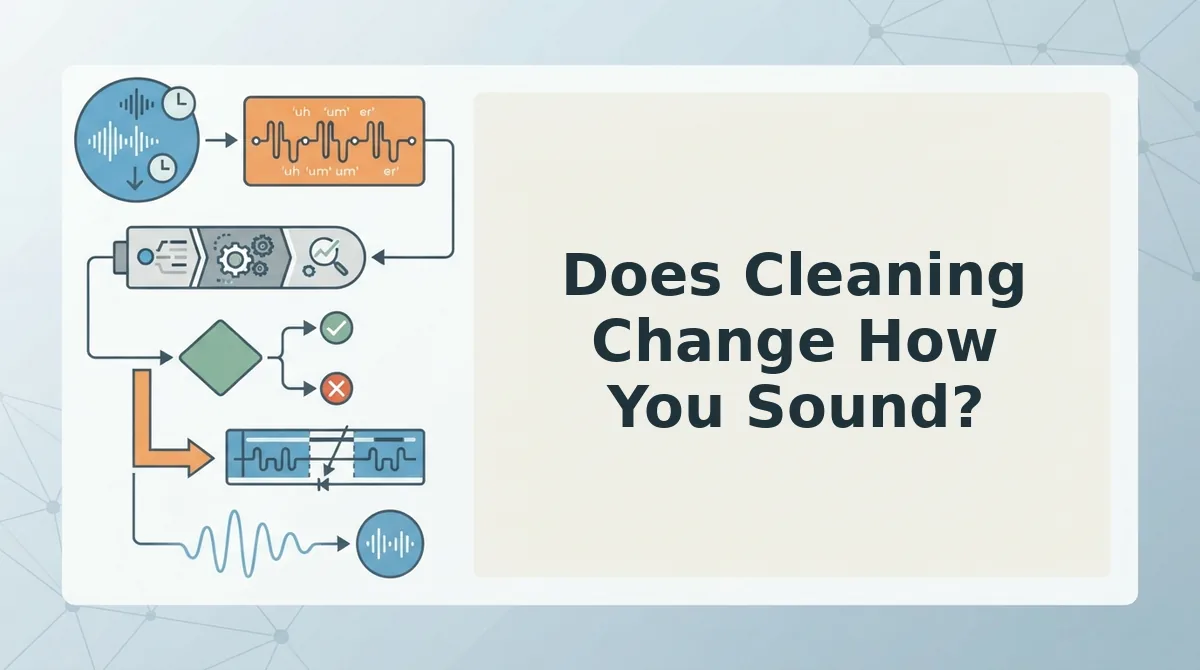
Filler word removal is the process of deleting verbal hesitations, false starts, and non-lexical sounds from an audio timeline without altering the speaker's vocal timbre, accent, or natural rhythm. Done correctly, it removes distractions, not character.
Think of it like editing a photograph: you remove the smudge on the lens, not the face in the frame. The person is still recognizable. The same applies to voice. VClar's cleanup preserves natural tone, accent, and cadence while removing fillers, breath sounds, and mouth clicks. Your "ums" disappear, but your vocal identity stays intact.
At an intermediate level, the workflow is simple: record once, let the cleanup engine strip the hesitations, then review the cleaned audio before sending or translating. You do not need to re-record. The engine works on the existing take.
At an advanced level, there is a contrarian caveat worth stating plainly: aggressive editing can strip personality. If every pause, breath, and informal rhythm is removed, the message can sound robotic. The goal is clarity, not perfection. A voice note that still sounds like you, minus the "ums" and "likes," is more persuasive than a sterile, over-processed clip.
For non-native speakers, this distinction matters even more. Removing fillers clarifies the message without flattening the accent or rhythm that makes the speaker recognizable. The cleanup targets hesitation, not identity.
FAQ
Why should I remove filler words before translating a voice note?
Filler words introduce ambiguity that machine translation engines must resolve, often incorrectly. A cleaned voice note produces a shorter, more accurate translation with fewer dropped clauses and invented phrases. For example, "So, um, basically we are, like, ready to ship the, uh, beta next week" translates poorly, while "We are ready to ship the beta next week" renders cleanly in any target language. Removing fillers first protects the meaning of deadlines, prices, and commitments when the message crosses language barriers.
Can I translate a voice note without cleaning it first?
Yes, you can feed raw audio directly into a translation engine. The output will be faster to produce, but fillers, false starts, and background noise can distort meaning in the target language. For casual messages, direct translation is fine. For messages carrying commitments or specific details, cleaning first is the safer workflow.
What's the difference between filler removal and re-recording?
Filler removal edits the existing take by deleting hesitations and false starts from the audio timeline. Re-recording means recording the entire message again from scratch. Filler removal preserves the original spontaneity and saves time; re-recording gives you full control but costs the one-take confidence that voice notes are built on.
Does filler removal work for non-native speakers?
Yes. Filler removal targets hesitation sounds like "um," "ah," and "like," which occur across languages and proficiency levels. The process preserves the speaker's accent, tone, and cadence while removing the hesitations. Non-native speakers benefit because the cleaned message is clearer to both human listeners and translation engines, without flattening the vocal identity that makes the speaker recognizable.
Clean First, Translate Once: The Workflow That Actually Saves Time
The open loop from the start resolves here: filler words don't just survive translation, they compound across languages, turning a five-second hesitation into a confusing clause in Japanese or a fragmented sentence in German. The fix isn't re-recording. It's cleaning before you translate.
Your next cross-border voice note deserves the one-take workflow:
- Record your message once, naturally, without self-editing mid-sentence.
- Run it through remove filler words from audio to strip ums, false starts, and repeated phrases.
- Then translate voice notes across 11 languages from the cleaned version, not the raw one.
The result is predictable: shorter source audio, tighter sentence boundaries, and translated output that reads like you meant every word. Cleaning doesn't change how you sound. It changes how clearly you land.
Translation amplifies whatever you feed it, so feed it the version of you that already knows what to say.