

You just left a 90-second voice note for a buyer in São Paulo, and then spent 20 minutes re-recording it because the first take was full of "ums," the second take sounded stiff, and the third take still didn't solve the language barrier. Sound familiar? That re-record loop is the hidden tax on every international sales follow-up.
Voice notes are the fastest way to follow up, but raw voice memos carry verbal fillers, awkward pauses, and disjointed grammar that quietly undermine your authority. And when you need to translate a sales voice note to another language, the problem compounds: most tools either mangle your tone or force you into a copy-paste workflow that kills momentum.
You're right to want a better way. This guide walks you through a repeatable workflow for translating sales voice notes without losing your delivery, your pace, or your deal. You'll learn how to clean the audio first, translate it across 11 languages, and send a message that sounds like you, not a robot. Along the way, you'll see why voice notes for sales fail at the translation step, and how one counterintuitive ordering choice changes everything. VClar handles the cleanup and translation in a single pass, so you never re-record again.
How to Translate a Sales Voice Note for an International Client
To translate a sales voice note for an international client, record your message once, clean it with VClar to remove fillers and fix grammar, translate it into the target language, then listen to the result before sending. The entire workflow takes under two minutes and preserves your natural tone across 11 languages and 110 translation directions.
Before you start, you'll need: a smartphone or computer with a microphone, the VClar app or web dashboard, and the language your client prefers. No script, no re-recording, no separate translator app.
- Record your voice note as you normally would. Speak naturally, don't script it, don't slow down, don't worry about fillers. VClar removes "um," "ah," "like," and false starts automatically. You should see the audio waveform appear with a clean timeline preview.
- Open VClar and upload or select the recording. Tap the upload icon or choose the file from your recent recordings. The engine detects speech segments and flags filler words, breath sounds, and mouth clicks for removal. You should see a processing indicator, then a cleaned version ready for review.
- Select your target language from the translation menu. Choose from Hindi, English, French, Japanese, Korean, German, Russian, Portuguese, Spanish, Italian, or Chinese. VClar translates the cleaned audio, not the raw mess, so the output stays coherent. You should see a language confirmation badge next to the file name.
- Listen to the translated voice note before sending. Play back the result to confirm your tone, cadence, and accent are intact. The translated audio keeps your vocal identity, not a synthetic clone. You should hear your own voice speaking the target language with natural rhythm.
- Send the translated note through your existing channel. Export the audio or share it directly to WhatsApp, email, or your CRM. Your client receives a polished, decisive message in their language. You should see a delivery confirmation in your messaging app.
Here's the workflow in one self-contained pass: Record to Clean to Translate to Listen to Send. You record once, VClar removes fillers and fixes spoken grammar, then translates the cleaned message across 11 languages. Hindi, English, French, Japanese, Korean, German, Russian, Portuguese, Spanish, Italian, and Chinese, covering 110 translation directions. The result is a voice note that sounds like you, in your client's language, without the re-record loop. YouTube creators like SPUN AI and TechUnow have shown high demand for WhatsApp voice note translation, but none of those workflows address the sales-specific step of cleaning before translating. VClar's voice message translator handles both in one pass, so you can translate voice message content without switching between apps.
Why Translation Alone Isn't Enough for Sales Voice Notes
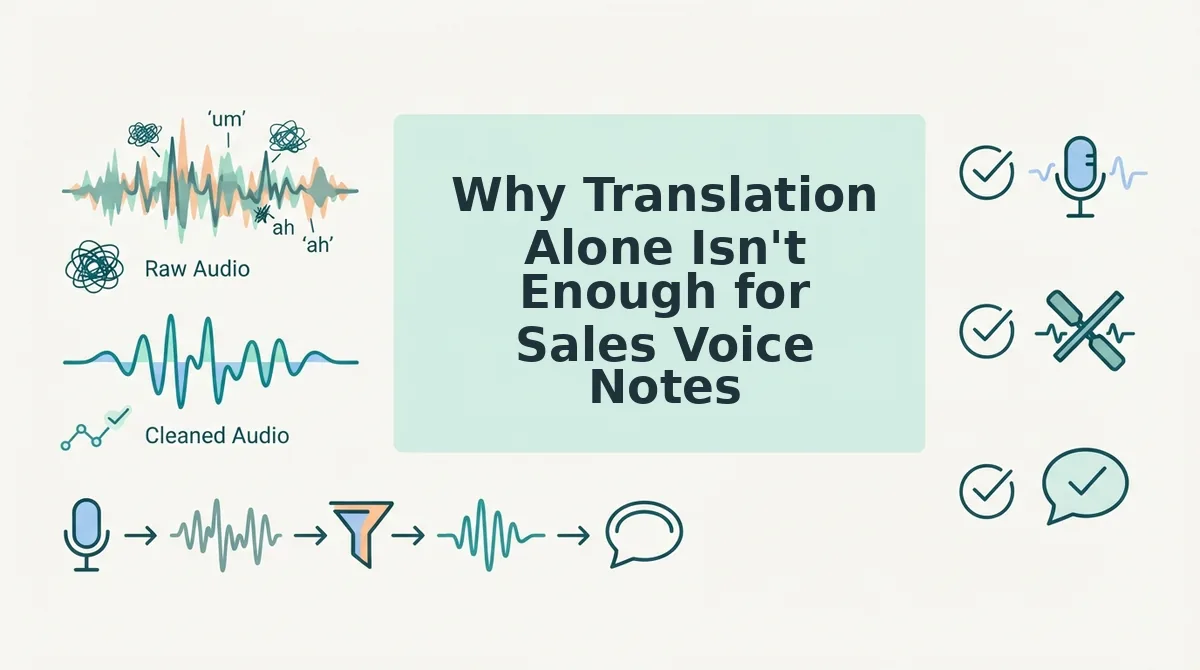
Sales voice note translation is the process of converting a spoken sales message into another language, but if you translate a raw, unedited recording, you amplify every flaw in the original. Translation is the last step, not the first.
Think of it like sending a rough draft to a professional editor and asking them to translate it into French. The editor can translate the words, but the typos, crossed-out sentences, and half-finished thoughts all travel with the text. You get a polished-sounding but confusing message in the target language. That's exactly what happens when you translate a messy voice note: fillers like "um" and "basically" get rendered as awkward equivalents, false starts become garbled phrases, and broken grammar turns into sentences that don't make sense in any language.
The failure point is simple. Translating a messy voice note produces a polished-sounding but confusing message in the target language. Your client hears fluent words but can't follow the logic. YouTube users describe the copy-paste workaround as "switching between messages and a translator", a friction point that kills momentum and makes you sound less competent, not more.
The fix is to clean before you translate. Remove filler words from audio first, then fix grammar in voice message content, and only then run the translation. That ordering is the difference between a message that lands and one that confuses.
Next, we'll walk through the exact clean-first workflow that prevents embarrassing follow-ups.
Clean First, Translate Second: The Workflow That Prevents Embarrassing Follow-Ups
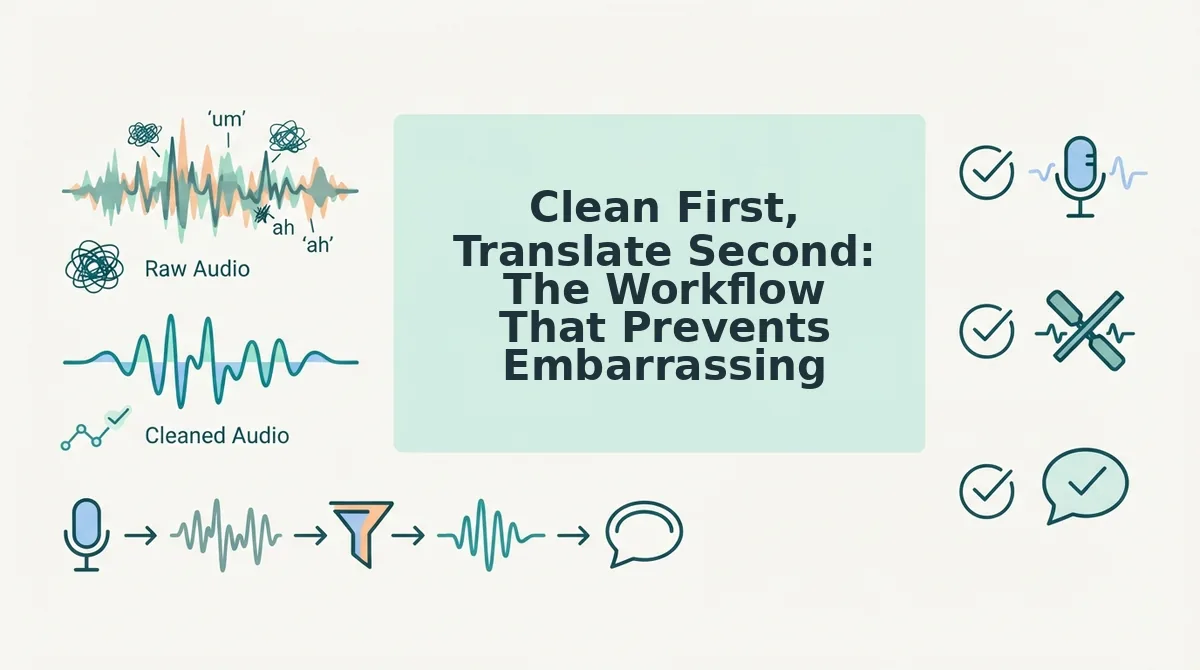
Cleaning a sales voice note before translating it means removing filler words, fixing grammar, and tightening phrasing in the original language first, then running the polished audio through translation. This two-stage pipeline prevents awkward target-language phrasing that raw, filler-heavy recordings inevitably produce.
You need a voice message translator that handles both cleanup and translation in one workflow, plus your original voice note file. The full process takes under three minutes.
- Upload your raw voice note to VClar. Open the VClar dashboard, click Upload Audio, and select your file. You should see a waveform preview appear within a few seconds.
- Run the cleanup pass first. Click Clean Audio and wait roughly 30-60 seconds. VClar removes ums, ahs, false starts, and background noise while preserving your natural tone and cadence. You should see a green checkmark next to Cleaned when the pass completes.
- Review the cleaned transcript. Open the transcript panel and scan for any remaining grammar issues. If needed, click fix grammar in voice message to apply a targeted grammar correction pass. You should see the transcript update with corrected sentence structure.
- Select your target language and translate. Click Translate, choose the language from the dropdown, and confirm. The translated audio should retain your original vocal identity, same tone, accent, and rhythm, not a synthetic clone.
- Listen to the translated output before sending. Play back the final audio and verify the call-to-action, numbers, and product names survived translation intact. You should hear a natural, decisive delivery with no filler artifacts.
Troubleshooting: If you skip the cleanup step and translate a filler-heavy voice note directly, you will likely get awkward target-language phrasing, filler words like "basically" and "you know" do not map cleanly across languages and can distort sentence structure. Always clean first.
The two-stage pipeline, grammar and filler cleanup followed by translation, is VClar's core workflow. No competitor frames this as a repeatable sales process, yet it is the single most reliable way to avoid sending a translated voice note that sounds confused or unprofessional.
How to Preserve Persuasive Tone When Translating a Voice Note
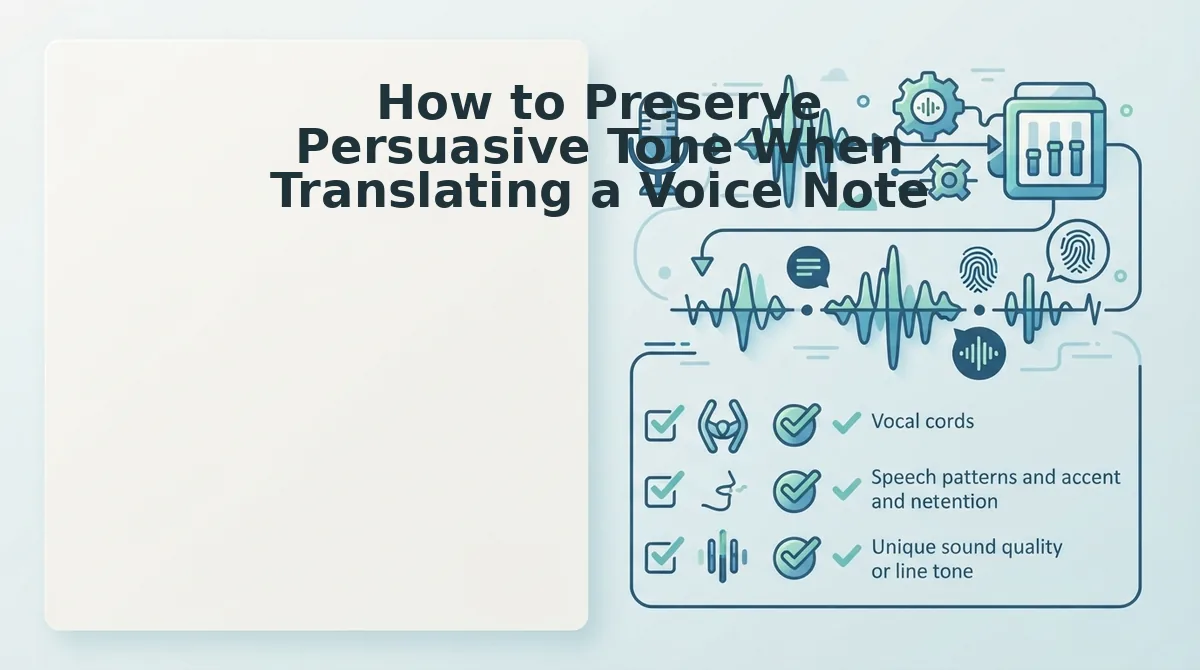
Preserving persuasive tone in a translated voice note means keeping the speaker's urgency, intent, and vocal delivery intact, not just converting words. Text-only translation tools strip vocal delivery entirely, which is why a voice message translator that preserves the original audio is essential for sales.
- Verify the call-to-action survived intact. The single most important element of any sales voice note is the ask, whether it is booking a call, signing a proposal, or confirming a price. After translation, listen specifically for the CTA and confirm it is still direct, unambiguous, and placed at the same point in the message where you originally delivered it.
- Check that urgency markers translated correctly. Phrases like "this week," "before Friday," or "limited availability" carry the deal's momentum. Confirm the translated version preserves the same time pressure without softening or exaggerating it, since urgency is one of the first casualties of literal translation.
- Confirm all numbers and pricing are accurate. Currency amounts, percentages, dates, and quantities must survive translation exactly. A mistranslated number in a sales voice note can kill trust instantly, so replay the translated audio and cross-check every figure against your original message.
- Verify proper name pronunciation. Your name, your client's name, and any product or company names should remain recognizable in the translated audio. VClar preserves the speaker's natural tone, accent, and rhythm rather than generating a synthetic clone, which keeps names sounding authentic instead of machine-rendered.
- Ensure the closing question still lands as a question. Sales voice notes often end with an open question designed to prompt a reply. Confirm the translated version retains the interrogative structure and conversational warmth, a closing question that translates as a flat statement loses its persuasive function entirely.
Which Languages Matter Most for B2B Sales Voice Notes
The languages that matter most for B2B sales voice notes are those spoken in your highest-value target markets, and for most sellers, that means prioritizing markets with strong enterprise spending and growing SaaS adoption. VClar covers 11 languages, but six stand out for B2B sales scenarios.
- Hindi for India market entry. India's SaaS and enterprise software market is expanding rapidly, and Hindi voice notes help you connect with decision-makers who prefer native-language communication even when they speak English. Use Hindi for first-touch outreach to mid-market and enterprise buyers in India.
- Japanese for enterprise tech buyers. Japan has one of the world's largest enterprise technology budgets, and Japanese buyers place a premium on respectful, polished communication. A cleaned and translated voice note in Japanese signals serious intent and cultural awareness.
- German for DACH manufacturing. The DACH region. Germany, Austria, Switzerland, anchors European manufacturing and industrial B2B. German-language voice notes build credibility with procurement teams that expect precision and formality.
- Portuguese for Brazil SaaS. Brazil is Latin America's largest SaaS market [est.], and Portuguese voice notes help you stand out in a region where English-only outreach is common but native-language outreach is rare. Use Portuguese for follow-ups after initial English contact.
- Spanish for LATAM expansion. Spanish unlocks markets from Mexico to Argentina, where B2B buyers increasingly expect localized communication. A Spanish voice note preserves warmth and relationship-building tone that text-based outreach cannot match.
- French for EU enterprise. French is essential for enterprise deals in France, Belgium, and parts of Switzerland, where language preference is often a hard requirement in procurement. French voice notes demonstrate commitment to the local market.
See the full VClar languages list to check coverage for your specific target markets. If you are still unsure how to apply this to your own sales process, the next section answers the most common questions about translating sales voice notes without losing the deal.
FAQ: Translating Sales Voice Notes Without Losing the Deal
Direct answers to the questions sales reps actually ask before sending a translated voice note to a prospect or client.
Can I translate a WhatsApp voice note without typing it out?
Yes. Upload the voice note to a tool that handles audio-to-audio translation, like VClar's translate voice message workflow, which converts your spoken message into the target language while keeping your voice. No transcription or manual retyping is required.
Will translating my voice note make me sound robotic?
No, if the tool preserves your original vocal characteristics. VClar translates the spoken content while retaining your tone, cadence, and accent, so the output sounds like you speaking the target language, not a synthetic text-to-speech clone.
Should I fix grammar before or after translating?
Fix grammar and remove filler words before translating. Cleaning the source audio first prevents errors like "um" and false starts from being translated literally, which can produce awkward or confusing phrasing in the target language. A clean source produces a clean translation.
How do I know the translation didn't change my meaning?
Compare the translated transcript against your original message and check for tone shifts in key phrases like pricing, deadlines, or commitments. VClar's workflow produces both cleaned audio and a transcript, so you can verify meaning before sending.
Why does my translated voice note sound less persuasive than my original?
Because filler words and hesitations often carry conversational warmth that gets stripped in translation. Cleaning first, removing only true fillers while preserving your natural rhythm, keeps the persuasive cadence intact, so the translated version retains the urgency and confidence of the original.
For sales teams working across borders, the workflow is straightforward: record once, remove fillers and fix grammar in the source language, then translate the cleaned audio to any of 11 supported languages. The result is a voice note that sounds like you, reads as polished, and lands with the same persuasive force in Hindi, Japanese, German, or any other target language your pipeline requires.
Send the Voice Note That Closes. Not the One That Confuses
The mistake most reps make is translating first. Cleaning first, removing fillers, fixing grammar, tightening phrasing, is the difference between a confusing message and a closed deal. A translated voice note built on sloppy source audio compounds every hesitation and false start into the target language.
Your next step is simple: record your sales voice note once, run it through VClar to clean the audio, then translate it to any of 11 languages without losing your tone or cadence. Send it with the same confidence you'd have in a face-to-face pitch.
The reps who win international deals aren't the ones who speak every language, they're the ones who sound like themselves in every language.