
You record a 45-second audio update, stumble over a duplicate phrase like "we need to, we need to review this," and immediately hit delete to start over. While speaking at 150 words per minute outpaces typing, that speed advantage collapses the moment you restart three to four times for minor vocal slips. Using an ai voice message translator eliminates this loop by stripping stuttered words directly from the audio timeline.
This guide covers how to remove repeated words from audio notes fast, compare automated browser workflows to timeline editors, and maintain one-take confidence. You will also discover the unexpected acoustic threshold where cutting duplicate words makes speech sound rushed rather than clear.
Here is how this cleanup functions in an async workflow:
- Situation: You record a spontaneous voice update containing repeated phrases and circular phrasing while between meetings.
- Action: You route the raw audio through an automated speech engine that detects duplicated tokens and bridges the sound waves.
- Outcome: The system outputs a concise audio note and transcript with your natural vocal timbre intact, eliminating the re-recording cycle.
This approach applies specifically to spontaneous voice memos and team messages rather than multi-track studio productions. Review how spoken grammar correction tools clean conversational delivery to keep your authentic cadence intact without synthetic voice clones. Before fixing these verbal stumbles, it helps to understand why your brain naturally produces them during spontaneous speech.
Why We Repeat Words in Voice Notes and How Speech Disfluency Works
We repeat words in voice notes because motor speech articulation physically moves faster than cognitive sentence assembly. Conventional wisdom blames conversational repetition on nervousness, but duplicate phrasing is actually a cognitive buffer mechanism rather than an indicator of poor communication skills.
Speech disfluency is any natural break, repetition, or hesitation that interrupts the linear flow of spoken language. In spontaneous audio notes, word repetition occurs when an unscripted speaking velocity of 150 words per minute outpaces cognitive sentence planning. Rather than pausing in silence, the speaker repeats whole words to maintain conversational momentum while formulating upcoming clauses. Basic audio silence trimmers fail to remove these repetitions because repeated words carry full acoustic volume, natural pitch contours, and sentence cadence. Resolving them requires analyzing semantic intent rather than simply gating decibel levels.
Think of your vocal tract like a warehouse conveyor belt. If the packaging team upstairs delays the next crate, the mechanical rollers keep spinning the current item in place so the assembly line never stops moving.
Under the Spoken Disfluency Taxonomy, conversational speech breaks down into three distinct tiers:
- Syllable Stutters: Involuntary motor repetitions at phonetic boundaries, such as saying "th-the" before the complete word articulates.
- Duplicate Word Hesitations: Whole-word vocal echoes, such as saying "we we," which function as active holding patterns during vocabulary retrieval.
- Structural False Starts: Abandoned syntax mid-thought, such as saying "The proposal, actually, looking at the budget," where the brain resets the entire grammatical frame.
When you measure your speaking rate, you quickly discover that high-velocity speech intensifies friction between rapid thought generation and physical delivery. A basic silence trimmer cuts dead air; it leaves verbal loops untouched. Standard audio gates cannot differentiate between intentional spoken emphasis and an accidental double word because both share identical acoustic energy and harmonic structures.
To eliminate these stumbles cleanly, automated processors must evaluate syntactic context to repair conversational grammar and excise duplicated tokens without clipping your natural vocal cadence. Understanding this taxonomy lets you pinpoint your spontaneous speech habits and rely on intelligent enhancement tools that turn rough takes into crisp, authoritative voice messages. Once you identify these disfluency patterns, the next step is choosing an editing workflow that cleans them up without demanding tedious manual labor.
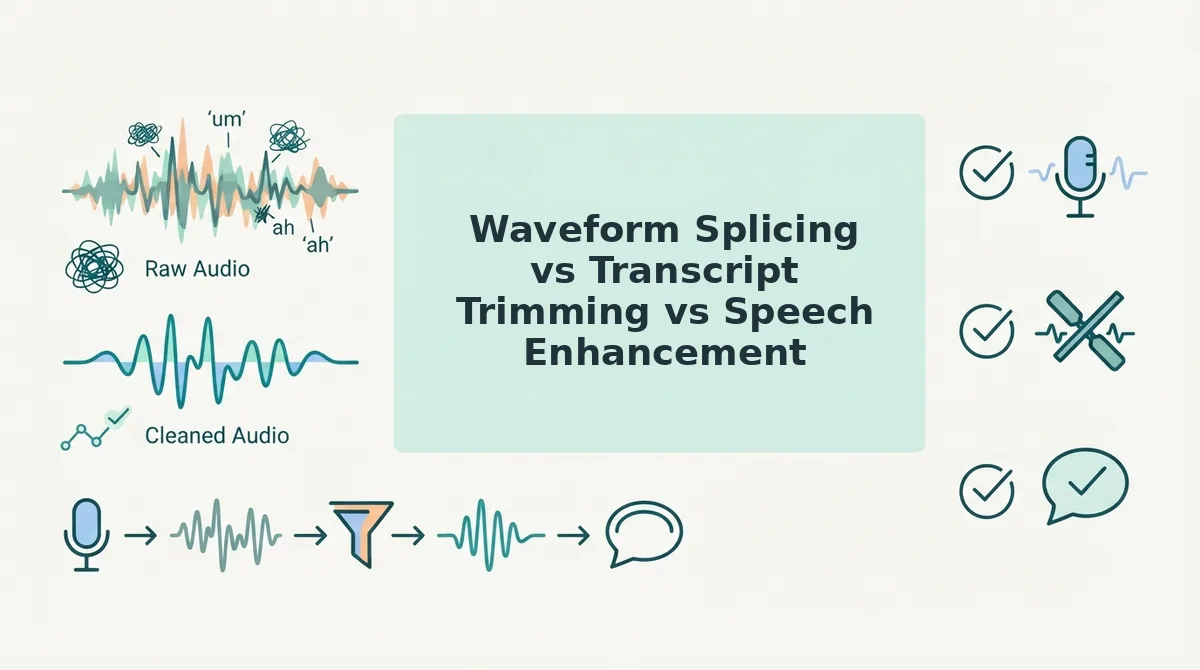
Waveform Splicing vs Transcript Trimming vs Speech Enhancement
The fastest way to eliminate repeated words without introducing jarring room-tone dropouts is automated speech enhancement, whereas transcript trimming suits long-form multimedia projects and manual waveform splicing provides surgical studio control. Choosing the right method depends on whether you value speed, granular control, or production scale.
Manual waveform splicing is the frame-by-frame process of isolating audio peaks on a timeline and cutting out mistaken takes. While digital audio workstations like Audacity offer pinpoint control, comparative benchmarks show that manual waveform cuts take 4x to 6x the audio duration to complete. Hard-slicing an audio timeline also creates unnatural silence voids, as ambient room tone abruptly drops to zero between clipped syllables.
Transcript trimming is a text-based editing workflow where deleting words in an auto-generated script automatically cuts the synced audio underneath. Platforms like Descript excel at this for multi-track podcasts, yet managing timeline projects for quick 60-second updates introduces unnecessary workflow friction. Automated speech enhancement processes raw recordings algorithmically, removing stumbles and false starts in under 10 seconds without timeline management.
| Workflow Method | Processing Speed | Acoustic Room-Tone Handling | Best For |
|---|---|---|---|
| Waveform Splicing (e.g., Audacity) | Slow (4x to 6x recording length) | Prone to dead-air voids unless crossfaded manually | Sound designers and audio engineers |
| Transcript Trimming (e.g., Descript) | Moderate (requires manual text review) | Automated smoothing, though cadence can sound clipped | Podcast producers and video creators |
| Speech Enhancement (e.g., VClar) | Fast (under 10 seconds in-browser) | Preserves room tone and natural vocal cadence | Founders, sales reps, and async teams |
Choose waveform splicing if you need sample-accurate control over an audio broadcast master. Choose transcript trimming if you are editing a 45-minute video interview and need full control over every sentence structure.
Our recommendation for everyday business notes is browser-based speech enhancement. Startup founders, consultants, and cross-border teams think faster than they type and cannot afford the friction of re-recording loops or timeline editing. You can instantly remove filler words from audio to deliver clean, authoritative voice messages that keep your natural vocal identity intact. Implementing this automated workflow in your everyday communication requires only a few simple steps.
How to Remove Repeated Words from Audio Notes Step by Step
To remove repeated words from audio notes fast, upload your raw recording to an AI speech enhancer that automatically detects duplicated phrases, trims the audio timeline seamlessly, and preserves your natural voice. This process eliminates stutters and false starts within seconds without manual waveform cutting.
Automated speech enhancement is an algorithmic process that repairs conversational phrasing and deletes acoustic hesitations while keeping the speaker's vocal timbre, accent, and pacing intact.
Before starting, ensure you have your raw voice recording, such as an exported WhatsApp audio note, voice memo, or voice message file, and browser access to VClar.
- Upload your unedited audio file. Open VClar in your browser and click Upload Audio to import your raw voice memo. You will see a file upload progress bar confirm completion in under five seconds.
- Enable filler and repetition removal. Select the option to clean spoken grammar and eliminate verbal hesitations. The engine scans your timeline to locate repeated words, sentence fragments, and false starts without requiring manual track splitting.
- Review the side-by-side comparison. Inspect the generated transcript against the updated audio timeline to evaluate the cut points. You should see a highlighted side-by-side view where deleted duplicate phrases are struck through while the remaining speech transitions smoothly with zero cadence distortion.
- Export your polished voice note and transcript. Click Export to download the cleaned audio file and copy the structured written memo. Your final audio message is immediately ready to send to colleagues, clients, or team channels.
Consider this practical scenario: you record a 45-second voice memo while walking between meetings, accidentally repeating yourself when thinking through a project deliverable.
Raw memo transcript: "We need to, we need to finalize the client onboarding roadmap by Friday, so let's schedule, let's schedule a brief sync tomorrow morning."
Cleaned output: "We need to finalize the client onboarding roadmap by Friday, so let's schedule a brief sync tomorrow morning."
The repeated takes are stripped out entirely. The audio seamlessly bridges the edits, preserving authentic vocal presence without robotic cuts.
Eliminating re-recording loops is especially critical when managing fast-paced async communication. If you regularly share updates on the move, explore how tailored voice notes for founders help turn spontaneous, rough speech into decisive, one-take audio messages and clear transcripts. However, moving quickly should never come at the expense of audio realism, making a quick post-cleanup audit essential.
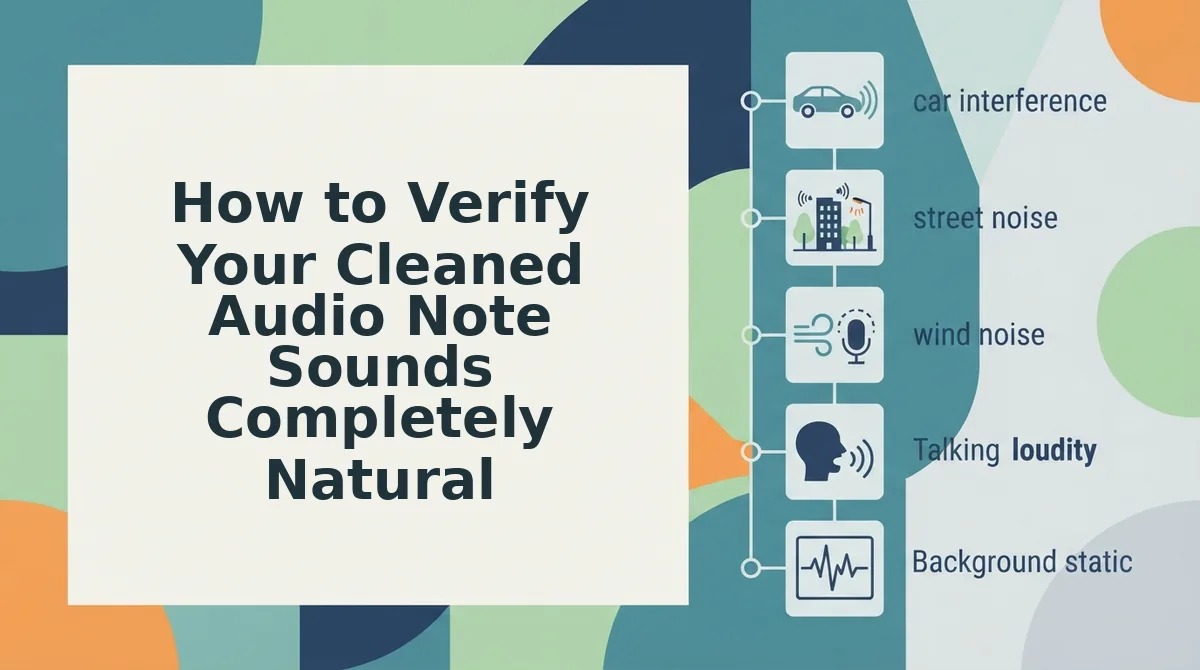
How to Verify Your Cleaned Audio Note Sounds Completely Natural
To verify that an edited audio note sounds natural after removing repeated words, audit the transition points across room tone, cadence, consonant transients, and pitch inflection. An authentic voice edit eliminates verbal stumbles while preserving your natural vocal identity, avoiding the dead air and robotic jumps typical of clumsy trimming.
Did that cut fix your stumble, or did it turn your voice note into synthetic patchwork? An acoustic artifact is an unnatural sonic glitch introduced when editing software severs raw audio frames unevenly. Listen through your track using this four-point naturalness rubric before hitting send:
- Ambient Room Tone Continuity: This check verifies that background noise remains constant across edits rather than dropping into dead digital silence. Abrupt noise floor dropouts alert the listener's brain that audio was spliced, destroying conversational flow. Action step: Listen to splice transitions through closed-back headphones to ensure background room air hums seamlessly beneath the edits.
- Vocal Pacing and Cadence: This check monitors the temporal rhythm between clauses to ensure the speaker's natural breathing space remains intact. Pulling adjacent words too close together when deleting repetitions creates a rushed, machine-gun delivery that sounds unnatural. Action step: Tap your finger along with your speaking tempo during playback to confirm the pause duration matches your typical physical breathing rate.
- Syllable Plosive Integrity: This check assesses whether the opening consonants of kept words were accidentally severed during the cut. Splicing duplicate syllables too aggressively clips initial "b," "p," and "t" bursts, leaving words sounding swallowed or slurred. Action step: Solo the first split-second of the retained phrase to confirm the initial consonant transient remains fully audible.
- Sentence Intonation Curves: This check tracks pitch movement across the edit, ensuring speech melody rises and falls naturally without jarring jumps. Speakers instinctively alter their pitch contour during false starts, meaning splicing an early repetition into an ending phrase can produce an impossible tonal spike. Action step: Hum the pitch contour of the sentence out loud while listening to detect any unnatural tonal breaks.
Applying this four-point verification ensures every note you send meets professional standards. If you are refining your recording habit, reviewing common questions helps resolve edge cases across different devices and speech patterns.
Frequently Asked Questions About Cleaning Spoken Voice Notes
Automated speech processing removes repeated words from audio notes in seconds while preserving natural room tone and speaking cadence. Manual waveform editing takes five minutes per minute of audio, so how do modern voice workflows solve it faster?
Can you remove repeated words automatically in the iPhone Voice Memos app?
The native iPhone Voice Memos app cannot automatically detect or remove repeated words. To fix repetitions on iOS, you must manually scrub the audio timeline, pinch to zoom, and splice out segments by hand. Native mobile recorders lack semantic speech recognition to identify verbal stumbles or false starts.
How does AI distinguish between a stutter and intentional word repetition?
Speech enhancement models evaluate acoustic pitch contours, syllable duration, and conversational syntax to identify accidental disfluencies. Intentional emphasis retains balanced vocal projection and natural rhythm, whereas accidental repetitions produce abrupt pitch breaks, cut-off vowel sounds, and rapid restarts that automated speech filters isolate and remove without distorting context.
How do I clean repeated words on mobile without complex editing software?
Upload your recorded audio directly into a browser-based speech cleaner rather than using timeline editing apps. Automated web tools eliminate repeated words, verbal pauses, and filler sounds within sixty seconds, bypassing the tedious work of manually trimming audio tracks on a small smartphone display.
Why does audio sound choppy after cutting repeated words?
Audio sounds choppy when hard timeline cuts abruptly sever continuous room tone or slice into decaying vocal frequencies. Intelligent speech enhancers eliminate this jarring effect by applying micro-crossfades over edit boundaries, blending ambient acoustic room noise smoothly so the finished voice message sounds continuous and natural.
Mastering these operational details removes the final barriers between spontaneous thought and flawless async delivery.
Stop Re-Recording and Reclaim the Speed of Async Voice Messaging
Eliminating repeated words automatically restores the speed of asynchronous communication, transforming conversational hesitation into authoritative one-take delivery. The question of whether spontaneous voice notes can match the precision of polished written memos is answered once automated processing handles the cleanup.
Many professionals wrongly assume that sounding crisp requires tedious waveform surgery or three consecutive re-recordings. In reality, verbal repetitions are natural cognitive markers of rapid real-time thought formulation, not evidence of weak communication. Forcing yourself to scrap and restart an entire voice memo whenever you stumble destroys conversational momentum and wastes critical cognitive bandwidth throughout your day.
Shift your daily audio workflow from manual repair to effortless clarity:
- Recover roughly 20 minutes of daily work time by eliminating re-recording loops and delivering spontaneous, single-take voice notes.
- Eliminate manual cut-and-splice audio editing with automated speech enhancement that removes repeated words while strictly preserving your natural vocal timbre and cadence.
- Review your side-by-side transcripts to observe recurring speech disfluencies, helping you systematically refine your spoken habits over time.
Rather than losing productive hours to overbuilt timeline editing software or retreating to slow written drafts, record your raw voice messages and let VClar clean voice memos online in seconds.
True communication efficiency does not demand flawless impromptu speech; it simply requires eliminating the friction between spontaneous thinking and clear, authoritative vocal delivery.