
You record a voice note in your kitchen, hit send, and play it back, only to hear your voice bouncing off the tile like you're speaking from inside a metal drum. That hollow, distant quality is room echo, and it's the fastest way to make a confident message sound unpolished. You're not alone: every hard surface in a typical room reflects sound back into your microphone, and most people don't realize it until they hear themselves on playback.
Here's the good news: you can remove room echo from a voice recording in two ways, by preventing it before you record, or by cleaning it up after the fact. This guide walks you through both paths. You'll learn why echo happens, how to diagnose your recording space in seconds using a simple distance-to-mic ratio, and the exact steps to fix echo in audio you've already captured.
Along the way, you'll discover why echo is really a distance problem, not a room problem, and why moving your mouth six inches closer to the mic can do more than any acoustic panel. If you're sending voice messages through a tool like VClar, which cleans filler words and polishes spoken audio, starting with a cleaner recording means the final result sounds even sharper.
Why Does My Voice Recording Sound Echoey?
Your voice recording sounds echoey because hard surfaces, walls, floors, windows, and bare desks, reflect your voice back into the microphone a fraction of a second after you speak, creating a distinct, hollow-sounding duplicate of your words.
Echo is a single, distinct reflection of your voice. Reverb is the accumulation of many reflections blending together into a wash of sound. Both are caused by the same thing: sound waves hitting hard surfaces and bouncing back toward the mic. Think of echo like a ball thrown against a single wall, it comes back as one clear bounce. Reverb is like throwing that same ball inside a racquetball court, where it ricochets off every surface until the bounces blur together.
The Distance-to-Mic Ratio: A 10-Second Diagnostic
Echo severity depends on two distances: how far your mouth is from the microphone, and how far the nearest hard surface is from the microphone. When your mouth is close to the mic and the wall is far away, the reflected sound arrives much quieter than your direct voice. When your mouth is far from the mic and the wall is close, the reflection competes with your voice almost equally.
| Mouth-to-Mic Distance | Nearest Wall Distance | Reflected Sound Level | Echo Severity |
|---|---|---|---|
| 6 inches | 6 feet | 12x quieter than voice | Minimal |
| 1 foot | 4 feet | 4x quieter than voice | Moderate |
| 2 feet | 4 feet | 2x quieter than voice | Severe |
This ratio explains why the same voice sounds clean in a carpeted bedroom but hollow in a tiled kitchen. It's not that the kitchen is "worse" in some abstract sense, it's that the hard tile is closer to your mouth than the soft surfaces in the bedroom, so the reflection arrives louder relative to your direct voice. Once you understand this, you can diagnose any recording space in seconds: measure the two distances, compare them, and you'll know whether echo is likely before you even press record.
How to Prevent Room Echo Before You Hit Record
Preventing room echo before recording is faster and cheaper than fixing it afterward. You need no special equipment, just a microphone, your voice, and a few soft surfaces you already own.
- Move closer to the microphone. Position your mouth 6 inches from the mic instead of 2 feet. This single change can reduce perceived echo by up to 12 dB without any acoustic treatment, because your direct voice gets louder relative to the reflected sound. You should hear your voice sound fuller and more present immediately.
- Identify the nearest hard surface and soften it. Look around your recording position. The closest wall, window, or bare desk is the primary echo source. Hang a blanket, towel, or duvet over it. If you're at a desk, place a folded towel or pillow between your mouth and the desk surface. The reflection should drop noticeably in the next test recording.
- Run the closet test. Record a short phrase in your current spot, then record the same phrase inside a closet full of clothes. If the closet version sounds dramatically cleaner, your room has an echo problem worth treating. This test, popularized by Home Brew Audio, gives you a baseline comparison in under two minutes.
- Avoid converted bedrooms with parallel walls. Converted bedrooms are among the worst rooms for voice recording because parallel walls bounce sound back and forth in a repeating pattern. If you must record in one, break up the parallel surfaces by placing a bookshelf against one wall or hanging a thick curtain across another.
- Add soft mass to the room. Rugs on hard floors, curtains over windows, and upholstered furniture all absorb reflections. You don't need acoustic foam panels, any thick, porous material works. After adding two or three soft items, record a test clip and compare it to your baseline from the closet test. The echo should be reduced or gone.
If you've already recorded a message that sounds echoey, don't re-record it yet, there are tools that can clean up the audio you already have.
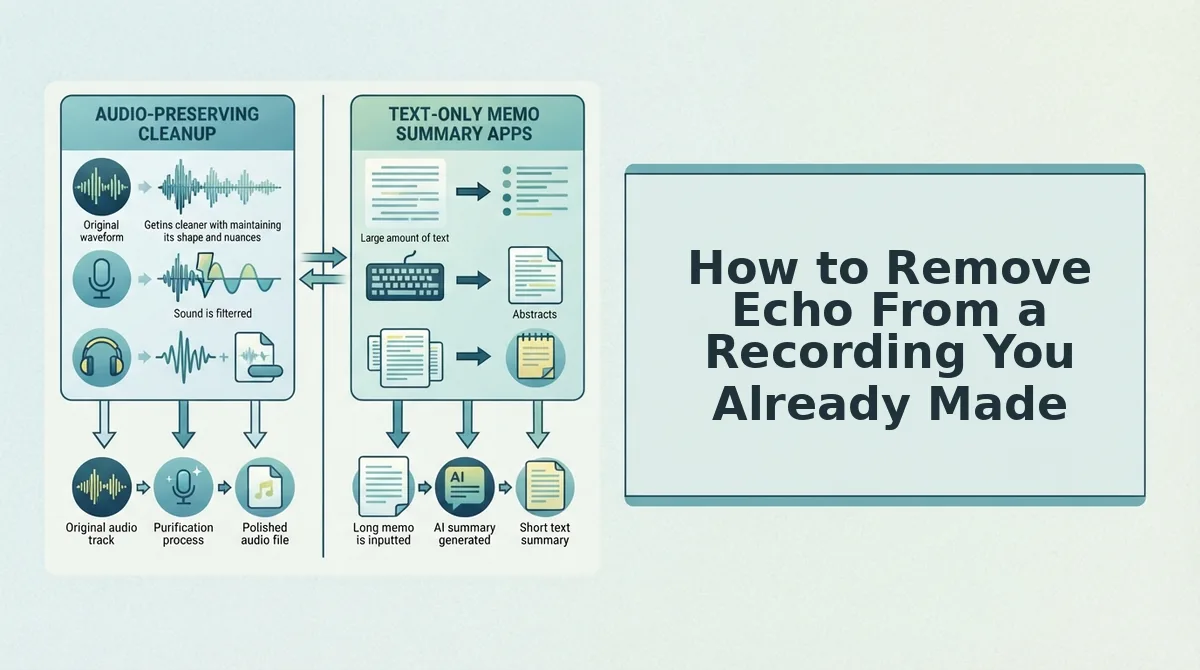
How to Remove Echo From a Recording You Already Made
You can remove echo from an existing recording using free tools like Audacity, paid software like Adobe Audition, or AI de-reverb tools, each with distinct trade-offs in artifact quality, cost, and how faithfully your natural voice is preserved.
Free Option: Audacity
Audacity's Noise Reduction effect can reduce echo, but it often leaves audible artifacts, a metallic ringing or muffled quality that makes speech sound processed. It works by sampling a "noise profile" and subtracting it from the waveform, which struggles to isolate reflections from the original signal.
Best for: Hobbyists and podcasters on a budget who can tolerate minor artifacts and have time to experiment with settings.
Paid Option: Adobe Audition
Adobe Audition's DeReverb effect is more surgical. It analyzes the acoustic signature of the room and attenuates reflections without gutting the dry signal. The result is cleaner, but it requires a Creative Cloud subscription and a learning curve that casual voice-message senders rarely justify.
Best for: Video editors, podcast producers, and audio professionals who already pay for Adobe's ecosystem and need precise control.
AI De-Reverb Tools
AI de-reverb tools like VClar remove echo while preserving the speaker's natural tone and cadence, ideal for voice messages that can't be re-recorded. Instead of subtracting frequencies, these models reconstruct the clean signal, which means fewer artifacts and no manual parameter tweaking. VClar also lets you remove filler words from your voice recordings in the same pass.
Best for: Founders, sales reps, and creators sending one-take voice messages who need a polished result without opening a DAW.
| Tool | Cost Model | Echo Removal Quality | Voice Preservation | Learning Curve | Best For |
|---|---|---|---|---|---|
| Audacity | Free, open source | Moderate, often leaves artifacts | Fair, can sound processed | Moderate | Budget-conscious hobbyists |
| Adobe Audition | Paid subscription | High, surgical DeReverb | Good, minimal artifacts with tuning | Steep | Audio professionals |
| VClar (AI de-reverb) | AI-powered platform | High, reconstructs clean signal | Excellent, preserves tone and cadence | None, upload and process | One-take voice message senders |
If you recorded a voice message in a tiled kitchen or empty conference room and can't re-record, an AI de-reverb tool is the fastest path to a clean result. You upload the audio, the model separates the room reflection from your voice, and you download a version that sounds like you recorded it in a treated space, no waveform editing required. This matters most for voice messages, where re-recording means losing the spontaneity and energy of the original take.

Frequently Asked Questions About Room Echo
Echo is a single, distinct reflection of your voice bouncing off a hard surface; reverb is many overlapping reflections arriving in rapid succession. Both are caused by hard surfaces like tile, glass, and bare drywall, and both make recordings sound hollow and distant.
What is the difference between echo and reverb?
Echo is a single distinct reflection of a sound, like hearing "hello" bounce back once from a distant wall. Reverb is many overlapping reflections arriving so close together they blur into a continuous tail. Both are caused by hard surfaces, but reverb is what makes a room sound "live" or hollow.
How do I remove echo from a WhatsApp voice note?
Yes, you can remove echo from a WhatsApp voice note using AI de-reverb tools that process the audio file without re-recording. Export the voice note, upload it to a tool like VClar, and download the cleaned version. You can also fix grammar in voice messages during the same pass.
Is Audacity the only free option for removing echo?
No. Audacity is the most well-known free option, but other free tools exist, including AI-based web platforms with free tiers and built-in de-reverb filters in some video editors. Audacity's Noise Reduction can reduce echo but often leaves metallic artifacts that make speech sound processed.
Why does my voice sound echoey even in a small room?
Small rooms can produce strong echo when they have parallel hard surfaces, think tile floors, glass windows, and bare drywall. Sound bounces between these surfaces rapidly, creating a short but noticeable reflection. Soft furnishings like rugs, curtains, and bookshelves absorb these reflections and reduce the effect.
Can echo removal damage the quality of my voice recording?
Aggressive echo removal can introduce artifacts like a metallic ringing, muffled speech, or a "underwater" quality. AI de-reverb tools minimize this by reconstructing the clean signal rather than subtracting frequencies, which preserves more of your natural tone and cadence than traditional noise-reduction approaches.
Make Your Next Voice Message Sound Intentional
You now have two levers: the Distance-to-Mic Ratio before you record, and the post-processing decision tree after. The first costs nothing but a moment of setup, move closer to the mic, add a soft surface, angle away from glass. The second costs a few seconds of upload time and gives you back a take you thought was lost.
The open loop from the start resolves here: the reason most echo removal fails isn't the tool, it's treating every recording as if it needs the same fix. A voice message recorded in a car needs different handling than a podcast recorded in a tiled kitchen. Match the tool to the take, and you stop fighting artifacts.
Your next step: run your next voice message through VClar's AI voice message translator and speech enhancer. It removes echo, filler words, and grammar issues in one pass while preserving your authentic voice, so the message you send sounds like the one you meant to record.