

You record a voice memo in under a minute, then spend five more deleting and re-recording because the "ums," awkward pauses, and tangled phrasing make you sound nothing like the decisive person you actually are. Now add translation to the mix, and most tools strip away your voice entirely, handing back a robotic text block that could belong to anyone. The demand is real: TechUnow's WhatsApp voice note translation video has racked up over 140K views, yet it only covers text output. Meanwhile, 9to5Mac's Voice Memos overview sits at 457K+ views with zero translation coverage. There's a clear gap between what people want and what tools deliver.
You're not wrong to want both. You want to translate voice memo and keep original voice intact, the same tone, accent, and rhythm that makes your message sound like you, just in another language. This guide walks you through exactly how that works: what "keeping your voice" actually means at a technical level, a step-by-step workflow for translating any voice memo without losing your identity, and a comparison of the tools that can actually pull it off. One surprising finding along the way: cleaning your audio before translating it improves translation accuracy more than choosing a "better" translator does. A voice message translator built for voice preservation handles this automatically, but understanding the workflow lets you get the same result from any toolchain.
What Keeping Your Original Voice Actually Means
Keeping your original voice means preserving three distinct layers of your speech, vocal timbre (the physical sound of your voice), emotional tone (the feeling behind your words), and natural rhythm (your pacing, pauses, and emphasis patterns), while converting the language itself into another tongue. Most translation tools only preserve the words, not the voice that spoke them.
Think of it like dubbing a film. A bad dub replaces the actor's voice with a generic voice actor reading translated lines, the words match, but the performance is gone. A good dub keeps the original actor's voice, emotional delivery, and timing intact while swapping the language underneath. Voice-preserving translation does the same for your voice memos.
The three layers break down like this:
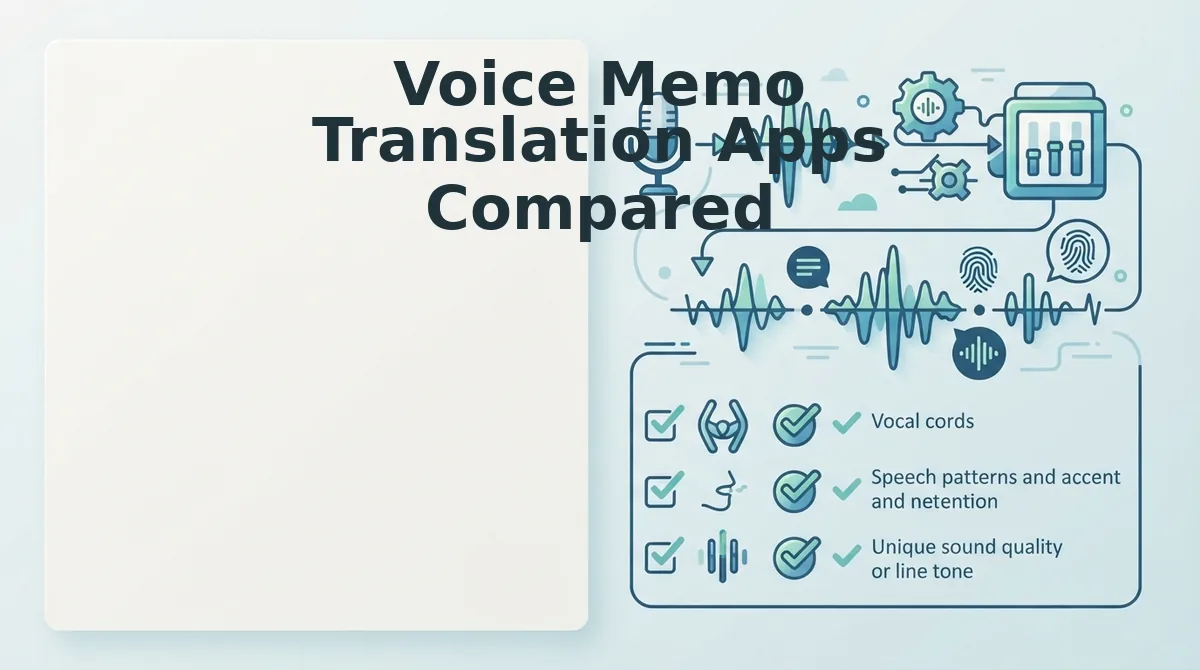
- Vocal timbre is the acoustic fingerprint of your voice, the resonance, pitch range, and accent that make you recognizable. Lose this, and the message could be from anyone.
- Emotional tone is the feeling you're conveying: urgency, warmth, frustration, excitement. Text-only translation flattens this completely.
- Natural rhythm is your cadence, where you pause, which words you stress, how fast you speak. This carries meaning that dictionaries can't capture.
Here's what each translation approach preserves and loses:
| Approach | Preserves | Loses |
|---|---|---|
| Voice-to-text translation | Words, basic meaning | Timbre, tone, rhythm, emphasis, emotion |
| Voice-to-voice translation | Words, meaning, timbre, tone, rhythm | Nothing, when done correctly |
Voice-to-voice translation is the process of converting spoken audio from one language into another while retaining the original speaker's vocal characteristics. The key difference from voice-to-text is that the output remains audio, you hear your own voice speaking the translated language, not a text transcript you have to read or have someone else voice.
For anyone sending voice memos across language barriers, founders pitching international clients, sales teams following up with overseas leads, creators engaging multilingual audiences, the distinction matters. A text translation of your voice memo tells the recipient what you said. A voice-preserving translation tells them what you said and how you said it, in a voice they recognize as yours.
How to Translate a Voice Memo Step by Step
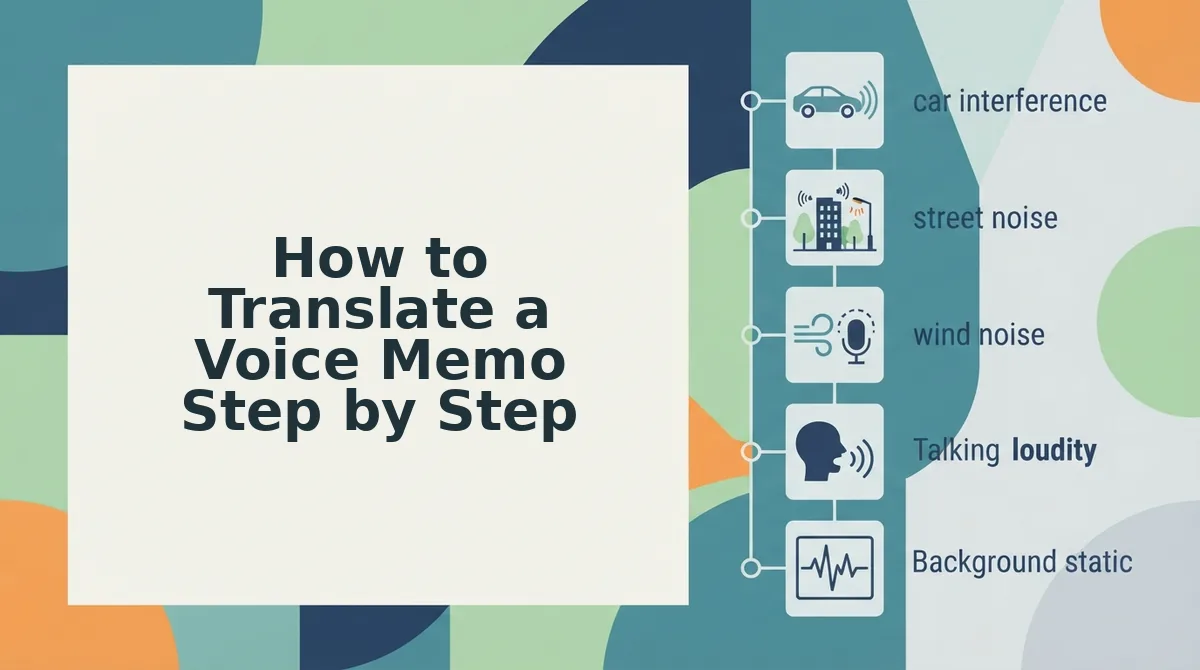
The clean-first, translate-second workflow produces measurably better results than translating raw audio directly. Cleaning your source audio, removing fillers, fixing grammar, reducing noise, gives the translation engine cleaner input, which means fewer errors and a more natural output in the target language.
Prerequisites: A recorded voice memo (from iPhone Voice Memos, WhatsApp, or any recording app), a stable internet connection, and a voice-preserving translation tool. The workflow below works with any source audio.
- Record or locate your voice memo. Open iPhone Voice Memos, WhatsApp, or your preferred recording app and find the memo you want to translate. If you haven't recorded yet, speak naturally, don't over-rehearse. The cleanup step handles imperfections. You should have a playable audio file ready to export or share.
- Export the audio file. On iPhone, tap the share icon in Voice Memos and choose Save to Files. On WhatsApp, long-press the voice note and select Forward or Share, then save it to your device. You should now have an .m4a or .mp3 file accessible outside the app.
- Clean the source audio before translating. Upload the file to a tool that can remove filler words from audio and fix grammar in voice message recordings. This step removes "ums," "ahs," false starts, and awkward phrasing while keeping your voice intact. Expect this to take under a minute for a typical 2-3 minute memo. You should hear a noticeably tighter, more decisive version of your original recording.
- Run the cleaned audio through voice-preserving translation. Select your target language. VClar supports 11 languages including Hindi, English, French, Japanese, Korean, German, Russian, and Portuguese, and start the translation. The output should sound like you speaking the target language, with your tone, accent, and rhythm preserved. You should receive both translated audio and a transcript you can review.
Dan Brown Solutions' ChatGPT cleanup workflow shows that users are already combining voice memos with AI tools to polish their spoken content, but that approach still requires manual copy-paste and loses the audio entirely. A dedicated voice-preserving translator handles the entire pipeline in one pass: clean, translate, deliver, same voice, new language. Next, we'll look at which apps actually deliver on that promise.
Voice Memo Translation Apps Compared
Voice memo translation tools fall into three categories: voice-to-text translators, voice-to-voice translators that preserve your original vocal identity, and synthetic voice cloning tools that replace your voice entirely. Each serves a different workflow, and the right choice depends on whether you need a transcript, a spoken message in your own voice, or a fully synthetic voiceover.
| Tool Type | What It Produces | Voice Preservation | Best For |
|---|---|---|---|
| VClar (voice-to-voice) | Translated audio in your original voice, plus cleaned transcript | Full, tone, accent, cadence, and rhythm preserved | Founders, sales teams, and cross-border operators who need to send spoken messages in another language without losing their authentic delivery |
| Text-only translation tools | Translated text transcript only | None, output is written, not spoken | Users who only need a written record or who plan to type a reply manually |
| Synthetic voice cloning tools | Translated audio using a cloned or synthetic voice | Partial, mimics your voice but can sound artificial and lacks natural emotional inflection | Creators producing polished, scripted content where a synthetic voiceover is acceptable |
Text-only translation tools are honest about their limitation: they give you words, not a voice. If your goal is to send a spoken reply, you still have to record it yourself after reading the translation. Synthetic voice cloning tools go the other direction, generating speech that approximates your voice but often strips away the spontaneous energy and emotional nuance of a real recording.
VClar sits between these extremes. Its voice-to-voice engine translates across an 11-language, 110-direction matrix while keeping your actual recorded voice intact, no cloning, no re-recording, no synthetic replacement. The decision matrix is straightforward: choose text-only when you need a written record, choose voice cloning when you want a scripted voiceover, and choose voice-to-voice when you need to sound like yourself in another language.
If you are deciding between translating a voice memo into text or keeping it as audio, the core question is whether the recipient needs to hear you or read you. A spoken message carries tone, urgency, and personality that a transcript cannot. Voice-to-voice translation preserves that layer; text-only translation discards it by design.
What Gets Lost in Translation (and What Doesn't)
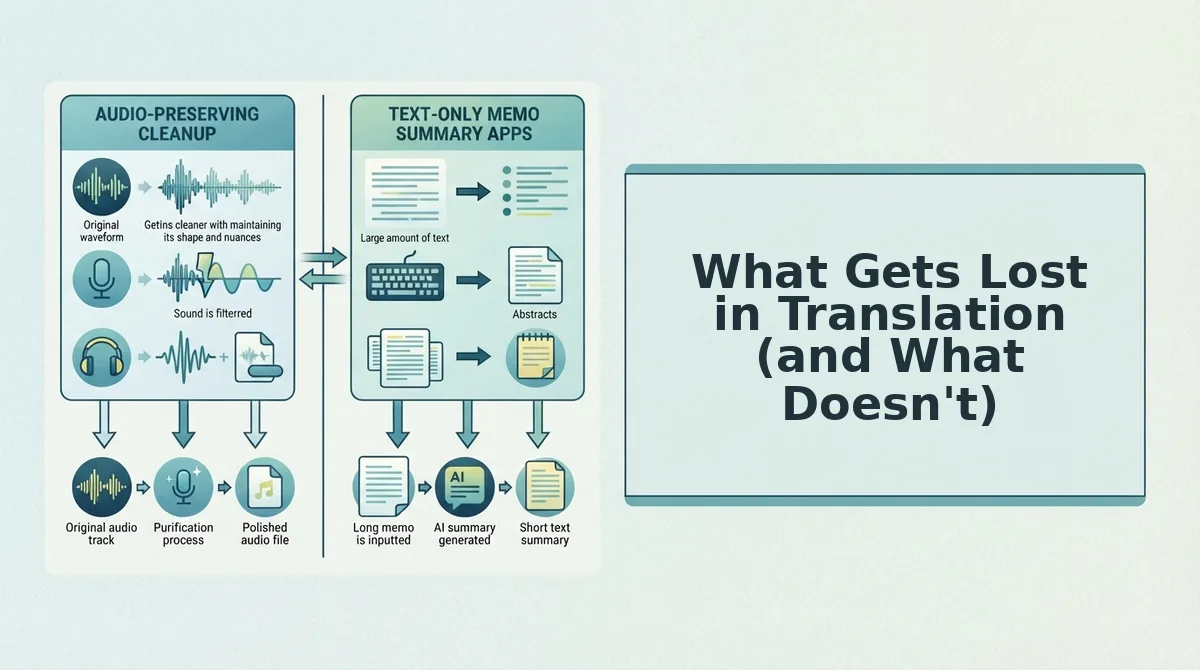
Voice-to-voice translation protects your vocal identity, but no translation engine can carry every layer of meaning across languages. Here is what survives the process and what requires human judgment.
- Vocal timbre, emotional tone, and rhythm are preserved. Voice-to-voice translation keeps your actual recorded voice, the pitch, pace, and emotional coloring that make you sound like you. This matters because recipients judge sincerity and confidence partly by how a message sounds, not just what it says. Use this to your advantage by recording with the same energy you would use in your native language.
- Idiomatic expressions often do not survive translation. Phrases like "hit the ground running" or "read the room" rarely have direct equivalents in other languages. A literal translation can confuse or even offend. When recording a voice memo for translation, replace idioms with plain, concrete language before you speak.
- Cultural context and humor are the first casualties. Sarcasm, wordplay, and culturally specific references depend on shared background knowledge that a translation engine cannot reconstruct. If humor is essential to your message, add a brief explanation or choose a more universal framing.
- Filler words and verbal hesitations are removed, not translated. VClar strips ums, ahs, and false starts from the audio timeline before translation. This means the translated version sounds more decisive than your raw recording, a deliberate improvement, not a loss.
- Grammar and phrasing are tightened in both languages. The engine corrects spoken grammar and tightens phrasing in the source language before translating. What you lose is the unfiltered spontaneity of a rough voice memo; what you gain is a message that lands clearly the first time.
FAQ
Can I translate a WhatsApp voice note without typing it out first?
Yes. Voice-to-voice translation tools like VClar accept audio directly, so you can upload or record a WhatsApp voice note and receive a translated spoken version without transcribing or typing anything. The process removes filler words and corrects grammar before translation, so the output is cleaner than the original.
Does translating a voice memo change how I sound?
No. Voice-to-voice translation preserves your original vocal timbre, accent, tone, and rhythm. The engine cleans verbal hesitations and background noise, but the translated audio still sounds like you speaking, not a synthetic voice or a cloned approximation.
What is the fastest way to translate a voice memo on iPhone?
Record your memo in the iPhone Voice Memos app, export the audio file, and upload it to a voice-to-voice translator like VClar. The tool cleans and translates the audio in one pass, returning a spoken version in your target language without requiring manual transcription or re-recording.
Why do idiomatic expressions not translate well in voice memos?
Idioms rely on cultural context and shared understanding that translation engines cannot reconstruct. A phrase like "hit the ground running" has no direct equivalent in many languages, so a literal translation can confuse the listener. Use plain, concrete language when recording a memo intended for translation.
How do I translate a voice message into multiple languages at once?
Upload your voice memo to a tool that supports multi-language output, such as VClar's translate voice message workflow, which covers 11 languages and 110 translation directions. Select your target languages and receive separate translated audio files, each preserving your original voice.
Clean First, Translate Second, Review All Three Layers
The order matters more than most people assume. Translation quality drops sharply when the source audio is cluttered with fillers, false starts, and background noise, the engine has to guess what you meant before it can render what you said. Cleaning first removes that ambiguity. Translation becomes a single, confident pass instead of a salvage operation.
Before you hit send on any translated voice memo, run the three-layer check:
- Meaning layer: Does the translation say what you intended, with correct grammar and no dropped context?
- Voice layer: Does it still sound like you, your tone, cadence, accent, and emotional register intact?
- Delivery layer: Is the audio clean of hesitations, mouth clicks, and background noise that would undercut your authority?
If all three layers pass, the message is ready. If one fails, fix that layer before sending, not after the recipient has already formed an impression.
The payoff from the start of this article: you don't have to choose between sounding polished and sounding like yourself. The tools that preserve your original voice while translating are the same ones that clean it first. Translate your voice memo with VClar and hear the difference a clean source makes in the final output.
Your voice carries your credibility across languages, polish it, don't replace it.