

You record a 45-second voice note, hit translate, and send it to a client in Tokyo. They reply with a polite "Could you clarify?", and now you're stuck in a re-record loop that eats 20 minutes of your day. The problem isn't the translation tool. It's the source audio. Raw voice memos are full of verbal fillers, false starts, and broken grammar that machine translation amplifies into confusion. If you need to translate a voice note for a non-native speaker, you're not alone: most tutorials focus on Google Translate conversation mode and skip the cleanup step entirely. Here's the promise: by the end of this article, you'll have a repeatable 3-step framework that turns rough spoken notes into clear, translated messages in one take, no re-recording. We'll cover why raw audio fails non-native listeners, how to clean before you translate, and the fastest translation methods ranked. Stick around for the surprising reason your translation tool isn't the bottleneck.
Why Translating a Raw Voice Note Fails Non-Native Listeners
A raw voice note is an unedited audio recording that preserves every verbal hesitation, false start, and grammatical stumble from the moment of speaking. When you feed that audio into a translation engine, the engine translates the disfluencies too, and non-native listeners pay a higher cognitive price for decoding them.
Think of it like handing someone a handwritten note with crossed-out words, arrows, and coffee stains, then asking them to read it in a second language. The content might be there, but the noise forces them to reconstruct meaning instead of receiving it.
Here's the progression. At the simplest level, fillers like "um," "ah," and "you know" get translated literally or dropped inconsistently, creating choppy output. At the intermediate level, false starts, "I wanted to, uh, I mean we should, like, check the timeline", become two competing sentences in the target language. At the advanced level, broken grammar in the source language forces the translation engine to guess at intent, and those guesses compound across a 60-second message.
Consider a concrete example. Original: "So, um, basically I wanted to, you know, check in on the, uh, the timeline for the, like, the Q3 deliverable." Cleaned: "I wanted to check in on the timeline for the Q3 deliverable." The cleaned version translates cleanly into Japanese, Hindi, or German. The raw version produces a garbled mess that makes you sound uncertain, even when your actual message is decisive.
This is the non-native listener penalty: disfluent speech costs more working memory to process in a second language, and machine translation amplifies every imperfection. The fix isn't a better translation engine. It's removing filler words from the audio before translation ever starts.
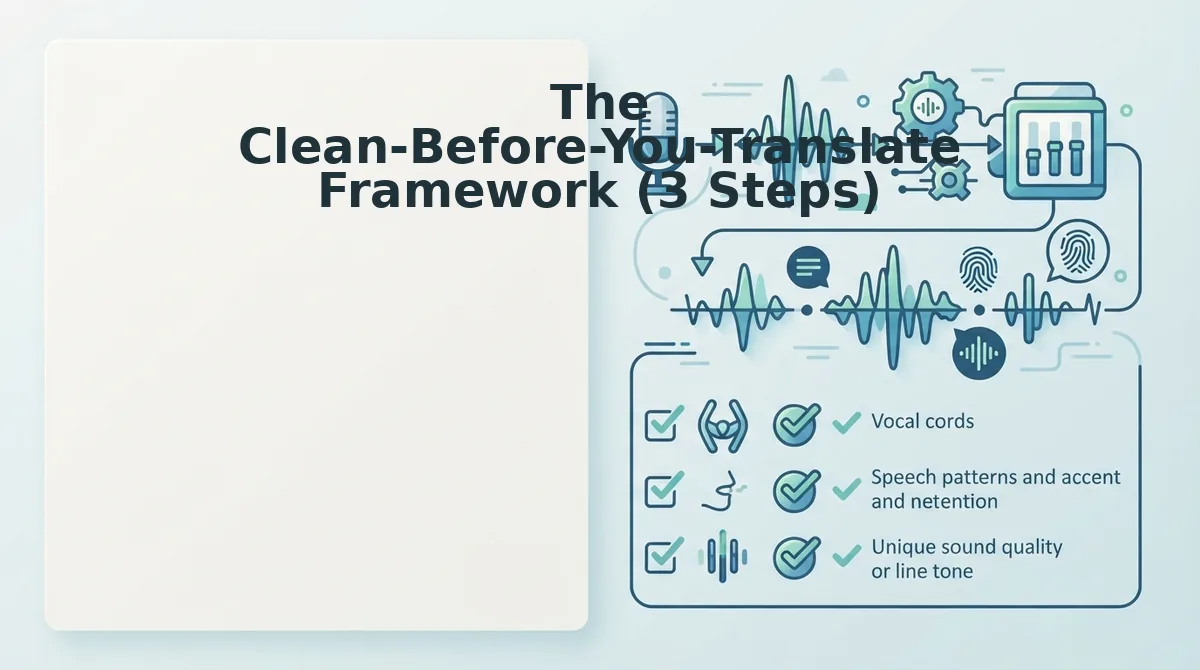
The Clean-Before-You-Translate Framework (3 Steps)
Clean the source audio first, then translate the polished version. This 3-step framework takes under 5 minutes and eliminates the re-record loop entirely. You'll need a voice recording app and a cleanup tool like VClar.
- Record naturally, without self-editing. Open your voice recorder and speak as you normally would, don't stop to rephrase or restart. Let the fillers happen. Expected outcome: a complete, authentic message captured in one take, typically 30-90 seconds. You should see the recording saved with a clear waveform.
- Upload the raw audio to a cleanup tool. Open VClar, select your recording, and let the engine remove fillers, false starts, and mouth clicks while preserving your tone and accent. Expected outcome: a polished audio file and transcript that reads like you thought before you spoke. You should hear the same voice, minus the "ums" and "likes."
- Translate the cleaned version. Take the cleaned audio or transcript and run it through your translation tool of choice, or use VClar's built-in translation across 11 languages. Expected outcome: a clear, grammatically sound message in the target language that the recipient understands on first listen. You should get a response that addresses your actual question, not a request for clarification.
One founder sent an investor update to a Japanese partner using this exact sequence. The cleaned voice note translated cleanly, and the partner replied with a substantive follow-up within the hour, no "could you clarify?" back-and-forth. Cleanup isn't optional when your listener is processing in a second language; it's the difference between sounding scattered and sounding authoritative. Next, let's look at the fastest ways to execute the translation step itself.
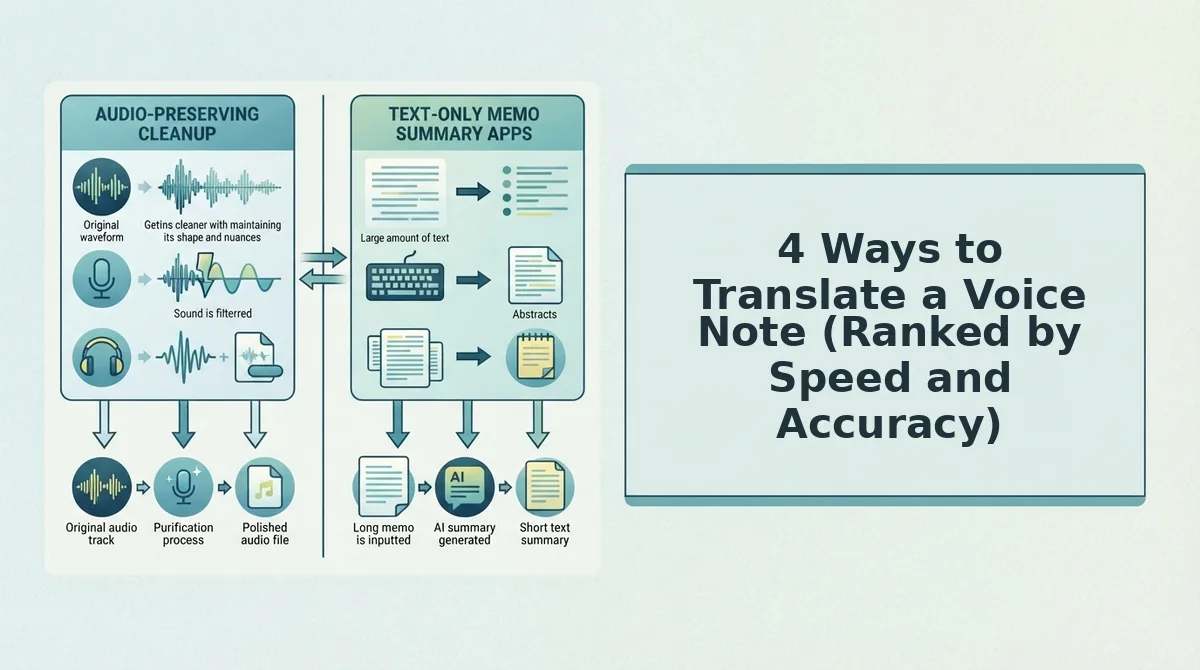
4 Ways to Translate a Voice Note (Ranked by Speed and Accuracy)
Each method below trades speed against accuracy and voice preservation differently, and the right choice depends on whether the listener needs a quick gist or a message that sounds like you.
| Method | Speed | Accuracy | Voice Preservation | Best For |
|---|---|---|---|---|
| Google Translate conversation mode | Instant | Medium, struggles with fillers, false starts, and background noise | None, output is synthetic text-to-speech | Tourists and casual back-and-forth where speed beats nuance |
| WhatsApp transcription + copy-paste | Fast | Medium, transcription errors compound when pasted into a translator | None, text-only output loses tone and emphasis | Quick internal notes where the recipient reads rather than listens |
| VClar voice-preserving translation | Fast, one upload, one output | High, cleans fillers, grammar, and noise before translating | Full, retains the speaker's natural tone, accent, and rhythm | Founders, sales teams, and creators sending polished voice notes to non-native clients or colleagues |
| Human translator | Slow, hours to days | Highest, captures cultural nuance and intent | None, output is a different human's voice or text | Legal, medical, or high-stakes messages where certified accuracy is non-negotiable |
Google Translate's conversation mode is genuinely useful for live, in-person exchanges, and a human translator remains the gold standard for certified documents. But neither preserves your voice. VClar's voice note translator is the only option in this matrix that cleans the source audio first, then translates across 11 languages and 110 directions while keeping your tone, accent, and cadence intact, which matters when the listener needs to trust that the message is authentically yours.
If you need a voice note translated without losing the speaker's identity, VClar removes fillers like "um" and "basically," corrects broken grammar, and reduces background noise before translating the cleaned audio into the target language. The output retains the original speaker's natural tone, accent, and rhythm, so a Hindi-speaking founder can send a polished English voice note to an investor without sounding robotic or rehearsed.
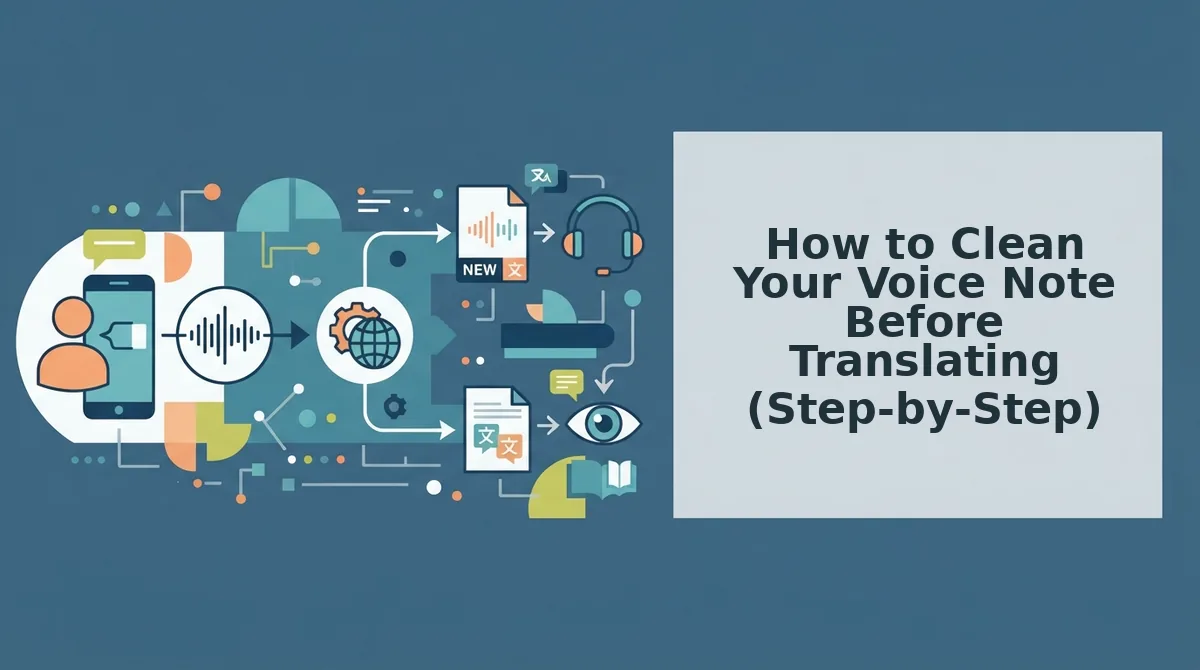
How to Clean Your Voice Note Before Translating (Step-by-Step)
Cleaning the source audio before translation matters more for non-native listeners than for native ones: a translator working from garbled input produces garbled output, and a listener already decoding a second language has no spare cognitive bandwidth for your "ums" and false starts.
Prerequisites: A recorded voice note on your phone or computer, and a VClar account. Total cleaning time: under 2 minutes.
- Upload your voice note to VClar. Open the VClar dashboard, click Upload Audio, and select the file from your device. You should see a waveform preview appear within a few seconds, confirming the file loaded correctly.
- Run filler word removal. Click Clean Fillers and let the engine scan the timeline. VClar detects and removes "um," "ah," "like," "basically," "you know," and repeated false starts. You should see a cleaned waveform with visibly fewer gaps and a transcript showing the removed words struck through.
- Apply grammar correction. Click Fix Grammar to repair broken sentence fragments and tense errors in the transcript. This step matters more for translation because machine translation engines penalize incomplete sentences, a fragment like "so the deadline we moved it" translates poorly into Japanese or German, while "we moved the deadline" translates cleanly.
- Reduce background noise. Click Reduce Noise to strip breath sounds, mouth clicks, and ambient hum. Acoustic clarity directly improves transcription accuracy before translation: a translator that mishears "thirty" as "thirteen" because of a mouth click produces a factual error in the target language.
- Review and export. Play back the cleaned audio to confirm your tone and accent are intact, then click Export to download the polished file or proceed directly to translation. You should hear the same voice, just tighter and clearer.
This workflow is built for voice notes for non-native speakers: clean once, translate confidently, and never re-record because of a stumble.
Translating the Cleaned Voice Note into 11 Languages
Once the source audio is clean, translation becomes a near-trivial step: VClar converts the polished voice note into any of 11 languages across 110 translation directions without flattening your delivery.
- Hindi. Ideal for cross-border teams with Indian stakeholders; VClar preserves your English cadence while rendering the message in natural Hindi phrasing.
- English. The default target for global business communication; cleaned input means the English output reads as decisive, not hesitant.
- French. Useful for European clients and partners; grammar-corrected source audio prevents awkward literal translations that French listeners immediately notice.
- Japanese. A language where politeness levels matter; VClar's cleaned phrasing avoids the fragmented input that confuses Japanese machine translation.
- Korean. Strong fit for tech and manufacturing teams; filler-free source audio produces Korean output that respects hierarchical communication norms.
- German. Sentence structure rewards complete input; VClar's grammar correction ensures your message translates with proper clause order.
- Russian. Useful for Eastern European markets; noise-reduced audio prevents transcription errors that compound in Cyrillic output.
- Portuguese. Covers both Brazilian and European audiences; voice preservation keeps your warmth intact for relationship-driven markets.
- Spanish. The highest-reach option for Latin America and Spain; VClar retains your natural rhythm so the message sounds like you, not a robot.
- Italian. Strong for design, fashion, and creative industries; tone preservation matters when enthusiasm is part of the message.
- Chinese. Essential for manufacturing and supply-chain communication; cleaned audio reduces ambiguity that tonal languages amplify.
Across all voice note translator languages, the translated output retains your natural tone, accent, and rhythm, so a non-native listener hears a clearer version of you, not a synthetic stand-in. Ready to handle the questions listeners ask next?
FAQ: Translating Voice Notes for Non-Native Speakers
Direct answers to the questions non-native listeners and voice note senders ask most, based on common search and social threads.
How do I translate a voice note for someone who does not speak my language?
Record or upload the voice note, clean it to remove fillers and background noise, then run it through a translator that preserves your original voice. VClar handles both steps in one workflow: it cleans the audio first, then translates into 11 languages including Hindi, French, Japanese, and Korean while keeping your tone and cadence intact.
Can I translate a voice note without losing my tone?
Yes, if the tool preserves vocal identity instead of converting speech to synthetic text-to-speech. VClar translates the cleaned audio while retaining your accent, rhythm, and emotional inflection. Text-only workflows strip tone entirely, which is why non-native listeners often find translated messages flat or confusing.
What's the fastest way to translate a WhatsApp voice note?
Forward or export the voice note from WhatsApp, upload it to VClar, and let the engine clean and translate in one pass. The entire process takes under a minute for most messages. Manual transcription plus retyping in another language takes three to five times longer and loses vocal nuance.
Why does my translated voice note sound confusing to my colleague?
Because raw voice notes carry fillers, false starts, and background noise that translation engines amplify rather than remove. A message full of "um," "like," and repeated phrases becomes garbled when converted to another language. Cleaning the audio before translation removes these artifacts and produces a decisive, clear message.
Does translating a voice note change my accent?
No, not with voice-preserving translation. VClar keeps your natural accent and cadence while converting the words into the target language. The goal is clarity for the listener, not erasing your vocal identity. Synthetic voice cloning tools replace your delivery entirely, which undermines trust with non-native colleagues and clients.
The Clean-First Advantage Changes Who Hears You Clearly
Most translation tools treat voice notes as raw audio to convert, not as messages to refine. That single oversight is why non-native listeners struggle with translated voice notes: the fillers, false starts, and noise survive the translation process and compound confusion. The clean-first framework flips the sequence. Clean the message, then translate the cleaned version, and the listener receives a decisive, natural-sounding note in their language.
Vocal identity is the second differentiator. Text-only workflows strip tone, accent, and intent, leaving a sterile transcript that reads like a form letter. VClar preserves your voice through every step, so a Hindi-speaking client hears your message in Hindi with your cadence, not a robot's.
Your next step: record one voice note, run it through the AI voice message translator, and send the cleaned, translated version to a non-native contact. One take is all it takes to sound clear in any language.