

You record a voice message in English, hit translate, and send it to a client in Tokyo. What they receive sounds less like you and more like a GPS navigation system reading a script, flat, hesitant in all the wrong places, and stripped of every ounce of personality you put into the original. That's the reality of most voice translation tools today. The top YouTube tutorial on translating WhatsApp voice notes (TechUnow, 140K views) walks users through a manual copy-paste workflow: transcribe, translate the text, then paste it into a text-to-speech app. The result is exactly what you'd expect, robotic. Meanwhile, OpenAI's GPT-4o realtime translation demo (689K views) proves the demand for natural voice-to-voice translation is massive, but the default pipeline still flattens human speech into something unrecognizable.
You're not wrong to want a faster way. Sending a voice message should be as easy as speaking it, and the person on the other end should hear you, not a synthetic stand-in. This guide will show you exactly how to translate a voice message without sounding robotic, why most tools fail at this, and which workflow actually preserves your voice. You'll learn the two competing translation paths, what makes each one sound the way it does, and how to apply the right method to WhatsApp voice notes specifically. Along the way, you'll see why cleaning your audio before translation, removing fillers and background noise, matters more than the translation engine itself. VClar's approach does exactly this: it strips out ums, ahs, and false starts from your original recording, then translates the cleaned speech while keeping your tone, accent, and cadence intact. The surprising part? The order of operations changes everything, and most tools get it backwards.
Why Most Voice Translators Sound Robotic
A voice translator is a tool that converts spoken audio from one language into another. Most of them sound robotic because they don't translate speech directly, they convert speech to text, translate the text, then synthesize new speech from that translated text. This three-step pipeline is where the human voice gets lost.
Think of it like photocopying a photograph. The original photo has depth, grain, and subtle color shifts. Photocopy it, then scan the photocopy, then print the scan, each step flattens the image a little more. By the third generation, you have a recognizable outline but none of the texture. Voice translation through text-to-speech works the same way: your speech becomes text (losing pitch, rhythm, and stress), the text gets translated (losing emphasis and intent), and a text-to-speech engine generates new audio from scratch (losing everything else).
Text-to-speech engines generate speech from written words, not from your original vocal signal. When your voice is converted to text, the engine discards prosody, the pitch, rhythm, and stress patterns that carry meaning and emotion in spoken language. A sentence like "I didn't say he stole the money" has seven different meanings depending on which word you stress. Text-to-speech can't recover that emphasis because it was never in the text to begin with.
Robotic output isn't just a "computer voice" problem. It's characterized by three specific failures: monotone pitch (the voice stays on one flat note instead of rising and falling naturally), unnatural pauses (breaks appear where a human would never breathe, often at clause boundaries the text parser inserted), and missing emphasis (key words that should be stressed get the same weight as filler). These three failures are direct consequences of the text-first pipeline, not limitations of the translation engine itself.
Accent erasure is the final casualty. When your speech becomes text, your accent, the way you shape vowels, roll consonants, and pace your syllables, disappears entirely. The text-to-speech engine then applies a default accent, usually a standardized one. The person on the other end hears a voice that is technically correct but emotionally and culturally unrecognizable. That's why the fix isn't a better text-to-speech engine. The fix is a pipeline that never discards your original vocal signal in the first place.
The Two-Path Translation Framework
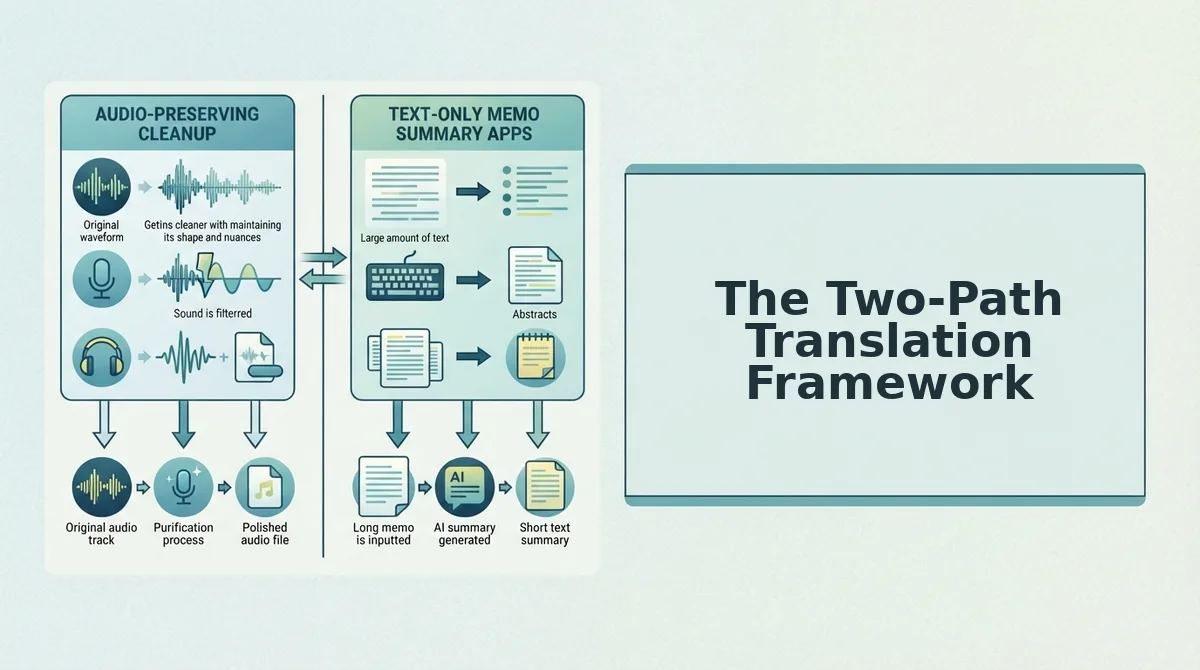
There are two fundamentally different ways to translate a voice message. Path A converts speech to text, translates the text, then synthesizes new speech, losing your voice in the process. Path B cleans your original audio first, then translates the speech directly while preserving your vocal identity.
Most tools on the market use Path A because it's simpler to build. The manual WhatsApp workflow shown in the top YouTube tutorial is a literal version of Path A: record a voice note, transcribe it with a speech-to-text tool, copy the text into a translator, copy the translated text into a text-to-speech app, and send the result. Each step works, but the final audio has none of the original speaker's tone, rhythm, or emphasis. The person receiving it hears a generic voice, not you.
Path B works differently. Instead of converting your speech to text first, it cleans the original audio, removing filler words, background noise, breath sounds, and mouth clicks, then translates the cleaned speech directly. Your pitch, cadence, accent, and stress patterns stay intact because the audio signal is never discarded. The translation happens on top of your voice, not instead of it.
| Factor | Path A: Transcribe to Translate to Synthesize | Path B: Clean to Translate to Preserve |
|---|---|---|
| Voice identity | Lost, replaced by synthetic voice | Preserved, your tone, accent, and cadence remain |
| Prosody (pitch, rhythm, stress) | Flattened, text can't carry emphasis | Intact, original vocal signal is never discarded |
| Filler words and noise | Often translated literally or left in | Removed before translation for cleaner output |
| Accent | Replaced with standardized accent | Your natural accent is retained |
| Common tools | Manual copy-paste workflows, most free translators | Voice-preserving translation platforms like VClar |
Best for Path A: Users who need a quick, rough translation of what was said and don't care how it sounds, for example, reading a foreign-language voice note for comprehension only, not for sending a reply. If the goal is understanding, not communicating, Path A is faster and often free.
Best for Path B: Founders, sales teams, creators, and cross-border operators who need to send a translated voice message that sounds like them. If the recipient will hear your voice and judge your professionalism, clarity, or authenticity, Path B is the only option that doesn't undermine you.
The critical step most people skip is cleaning the audio before translation. If your original recording is full of ums, ahs, false starts, and background noise, those flaws get baked into the translation, or worse, they confuse the translation engine and produce garbled output. Removing fillers and noise first (remove fillers before translation) gives the translation engine a clean signal to work with, which is why Path B produces dramatically more natural results.
Next, we'll apply this framework to the most common real-world scenario: translating a WhatsApp voice note without losing your voice.
How to Translate a WhatsApp Voice Note Without Losing Your Voice
You can translate a WhatsApp voice note in under three minutes while keeping your natural tone and accent if you clean the audio first, then translate the cleaned recording through a voice-preserving tool. The manual method most tutorials show, copying text into Google Translate and re-recording with TTS, strips away your voice entirely.
Prerequisites: the WhatsApp voice note saved to your phone, a voice-preserving translation tool, and about three minutes.
- Export the voice note from WhatsApp. Open the chat, tap and hold the voice message, then select Forward and choose Save to Files or Save to Downloads. You should see the audio file appear in your phone's file manager within a few seconds.
- Upload the audio to a voice-preserving translator. Open your translation tool, tap Upload Audio, and select the saved voice note. The file should load with a waveform preview, confirming the audio is readable.
- Clean the original recording before translating. Enable the filler-word removal step to remove fillers before translation, then run the grammar pass to fix spoken grammar in the original. You should see a cleaned transcript appear with ums, ahs, and false starts stripped out, this takes about 30 seconds.
- Select your target language. Choose the language from the dropdown, then tap Translate. The tool should produce both a translated transcript and a translated audio file in roughly 10 to 20 seconds.
- Review the output side-by-side. Play the translated audio next to the original recording. You should hear your own tone, pace, and accent carried through, not a synthetic TTS voice. If the output sounds robotic, you are on the replacement path, not the preservation path.
- Send or save the translated voice note. Tap Export or Share and send the file back into WhatsApp. The recipient should hear a clean, translated message that still sounds like you.
The top YouTube tutorial for this task requires copying the voice note text, pasting it into Google Translate, and then re-recording or using TTS, a multi-step friction point that replaces your voice with a robot. Voice-preserving translation cleans the original recording first, so the translated output retains the speaker's tone and accent.
What to Look for in a Voice Translation Tool
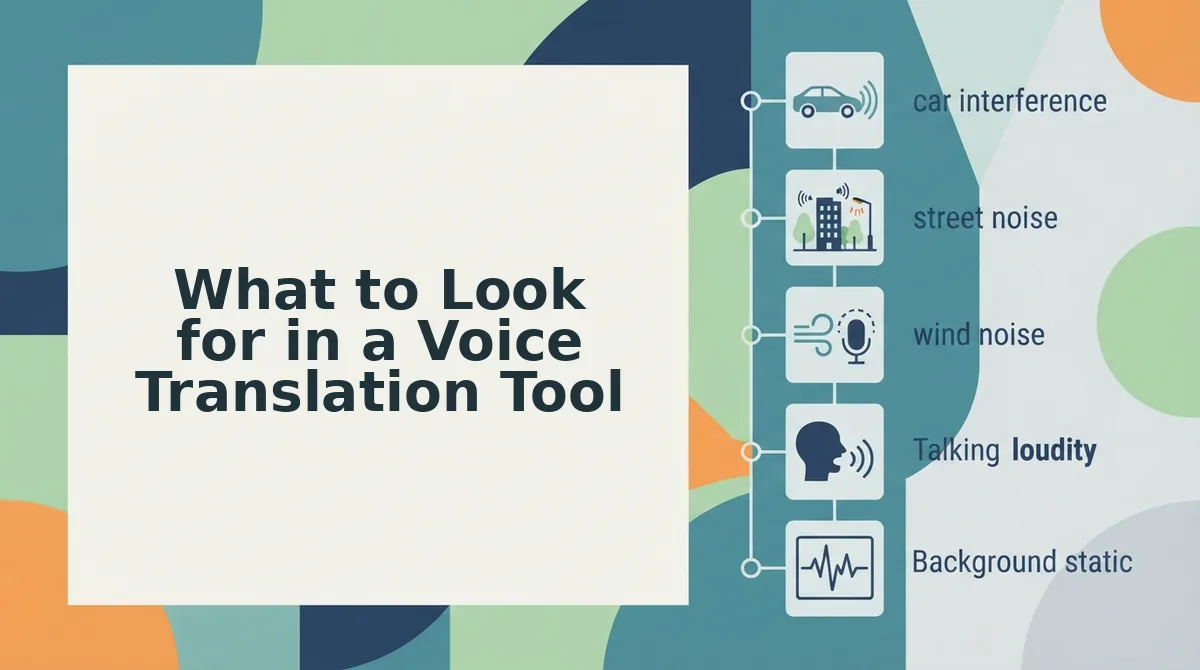
Most voice translation tools fall into two camps: those that replace your voice with synthetic TTS and those that preserve your original tone, accent, and cadence. Here are the five criteria to evaluate any tool against, ordered by impact on the final result.
- Voice preservation vs. voice replacement. Voice-preserving translation keeps the original speaker's tone and accent, while voice replacement uses a synthetic TTS voice that sounds nothing like you. Test this first: record one sentence, translate it, and listen, if it does not sound like you, the tool is on the replacement path.
- Language pair coverage. Check how many translation directions the tool supports before you commit. VClar covers 110 translation directions across 11 languages, which is a concrete benchmark to compare against, if a tool offers fewer than your needed pair, it is a non-starter.
- Cleaning before translation. A tool that translates raw, uncleaned audio will carry every um, ah, and false start into the target language. Look for built-in filler-word removal and grammar correction that runs before the translation step, not after.
- Workflow friction. Count the steps between recording and sending. The manual copy-paste-into-Google-Translate method takes five or more steps and ends with TTS; a voice-preserving tool should take three or fewer.
- Output format flexibility. Confirm the tool exports both translated audio and a translated transcript. You need the audio for voice notes and the transcript for follow-up messages, notes, or documentation.
If your current workflow involves copying text, pasting into a translator, and re-recording with TTS, you are adding friction and losing your voice. A voice-preserving tool collapses that into one upload, one clean, one translate.
The Real Test: Which Path Are You On?
Everything in this article reduces to a single fork in the road. Path A, the manual copy-paste-TTS method, trades your voice for speed and leaves you with a robotic output that undercuts the message. Path B, cleaning first, then translating with voice preservation, keeps your tone, accent, and cadence intact while removing the friction that made Path A feel necessary.
The Two-Path framework is not theoretical. You can test it in under a minute. Record one sentence, translate it, and listen, if it doesn't sound like you, you're on Path A. If it does, you have already found the workflow that scales.
Your next step is to run that test with a voice-preserving translator on a real message, one you would actually send. Take a voice note you have already recorded, clean it, translate it, and compare the output side-by-side with the original. The difference is audible in seconds.
You do not need to re-record, retype, or settle for a synthetic stand-in. Your voice already carries the message, the right tool just clears the path.