
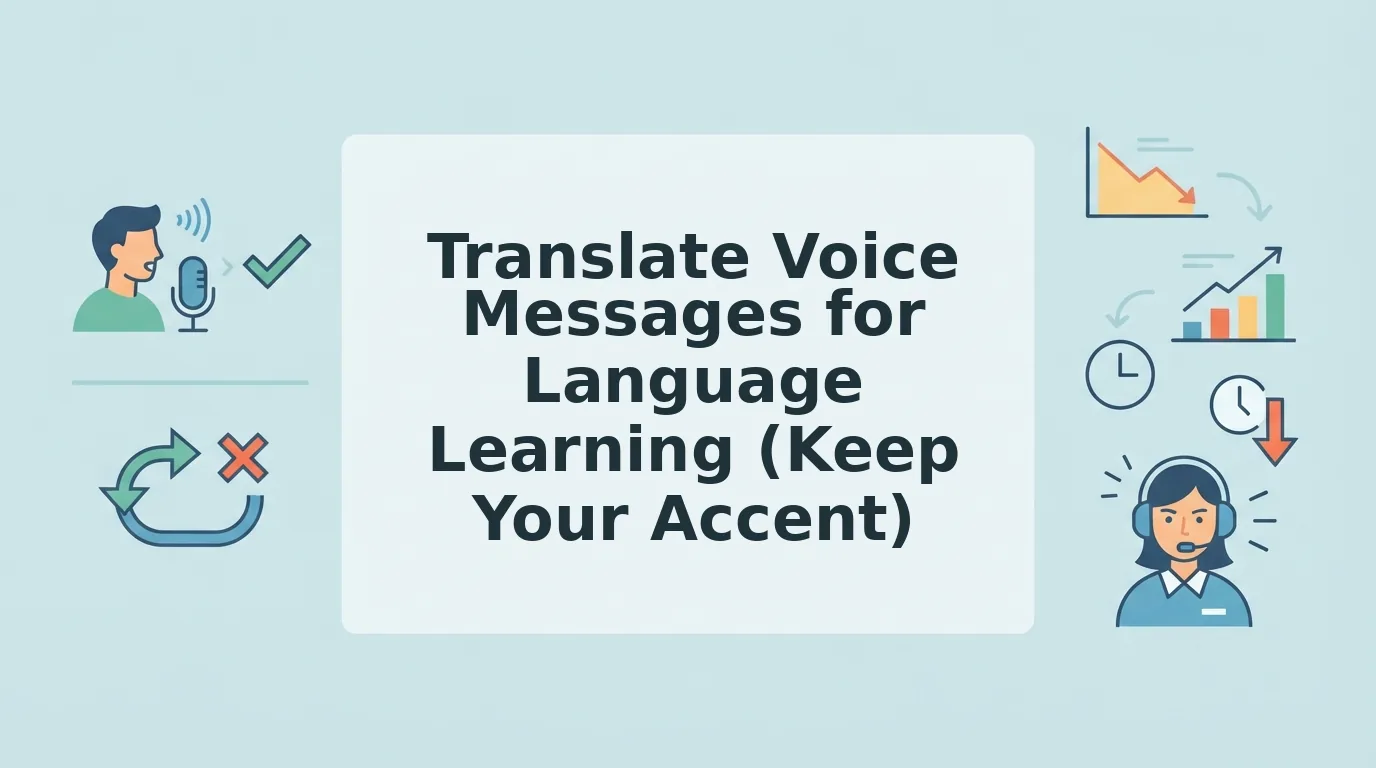

You've recorded the same voice note five times. Each take has a new mistake, a wrong verb tense, a filler word you didn't know you used, an accent slip that makes you cringe. For language learners, the re-record loop is the real time sink, and it's why learning to translate voice message for language learner workflows matters more than any flashcard app.
You're not alone. VClar's audience research shows language learners re-record voice notes 5-10 times before sending a single message. Most translation tools make it worse: they either butcher your grammar or replace your voice with an AI voiceover that sounds nothing like you.
This guide shows you how to use translation as a self-diagnosis tool, not just a comprehension crutch. You'll learn why translating your own voice beats any language app, how to compare three translation tools side-by-side, and a method that turns every translated message into a grammar drill. Along the way, you'll see how voice notes for language learners can preserve your accent while cleaning up the rough edges. Stick around for the Compare-the-Gap Method, it reveals a pattern in your speech that most learners never notice until they hear it translated back.
Why Translating Your Own Voice Message Beats Any Language App
Translating your own voice message is the fastest way to expose the gap between what you said and what you meant, and no language app does this for you. Apps feed you scripted sentences; your own voice feeds you your actual mistakes.
Think of translation like a mirror in a gym. You can do squats all day without seeing your form, but one mirror reveals the flaw instantly. Translation is that mirror for spoken grammar. When you hear your own sentence rendered in your native language, you finally see the error you couldn't hear in the target language.
Start simple: record a 30-second voice note in your target language. Run it through a translator. Compare the output to what you intended to say. The mismatch is your lesson plan.
At the intermediate level, look for patterns. Translation reveals grammar patterns in your native language that you can't hear in the target language, like how English speakers overuse the present continuous in Spanish, or how Hindi speakers drop articles in English. A side-by-side record of what you said versus what you meant exposes recurring errors that no textbook chapter will flag.
Advanced learners can use translation as a diagnostic for register and nuance. Did the translator render your casual phrase as formal? Did it flatten your sarcasm into a literal statement? That's data about your delivery, not just your vocabulary.
Here's the self-contained answer to the query you're likely searching: To use translation for language learning, record a spontaneous voice note in your target language, translate it back to your native language, and compare the result against your intended meaning. The differences reveal grammar gaps, filler-word habits, and register mismatches that scripted app exercises never surface. Repeat this weekly and log the recurring errors, that log becomes your personal curriculum.
If your translator also cleans up the message before translating, you get a bonus: a fix grammar in voice message step that shows you the corrected version alongside your original. That's the gap, made visible.
How to Translate a Voice Message (3 Tools Compared)
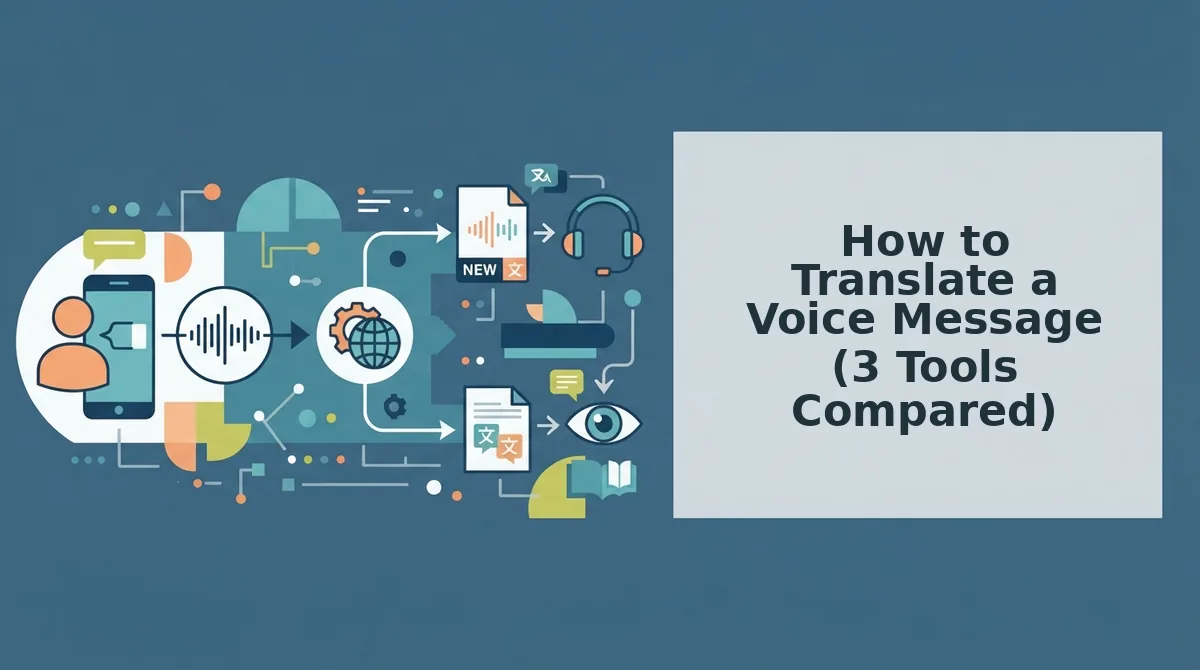
You have three practical options for translating a voice message as a language learner: WhatsApp's built-in translation, Google Interpreter mode, and a dedicated voice message translator like VClar. Each handles your voice differently, and only one preserves it.
Before you start, you'll need: a smartphone with a microphone, a voice note recorded in your target language (30-60 seconds is ideal), and one of the three tools below installed or accessible.
- Record a clean voice note first. Open your voice recorder app, tap Record, and speak one complete thought in your target language. Don't script it, spontaneous speech exposes real errors. You should end up with a 30-60 second audio file. If you stumble, keep going; the stumble is part of the data.
- Try WhatsApp's built-in translation. Open a chat, tap the microphone icon, and record your message. Send it, then long-press the message and select Translate. WhatsApp renders the text in your chosen language within seconds. Success looks like a translated text bubble appearing under your original. Limitation: WhatsApp translates text only, it doesn't clean filler words, and it doesn't play back a corrected audio version.
- Try Google Interpreter mode. Open the Google Translate app, tap the microphone icon, and select Interpreter mode. Speak your sentence. Google transcribes and translates it aloud in real time. You should hear the translation spoken back within 1-2 seconds. Limitation: Interpreter mode is built for live conversation, not self-review, it won't save a side-by-side transcript, and it replaces your voice with a synthetic one.
- Try VClar for voice-preserving translation. Upload your recorded voice note to VClar. The tool removes filler words, fixes spoken grammar, and translates the cleaned message across 11 languages, while keeping your original tone, accent, and cadence intact. You should see a cleaned transcript and hear a translated audio version that still sounds like you. This is the only option of the three that preserves your voice instead of replacing it with AI voiceover.
Here's the comparison in one view:
| Tool | Cleans filler words? | Fixes grammar? | Preserves your voice? | Best for |
|---|---|---|---|---|
| WhatsApp built-in | No | No | Text only | Quick comprehension |
| Google Interpreter mode | No | No | No, synthetic voice | Live conversation |
| VClar | Yes | Yes | Yes, original tone and accent | Self-diagnosis and practice |
One caution: VEED's translation tool replaces your voice with AI voiceover, which is why many learners avoid it, hearing a synthetic voice read your corrected sentence teaches you nothing about your own pronunciation. If your goal is to hear your accent improve, choose a tool that keeps your voice in the output.
That side-by-side record, what you said versus what you meant, is the raw material for the Compare-the-Gap Method, which turns every translated message into a grammar drill.
The Compare-the-Gap Method: Turn Translation into a Grammar Drill
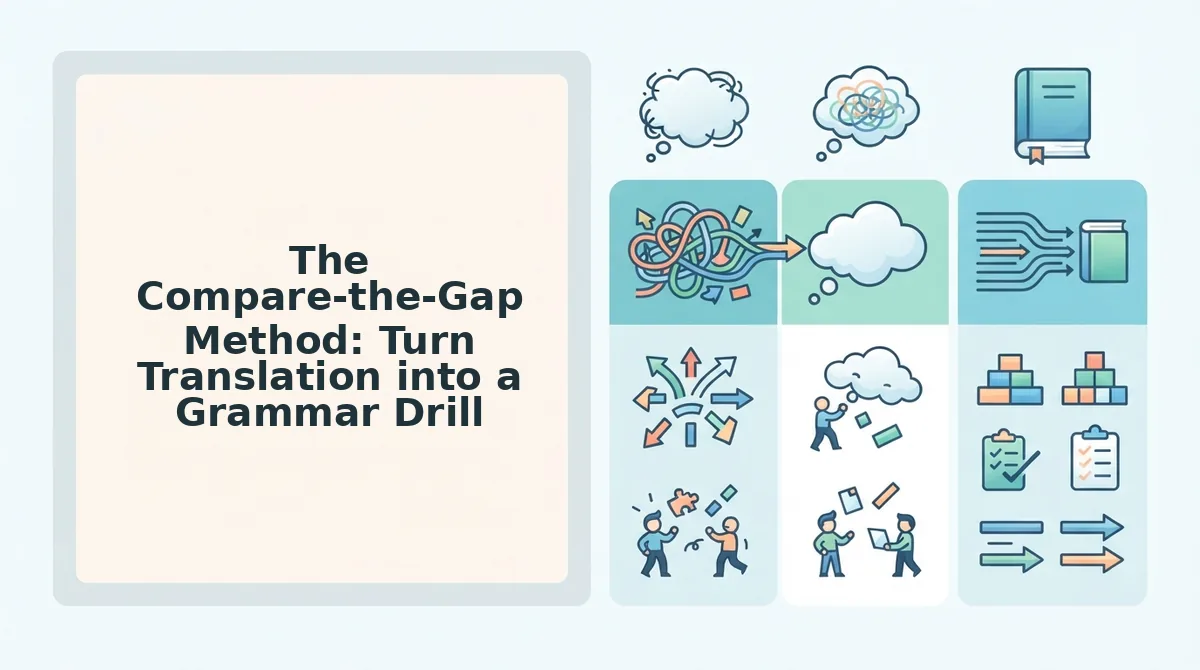
The Compare-the-Gap Method is a three-step practice loop that exposes the difference between what you said and what you meant. You need a voice recorder, a translation tool that preserves your audio, and a notebook or note app for your gap log.
- Record your message in your target language (2 minutes). Open your voice recorder and speak a short message about a real situation, a work update, a plan with a friend, or an opinion. Do not script it. Speak the way you naturally would. You should end up with 30-60 seconds of raw audio that contains at least a few grammar choices you are unsure about.
- Upload the audio to VClar and translate it into your native language (1 minute). Open VClar, upload your recording, and select your native language as the translation target. VClar cleans filler words and background noise first, then translates the cleaned speech. You should see a translated transcript that reflects what a native speaker heard, not what you intended to say.
- Compare the translated meaning with your intended meaning (3-5 minutes). Read the translation line by line. For each sentence, ask: "Is this what I actually meant?" A Hindi speaker who records "I am agree with your proposal" and translates it to Hindi will see the intended meaning surface, but the English original reveals the missing verb pattern. The gap between the translated meaning and your intended meaning is exactly the grammar pattern you need to fix.
- Log the gap and re-record the corrected sentence (2 minutes). Write the incorrect sentence and the corrected version in your gap log. Then re-record only the corrected sentence. You should hear the difference immediately, the corrected version sounds tighter and matches the translation you intended. For Hindi speakers, Hindi voice message translation makes this loop especially clear because Hindi verb agreement patterns differ sharply from English.
Run this loop once per day for two weeks. The number of gaps per message will drop measurably, and you will stop translating word-for-word from your native language.
5 Translation Failures That Confuse Language Learners (and How to Fix Them)
Most translation failures are not vocabulary problems, they are audio problems. Here are the five most common failure modes and how to eliminate each one.
- Filler words break the engine's grammar model. Words like "um," "ah," and "like" force translation engines to parse sentence boundaries incorrectly, which distorts verb tense and word order in the output. Remove fillers before translating so the engine sees clean, continuous speech. Use a filler word remover to strip them from the audio timeline automatically.
- Literal idioms produce nonsense in the target language. A phrase like "it's raining cats and dogs" translates word-for-word into most languages and loses all meaning. When you catch a literal idiom in your translation, note the natural equivalent in your target language and re-record the sentence with that phrasing.
- Code-switching mid-sentence confuses the engine and hides your errors. Dropping a native-language word into an English sentence forces the engine to guess which language you are speaking, and the grammar errors in the English portion get smoothed over. Record monolingual messages for practice, and reserve code-switching for casual conversation.
- Background noise masks word endings that carry grammar. Plural -s, past tense -ed, and third-person -s are quiet sounds that background noise easily swallows. The engine cannot translate what it cannot hear, so grammar errors go undetected. Record in a quiet room or use a tool that reduces background noise before translation.
- Accent misrecognition changes the words the engine hears. If your accent causes "walk" to be heard as "work," the translation will be wrong and you will not know why. Compare the cleaned transcript with what you intended to say before translating, the transcript shows you exactly what the engine heard.
How to Know If Your Spoken Grammar Is Improving
A grammar gap log is a running record of the differences between what you said and what you meant in each practice message. Think of it like a runner's split times: you do not judge progress by one run, but by the trend across many runs.
Start simple. After each Compare-the-Gap session, count how many grammar gaps you found in a 30-second message. Write the number down. In week one, a Hindi speaker might log six gaps per message, missing articles, wrong verb forms, dropped prepositions.
Move to intermediate tracking. After two weeks, re-record the exact same message from day one without looking at your corrections. Translate it again and count the gaps. The gap count should drop by at least half. This before-and-after protocol using translated transcripts gives you a number you can actually compare.
For advanced tracking, categorize your gaps: verb patterns, articles, prepositions, word order. You will see one category shrink faster than others, which tells you exactly what to drill next. For structured practice routines, see voice notes for non-native speakers. When your gap count per message trends toward zero across three consecutive weeks, your spoken grammar has measurably improved. Here are the most common questions about translating voice messages for language practice.
FAQ: Translating Voice Messages for Language Practice
Direct answers to the questions language learners ask most about translating voice notes, WhatsApp audio, and whether translation tools keep your accent intact.
How do I translate a voice message on WhatsApp?
WhatsApp has built-in voice-to-text transcription, but it converts speech to text in the same language and does not preserve your voice. To translate across languages, record or upload the voice note to a voice note translator that cleans the audio, translates the meaning, and outputs audio in your own voice.
What is the difference between transcribing and translating a voice message?
Transcribing converts speech to text in the same language. Translating converts meaning across languages. A transcription of a Spanish voice note gives you Spanish text; a translation gives you English text or audio. Many learners confuse the two, but translation requires a second language model, not just speech recognition.
Why does my voice sound different after translation?
Most translation tools use text-to-speech synthesis, which replaces your voice with a robotic or generic voice. VClar preserves your natural tone, accent, and cadence while translating the content, so the output still sounds like you speaking the target language.
Can I translate a voice message without losing my accent?
Yes. Accent preservation depends on the tool's architecture. Tools that convert your speech to text, translate the text, then synthesize new audio will lose your accent entirely. Tools that process your original audio waveform and apply translation while retaining vocal characteristics keep your accent intact.
How accurate are voice message translations for language learning?
Accuracy varies by language pair and audio quality. Background noise, filler words, and mumbled speech reduce translation accuracy significantly. Cleaning the audio first, removing ums, false starts, and noise, improves translation accuracy because the model receives cleaner input. For learning purposes, compare the translation against your intended meaning to spot gaps.
What is the fastest way to practice speaking with voice message translation?
Record one spontaneous voice message per day in your target language, translate it back to your native language, and compare the translation to what you meant to say. This Compare-the-Gap Method turns every voice note into a free grammar lesson. One message per day is enough to see measurable improvement in two weeks.
Start the Loop: One Message, One Gap, One Fix
Translation is not the end of the exercise, it is the feedback mechanism. Every voice message you translate reveals exactly one thing you could not say the way you wanted to. That gap is your lesson plan.
The Compare-the-Gap Method turns every voice note into a free grammar lesson, and one message per day is enough to see measurable improvement in two weeks. You do not need a textbook chapter or a 40-minute study block. You need a recording, a translation, and 60 seconds of honest comparison.
Record one message in your target language today, run it through the VClar voice message translator, find the one phrase that came out wrong, and fix it. Tomorrow, record again. The loop compounds faster than any app streak.