

You think at roughly 150 words per minute, but you type at 40, and every time you re-record a voice message in a second language, you lose another five minutes to "ums," awkward pauses, and phrasing that doesn't sound like you. That gap is where founders, sales reps, and consultants hemorrhage hours every week.
You already know the frustration: the message is clear in your head, but the recording comes out halting, the grammar slips, and the translated version sounds like a robot wrote it. You're not bad at communicating, you're fighting a tool that wasn't built to translate voice message and preserve tone at the same time.
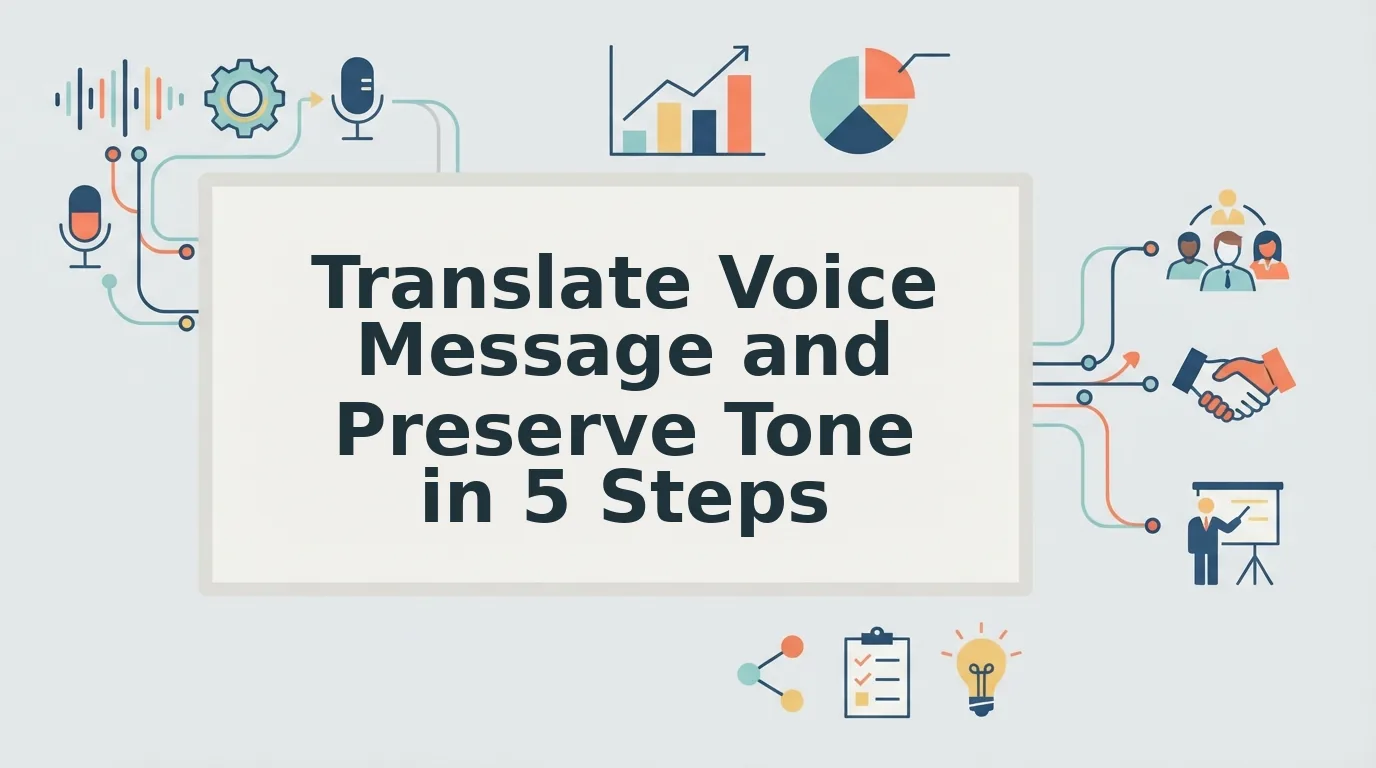
Here's what this guide will do: you'll learn what tone preservation actually means across three distinct layers, why word-for-word translation quietly destroys your credibility, and a five-step workflow that gets you from rough voice note to polished, translated message in one take. Along the way, you'll see why the biggest tone killer isn't your accent or vocabulary, it's the translation method itself, a finding most guides never address.
By the end, you'll know exactly how to send a voice message in any of 11 languages that still sounds authentically like you, filler-free, grammatically clean, and delivered with your natural cadence intact.
What Preserving Tone Actually Means in Voice Translation
Preserving tone in voice translation means keeping the speaker's word-choice personality, vocal rhythm, and emotional intent intact even when the language changes. It's the difference between sounding like yourself in another language and sounding like a translated script.
Think of tone like a fingerprint on a voice message. You can change the surface, the language, the grammar, the filler words, without erasing the ridges that make the print yours. Most translation tools flatten that fingerprint. A tone-preserving translator keeps it.
To understand what's actually at stake, break tone into three layers:
- Lexical tone is your word choice and formality level. It's whether you say "Let's touch base" or "We need to talk," "Cheers" or "Best regards." When a translator swaps your casual phrasing for textbook vocabulary, your lexical tone dies.
- Prosodic tone is your pitch, pace, and emphasis, the musical quality of how you speak. It's why a message delivered slowly with a rising inflection sounds warm, while the same words delivered flat sound dismissive. Prosody lives in the audio itself, not the transcript.
- Emotional tone is your intent: urgency, warmth, hesitation, confidence. It's the subtext the listener feels. A message that says "We should talk soon" can carry excitement or dread depending on emotional tone.
Here's the key distinction most people miss: tone is not the same as accent. You can preserve tone while the language changes entirely. A Hindi speaker's warm, deferential tone toward a client can survive translation into English or Japanese, if the tool respects prosody and emotional intent rather than flattening them into neutral text.
For a concrete example: a founder recording a voice note in English says, "Hey, just wanted to flag this before the meeting, no rush, but it's worth a look." The lexical tone is casual and low-pressure. The prosodic tone has a slight upward lilt on "no rush." The emotional tone is collaborative, not urgent. A tone-preserving translation into French keeps all three: the casual register, the gentle pacing, the collaborative warmth. A literal translation keeps only the words.
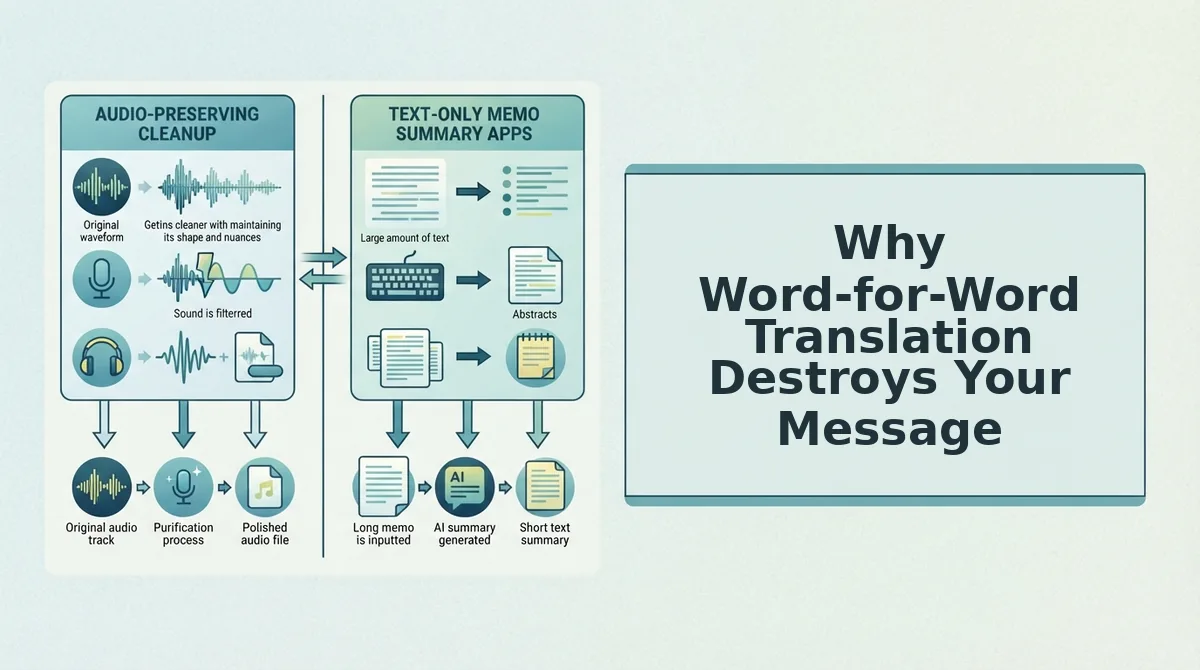
Why Word-for-Word Translation Destroys Your Message
Word-for-word translation is the process of converting each word in a sentence to its dictionary equivalent in another language without adjusting for idiom, register, or cultural context. It's the fastest way to make a confident speaker sound awkward, abrupt, or even rude.
Think of literal translation like photocopying a painting in black and white. Every shape is technically there, but the warmth, depth, and intent are gone. The listener gets information without personality.
Consider a sales rep who says, "I'll circle back with you on that." In English, that phrase signals casual confidence, a promise without pressure. A literal Spanish translation produces something like "Volveré en círculo contigo," which sounds nonsensical or evasive. The tone collapses from assured to confusing.
Or take "Just checking in", a soft, friendly opener common in American business English. Rendered literally into Japanese, it becomes abrupt and presumptuous, because Japanese business communication relies on indirectness and humility markers that the English phrase doesn't carry. The speaker suddenly sounds pushy without changing a single intention.
Here's the deeper problem: literal translation doesn't just lose nuance, it actively creates the wrong nuance. A casual phrase becomes formal. A warm phrase becomes cold. A confident phrase becomes uncertain. The listener isn't just missing your tone; they're hearing a tone you never intended.
That's why tone-preserving translation treats the message as a unit of meaning, not a string of words. It maps your lexical, prosodic, and emotional tone onto the target language's natural equivalents, so "I'll circle back" becomes whatever a confident, low-pressure Spanish speaker would actually say, not a dictionary echo of it.
Once you understand what breaks tone, the next step is a workflow that avoids those breaks entirely.
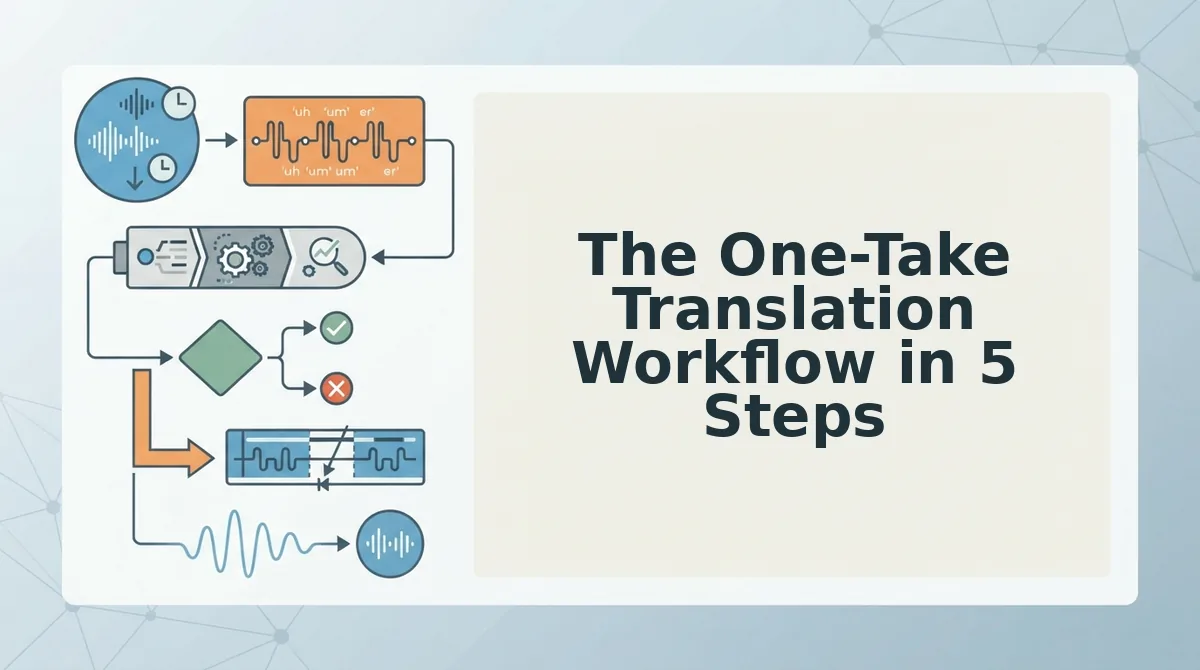
The One-Take Translation Workflow in 5 Steps
Translating a voice message without losing your tone takes about 3 minutes total when you follow this sequence: record raw, clean fillers, translate, listen back, and send. You'll need the VClar app or web dashboard, your original voice memo, and a quiet moment to review the output before it goes out.
- Record your message in one take. Open the VClar app and tap the microphone icon. Speak naturally for up to 60 seconds, don't stop to correct yourself, because filler removal happens later. You should see a waveform appear as you speak, confirming the audio is capturing.
- Clean fillers and fix grammar before translating. Tap Clean Audio in the toolbar. VClar's filler words remover strips ums, ahs, and false starts from the timeline, while the grammar fixer corrects spoken errors without flattening your cadence. You should see a cleaned transcript appear with filler words struck through and grammar corrections highlighted in green. This step matters because translating a messy source produces messy output, clean first, translate second.
- Translate with a tool that preserves your voice. Tap Translate, then select your target language from the dropdown. VClar supports 11 languages and 110 translation directions, including Hindi, Japanese, Korean, French, German, Russian, and Portuguese. The engine translates meaning and intent while keeping your original vocal tone, accent, and rhythm intact. You should see a progress bar complete in under 30 seconds, followed by a translated transcript and audio preview.
- Listen to the output before sending. Tap the play button on the translated audio. Check that your emotional inflection survived, emphasis on key words, pauses where you paused, and your natural speaking pace. If anything sounds off, tap Regenerate to re-run the translation with adjusted phrasing. You should hear your own voice, not a synthetic clone, delivering the translated message.
- Send or export the result. Tap Share to send the translated audio and transcript directly to WhatsApp, Slack, email, or your CRM. You should see a confirmation toast with the recipient and file format. The entire workflow, from raw recording to sent message, takes under three minutes, and you never re-recorded once.
If you're sending voice notes daily across languages, this sequence eliminates the re-recording loop entirely. One take, one clean, one translate, one send.
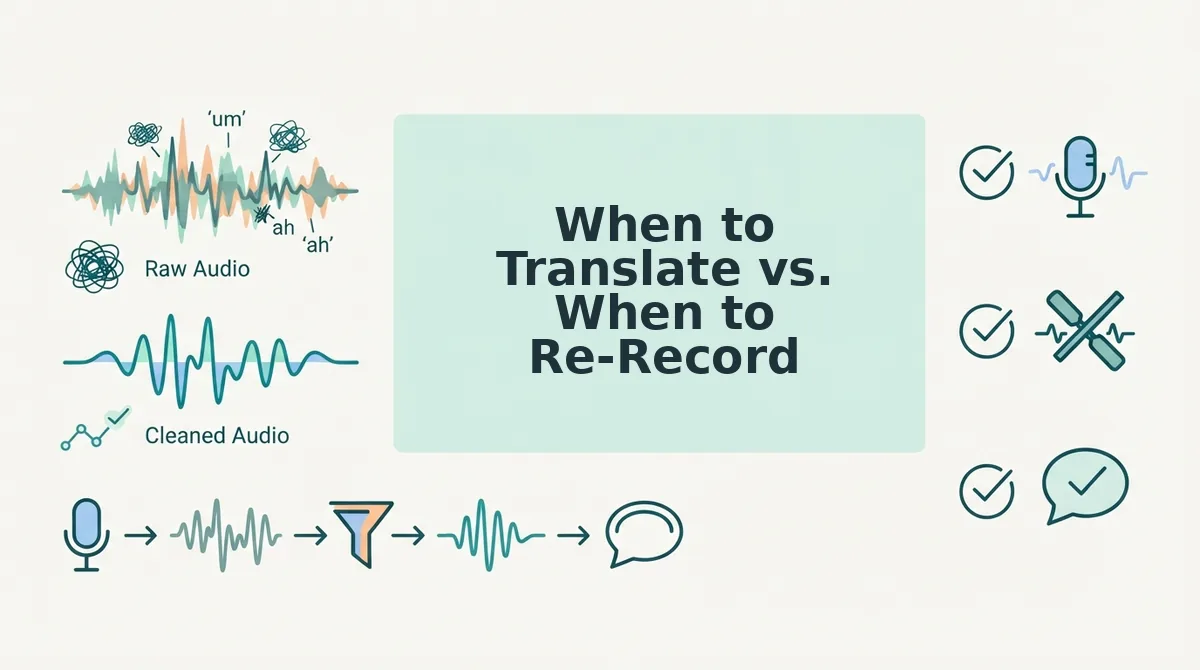
When to Translate vs. When to Re-Record
Translation works best for long, information-dense messages where your exact wording matters less than your meaning. Re-recording wins when the message is short and emotionally charged, a heartfelt apology, a pitch to a key investor, or a condolence note, because emotional nuance is harder to preserve through any translation layer, including AI.
| Scenario | Translate | Re-Record |
|---|---|---|
| Message length | Long updates, project briefs, multi-point explanations | Short messages under 30 seconds |
| Emotional weight | Low to moderate, logistics, status updates, follow-ups | High, apologies, negotiations, personal news |
| Time available | Under 3 minutes, one take | Multiple takes, scripted or semi-scripted |
| Best for | Founders updating cross-border teams, sales reps sending follow-ups, freelancers confirming scope | Anyone delivering emotionally sensitive news where tone is the message itself |
Use this decision matrix: short + high emotional weight = re-record in the target language; long + low emotional weight = translate; everything in between comes down to judgment. If you're unsure, translate first and listen. VClar's output preview lets you catch tone drift before anything leaves your device.
Frequently Asked Questions About Translating Voice Messages
Can I translate a WhatsApp voice note without typing it out first?
Yes. VClar accepts audio uploads directly, so you can export a WhatsApp voice note, upload it to VClar, and get a translated audio file and transcript without transcribing or typing anything manually. The cleaned and translated output can be sent back to WhatsApp as a new voice note.
Does translation change how I sound emotionally?
It can, depending on the tool. Word-for-word translation often flattens emotional inflection because it ignores prosody, the rhythm, stress, and intonation that carry feeling. VClar preserves your original vocal delivery, so emphasis, pauses, and emotional tone survive the translation process.
What's the difference between translating words and translating intent?
Translating words maps vocabulary from one language to another, often producing literal but awkward results. Translating intent captures what you meant, the underlying message, tone, and goal, and expresses it naturally in the target language. Intent-first translation is what keeps a message persuasive rather than merely comprehensible.
How do I translate a voice message into multiple languages at once?
Upload your cleaned voice message to VClar and select multiple target languages from the language dropdown. The platform supports 11 languages and 110 translation directions, generating separate audio and transcript outputs for each language while preserving your original voice.
Ready to send voice messages that land in any language? Start translating without losing your tone.
Start Translating Voice Messages Without Losing Your Tone
Tone is not one thing. It lives in three layers: your word choice, your vocal delivery, and the emotional intent behind both. Translation fails when it preserves only the first layer and flattens the other two.
The one-take workflow changes the math. Instead of recording, translating, noticing the tone is off, and re-recording in a loop, you record once and let the tool handle cleanup and translation in a single pass. The result is a message that sounds like you, just in another language.
Here is the sequence that makes it work:
- Record your message naturally, without overthinking phrasing.
- Let the tool remove fillers, tighten grammar, and reduce noise.
- Translate the cleaned audio, not the raw transcript.
- Review the output once, then send.
VClar's AI voice message translator handles all three tone layers across 11 languages, so your cadence, accent, and intent survive the jump. Start with one message you would normally re-record three times. Translate it once. Compare the result to your old workflow.
Translation should change your words, not your voice. When the tool respects your delivery, you stop thinking about how you sound and start thinking about what you want to say next.