

You've just received a voice note from a client in Tokyo, Paris, or São Paulo, and the direction is urgent, layered with tone, and full of nuance. One mistranslated word and you've wasted a take, burned studio time, and risked the booking. If you've ever tried to translate a voice message for a voice-over artist using a text-only tool, you already know the problem: the words arrive, but the intent doesn't.
You're right to be frustrated. Text-only translation strips away the vocal cues you depend on, urgency, sarcasm, emphasis, the subtle lift that tells you whether a line should land soft or sharp. Voice-over artists receive client direction in 11 languages, and a mistranslated note means a wasted take. That's the hidden cost nobody talks about.
This guide walks you through a workflow built for your reality: clean the raw voice note first, translate it without losing vocal identity, and deliver both audio and transcript back to the client for confirmation. You'll learn why cleaning filler words and fixing spoken grammar before translation changes everything, and why one specific step in the middle of the process matters more than most artists realize.
Why Voice-Over Artists Need a Different Translation Workflow
A voice-over translation workflow is a process that preserves not just the words in a client's voice note, but the vocal intent, tone, pacing, emphasis, and emotional register, so the artist can deliver a take that matches direction in one pass. Standard translation tools were never built for this job.
Think of a text-only translator like reading sheet music without dynamic markings. You get the notes, but not the forte, the pianissimo, or the crescendo. A voice-over artist needs those dynamics to interpret a line correctly. When a client says "make it warmer" in French or "more urgent" in Japanese, the words alone don't tell you how much warmer or how fast the urgency should climb.
Here's what gets lost in text-only translation: a client's voice note carries prosody, the rhythm, stress, and intonation of speech. Text strips all of it. A sarcastic "great job" becomes indistinguishable from a sincere one. A hesitant "maybe try it slower" loses the uncertainty that signals the client is open to your interpretation. For a voice-over artist, that missing information is the difference between a take that lands and a re-record loop.
Generic translation tutorials don't solve this. A WhatsApp translation video with 140,000 views might show you how to turn a voice note into text in another language, but it outputs text only, no preserved audio, no vocal nuance, nothing you can actually listen to before stepping up to the mic. That's a workflow built for casual chat, not for interpreting performance direction.
The stakes are concrete: every mistranslated direction costs a take. Studio time, client patience, and your reputation as a reliable talent all erode with each re-record. A workflow that preserves the client's voice, cleaned of fillers and background noise, translated across languages, delivered as audio you can hear, removes that friction entirely.
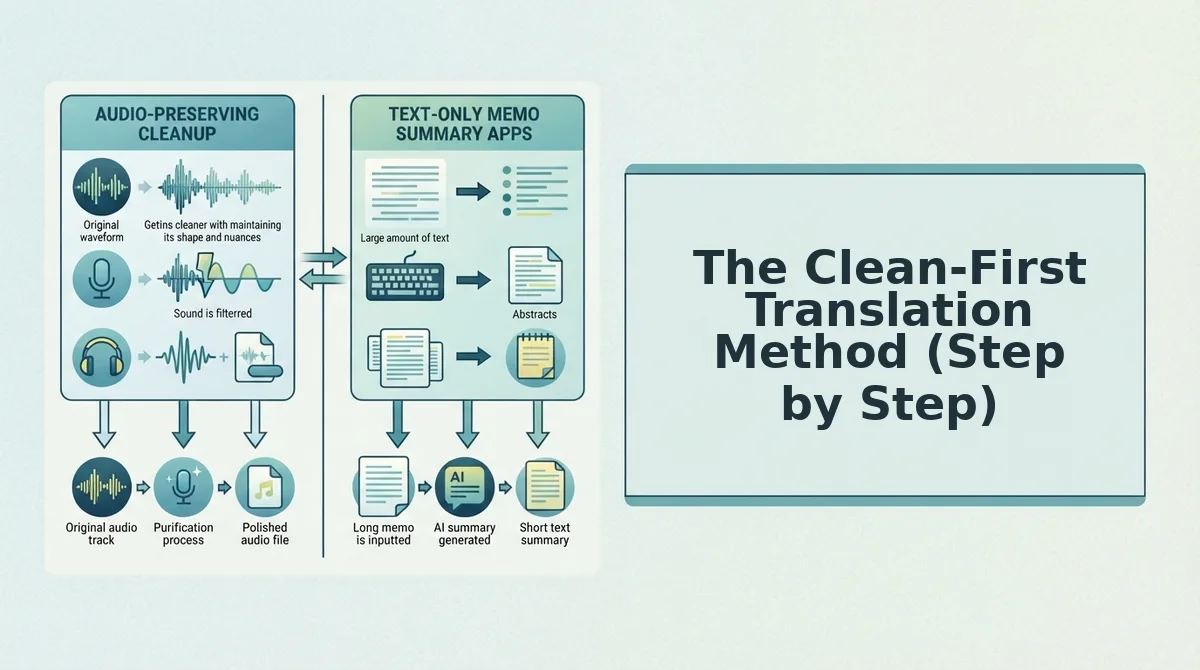
The Clean-First Translation Method (Step by Step)
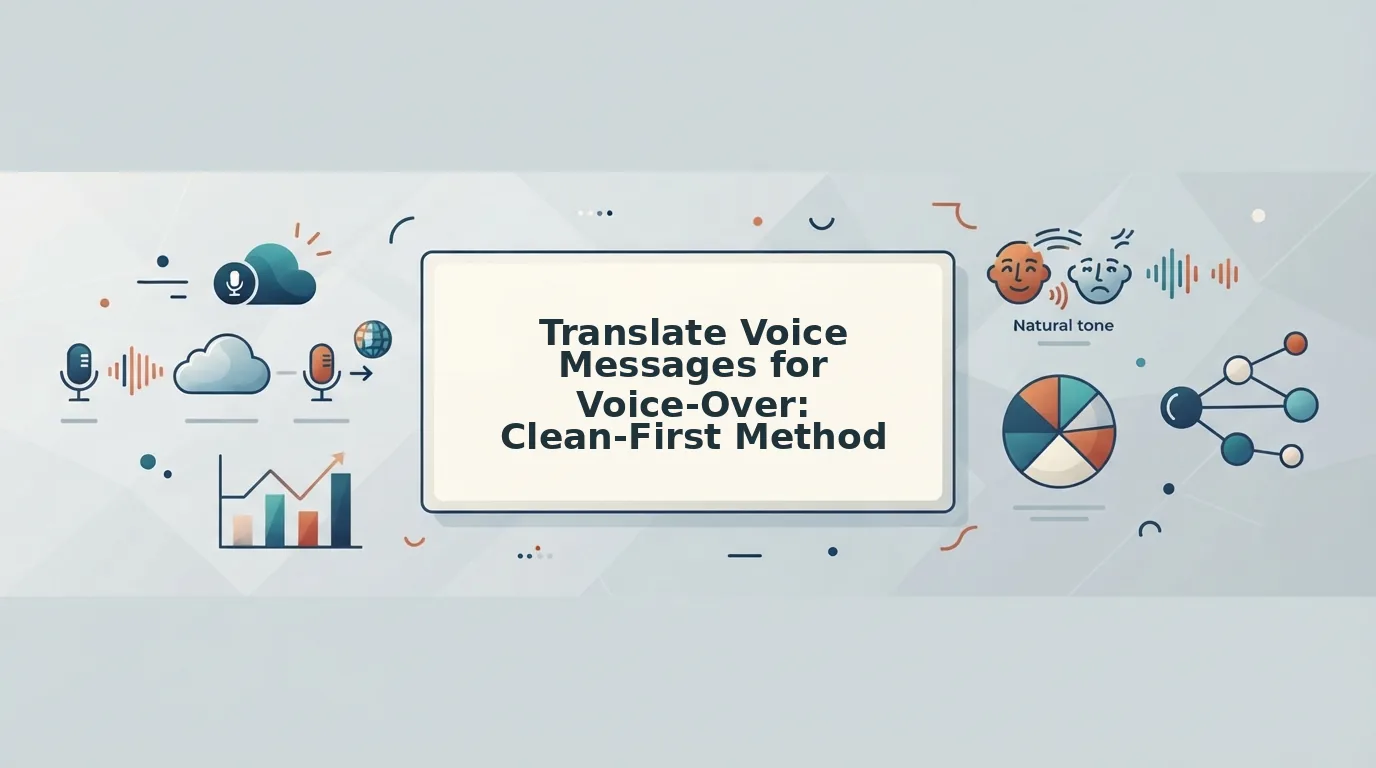
The clean-first translation method is a three-step workflow, clean the raw voice note, translate the cleaned audio while preserving vocal identity, and deliver both audio and transcript for client confirmation, that prevents mistranslated direction from wasting a take. Here's exactly how to run it.
Prerequisites: You'll need the client's raw voice note (WhatsApp, Telegram, email, or any recording), a tool that removes filler words and fixes spoken grammar, and a translation workflow that preserves the speaker's voice. Total time: roughly 5-7 minutes per voice note.
- Upload the client's raw voice note and clean it first. Open your cleaning tool and upload the audio file. Run filler word removal to strip out "um," "ah," "like," and false starts, these artifacts confuse translation engines and muddy the client's actual intent. Next, fix spoken grammar so the cleaned message reads as decisive direction, not a rough thought stream. You should hear a noticeably tighter, clearer version of the client's note. Remove fillers from client voice notes before anything else, this step alone improves translation accuracy because the engine no longer has to guess around verbal noise.
- Translate the cleaned audio across the needed language pair. Select the source and target languages. VClar supports 110 translation directions across 11 languages, including Hindi, French, Japanese, Korean, German, and Portuguese. Run the translation on the cleaned audio, not the original. The output preserves the client's vocal tone, accent, and cadence, so you hear the direction in their voice, in your language. You should hear the same speaker, same emotion, same emphasis, just in a language you understand. Fix spoken grammar before translating so the engine works with clear, complete sentences instead of fragmented speech.
- Deliver both audio and transcript to the client for confirmation. Export the translated audio file and its transcript. Send both back to the client with a one-line confirmation: "Here's how I'm reading your direction, please confirm before I record." This closes the loop and prevents a wasted take. You should get a quick yes or a one-sentence correction, not a full re-brief. Explore the full 110 translation directions to match your client's language pair exactly.
Cleaning before translating matters because filler words and grammatical errors are ambiguity. Translation engines treat "um, so like, maybe we want it, uh, more energetic?" differently than "We want it more energetic." The cleaned version gives the engine a clear signal, which means the translated audio carries the client's true intent, not a garbled approximation of it.
Next, let's look at five specific voice-over scenarios where this workflow saves a take.
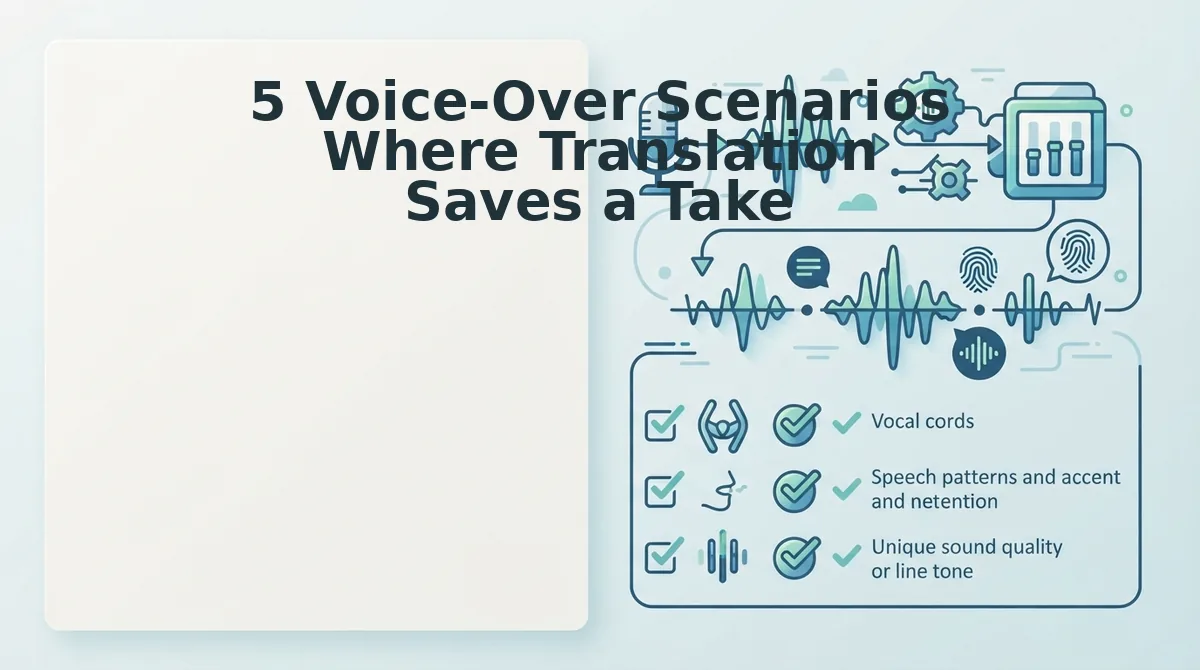
5 Voice-Over Scenarios Where Translation Saves a Take
Translation isn't just for finished scripts, it rescues direction notes, revision feedback, and cross-border briefs before a single retake is recorded. Here are the five highest-value scenarios where a voice message translator keeps your session moving.
- Foreign director sends rambling direction in a language you don't speak. A director in Mumbai sends a 2-minute Hindi voice note full of pauses, false starts, and asides about tone. Run it through VClar to remove the fillers, translate to English, and get a clean 60-second direction brief you can act on immediately, no back-and-forth clarification emails.
- International agency requests multilingual e-learning voice-over revisions. An agency needs the same module updated across English, French, and Japanese versions, and the revision notes arrive in a mix of languages. Translate each note into your working language while preserving the original speaker's emphasis, so you know exactly which syllable to fix in each language track.
- Dubbing revision notes arrive in a language you don't read or speak. A post-production supervisor sends timestamped dubbing corrections in German, but you record in English. Translate the voice note to get precise frame references and emotional direction without waiting for a bilingual colleague to interpret.
- Cross-border podcast guest sends a voice brief with heavy accent and background noise. A guest from São Paulo records a Portuguese voice note from a café, and the audio is cluttered with traffic noise and verbal hesitations. Clean the audio, translate to your language, and extract the three questions they want covered, all from one messy take.
- Audition sides arrive as voice notes in the source language. A casting director sends character direction as a Korean voice memo instead of a written brief. Translate it to understand the character's emotional arc, then record your audition with the original intent intact. This is exactly the workflow covered in our guide to voice notes for voice-over artists.
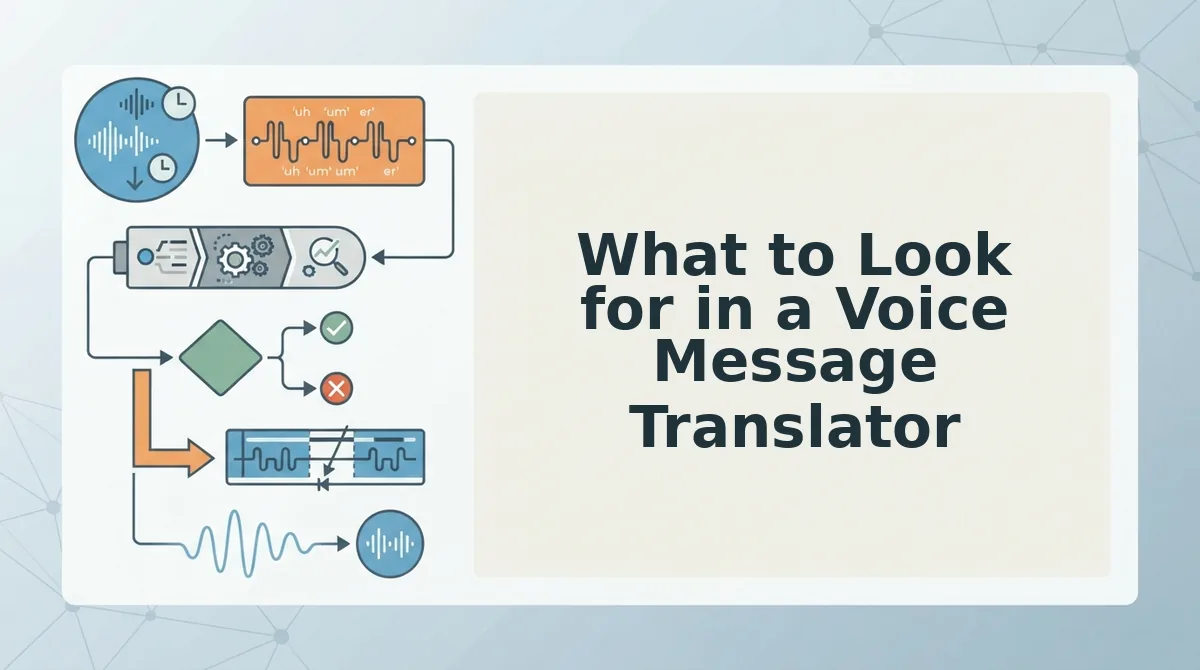
What to Look for in a Voice Message Translator
The right tool depends on whether you need a self-serve audio workflow or an enterprise localization pipeline. Compare the three main approaches below.
| Option | Strengths | Limitations | Best for |
|---|---|---|---|
| VClar | Self-serve, audio output (not just text), preserves vocal timbre, accent, and rhythm, handles 11 languages, removes fillers and noise in one pass | Not a full-service localization agency; you manage your own workflow | Voice-over artists who need clean, translated direction notes in minutes without a project manager |
| BLEND (enterprise localization) | Full-service translation and voice-over production at scale, human linguists, project management | Heavyweight, not self-serve, slower turnaround for small ad-hoc requests | Large studios and agencies running multi-language campaigns with dedicated budgets |
| Ai Lockup (voice cloning) | Generates synthetic voice output in multiple languages from a source sample | Risks replacing authentic delivery with synthetic voice; not designed for translating direction notes or cleaning raw audio | Teams that need scalable synthetic voice generation, not authentic speaker preservation |
For voice-over artists, the critical requirement is audio output that keeps the original speaker's intent, tone, and cadence intact. A voice message translator that only returns text forces you to guess at emphasis and emotion. VClar's clean-first approach means you hear the direction exactly as the client intended, minus the ums, noise, and language barrier.
FAQ
How do I translate a voice message for a voice-over client in another language?
Upload the voice message to a translator that outputs audio, not just text. VClar removes filler words and background noise, then translates the cleaned speech into your target language while preserving the original speaker's tone, accent, and rhythm. You receive a polished audio file you can act on immediately.
Can AI translation preserve the tone of a voice direction note?
Yes, when the tool is built for audio preservation rather than text-only translation. VClar keeps the original speaker's vocal timbre, cadence, and emotional emphasis intact while cleaning hesitations and translating across 11 languages. Text-only translators lose the prosody that tells a voice-over artist how a line should land.
What's the fastest way to clean up a client's rambling voice memo?
Run it through VClar's filler word remover, which detects and removes ums, ahs, false starts, and repeated phrases in one pass. The cleaned audio sounds decisive and direct, and you can translate it in the same workflow, no manual editing or re-recording required.
Do I need to transcribe a voice message before translating it?
No. VClar translates speech directly from audio without a separate transcription step. The engine cleans the audio timeline, corrects spoken grammar, and produces translated audio output, so you skip the text middleman entirely and keep the speaker's authentic delivery.
The Workflow That Ends Retake Loops
Voice-over artists don't need another translation tool that treats their voice like text. You need a workflow that respects the take. Clean first, translate second, deliver both audio and transcript, that's the sequence that saves hours, not minutes.
Here's what changes when you adopt it:
- Upload the raw client note, filler words, false starts, background noise included.
- Get back a cleaned, translated version in under a minute, with your tone and cadence intact.
- Send the client both files, polished audio plus a matching transcript, and close the job in one round.
Try it on your next multilingual brief. Upload a client voice note to VClar free and hear the cleaned, translated result before you commit to a full session.
Translation for voice-over isn't about replacing your performance. It's about removing everything that gets between your first take and your final delivery.