
You've recorded the same 90-second voice note for your international students three times. Each take, you stumble over a phrase, restart a sentence, or catch yourself saying "um" mid-thought. By the third attempt, you're not refining the content, you're just trying to survive the recording. Now multiply that across every course update, assignment clarification, and feedback message you send this semester.
That re-record loop is a prep-time tax no instructor signed up for. You already know the material cold. The problem is that spoken language is messy, and when your students are non-native speakers, every filler word and false start makes your message harder to follow, even before translation enters the picture.
Here's what you'll learn in this guide: how to translate a voice note for course instructors in one clean pass, why cleaning your audio before translating matters more than most tools admit, and the exact 3-step workflow that eliminates the re-record loop entirely. You'll also get a decision framework for picking a translator that doesn't flatten your tone into robotic text-to-speech.
To translate a voice note for international students, record your message once, clean it to remove fillers and fix grammar, then translate the cleaned audio into the student's language while preserving your tone and pacing. Tools like VClar handle this in a single step: upload your raw voice note, let the engine strip out "um," "like," and false starts, correct spoken grammar, reduce background noise, and output a translated version that still sounds like you, just clearer. The result is a voice note your students can actually understand, in their language, without you re-recording anything.
One surprising finding ahead: most voice note translators skip the cleaning step entirely, which means your verbal stumbles get translated into the target language. Section 3 shows you the clean-first order that fixes this.
What Translating a Voice Note Actually Means for Instructors
Voice note translation is the process of converting a spoken audio message from one language into another while preserving the speaker's voice, tone, and pacing, not just the words. For instructors, this means your recorded feedback, assignment walkthroughs, and course announcements can reach students in their native language without you learning a new language or typing a single transcript.
This is different from two adjacent concepts that often get conflated. Transcription converts speech to written text in the same language. Real-time lecture translation, the kind built into tools like Microsoft Translate, is designed for live, synchronous classroom settings where captions or audio appear as you speak. Neither addresses the specific problem of an asynchronous voice note: a recorded message that needs to be cleaned, translated, and delivered as audio.
Think of voice note translation like sending a handwritten letter through a professional editor before it reaches a foreign correspondent. The editor doesn't rewrite your letter in a different voice, they fix the smudges, correct the grammar, and then hand it to a translator who renders it in the target language while keeping your handwriting recognizable. The content is yours, the delivery is yours, but the rough edges are gone.
There's also a category called voice-preserving translation, which has gained traction in video dubbing, Magenta AI, for example, can translate a speaker's video while keeping their vocal characteristics. But voice notes are a different workflow. They're short, informal, and often recorded on a phone in a noisy environment. They need a tool built for that specific use case, not a video dubbing pipeline retrofitted for audio memos.
For course instructors specifically, the stakes are higher than casual messaging. A garbled voice note about a deadline change or grading rubric can confuse students who are already navigating a second language. Cleaning the source audio before translation means the target-language version carries your intent, not your hesitations. If you're using voice notes for course instructors, the clean-first approach is what separates a message students act on from one they replay three times and still misread.
Voice note translation preserves spoken audio in the target language, while transcription produces text only in the source language. Real-time lecture translation tools like Microsoft Translate serve live classes, not recorded voice notes. Voice-preserving translation exists for video dubbing through tools like Magenta AI, but voice notes require a different workflow: record once, clean the audio, then translate the cleaned version while keeping the speaker's natural tone, accent, and rhythm intact across languages.
The Clean-First Workflow: 3 Steps to Translate a Voice Note
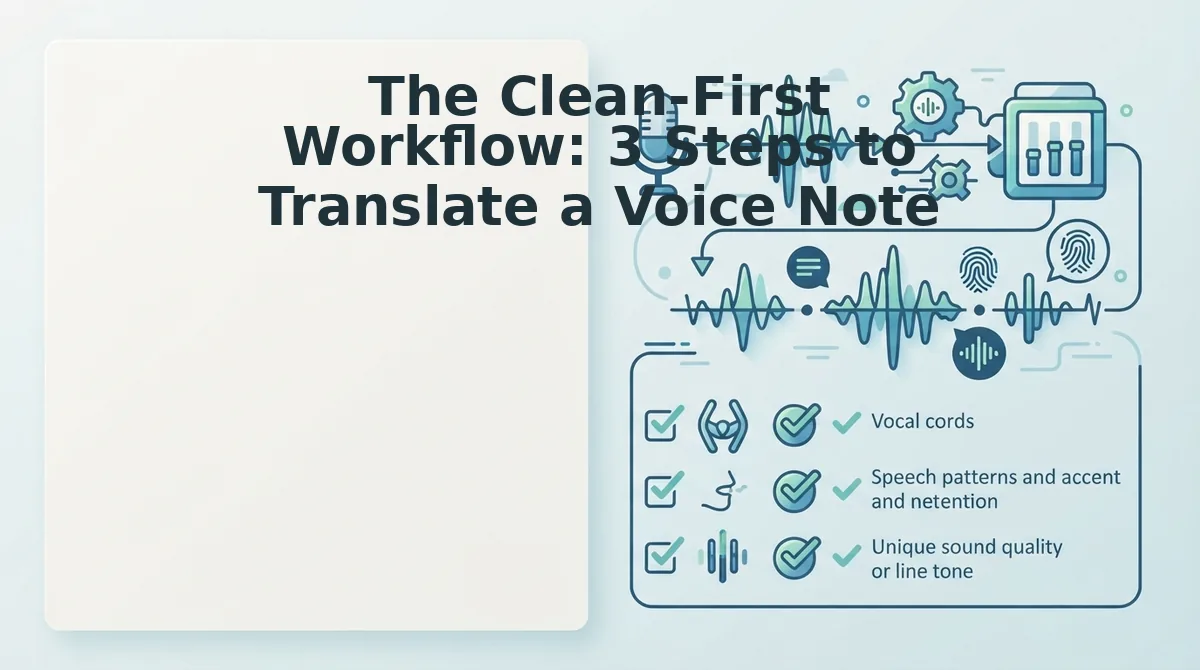
Translate a voice note in three steps: record your message once, clean the audio to remove fillers and fix grammar, then translate the cleaned note into the student's language while preserving your tone and pacing. This clean-first order prevents verbal stumbles from being translated into the target language.
Prerequisites: A smartphone or computer with a microphone, a quiet-enough recording environment, and a voice note translator that includes audio cleaning, not just translation. You'll also need to know which language your student prefers. Total time: under 3 minutes per note once you've done it once.
- Record your message in one take, no re-records. Open your voice recorder app or the VClar recorder, hit record, and speak naturally. Don't stop when you say "um" or restart a sentence. The cleaning step handles that. Aim for a complete thought: assignment feedback, a deadline reminder, or a concept clarification. You should end with one raw audio file, not five takes.
- Clean the source audio before translating. Upload your recording to a tool that can remove filler words from audio. The engine detects and strips "um," "ah," "like," "basically," and false starts, then corrects spoken grammar and reduces background noise, breath sounds, and mouth clicks. You should hear a tighter, more decisive version of your message, same voice, same cadence, zero stumbles. This step is what most translation tools skip, and it's the difference between a polished note and a translated mess.
- Translate the cleaned note into the target language. Select the student's language and run the translation. VClar supports voice note translation across 11 languages, including Hindi, English, French, Japanese, Korean, German, Russian, and Portuguese. The output preserves your tone, accent, and pacing, not a synthetic text-to-speech clone. You should receive an audio file that sounds like you speaking the target language, plus a transcript if you want to attach written notes.
Cleaning before translating matters because raw audio carries verbal stumbles into the target language. A filler word like "um" doesn't disappear when translated, it becomes the equivalent hesitation in French, Japanese, or Hindi, making your note sound uncertain. By removing fillers and fixing grammar in the source language first, you ensure the translated version carries only your polished intent. The clean-first workflow is what lets instructors record once and send a clear, authoritative voice note in any of 11 languages without re-recording.
Next, here's how to evaluate which voice note translator actually fits your teaching workflow.
Choosing a Voice Note Translator: A Decision Matrix for Instructors
Instructors need different translation tools depending on whether they are teaching live, responding to recorded student messages, or reviewing async submissions. The right choice depends on your primary scenario, not on which tool has the most features.
Three tool types dominate the market: real-time lecture translators built for live classrooms, voice note translators designed for recorded audio messages, and transcription-only tools that output text without audio. Each serves a distinct workflow.
| Tool Type | Best For | Key Strength | Key Limitation |
|---|---|---|---|
| Real-time lecture translator | Instructors delivering live classes to multilingual students | Instant captioning and spoken translation during lectures | No audio cleanup; errors in source speech carry into output |
| Voice message translator with cleaning | Instructors sending recorded feedback, announcements, or async responses | Removes fillers, fixes grammar, and translates while preserving your voice | Not designed for live, synchronous translation |
| Transcription-only tool | Instructors who need text records of spoken content | Accurate text output for documentation and search | No audio output; students lose tone and vocal nuance |
Best for live lecture delivery: a real-time lecture translator. If you teach synchronous classes with students across language backgrounds, instant captioning matters more than polished audio.
Best for recorded voice notes and async feedback: a voice message translator with a cleaning step. VClar's approach, clean first, then translate, means your recorded instructions arrive in the target language without ums, false starts, or grammar errors baked in.
Best for documentation only: a transcription-only tool. If you need a searchable text archive of office hours or student conferences, text output is sufficient and often cheaper.
What Happens When You Skip the Cleaning Step
Voice note cleaning is the process of removing filler words, false starts, and spoken grammar errors from an audio recording before translation. Skipping this step means every imperfection in your source speech gets faithfully reproduced in the target language.
Think of it like photocopying a wrinkled document: the copy preserves every crease. A raw voice note with "um, so basically, the assignment is, uh, due on Friday" becomes a translated message where the hesitation and broken syntax survive the language switch. The student hears the equivalent of "um, so basically" in Japanese, French, or Hindi, and now it sounds even more confusing because the filler words don't map cleanly across languages.
When you fix grammar in voice message audio first, the translated output changes dramatically. "The assignment is due on Friday" translates cleanly because there is nothing to mangle. The result sounds authoritative and natural in any of the 11 supported languages, and your students hear a decisive instructor, not a hesitant one.
If you are recording feedback for multilingual students, run the clean-first workflow: record once, remove the fillers, correct the grammar, then translate. One take becomes enough.
Frequently Asked Questions About Translating Voice Notes for Instructors
Can I translate a voice note without transcribing it first?
Yes. Tools like VClar translate audio directly, so you do not need to generate a text transcript as an intermediate step. The audio is cleaned, translated, and output as speech in the target language while preserving your original voice.
How do I translate WhatsApp voice notes for students?
Export the voice note from WhatsApp, upload it to a voice message translator, run the cleaning step to remove fillers and fix grammar, then translate. The cleaned audio produces a much clearer translated message than the raw recording.
Will translation change my accent or tone?
No. VClar preserves your natural tone, accent, and rhythm during translation. The output sounds like you speaking the target language, not a synthetic voice clone or a robotic text-to-speech rendering.
Why does my translated voice note sound awkward in the target language?
Awkward translations usually happen because the source audio contained fillers, false starts, or broken grammar that do not map cleanly across languages. Cleaning the voice note before translation removes these artifacts and produces a natural-sounding result.
How many languages can I translate a voice note into?
VClar supports translation across 11 languages: Hindi, English, French, Japanese, Korean, German, Russian, Portuguese, and three additional languages. Each translation preserves the speaker's authentic vocal identity.
If you are still re-recording the same message three times to get it right, the clean-first workflow eliminates that loop entirely.
Stop Re-Recording: Translate Your Next Voice Note in One Take
The clean-first workflow isn't just a sequence, it's a shift in how you think about recording. When you stop treating the first take as a draft, you stop burning time on takes two through five.
Here's the synthesis: cleaning removes the friction, translation removes the barrier, and your voice carries the authority. That's the full loop. No re-record. No compromise.
Your next step is concrete. Record one voice note for your course, run it through the clean-first workflow, and translate it for the student who needs it. Start with voice notes for course instructors to see the exact setup.
Clean first, translate second, preserve your voice. That's the order that turns a rough memo into a multilingual teaching asset in minutes, not hours.