
You've spent 20 minutes recording the same voice note in a second language, deleting take after take because it doesn't sound like you. That re-record loop is the quiet killer of creator productivity, and it's almost entirely avoidable.
Voice notes are the fastest way to capture scripts, feedback, and spontaneous ideas. But when you need to translate a voice note for creators, the usual path forces a brutal trade-off: lose your authentic tone to a robotic text-to-speech output, or burn hours re-recording in a language you don't fully command.
Agree: you already know voice notes beat typing for speed and personality. Problem: translating them usually means either flattening your delivery or re-recording until the energy dies. Preview: this guide walks you through a three-step workflow, clean the audio, translate the cleaned voice note, and publish without losing your vocal identity. Along the way, you'll see why the step most creators skip is the one that determines whether your translated voice notes for creators actually sound like you. VClar handles the cleaning and translation in one pass, preserving your natural cadence and accent across 11 languages.
Why Creators Need Voice Note Translation (Not Just Transcription)
Voice note translation is the process of converting a spoken message into another language while preserving the speaker's tone, cadence, and intent, not just producing a literal text transcript. Transcription alone gives you words on a screen; translation for creators means the message still sounds like you when it reaches a listener in Tokyo, Berlin, or São Paulo.
Think of transcription like photocopying a handwritten letter: you get the words, but the handwriting, the personality, is gone. Translation with tone preservation is more like having a skilled interpreter who mimics your delivery, pauses, and emphasis while switching languages.
Here's the progression creators face. At the simple level, you paste a voice note into a free transcription tool and get text. At the intermediate level, you run that text through a machine translator and read the result aloud, which strips out your original pacing and energy. At the advanced level, you use a voice message translator that cleans the audio first, then translates while keeping your vocal fingerprint intact.
The search landscape reflects this confusion. Creators hunting for "free" and "automatic" solutions find fragmented, platform-specific answers: a YouTube tutorial for one tool, a Reddit thread for another. None of them address the creator's actual job, publishing polished, on-brand content, rather than just converting audio to text. VClar closes that gap by removing filler words and background noise before translation, so the output is publication-ready in one take.
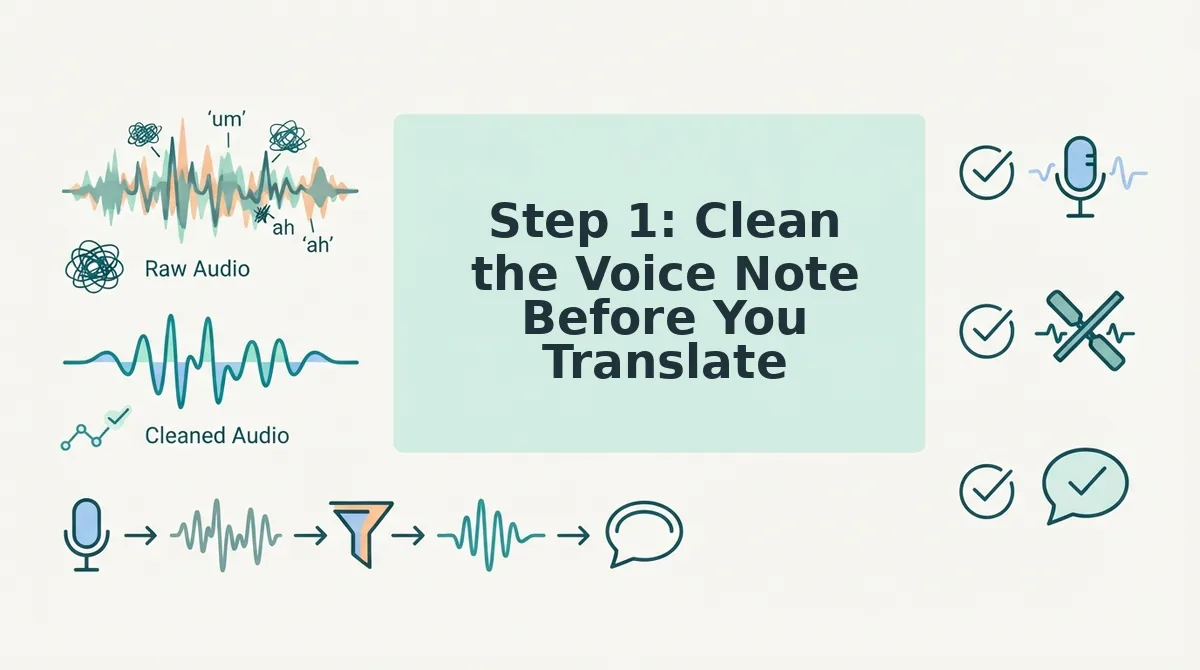
Step 1: Clean the Voice Note Before You Translate
Cleaning a voice note before translation means removing filler words, false starts, and background noise so the source audio is as clear as possible, because translation quality depends on source audio quality.
- Upload your raw voice note. Open VClar and upload the audio file or record directly in the app. You should see the audio timeline appear with detected speech segments highlighted. This takes under 10 seconds.
- Run filler word removal. Select the Clean Audio option. VClar detects and removes ums, ahs, "like," "basically," and repeated false starts from the timeline. You should see the filler segments disappear and the remaining speech tighten into a continuous, decisive flow. Expect this to take 15-30 seconds depending on audio length.
- Review the cleaned timeline. Play back the result. Your voice should sound natural, same accent, same rhythm, just without the hesitations. If a segment was cut too aggressively, adjust the sensitivity slider and re-run. You should hear a noticeable difference in authority and directness.
- Confirm background noise reduction. Check that breath sounds, mouth clicks, and room noise are attenuated. VClar applies this automatically during cleaning. You should hear a quieter background with your voice sitting clearly on top.
Free transcription tools transcribe verbatim, including fillers and false starts, which then get translated as errors, "um" becomes a word, a false start becomes a broken sentence. Cleaning first prevents those errors from ever entering the translation pipeline. The result is a source voice note that is shorter, sharper, and ready for accurate translation. If you want to see the difference, remove filler words from audio first and compare the translated output side by side.
With the cleaned voice note in hand, you're ready to translate it without losing your authentic delivery.
Step 2: Translate the Cleaned Voice Note
Once your voice note is cleaned of fillers and background noise, you have three practical routes to translate it: an AI voice translator that preserves your voice, a platform-specific tool, or manual transcription plus translation. Each method trades speed against control, and the right choice depends on where your content lives and who will hear it.
AI voice translators like VEED can translate audio without re-recording, which matters when you need a multilingual version of a creator update in minutes rather than hours. WhatsApp-specific tools exist but are limited to one platform, so they work only if your audience lives entirely inside that ecosystem. Manual transcription and translation remains the strongest option for high-stakes client work where every phrasing decision needs human judgment.
| Method | How it works | Strengths | Limitations | Best for |
|---|---|---|---|---|
| AI voice translator (e.g., VEED) | Uploads cleaned audio and generates translated speech without re-recording | Fast, preserves spoken delivery, supports multiple languages in one pass | Less control over phrasing nuance; output quality varies by language pair | Creators publishing daily content across two or more language audiences |
| Platform-specific tools (e.g., WhatsApp translators) | Translates voice notes inside a single messaging app | Zero workflow friction; no file export needed | Locked to one platform; cannot reuse audio for YouTube, Instagram, or client deliverables | Creators who primarily communicate with collaborators or fans inside one chat app |
| Manual transcription + translation | You transcribe the cleaned note, then translate the text yourself or with a human translator | Full control over tone, idioms, and cultural references; highest accuracy for nuanced content | Slowest method; requires bilingual skill or paid human translation | Creators handling branded client work, sponsored scripts, or legally sensitive content |
If your goal is to translate voice message content at scale without losing your delivery rhythm, an AI translator that keeps your vocal identity intact is the practical middle ground. For creators who need a dedicated voice note translator across 11 languages, a tool built for voice-first workflows removes the export-import loop that slows down manual methods.
Passage for quick reference: To translate a cleaned voice note, upload the audio to an AI voice translator such as VEED, select your target language, and export the translated audio. The tool generates translated speech without requiring you to re-record, preserving your original pacing and tone. For WhatsApp-only conversations, use an in-app translator, but note the output stays inside that platform. For client deliverables where phrasing precision matters, transcribe the cleaned note manually and translate the text with human oversight before recording or delivering the final version.
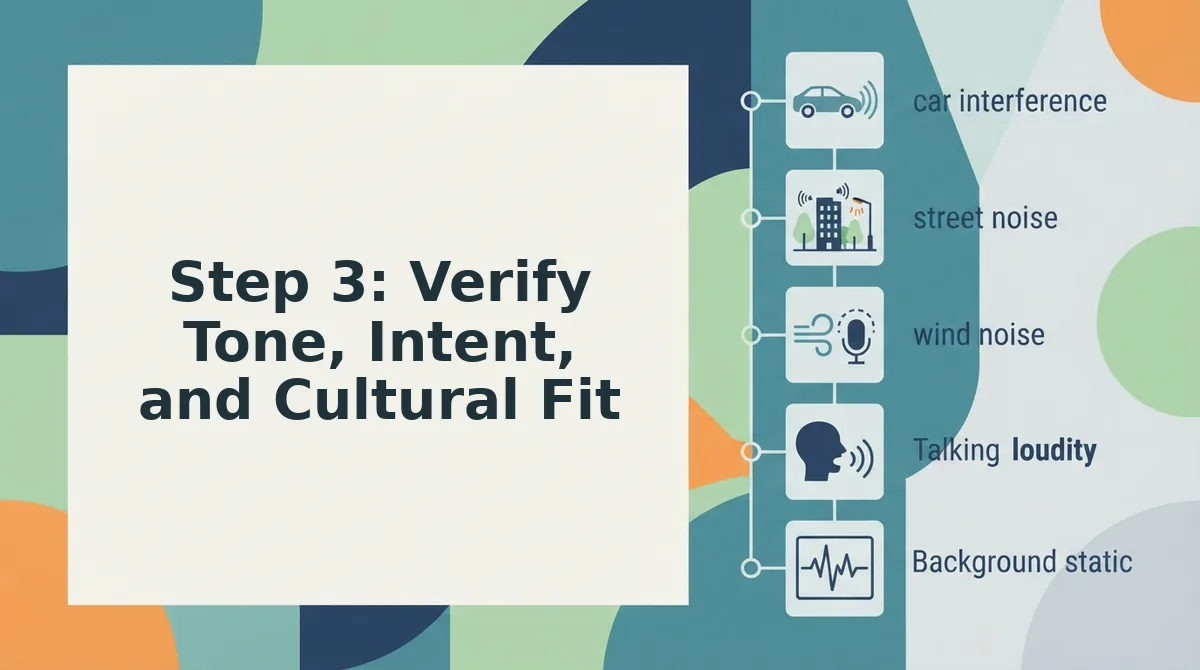
Step 3: Verify Tone, Intent, and Cultural Fit
Translation tools handle words, but you handle meaning. Before publishing a translated voice note, run a three-step quality check that no automated tutorial covers.
Prerequisites: Your cleaned and translated voice note, the original note for side-by-side comparison, and 10 minutes of focused review time.
- Play the translated note and compare it against the original. Listen for shifts in energy, sarcasm, or warmth. You should hear the same speaker intent, not a flattened or overly formal version of you.
- Check idioms and cultural references line by line. Replace any phrase that does not carry the same weight in the target language. You should have a list of zero questionable phrases before you publish.
- Ask one native speaker to listen for tone drift. Send the translated note to a trusted contact who speaks the language fluently. You should receive confirmation that the note sounds natural, not translated.
Creators care deeply about vocal authenticity, and most translation tutorials skip this step entirely. Cultural nuance can make or break a translated voice note for a global audience: a casual joke in English can land as an insult in Japanese or Korean if the phrasing is not adjusted.
FAQ: Translating Voice Notes as a Creator
Direct answers to the most common creator questions about translating voice notes, drawn from real search and social queries.
How do I translate a voice note for a global audience as a creator?
Clean the voice note first to remove fillers and background noise, then run it through an AI voice translator that preserves your tone, such as VEED or a dedicated voice notes for creators tool. Verify cultural fit with a native speaker before publishing. This workflow keeps your delivery authentic across languages without re-recording.
Can I translate a voice note without losing my natural tone and accent?
Yes, if the tool translates your actual voice rather than converting it to synthetic text-to-speech. AI voice translators like VEED generate translated audio from your original recording, preserving pacing, tone, and accent. Avoid tools that output only text, since re-recording in another language changes your delivery.
What's the fastest way to translate a WhatsApp voice note to English?
Use an in-app WhatsApp voice note translator if one is available for your region, since it requires no file export. The trade-off is that the translated audio stays inside WhatsApp. For reuse on other platforms, export the note and run it through a standalone AI voice translator.
Do I need to re-record my voice note in another language?
No. AI voice translators can generate translated audio from your existing recording without re-recording. Re-recording is only necessary when you want to personally adjust phrasing, add language-specific humor, or deliver a scripted message with full control over every word.
How do creators translate voice notes for YouTube, Instagram, and client work?
Creators typically clean the raw note, translate it with an AI voice tool, then verify tone and cultural fit before exporting platform-specific files. For client work, manual transcription plus human translation is the safer route, since branded content requires precise phrasing and legal accuracy that automated tools cannot guarantee.
Clean First, Translate Second, Verify Third
The workflow that actually saves creators hours isn't translation alone, it's the sequence. Clean the raw voice note, translate the cleaned version, then verify tone and intent before publishing. Skip any step and you either export a polished mess or a faithful one full of filler.
Here's the payoff the intro promised: a creator who removes filler words from audio before translation gets a final voice note that sounds decisive in every language, not just the original. That's the difference between a message that lands and one that gets re-recorded three times.
Your next action is one sentence: run your next voice note through VClar's voice message translator, which cleans and translates across 11 languages in a single pass.
- Clean first, strip ums, false starts, and mouth clicks so the source audio is already tight.
- Translate second, let the cleaned version carry your cadence into the target language.
- Verify third, check tone and cultural fit before you hit send, not after.
Creators who adopt this three-step habit stop treating voice notes as disposable and start treating them as reusable assets. One recording, eleven markets, zero re-takes.
Your voice is the asset, cleaning and translation just remove the friction between it and your audience.