
You've just recorded a 90-second voice note for a client in Berlin, but halfway through you realize you said "um" eleven times, stumbled over a pricing detail, and trailed off mid-sentence. Now you're staring at the record button, wondering whether to send it as-is or burn another ten minutes re-recording. If you've ever needed to translate a voice note for freelancers, you know this loop well: the message is urgent, the client is international, and your spoken English isn't the polished version you'd put in writing.
You're not alone. Freelancers think faster than they type, which is why voice messages have become the default for high-stakes client communication, project updates, scope clarifications, and negotiation follow-ups. But raw voice memos carry verbal fillers, awkward pauses, and disjointed grammar that quietly undermine your authority, especially when the message crosses a language barrier.
Here's what this guide will do: walk you through exactly how to clean a voice note before translating it, give you a five-step workflow for international client messages, and show you which tools handle the heavy lifting. Along the way, you'll see why cleaning the source audio first produces dramatically better translations than editing the translated text afterward, a step most freelancers skip entirely. VClar's AI voice message translator removes fillers and fixes grammar without touching your natural tone, so the message that reaches your client sounds like you on your best day.
Why Freelancers Should Clean a Voice Note Before Translating It
Cleaning a voice note is the process of removing verbal fillers, false starts, and grammatical errors from the source audio before it enters a translation workflow. Translation quality depends on source clarity, and filler-heavy audio produces stilted, awkward output in the target language.
Think of it like photocopying a wrinkled document. If the original page is creased and smudged, every copy inherits those flaws. Translation engines work the same way: they process what they hear, including the "ums," "likes," and half-finished sentences. When those artifacts cross into another language, they become confusing fragments that make you sound less competent than you are.
The Clean-First Framework is simple: clean the source, then translate. Most freelancers do the opposite, they translate the raw audio, then try to fix the awkward target-language output by hand. That's editing a bad photocopy. Removing fillers and fixing grammar in the source language first produces a cleaner translation with far less manual correction afterward.
Here's the progression freelancers typically follow. At the basic level, you might simply re-record until the message sounds acceptable, slow, frustrating, and prone to new mistakes. At the intermediate level, you could manually edit a transcript before running it through a translation tool, which works but eats time. At the advanced level, you use a tool like VClar to remove filler words from audio automatically, then translate the cleaned result. The cleaned source yields a translation that reads naturally in the target language without post-editing.
Consider a concrete example. A freelancer records a 60-second update for a client in Tokyo. The raw audio contains 14 fillers, two false starts, and a sentence that changes direction mid-thought. When translated directly, the Japanese output mirrors those hesitations and produces awkward phrasing. When the same audio is cleaned first, fillers removed, grammar corrected, sentence structure tightened, the Japanese translation arrives coherent and professional. The difference isn't the translation engine; it's the quality of the input.
For freelancers working across Hindi, English, French, Japanese, Korean, German, Russian, Portuguese, and other languages, this matters even more. Languages with different sentence structures amplify source-language errors. A fragmented English sentence becomes a confusing Japanese or German one. Cleaning first is the single highest-leverage step in any voice note translation workflow.
Step-by-Step: How to Translate a Voice Note for an International Client
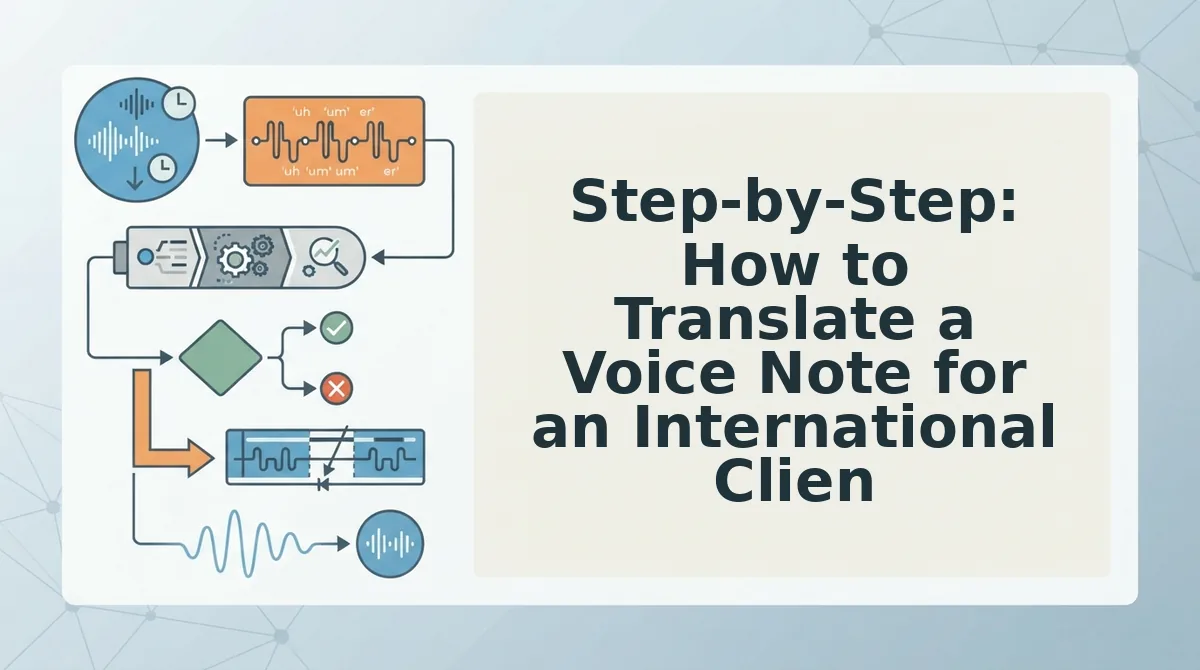
Translating a voice note for an international client follows five steps: receive the message, assess its quality, clean the source audio, translate the cleaned version, and verify tone and accuracy before sending. Here's the full workflow with time estimates.
Prerequisites: You'll need the original voice note file, a cleaning tool like VClar, and a translation method, either VClar's built-in translation across 11 languages or a separate translation tool for the cleaned transcript.
- Receive and save the voice note. Download the audio file from your messaging app. WhatsApp, Telegram, Slack, or email, and store it in a folder with the client's name and date. You should have a playable file ready for the next step. Time: 1 minute.
- Assess the audio quality. Play the note once and count the issues: fillers like "um" and "like," false starts, background noise, and grammatical errors. If you find more than five fillers in a 60-second note, cleaning is non-negotiable before translation. Time: 2 minutes.
- Clean the source audio. Upload the voice note to VClar and let the engine remove fillers, tighten phrasing, and fix grammar in voice messages while preserving your natural tone, accent, and cadence. You should see a cleaned transcript and hear a polished audio version that still sounds like you. Time: 1-2 minutes.
- Translate the cleaned version. Select the target language, for example, Spanish, French, or Japanese, and run the cleaned audio through VClar's translation. The output should read naturally in the target language without the stilted phrasing that raw audio produces. Time: 1 minute.
- Verify tone and accuracy. Run a tone preservation checklist on the translated output: Does the intent match? Is the register appropriate, formal for a contract discussion, casual for a status update? Does the emotional nuance survive? A 90-second Spanish voice note with 12 fillers and 3 sentence fragments becomes a professional memo after cleaning and translation, but only if you confirm the tone landed correctly. Time: 2-3 minutes.
The entire workflow takes under ten minutes, less time than most freelancers spend re-recording a single message. VClar handles the cleaning and translation in one pass, so you send a message that sounds authoritative in any language without losing your voice.
Once you've mastered this workflow, the next step is choosing the right tools to make it faster and more consistent.
Best Tools for Translating Voice Notes as a Freelancer
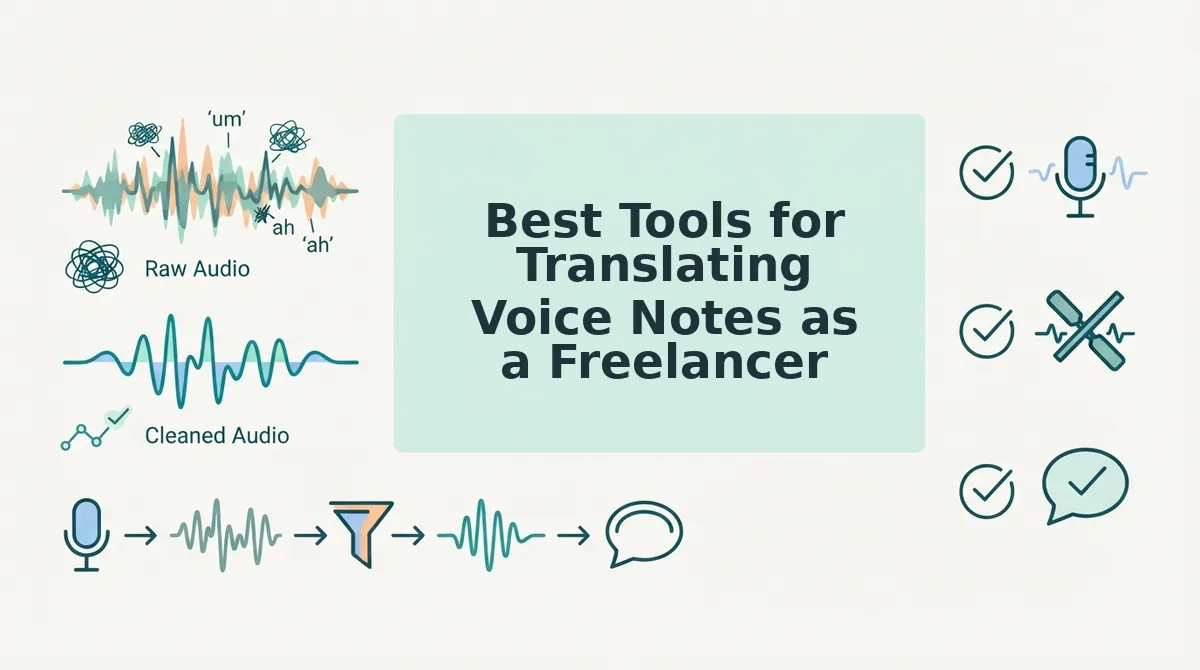
Freelancers have three practical routes for translating voice notes: AI voice message translators, manual transcription plus translation, or hybrid workflows that combine both. Each approach trades speed against control, and the right choice depends on your client volume, language pairs, and how much of your vocal tone you need to preserve.
| Tool / Method | Strengths | Limitations | Best for |
|---|---|---|---|
| VClar | Cleans filler words and background noise before translating; preserves speaker tone, accent, and cadence; covers 11 languages and 110 translation directions | Requires an upload or recording step before translation | Freelancers sending polished, client-ready voice notes who want one-take confidence without re-recording |
| Manual transcription + translation | Full control over word choice, nuance, and cultural adaptation; no AI interpretation errors | Significantly slower; risks inconsistency across repeated messages; transcription fatigue leads to missed filler words or tone shifts | Freelancers handling rare language pairs or highly sensitive legal, medical, or creative copy where every word is negotiated |
| Generic AI transcription tools | Fast speech-to-text output; often free or low-cost for basic use | Do not clean filler words, breath sounds, or mouth clicks before translation; translation quality varies and may flatten tone | Freelancers who only need a rough internal draft and will rewrite the translation themselves |
VClar translates cleaned voice messages across 11 languages and 110 translation directions, which means the filler-word removal and grammar correction happen before translation, not after. Manual transcription plus translation gives you full control but takes significantly longer and risks inconsistency when you are juggling multiple clients. If you need a voice note translated into Hindi, French, Japanese, or any of the other supported languages, translate voice notes across 11 languages with your natural tone intact.
Common Mistakes Freelancers Make When Translating Voice Notes
Most freelancers lose time and credibility not because their translation skills are weak, but because they skip steps before and after the translation itself. These are the failure modes that separate polished client communication from messages that create friction.
- Translating before cleaning the audio. When you translate a raw voice note full of ums, false starts, and background noise, those hesitations get baked into the translated text and audio. The output sounds awkward and unprofessional in any language, and clients can hear the difference. Clean the voice note first, remove fillers and tighten phrasing, then translate the polished version.
- Ignoring tone and cadence in the target language. A direct word-for-word translation often strips the warmth, urgency, or casual confidence you intended. Clients read tone as much as content, and a flat translation can sound cold or uncertain. Use a tool that preserves your natural rhythm and emphasis rather than producing a robotic literal rendering.
- Sending a raw translation without a transcript. When you deliver only translated audio or only translated text, your client has no way to verify accuracy or give targeted feedback. Attaching the cleaned transcript alongside the translation lets clients spot-check specific phrases and builds trust in your process.
- Assuming one translation fits every client. A voice note for a German client negotiating a contract needs different formality than a quick update for a French design collaborator. Translating without adjusting register and cultural context makes you sound either too stiff or too casual. Review the translated output for register before sending.
- Re-recording instead of cleaning. Many freelancers hear a rough voice note and decide to record it again from scratch, burning 10-15 minutes per message. Cleaning the existing take, removing fillers and noise, is faster and preserves the spontaneous energy that made the original message worth sending.
Translate Voice Notes Without Losing Your Voice
The clean-first method removes the friction that makes freelancers dread voice note translation: no re-recording loops, no awkward filler words crossing language barriers, no miscommunication with international clients. Start by cleaning one voice note, compare the result against your manual translation workflow, then use voice notes for client communication with VClar handling the cleanup and translation in one pass. Your next client message can be your clearest one yet.