
You've recorded a 60-second voice memo, hit send, and moved on. Then you read the auto-generated transcript and wince: fourteen "ums," six "you knows," and a trail of half-finished sentences that make you sound nothing like the decisive person you are. If you've ever tried to identify verbal tics in audio transcripts, you know the gap between how you think you sound and what the text actually reveals is wider than you'd expect.
You're not imagining it. VClar users routinely think at 150 words per minute but lose hours re-recording voice notes that come out cluttered. The tic you use most is probably one you've never noticed, and that's exactly why transcripts matter. By the end of this guide, you'll know how to spot verbal tics in any transcript using a repeatable diff method, categorize them by severity, and clean them without losing your authentic voice. We'll start with a clear taxonomy, walk through a 5-step transcript comparison workflow, and end with a tier system for deciding what to fix first.
Here's the part most guides skip: the tic you think is your biggest problem is rarely the one listeners actually notice. Stick around for Section 4, where the data flips a common assumption about filler words on its head.
What Are Verbal Tics? And How Do They Differ from Fillers and Disfluencies?
A verbal tic is any habitual, unconscious speech pattern, a repeated word, phrase, or vocal gesture, that appears in your spoken language without adding meaning. Fillers and disfluencies are specific subtypes of verbal tics, not separate categories.
Think of verbal tics like desktop clutter on a computer. Fillers are the stray files scattered across your screen ("um," "ah," "like"), false starts are half-opened apps you immediately closed ("I think we should, actually, let's, what I mean is"), and hedge phrases are sticky notes covering your monitor ("basically," "to be honest," "kind of"). None of them are the work itself, but they all make it harder to see what you actually meant.
The distinction matters because each type requires a different fix. A filler word can often be deleted outright. A false start needs the sentence restructured. A hedge phrase signals a confidence problem that editing alone won't solve.
There's also a clinical distinction worth noting. Vocal tics, sudden, involuntary sounds or movements like throat-clearing or sniffing, are neurological in nature and discussed in medical contexts such as Medicosis Perfectionalis. Verbal tics, by contrast, are habitual speech patterns learned over time. They're not a medical condition; they're a communication habit, and habits can be changed.
Here's a taxonomy of the most common verbal tics you'll encounter in transcripts:
| Tic Type | Transcript Example | Listener Impact |
|---|---|---|
| Fillers | "Um, I think we should, ah, move forward with the, like, proposal." | Makes you sound uncertain and unprepared |
| False starts | "What I'm trying to, the point is, let me rephrase that." | Breaks flow and signals disorganization |
| Hedge phrases | "Basically, we're kind of ready to, you know, launch." | Undermines authority and weakens claims |
| Uptalk markers | "We're launching in Q3? And the budget is approved?" | Makes statements sound like questions |
| Repeated transitions | "So, so the next step is, so what happens is..." | Creates verbal clutter and listener fatigue |
The most frequently cited verbal tics in speech coaching literature, from sources like The Publication Coach, include "um," "you know," "basically," "honestly," "to be honest," "like," "actually," and "so." These eight words account for a disproportionate share of tic clutter in everyday speech. If you can identify and reduce just these, you'll eliminate most of the noise in your transcripts.
Here's the key insight for anyone working with audio transcripts: a verbal tic is only visible when you compare what you said against what you meant to say. In isolation, a single "um" is invisible. In a side-by-side diff of your raw transcript and a cleaned version, patterns emerge that you'd never catch by listening alone.
How to Spot Verbal Tics in a Transcript: A 5-Step Diff Method
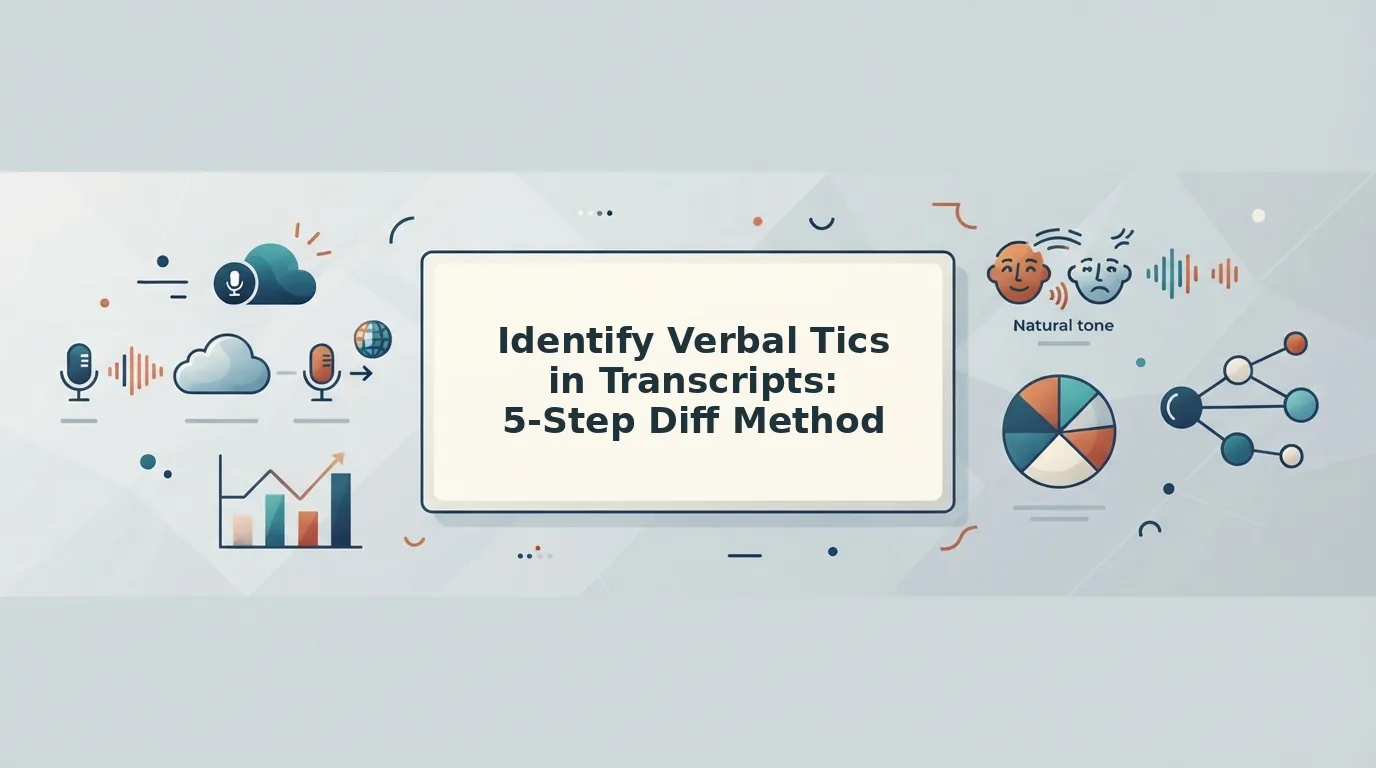
A transcript diff is the fastest way to surface verbal tics you can't hear in real time. You'll need a raw audio transcript, a text editor or diff tool, and about 15 minutes per voice memo.
- Generate a raw transcript of your voice memo. Upload your audio to any transcription tool and export the text without editing it. Do not clean anything yet, the raw version is your baseline. You should see every "um," false start, and repeated word exactly as spoken.
- Read the transcript aloud once, exactly as written. This step takes about 2 minutes for a 60-second memo. Reading forces you to vocalize every filler and stumble you'd normally skip over when reading silently. Mark any word or phrase that feels awkward to say out loud.
- Create a cleaned version by deleting obvious fillers. Open a second document and remove only the unambiguous filler words: "um," "ah," "like," "you know." Don't restructure sentences yet. This takes 3 - 5 minutes and gives you a first-pass clean transcript.
- Run a side-by-side diff between raw and cleaned versions. Place both transcripts next to each other, or use a diff tool to highlight changes. This is where VClar's approach to raw-versus-cleaned audio comparison becomes useful: the visual contrast makes repeated patterns impossible to miss. A founder recording a 60-second voice memo might see 14 "um" instances and 6 "you know" phrases in the raw column, with the cleaned column showing how much tighter the message reads without them.
- Categorize each tic by type and listener impact. Go through your diff and label every removal: filler, false start, hedge phrase, uptalk marker, or repeated transition. Count how many fall into each category. You should end up with a clear breakdown of which tic types dominate your speech, and that breakdown feeds directly into the tier framework in the next section.
Once you've categorized your tics, the next step is deciding which ones actually matter. Not all verbal tics are created equal, some cost you credibility, while others are barely noticed.
The 3 Tiers of Verbal Tics: What to Fix First
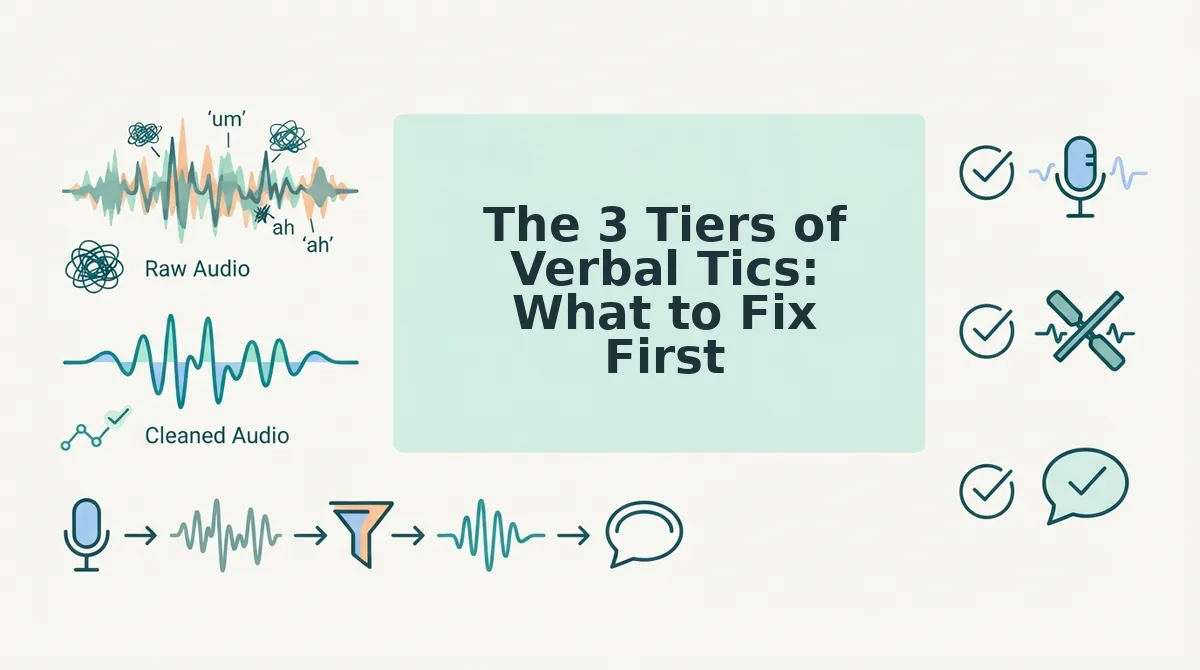
Not all verbal tics carry equal weight. Prioritize by listener impact: credibility-killers first, flow-breakers second, minor crutches last.
Here's where most advice stops, and where yours should start. A tiered framework lets you triage your transcript instead of chasing every "um" at once.
- Tier 1: Credibility-killers, "honestly," "to be honest," "trust me." These tics signal defensiveness or over-justification, which erodes authority in high-stakes communication. TJ Walker's emphasis on eliminating tics for professional speaking underscores why these matter most: they actively undermine the message itself. Fix these first, because a single "to be honest" in a pitch or client update can reframe your entire statement as uncertain.
- Tier 2: Flow-breakers, "um," "uh," "you know," false starts. These tics interrupt sentence rhythm and force listeners to re-process what they just heard. They don't damage credibility directly, but they add cognitive friction and make you sound less prepared. Remove them second, since they're the most frequent offenders in spontaneous voice messages and the easiest to catch with a transcript diff.
- Tier 3: Minor crutches, "basically," "like," "sort of." These tics are low-impact in casual conversation but still dilute precision in written summaries or translated messages. They matter most when your voice note gets transcribed into text, where "basically" reads as hedging. Address them last, or let VClar remove filler words from audio automatically so you don't spend editing time on Tier 3 noise.
Workflow tip: run your transcript through the diff method from Section 3, tag each tic by tier, and fix Tier 1 manually before sending anything important. For Tier 2 and Tier 3, automated audio cleaning handles the volume so you can focus on the message, not the mechanics.
Side-by-Side Transcript Comparison: The Fastest Way to See Your Patterns
A before/after transcript diff exposes tic frequency and position, sentence-initial versus mid-clause, that manual reading consistently misses.
| Raw Transcript | Cleaned Transcript |
|---|---|
| "Um, so basically I think we should, you know, move the launch to Tuesday. To be honest, the current date feels rushed." | "I think we should move the launch to Tuesday. The current date feels rushed." |
| "Like, the numbers look good, but um, we haven't, you know, confirmed the final budget." | "The numbers look good, but we haven't confirmed the final budget." |
The diff reveals two patterns: "um" and "you know" cluster at sentence starts and clause boundaries, while "basically" and "to be honest" appear mid-clause as hedging. Manual editing catches the obvious "um" but misses the positional habit, and it can't fix the audio itself.
Best for founders and sales professionals who send voice messages daily: a side-by-side review of your last five transcripts. Best for creators and freelancers who need polished client communication: fix grammar in voice messages without re-recording and compare the output against your raw audio to track improvement over time.
Frequently Asked Questions About Verbal Tics in Transcripts
Direct answers to the most common questions about spotting and fixing verbal tics in audio transcripts.
What's the difference between a verbal tic and a filler word?
A filler word is any sound or word that occupies space without adding meaning, like "um" or "ah." A verbal tic is a repeated, often unconscious phrase, such as "you know" or "to be honest", that carries a subtle meaning or stance. All fillers are tics, but not all tics are fillers.
Can AI detect verbal tics in audio transcripts?
Yes. Modern speech-processing tools can identify and flag repeated words, hesitations, and false starts in transcripts. Some platforms go further by removing tics directly from the audio timeline, producing a cleaned recording without requiring manual editing or re-recording.
How many verbal tics per minute is normal?
There is no universal benchmark, but most conversational speech contains two to five disfluencies per minute. The number matters less than the type: one "to be honest" per minute hurts credibility more than three "ums." Context and audience determine what's acceptable.
Do verbal tics matter in casual voice messages?
They matter less in casual one-to-one messages, but they still shape perception. Frequent tics can make you sound uncertain or unprepared, even with friends or close colleagues. If a voice message gets transcribed or forwarded, tics become more visible and more consequential.
Your Tic Patterns Are Already in Your Transcripts. Run the Diff
The five-step diff method and three-tier framework aren't abstract exercises. They're a repeatable audit you can run on any voice memo, sales call, or team update in under ten minutes. The payoff from the introduction holds: most people discover they lean on two or three signature tics, not twenty random ones. Spotting those few is the entire game.
Here's the sequence that closes the loop:
- Record one spontaneous voice memo, no script, no retakes, just talk for 60 seconds.
- Generate the transcript and diff it against a cleaned version, marking every repeated phrase, false start, and filler cluster.
- Sort your findings into tiers, fix Tier 1 first, ignore Tier 3 until the heavy hitters are gone.
Record a voice memo, run it through VClar, and see your own tic patterns in the side-by-side diff. The comparison view makes recurring habits impossible to unsee, and once you see them, you can target them. Browse more guides on cleaner voice communication to keep sharpening the skill.
You don't need to eliminate every verbal tic, you need to know which three are costing you clarity, and fix those first.