
You think at 150 words per minute, but you lose hours re-recording voice notes that come out scattered, hesitant, or grammatically sloppy. You are not alone, most sales reps have no repeatable way to review their own audio before sending it to a prospect.
Agree: the friction is real. You record, you cringe, you delete, you record again. Promise: by the end of this article, you will have a side by side voice note review workflow that turns one rough take into a polished, send-ready message in under five minutes. Preview: we will walk through a four-pass framework, filler count, grammar and fragments, pacing and pauses, tone and intent, and show you how VClar removes filler words from audio without touching your natural voice.
One pass in particular will reveal why most reps never catch their worst habit, and it is not the one you think.
What Is a Side by Side Voice Note Review Workflow?
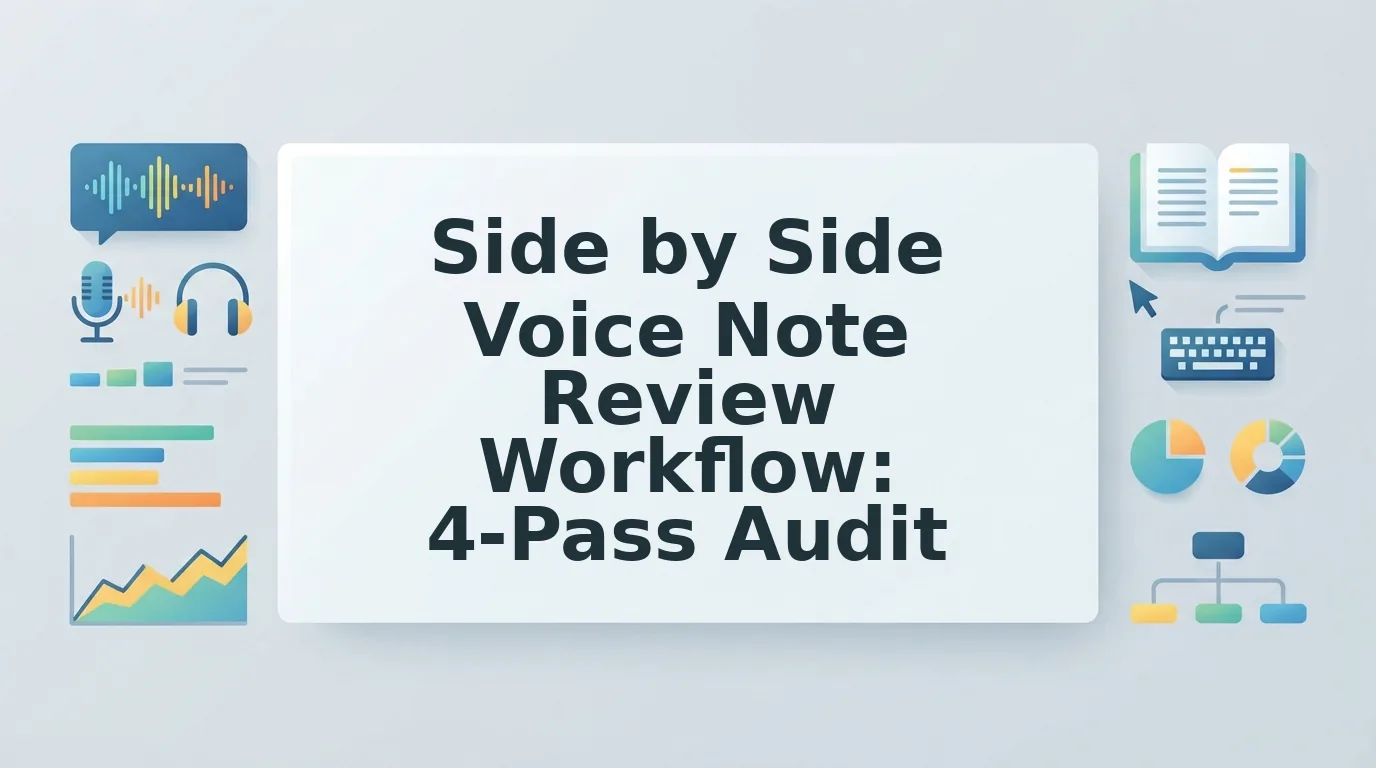
A side by side voice note review workflow is a repeatable, four-pass process for comparing your raw recorded audio against a cleaned transcript and polished audio version, so you can spot and fix verbal weaknesses before sending a message to a prospect.
Think of it like proofreading a written email, except instead of reading the same draft twice, you place the original voice note next to a cleaned version and review them in parallel, pass by pass. Each pass isolates one failure mode so you never try to fix everything at once.
The workflow follows a 4-Pass Review Framework:
- Filler count, quantify how many ums, ahs, and false starts appear in the raw audio.
- Grammar and fragments, identify incomplete sentences, circular phrasing, and subject-verb mismatches in the transcript.
- Pacing and pauses, flag dead air, rushed sections, and awkward gaps that break listener attention.
- Tone and intent, confirm the message still sounds like you and lands with the right emotional register.
For sales reps, a side by side voice note review workflow is a structured method for turning one spontaneous voice recording into a clear, decisive message by comparing the original audio against a cleaned version across four passes: filler words, grammar and sentence fragments, pacing and pauses, and tone and intent. Instead of re-recording the same note five times, you record once, run the audio through a cleaning pass, and review the two versions in parallel, the raw take on one side, the polished output on the other. Each pass targets one specific problem category, so you never waste mental energy trying to evaluate everything simultaneously. The goal is not to script your voice but to remove the friction that makes you sound uncertain, so the prospect hears your best take the first time.
Pass 1: Count Your Fillers Before You Fix Them
Before you can remove filler words from audio, you need to measure how many you actually use. Most reps underestimate their filler count by half, counting first makes the fix objective instead of emotional.
Prerequisites: one raw voice note recording, a transcript of that recording, and either VClar's filler word remover or a manual counting method.
- Upload your raw voice note to VClar and generate a transcript. You should see the full text with timestamps within a few seconds.
- Count every filler word in the transcript, um, ah, like, basically, you know, and any repeated false starts such as "I think. I think we should." Write down the total number.
- Count the total words in the transcript, including the fillers. Use the word count in your transcript tool or count manually.
- Calculate your Filler Density Score using this formula: fillers ÷ total words × 100. For example, 12 fillers in a 300-word note equals a 4% score.
- Compare against the target. A score under 3% is acceptable for sales communication. Above 3%, the note sounds hesitant and needs a cleaning pass.
- Run the cleaning pass with VClar to remove filler words from the audio timeline. The output should sound like the same voice, same cadence, minus the hesitation markers.
Pro tip: To count fillers manually without software, play the recording at 0.75x speed and tally every filler on paper.
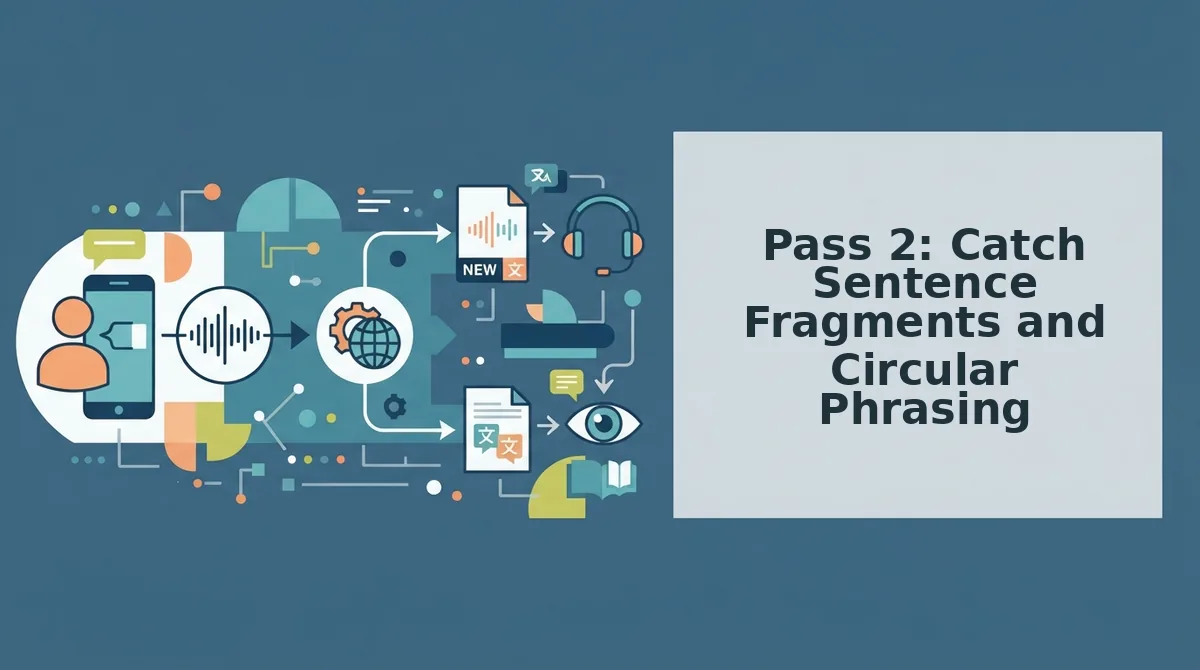
Pass 2: Catch Sentence Fragments and Circular Phrasing
Pass 2 is a grammar audit of your voice note transcript. You need the transcript from Pass 1 and a way to fix grammar in voice message audio without re-recording.
Here's where most reps get stuck: they hear a sentence fragment and assume the whole note is unusable. It isn't. You just need to spot three failure patterns.
- Open your transcript and highlight every sentence that lacks a subject or a verb. A fragment like "Need to circle back on pricing" is missing a subject. Expected outcome: you identify every incomplete thought in under 2 minutes.
- Mark false starts by scanning for repeated openings. Phrases like "So what I was thinking was, what I was thinking is" signal a false start. Expected outcome: you isolate the second, complete version of the sentence and delete the first attempt.
- Circle circular phrasing. Look for sentences that restate the same idea twice, such as "The discount applies to annual plans, so if you pay yearly you get the discount." Expected outcome: you cut the redundant clause and keep the clearest version.
Before: "So basically what I wanted to say was, the onboarding call, it takes about 20 minutes." After: "The onboarding call takes about 20 minutes."
Pass 3: Check Pacing, Pauses, and Dead Air
Pass 3 is a rhythm audit of your cleaned voice note. You need the audio file from Pass 2 and a timer or waveform view in your editing tool.
The 3-second silence rule: any pause longer than 3 seconds signals dead air that loses prospect attention. Professionals are actively seeking better voice capture workflows, and pacing is the fastest lever to pull.
- Open the audio waveform and scan for flat sections. Flat lines indicate silence. Expected outcome: you spot every dead air gap in under 1 minute.
- Click each flat section and check its duration. Any gap over 3 seconds is a cut candidate. Expected outcome: you build a list of dead air segments to remove.
- Trim gaps down to 0.5 - 1 second between sentences. This keeps a conversational rhythm without sounding rushed. Expected outcome: your note flows at a natural speaking pace of roughly 140 - 160 words per minute.
Success looks like a waveform with consistent peaks and valleys, no long flat stretches.
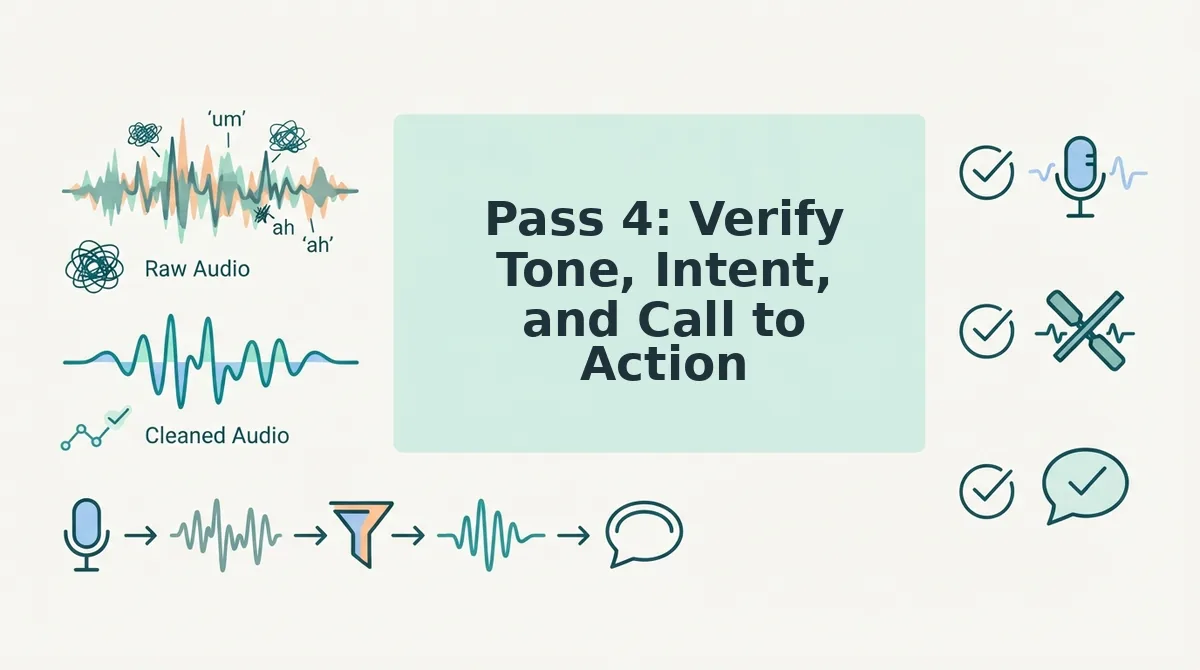
Pass 4: Verify Tone, Intent, and Call to Action
Pass 4 is the final gate before sending. You need the cleaned audio from Pass 3 and your original goal for the message.
You've done the hard part. Now the final gate: the One-Take Threshold. If Pass 1 - 3 issues are fixed and the CTA is clear, send it. Do not re-record for polish.
- Play the cleaned note once at normal speed. Listen for tone: does it still sound like you, or does it sound clipped and robotic? Expected outcome: you confirm your natural cadence survived the edits.
- State the intent out loud in one sentence. If you can't, the note lacks focus. Expected outcome: you can articulate exactly what the prospect should do next.
- Check the final 10 seconds for a specific call to action. "Let me know what you think" is weak. "Reply with a time that works Thursday or Friday" is specific. Expected outcome: the CTA names an action and a timeframe.
This same gate applies to voice notes for founders who send investor updates and team briefings in one take. If all four passes clear, you're ready to compare the raw and cleaned versions side by side.
Side by Side Comparison: Raw vs. Cleaned Voice Note
A side-by-side review reveals exactly where a voice note loses authority, and what changes move it toward a one-take send. The comparison below applies the four-pass workflow to a real sales follow-up scenario: a rep leaving a voice note for a prospect 20 minutes after a demo.
Manual editing tools like Descript or Audacity give you full control over the waveform but require you to spot every filler, fragment, and dead-air gap yourself. VClar automates the detection and cleanup while preserving your vocal identity. Both approaches work; the right one depends on how much review time you can afford per message.
| Attribute | Raw Voice Note (Unedited) | Manually Cleaned (Descript/Audacity) | VClar Side-by-Side Review |
|---|---|---|---|
| Filler word rate | 9-14% (typical for spontaneous speech) | Under 3% after manual cuts | Under 3% automatically, with Filler Density Score shown per pass |
| Time to review one 60-second note | 0 minutes (sent as-is) | 10-20 minutes of waveform editing | 2-4 minutes across four passes |
| Sentence fragments | Frequent false starts and circular phrasing | Fixed only if the rep catches them in transcript | Flagged in Pass 2 with suggested completions |
| Pacing and dead air | Uneven; long pauses erode momentum | Manual silence trimming, easy to over-cut | Pass 3 visualizes pause length against a 45-90 second target |
| Tone and CTA clarity | Often buried under hedging language | Depends on the rep's self-editing skill | Pass 4 checks intent and call-to-action presence |
| Voice authenticity | 100% original, including all flaws | Preserved, but edits can sound choppy | Preserved; cleanup is seamless on the audio timeline |
| Best for | Reps with no review habit yet, this is the starting point | Power users who want granular control and have editing time | Reps sending 5+ voice notes daily who need speed plus consistency |
Annotated Before/After: Sales Follow-Up Voice Note
Raw transcript (Pass 1-4 issues marked):
"Hey Sarah, um, so I was just, like, thinking about our call earlier and, you know, basically what I wanted to say was, hold on, let me restart. Okay so, uh, the integration question you raised, that's a good one. Basically what happens is, um, our API connects to your CRM in about, like, two days. And, you know, if you want, we could, um, maybe set up a quick call with our solutions engineer? Let me know what you think. Thanks."
Cleaned transcript (changes annotated per pass):
"Hey Sarah, I was thinking about our call earlier. The integration question you raised is a good one. Our API connects to your CRM in about two days. If you want, we can set up a quick call with our solutions engineer. Let me know what you think. Thanks."
- Pass 1: Removed 7 fillers ("um," "like," "you know," "basically," "uh") and one false start ("hold on, let me restart").
- Pass 2: Merged the fragment "so I was just, like, thinking about our call earlier and, you know, basically what I wanted to say was" into one complete sentence. Removed the circular opener.
- Pass 3: Eliminated the mid-note restart pause and tightened the gap before the CTA. Total runtime dropped from 52 to 31 seconds.
- Pass 4: CTA remains intact ("set up a quick call") and the tone stays consultative, not pushy.

Frequently Asked Questions About Voice Note Review
A side-by-side voice note review workflow answers four questions sales reps ask most often about length, manual review, filler tolerance, and version comparison.
How long should a sales voice note be?
A sales voice note should run 45 to 90 seconds. Under 45 seconds often lacks enough context to move a deal forward; over 90 seconds risks losing the prospect's attention before your call to action lands. Aim for one clear point, one supporting detail, and one next step.
Can I review voice notes without transcription software?
Yes. Play the recording back at 1x speed and mark fillers, fragments, and pauses on paper or in a notes app. Count fillers manually, time the pauses with a stopwatch, and rewrite the message as text before re-recording. This manual method works but takes 10-20 minutes per 60-second note.
What's an acceptable filler word rate?
Divide total filler words by total words spoken and multiply by 100. A 150-word voice note should contain no more than 4-5 fillers.
How do I compare two versions of the same voice note?
Use a side-by-side transcript view. Place the raw transcript in the left column and the cleaned version in the right, then annotate each change by pass: fillers removed, fragments merged, pauses trimmed, and CTA preserved. This makes the improvement measurable rather than subjective.
Send Your Next Voice Note With One-Take Confidence
The four-pass review workflow turns voice note anxiety into a repeatable system. The open loop from the intro, whether reps can actually stop re-recording, resolves to a clear answer: yes, when you measure fillers, fragments, pacing, and intent separately instead of chasing a vague feeling of "sounding better."
Start with the softest possible step: pull up your last sent voice note and run Pass 1 on it. Count the fillers. That single number tells you whether the problem is habit or structure. If the count is above 3%, bookmark the four-pass checklist and run it before your next three sends. When you are ready to cut review time from 15 minutes to under 4, open VClar's AI voice message translator and compare your raw and cleaned transcripts side by side.
One take is not a talent. It is a threshold you cross when the review system does the work for you.