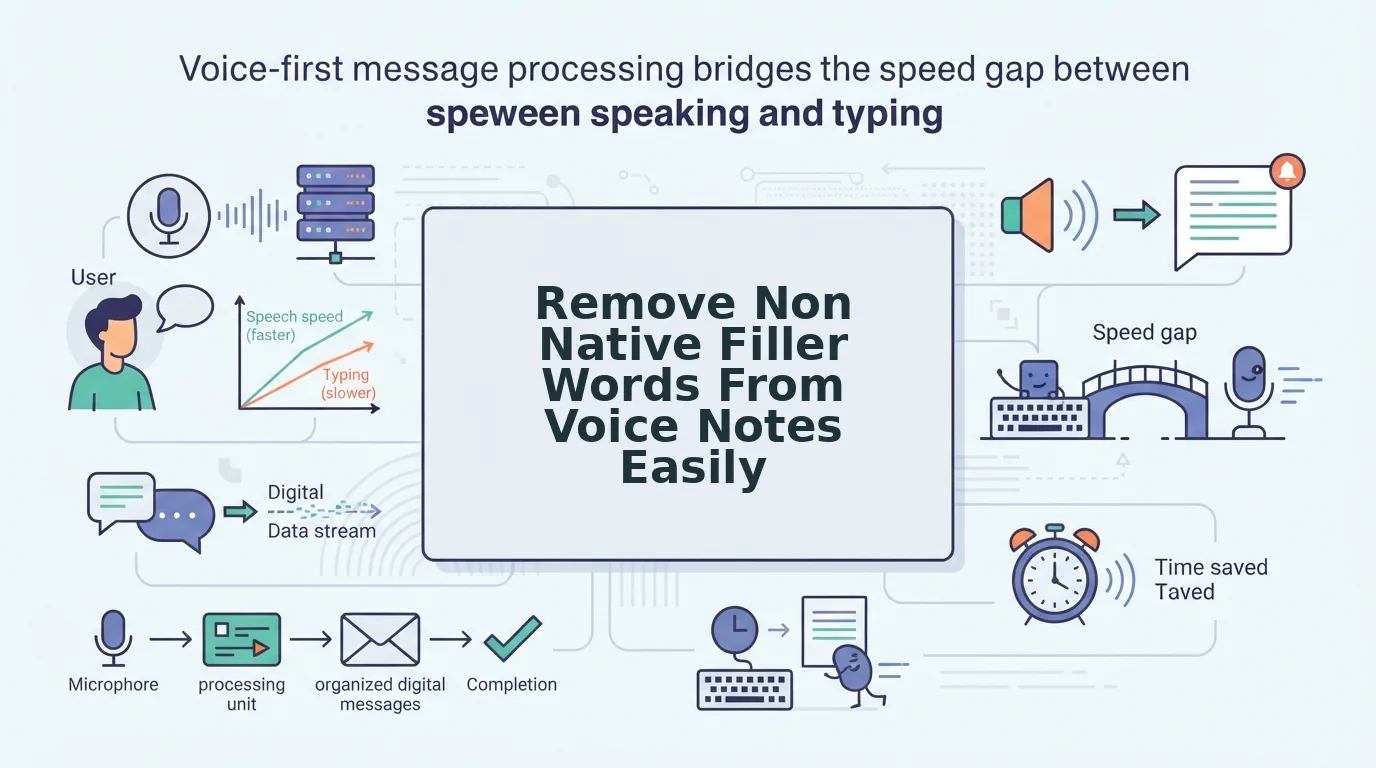

You record a 60-second status update on WhatsApp, delete it, and re-record it four times because a native-language crutch slipped in during English vocabulary retrieval. Multilingual professionals think at 150 words per minute but lose substantial productive time re-recording short audio notes due to cognitive retrieval stalls. When you remove non native filler words from voice notes, you eliminate this communication bottleneck immediately.
An ai voice message translator eliminates this friction by instantly polishing spoken audio without forcing you into scripted delivery. In this guide, you will learn how modern tools remove filler words from audio while strictly preserving your authentic vocal identity, natural tone, and conversational cadence.
We will break down the exact steps to clear verbal hesitation, how syntax repairs eliminate circular phrasing, and the surprising reason traditional audio gates fail on second-language vocal stalls.
Here is how a standard one-take voice workflow functions:
- Situation: You speak off-the-cuff to update a cross-border team, but second-language retrieval introduces repeated "ums," "ahs," and false starts.
- Action: You upload the raw audio to an automated enhancer to strip out hesitation markers without manual editing or robotic voice synthesis.
- Outcome: Your listener receives a concise, authoritative recording alongside a clean, professional transcript that gets straight to business.
Studying your side-by-side audio comparisons and grammar correction details also provides actionable insights to strengthen your spontaneous spoken English habits over time. However, establishing this efficient habit requires understanding why standard editing software consistently stumbles on multilingual speech patterns.
Why Standard Audio Cleaners Fail on Non Native Fillers
Standard audio cleaners fail on non-native fillers because their algorithms rely on native English acoustic models that mistake accented speech patterns for dead air or fail to recognize foreign hesitation sounds altogether. Instead of cleaning the recording, typical podcast editors slice away natural vowel elongations and leave foreign-language crutches completely untouched.
The Dual-Layer Filler Taxonomy is a framework that categorizes non-native vocal hesitation into physical acoustic drags and native-language intrusions. Think of standard audio filters like an airport metal detector calibrated only to flag loose pocket change; when a traveler walks through with dense ceramic items, the scanner either triggers a false alarm on harmless belt buckles or lets actual obstacles pass right through undetected.
Non-native speakers produce two distinct hesitation layers that standard software cannot parse:
- Acoustic Drifts: Vowel tail elongations where the speaker stretches terminal sounds (such as turning "and" into "and-uhhh") while translating concepts in real time. Standard tools treat these sustained tails as dead silence or awkward background hum, cutting them abruptly and causing clipped, unnatural syllable chops.
- Cross-Language Stalls: First-language (L1) intrusion words like este in Spanish, euh in French, ano in Japanese, or yani in Turkish and Arabic. Monolingual native filters ignore these words completely because they register as valid, intentional foreign vocabulary rather than hesitation artifacts.
Standard tools miss both layers due to how second-language speech processing operates under cognitive load. When a speaker formulates thoughts in a non-native tongue, L1 interference mechanics cause neural delays where the brain searches for vocabulary, triggering vocal stalls exceeding 400 milliseconds. A conventional audio tool evaluates these extended pauses purely as empty decibel drops, chopping the breath line and degrading genuine vocal delivery. Handling this breakdown requires processing that can differentiate between natural accent resonance and actual speech crutches to cleanly repair conversational grammar without damaging the speaker's vocal identity. Bridging this technical gap requires an intentional, automated workflow designed specifically for spontaneous multilingual audio.
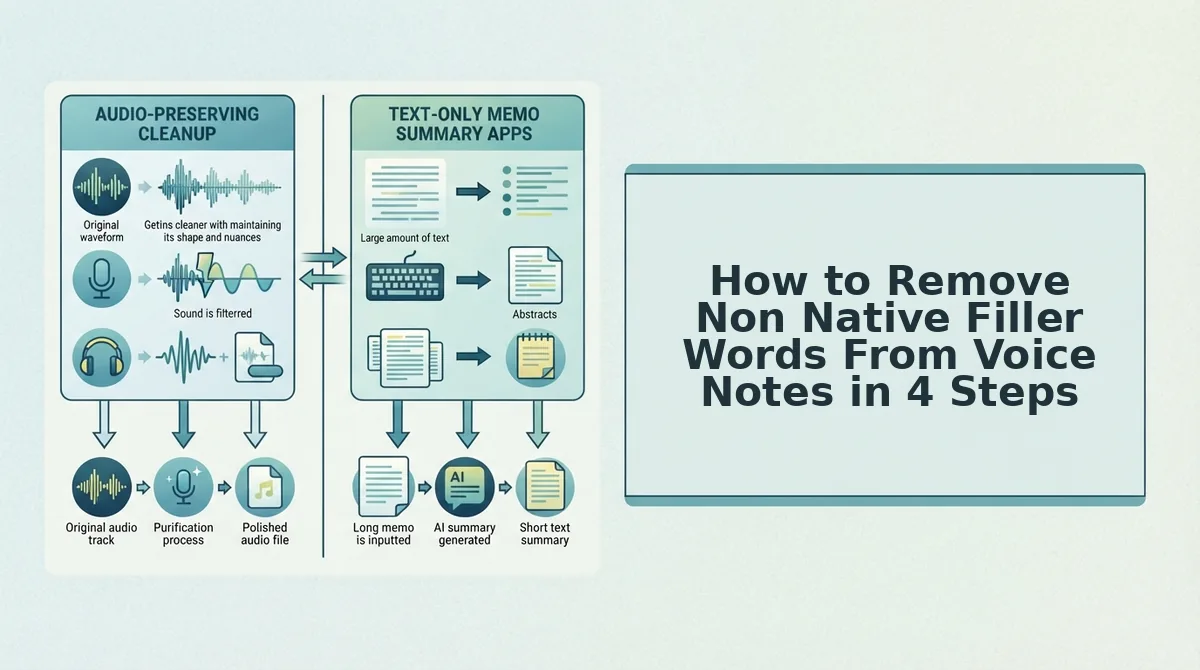
How to Remove Non Native Filler Words From Voice Notes in 4 Steps
To remove non-native filler words from voice notes easily, process your raw audio through a browser-based speech enhancer that combines verbal filler extraction with spoken grammar repair. This workflow eliminates stumbles and awkward pauses in seconds while preserving your natural vocal timbre, accent, and cadence.
Acoustic thresholding is the technical boundary that distinguishes intentional conversational rhythm from dead air. Eliminating silence below 250 milliseconds creates unnatural speech clipping, so automated voice enhancement must distinguish between natural micro-pauses and distracting hesitations.
Prerequisites: A modern web browser and a raw audio file (such as M4A or WAV) or a working microphone.
- Capture unfiltered spontaneous audio. Speak into your voice recorder or browser without self-censoring or stopping when you stumble over non-native phrases. You should end with a complete 45- to 90-second voice memo captured in a single take without restarting.
- Upload the audio file through direct browser ingestion. Open the web app, then click Upload Audio to select your M4A or WAV file, or select Record to capture live audio directly. You should see an active waveform display confirming the audio loaded within three seconds.
- Process targeted dual-layer removal and grammar smoothing. Click Enhance to strip filler words like "basically," "you know," and non-native hesitation sounds while repairing fragmented syntax. The system processes the memo in seconds, producing a concise recording without robotic vocal artifacts.
- Audit the transcript using the side-by-side diff. Review the text transcript alongside the original audio to verify that your core meaning, tone, and vocal identity remain intact. You should see highlighted grammar corrections alongside an export-ready voice message that gets straight to the point.
Consider an asynchronous voice update recorded while walking to a meeting. A professional speaks off-the-cuff for 75 seconds, stumbling across circular phrasing and repeated non-native filler words. Instead of deleting the take, they drop the audio file into the browser. In seconds, the engine eliminates the filler sounds, fixes sentence fragments, and produces a crisp 45-second audio note ready for async sharing.
Streamlining voice notes for founders and cross-border operators eliminates the friction of re-recording loops, turning spontaneous voice drafts into clear, authoritative audio in one take. To execute this workflow efficiently, it helps to evaluate how modern audio enhancement software approaches speech processing across different media formats.
Voice Memo Cleaners Compared: Descript vs AudioPen vs VClar
Choosing the right voice memo cleaner depends on whether you require a formatted text summary, a multi-track studio timeline editor, or polished spoken audio that preserves your authentic vocal timbre. While Descript excels at granular media production and AudioPen converts spoken rambling into text notes, VClar cleans non-native speech hesitations to produce natural, direct audio messages in one take.
Why would you spend 15 minutes editing an audio timeline just to send a 45-second team message? For founders, sales reps, and cross-border teams communicating asynchronously, tool selection dictates whether audio workflows save time or create friction.
| Feature | Descript | AudioPen | VClar |
|---|---|---|---|
| Primary Output | Edited audio, video, and studio transcripts | Structured written text notes only | Polished spoken audio notes and clean transcripts |
| Vocal Identity | Original audio with manual timeline cuts or synthetic overdub | None (audio recording is discarded) | Preserves natural accent, cadence, and vocal timbre |
| Filler Handling | Manual search and timeline removal | Rewrites spoken input into fresh prose | Automated acoustic trimming of native and non-native fillers |
| Capture Speed | Desktop-first studio project loading | Web and mobile note capture | Instant browser-first capture for quick memos |
| Best For | Podcasters and video creators | Solo ideation and drafting written memos | Founders, sales teams, and cross-border operators |
Descript is a heavy-duty production environment designed for long-form content. It gives producers unmatched timeline control, but the complex workspace creates unnecessary friction for rapid voice updates. Read our complete VClar vs Descript comparison for a deeper architectural breakdown.
AudioPen solves rambling by throwing away the audio entirely. It is effective for turning unstructured thoughts into organized text articles, yet it eliminates spoken communication for recipients who prefer hearing voice notes.
Replacing human delivery with synthetic voice avatars destroys cross-border trust. International business partners want to hear your real voice, not an artificial text-to-speech clone that flattens cultural nuance.
Our Recommendation
Choose AudioPen if your sole objective is generating written summaries without sending audio. Choose Descript if you are producing an episodic podcast that demands precise multi-track timeline cuts. Choose VClar when you need to remove non-native verbal fillers, repair conversational grammar fragments, and send authoritative voice messages while keeping your authentic vocal identity intact. Once you adopt an automated cleaner, the key to sounding confident lies in balancing automated polishing with organic human cadence.
How to Avoid Over-Editing Your Voice Messages
To avoid over-editing voice messages, keep natural pauses while removing only distracting verbal stalls and repetitive L1 crutches. Stripping every silence flattens speech into an unnatural, anxiety-inducing burst that erodes executive presence.
The Preserve vs Purge Decision Matrix is an editing framework that separates essential human cadence from non-native vocal clutter. Total acoustic silence makes asynchronous updates sound robotic, whereas disciplined editing protects your authentic vocal identity and native accent. When an audio cleaner removes all breathing room, listeners feel rushed rather than persuaded.
- Keep breath resets intact: Preserving short breathing intervals of 150 to 300 milliseconds maintains natural rhythm between complex clauses. Erasing these natural pauses makes your speech feel spliced and hyper-compressed to native listeners. Check your baseline cadence with a speech speed test to verify your natural tempo stays balanced.
- Retain deliberate emphasis pauses: Intentional silence lasting 400 to 600 milliseconds signals authority before or after a critical business point. Cutting these deliberate rests flattens your spoken dynamic and strips weight from key proposals. Leave these structural pauses untouched whenever you introduce an important metric, decision, or project deadline.
- Purge cognitive language loops: Repetitive L1 crutches and prolonged vowel extensions happen when your brain translates thoughts between languages mid-sentence. These repeated false starts dilute your central message and cause listeners to tune out. Strip the repetitive loops immediately while leaving the subsequent corrective phrasing intact.
- Maintain conversational pacing benchmarks: Professional second-language speakers communicate most effectively at steady, sustainable tempos rather than artificially accelerated bursts. Chasing hyper-speed makes non-native pronunciation harder to process for distributed teams. Calibrate your edits to sound like a calm conversation across a table rather than a rushed monologue.
- Preserve authentic sentence boundaries: Spoken grammar contains natural terminal drops in pitch that indicate a thought is finished. Truncating the natural sound tail at the end of a sentence creates abrupt, jarring audio cuts. Allow sentences to finish with their organic acoustic decay before starting the next idea.
Even with clear editing boundaries in place, international communicators frequently have specific technical questions regarding cross-language audio cleanup.
Frequently Asked Questions About Non Native Filler Words
Removing non-native filler words requires targeted acoustic trimming that respects cross-language speech patterns without stripping vocal authenticity.
How do I remove filler words from an iPhone voice memo without desktop software?
You can clean iPhone voice memos directly in mobile Safari by uploading audio recordings to browser-based processing tools like VClar. Cloud-based speech processing isolates hesitation sounds and repeated false starts automatically, eliminating the need to transfer files to desktop editing software or manually cut waveforms.
How do speech tools detect filler words in non-English native languages?
Multilingual speech engines detect foreign verbal pauses by analyzing language-specific phonetic markers alongside silence gaps. Instead of scanning only for English sounds like "um," the software isolates native bridge phrases such as Spanish "este," French "euh," or German "äh," removing the hesitation without corrupting surrounding sentence syntax.
What is the difference between acoustic speech smoothing and voice cloning?
Acoustic speech smoothing preserves real vocal recordings, while voice cloning synthesizes artificial speech. Here is how they differ:
- Acoustic smoothing: Splices out verbal stalls while keeping natural cadence and vocal timbre.
- Voice cloning: Generates synthetic audio using artificial text-to-speech models.
Why do non-native speakers use more verbal fillers in voice notes?
Non-native speakers produce more vocal fillers because the brain requires additional processing time to retrieve second-language vocabulary and construct grammar. Sounds like "uh" or native conversational bridges act as cognitive placeholders while formulating thoughts, especially during spontaneous async recordings where speakers lack visual conversational cues. By mastering these mechanics, you can shift permanently from defensive self-editing to an effortless async communication rhythm.
Master One-Take Async Communication in Any Language
Mastering global async communication requires eliminating cognitive translation pauses without erasing your authentic vocal identity. Non-native filler words are simply mental processing buffers, not permanent flaws in your communication style.
Resolving the urge to scrap voice notes comes down to replacing an exhausting 20-minute re-recording routine with an effortless 60-second one-take async habit. When speech processing strips away cross-linguistic hesitations and repairs spoken syntax, you can stop deleting imperfect takes.
What changes when you speak without the fear of verbal stumbling?
- Record spontaneously at your natural pace without translating every sentence in your head first.
- Deliver crisp, authoritative audio accompanied by a structured transcript your team can skim instantly.
Test this workflow on your next voice memo with the Starter plan with 2 lifetime minutes.
Your accent represents your authentic identity, but eliminating conversational friction ensures your core ideas command the room.