
You hit record, speak fluidly at 150 words per minute, and suddenly stall when a sentence trails off mid-thought. Instead of sending the update, you delete the draft and start your third take. Knowledge workers waste significant time re-recording voice messages due to spoken syntax anxiety rather than core message flaws.
Adopting a dedicated spoken english grammar cleaner removes this friction by converting rough conversational phrasing into clear, authoritative communication without stripping your authentic vocal identity. This playbook outlines how to streamline audio updates, repair fractured clauses, and deliver polished memos in a single take. Later, you will discover why applying conventional text rules directly to conversational speech breaks listener engagement.
Consider this standard async workflow:
- Situation: A founder records a rough 60-second project update, stumbling over circular phrasing and fragmented thoughts.
- Action: The speaker routes the recording through spoken grammar correction rather than restarting the audio capture loop.
- Outcome: The system repairs broken conversational syntax and produces a clean memo alongside original vocal audio, preserving natural timbre and intent.
This playbook focuses strictly on asynchronous voice messages and their transcripts, rather than live call coaching. First, examine how this technology functions under the hood.
What Is a Spoken English Grammar Cleaner?
A spoken English grammar cleaner is an automated speech system that repairs conversational syntax, fragments, and hesitations directly within voice recordings without replacing the speaker's authentic vocal identity. Unlike standard written proofreading software that treats spoken patterns as drafting errors, a spoken English cleaner recognizes that vocal communication relies on spontaneous verbal formulation. The technology eliminates false starts, cleans circular phrasing, and restructures fragmented statements into coherent sentences while strictly maintaining original vocal timbre, personal cadence, and accent. Listeners receive polished audio alongside a professional transcript that reads cleanly without sounding synthetic.
Spoken English is not broken written English; it operates under entirely different communicative rules. Professionals often think at 150 words per minute, producing spontaneous phrasing that adapts in real time. As highlighted in a linguamarina breakdown on basic conversational stumbling blocks versus formal written grammar rules, natural speech routinely relies on shared vocal context that traditional text-based editors misinterpret as structural failure.
Think of a traditional grammar checker like a rigid railroad track, while a spoken grammar cleaner functions like an all-terrain suspension system. The railroad track derails the moment a spoken sentence veers off standard syntax, but the suspension system smoothly absorbs conversational detours and potholes without stopping the journey.
The cleaner evaluates unpolished audio through progressive syntactic stages:
- False starts: Identifying abandoned clauses where a speaker pivots thoughts mid-sentence, cutting the hesitation while keeping the final direction.
- Conversational ellipsis: Resolving omitted grammatical elements that occur when speakers rely on vocal inflections instead of formal sentence architecture.
- Syntactic rebalancing: Transforming fragmented, circular statements into authoritative sentences that preserve authentic intent.
When you need to fix grammar in voice message recordings, this process delivers one-take confidence without resorting to synthetic text-to-speech clones. Reviewing side-by-side comparisons of raw voice notes against cleaned transcripts also serves as a constructive tool to track verbal habits and refine spoken clarity over time. Preparing spontaneous audio for this transformation follows a clear technical workflow.
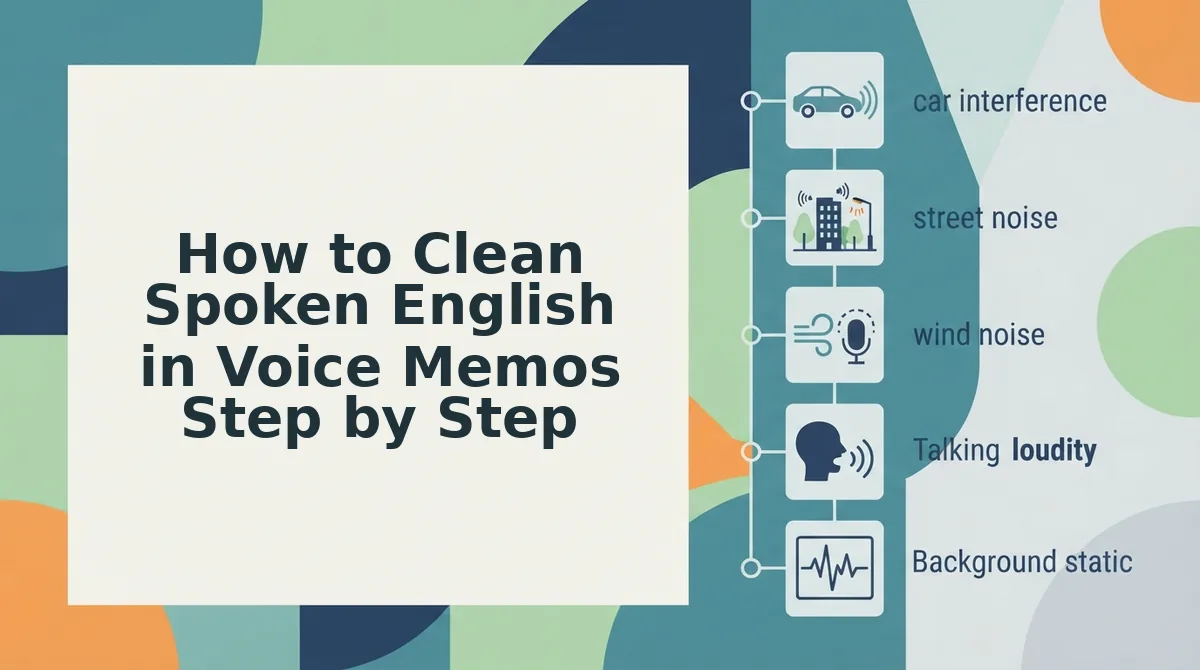
How to Clean Spoken English in Voice Memos Step by Step
Cleaning spoken English in voice memos involves isolating conversational repair sequences, removing verbal debris, and restructuring fractured syntax while preserving the speaker's original acoustic timbre. A spoken English grammar cleaner is an automated processing engine that repairs spoken syntax errors and audio hesitations without replacing human voice delivery with synthetic text-to-speech models.
How do you remove hesitation pauses without creating jarring cuts or robotic cadence? Research from the Persona Institute for English on repetitive speech tendencies and conversational repair patterns demonstrates that speakers frequently backtrack, stall, or duplicate fragments when thinking on their feet. Resolving these spontaneous interruptions requires identifying where conversational grammar diverges from written language, then smoothing those intervals without stripping natural inflections or speaker intent.
Prerequisites: A recorded voice note (such as a 45- to 90-second update or memo) and a browser connection to an audio enhancement platform.
- Upload your raw audio file into the workspace. Click Upload Audio on the dashboard and choose your spontaneous voice recording from your device. Time estimate: 5 seconds. You should see the raw audio waveform populate the file status window.
- Select automated syntactic cleanup controls. Click Processing Settings, toggle on grammar repair to fix sentence fragments and circular phrasing, and select the option to remove filler words from audio such as repeated false starts, ums, and mid-sentence stumbles. Time estimate: 10 seconds. You should see active confirmation indicators appear beside both grammar repair and acoustic cleanup.
- Generate and inspect your enhanced voice note. Click Process Memo to initiate audio alignment and view the side-by-side transcript review. Time estimate: 20 to 30 seconds. You should see a green checkmark alongside an exportable, clear audio file that maintains your authentic voice alongside an accurate transcript.
Polishing your spoken updates gives you one-take confidence, letting you send decisive voice memos to clients and cross-border teams without spending hours in re-recording loops.
Understanding how clean audio differs from raw text highlights why standard speech-to-text platforms handle this challenge differently.
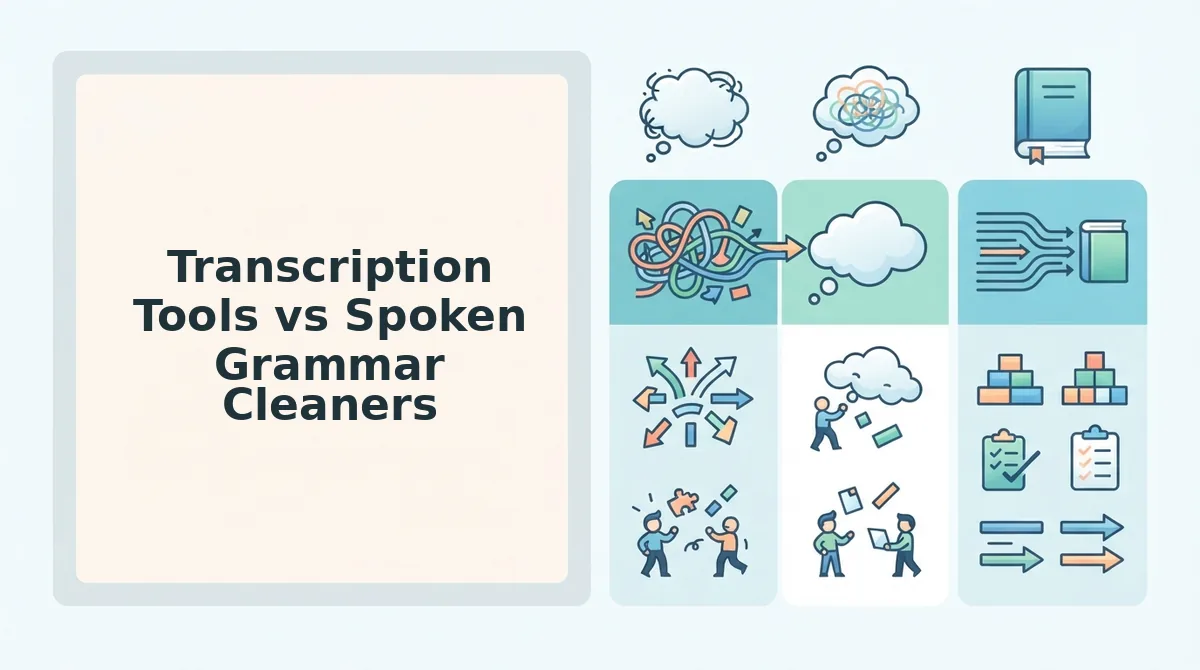
Transcription Tools vs Spoken Grammar Cleaners
Standard transcription tools merely record spoken errors as raw text, whereas spoken English grammar cleaners actively reconstruct conversational syntax and output polished audio without deleting your vocal identity. Why does pasting a raw transcript into a standard chatbot produce a robotic message that no one wants to hear? Language models flatten your cadence into synthetic prose, stripping the human tone required for persuasive business updates.
A spoken grammar cleaner is a dual-output engine that fixes sentence fragments, removes acoustic distractions, and cuts verbal fillers while returning the original speaker's authentic voice. Knowing how this architecture differs from alternative software prevents unnecessary editing friction.
| Tool Category | Primary Output | Vocal Timbre Preserved | Workflow Friction | Best For |
|---|---|---|---|---|
| Text-Only Summarizers | Rewritten text notes | No (no audio output) | Low (one-click text) | Solo note-takers and journalers |
| Timeline Waveform Editors | Edited master audio | Yes | High (manual cut points) | Podcast producers and video creators |
| Spoken Grammar Cleaners | Enhanced voice note + transcript | Yes | Low (browser-first processing) | Founders, sales reps, and remote teams |
Text-first apps excel at turning spontaneous thoughts into structured summaries, but they sacrifice voice entirely. Using AudioPen text-only summaries works well when you never intend to send an actual voice message to clients or colleagues.
Heavyweight production studios approach speech by letting you slice transcripts to cut audio tracks. Relying on Descript manual studio editing provides complete creative control over complex multimedia projects, yet managing tracks and boundary cuts creates massive overhead for routine 45-second team memos.
Choose your software based on your immediate communication need:
- Choose a text summarizer if you want personal written documentation and your recipient does not need to hear you speak.
- Choose a timeline editor if you are engineering a multi-track podcast or high-production video asset.
- Choose a spoken grammar cleaner if you need to deliver polished, one-take audio updates to clients or colleagues without re-recording stumbles.
Our recommendation for day-to-day operations is an automated speech cleaner. It fixes circular phrasing and eliminates verbal hesitations on the audio timeline while preserving the authentic cadence and accent that establish human trust.
Evaluating the clarity of that updated audio file requires a structured quality baseline before hitting send.
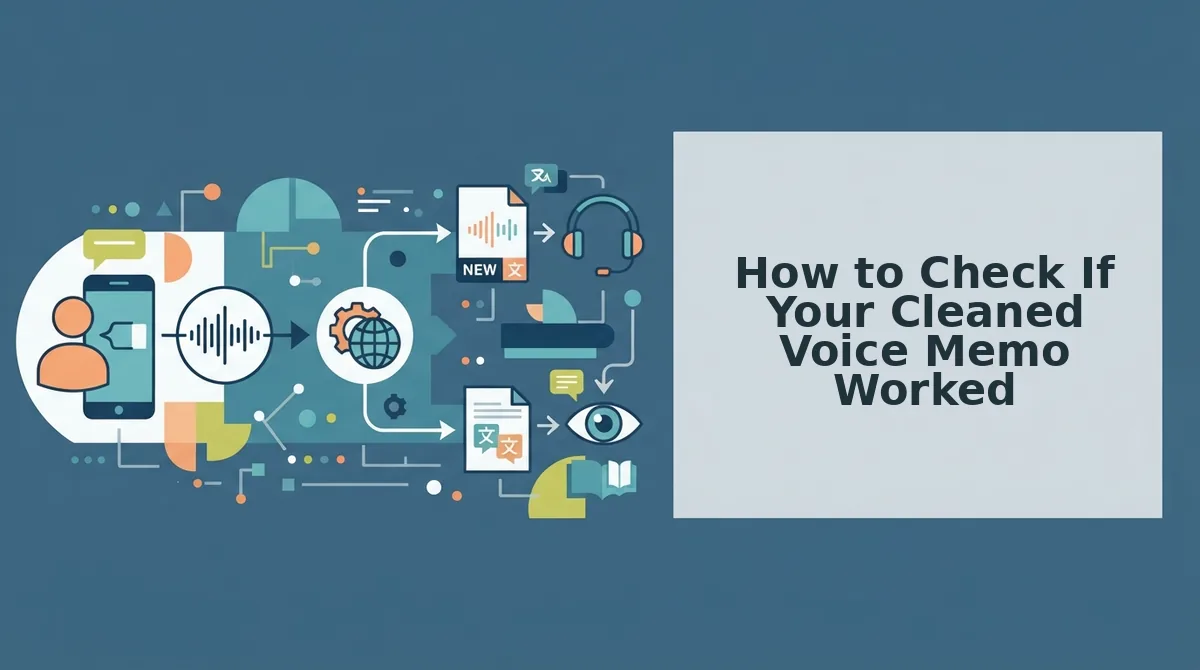
How to Check If Your Cleaned Voice Memo Worked
To check if your cleaned voice memo worked, audit the output audio against the transcript to verify that incomplete thoughts resolved into cohesive sentences while your natural accent, cadence, and vocal timbre remained intact. Spoken grammar reconstruction succeeds only when verbal clutter disappears without making your speech sound synthetic.
A verification rubric is a structured quality checklist used to evaluate whether audio cleanup repaired conversational syntax without altering speaker authenticity. Effective grammar repair eliminates circular phrasing and false starts while maintaining authentic pacing.
- Verify full clause resolution in the transcript. This check ensures that every spoken fragment, interrupted sentence, and dangling modifier connects into a complete grammatical thought. Incomplete thoughts force async teammates to guess your meaning, diluting operational direction. Compare the raw draft side-by-side with the output to confirm that every predicate has a clear subject.
- Confirm vocal cadence preservation across audio edits. This check evaluates whether micro-cuts between removed filler words sound seamless or clipped. Jarring transitions signal robotic processing, which distracts listeners and erodes conversational authority. Listen at normal speed to verify that natural pauses between distinct ideas remain intact.
- Assess the absence of synthetic speech artifacts. This check guarantees that acoustic noise removal and grammar corrections did not introduce phase distortion, metallic timbre, or unnatural tone shifts. True speech enhancement elevates the speaker's existing voice rather than substituting an artificial voice model. Play the file through headphones to ensure your native vocal identity sounds completely organic.
- Track intent alignment in cross-border translations. This check ensures that idiom adjustments and syntax cleanups preserve your exact commercial intent across languages. Literal phrasing often fails across borders, requiring an intelligent voice note translator to resolve colloquial fragments into professional phrasing. Review the target transcript to confirm key terminology matches your original goal.
- Test standalone comprehension on first listen. This counterintuitive test requires evaluating whether a teammate can act on the voice note without reading an accompanying text summary. If an audio update requires an explanatory follow-up note, the structural repair failed to clarify the message. Send the cleaned recording to a peer and verify they understand the primary takeaway on one take.
Consider a 45-second async product update where a founder rambles: "We need to, uh, push the release because the API, basically it failed staging, so yeah, wait until Monday." Running this audio through spoken grammar reconstruction removes the hesitations, clears ambient office noise, and aligns the syntax: "We need to delay the release because the staging API failed; let us hold until Monday." The founder inspects the side-by-side transcript comparison, confirms their personal vocal tone remains unchanged, and shares the polished memo immediately without rerecording.
Executing these checks guarantees that spontaneous spoken drafts translate directly into clear team execution.
How to Fix Spoken Grammar in Audio Notes Without Rerecording
To fix spoken grammar in audio notes without rerecording, process your raw recording through an automated speech repair pipeline that reconstructs fragmented phrasing and removes filler words while retaining your natural voice cadence. A browser-based spoken english grammar cleaner repairs conversational syntax errors on the audio timeline instantly, eliminating the need to record multiple takes.
Can you turn a spontaneous voice note into clear audio and synchronized text in under 60 seconds?
Before starting, make sure you have an unedited audio file (such as a 45-to-90-second voice memo) or a built-in microphone ready for direct browser recording.
- Upload or record your raw voice message (Estimated time: 10 to 90 seconds). Click the Record button to speak off-the-cuff, or click Upload Audio to select an existing voice memo from your device. You should see an active waveform monitor confirming the audio input has registered.
- Select the automated speech enhancement option (Estimated time: 5 seconds). Click Clean Spoken Grammar to trigger the automated syntax and filler word removal pipeline. The interface will display a loading progress bar indicating that circular phrasing, false starts, and verbal hesitations are being parsed.
- Review the repaired audio and synchronized transcript (Estimated time: 15 seconds). Click Play to listen to the polished audio track alongside the updated text. You should hear seamless audio transitions where sentence fragments were repaired, with your personal vocal timbre and accent completely intact.
- Export or copy your polished update (Estimated time: 5 seconds). Click Share or Download Audio to copy the direct voice note link or download the cleaned file for your team. A confirmation banner will show that your memo is ready to send.
Every raw voice message contains usable ideas buried under normal conversational drift.
Reviewing how this correction pipeline handles edge cases clarifies what to expect across different recording environments.
Frequently Asked Questions About Spoken English Grammar Cleaners
A spoken English grammar cleaner repairs syntax errors, false starts, and filler words in spontaneous audio while preserving your original acoustic recording. Here are direct answers to the most common questions about conversational voice repair.
Does fixing spoken grammar make you sound like an artificial voice clone?
No, authentic speech repair does not replace your recording with synthetic text-to-speech voice generation. Instead, a dedicated spoken english grammar cleaner applies acoustic-syntactic repair to your raw recording, trimming verbal errors and splicing sentences while protecting your original vocal timbre, pacing, and natural accent intact.
How does a spoken grammar cleaner differ from regular transcription tools?
Standard transcription tools generate verbatim text transcripts that preserve every verbal stumble, run-on sentence, and stutter. In contrast, speech grammar cleaners restructure disorganized verbal clauses into grammatically coherent statements, simultaneously delivering edited spoken audio alongside a clean transcript that reads like a carefully drafted executive update.
Can a speech cleaner fix sentence fragments without rerecording?
Yes, acoustic speech repair engines eliminate the need for repeat takes by resolving spoken fragments directly:
- Detecting and cutting repeated false starts
- Smoothing abrupt pauses across broken clauses
- Rebuilding fragmented statements into complete thoughts
Why does spontaneous spoken English require specialized grammar cleanup?
Spoken English follows informal conversational syntax filled with circular phrasing, filler sounds, and abandoned clauses that break written grammatical rules. Speech cleaners bridge this gap by removing conversational friction without stripping away the personal warmth and professional authority of your natural speaking voice.
Mastering these quick adjustments prepares you to apply practical execution habits across daily asynchronous updates.
Takeaways for Clear Voice Notes on the First Take
Mastering one-take voice messaging comes down to separating spontaneous ideation from syntactic polishing. High-velocity async teams do not need better speaking scripts; they need an automated spoken grammar cleaner to back up spontaneous thought.
The habit of recording multiple drafts to fix minor stumbles ends the moment you stop treating voice memos like live speeches. Speaking at 150 words per minute naturally generates sentence fragments, but listeners only struggle when that conversational momentum gets derailed by filler loops.
How do cross-border operators and founders lock in this operational shift?
- Speak continuously through your thoughts without stopping to self-censor pauses or false starts.
- Rely on automated syntax correction to repair sentence fragments while safeguarding your natural vocal timbre and accent.
To eliminate re-recording loops on your next project update, upload your raw recording to the ai voice message translator on VClar to generate clear audio and precise transcripts without manual timeline editing.
Professional spoken clarity is not about delivering flawless first drafts; it is about ensuring your natural voice reaches listeners without conversational friction.