
Every time you hit record, delete, and re-record a voice message because "um, so basically" slipped out three times, you're burning minutes that compound into days. A 45-second message re-recorded just three times costs roughly 2.5 minutes, and for heavy voice-message users, that's over 10 hours a year lost to the re-record loop. The VClar vs AudioPen for fixing spoken grammar question isn't academic; it's about whether you get your time back and your voice heard.
You're right to be frustrated. Raw voice memos are full of fillers, false starts, and broken grammar, and most tools either transcribe the mess or summarize it into something that no longer sounds like you. This guide will show you exactly how VClar and AudioPen handle spoken grammar differently, which one preserves your voice, and which fits your workflow. Here's the roadmap: first, the core output-format difference that most comparisons bury; second, a side-by-side worked example of the same messy memo through both tools; and finally, what happens to your accent, tone, and cadence.
One finding might surprise you: AudioPen's own demo confirms it outputs text only, no audio at all. If your recipient needs to hear your voice, that single fact changes everything. VClar, by contrast, cleans the grammar in the audio itself and hands back a transcript, so you can send a polished voice message in one take.
The Core Difference: Audio Output vs Text-Only Summaries
AudioPen is a voice-to-text summarization tool that converts spoken notes into cleaned-up written summaries, while VClar is an AI voice message enhancer that fixes grammar in the audio itself and returns both a polished voice recording and a matching transcript. If your recipient needs to hear your voice, only VClar delivers that.
Think of AudioPen like a court stenographer who listens to a rambling deposition and hands you a tidy written summary. The original voice is gone. VClar is more like a skilled audio editor who removes the "ums," repairs the broken sentences, and hands back the same speaker's voice, just tighter and clearer. The difference is not about which tool is "better" in the abstract; it's about what your recipient actually receives.
AudioPen's workflow is straightforward: you speak, it transcribes, and it generates a text summary you can copy, edit, or share as written content. Louis Pereira's demo video for AudioPen shows exactly this, voice in, text summary out, no audio file returned. That makes AudioPen genuinely useful for capturing ideas, drafting emails, or turning voice notes into written posts. If your goal is a clean text artifact, AudioPen does that well.
VClar's workflow operates on a different axis. You record a spontaneous voice message or upload raw audio, and the engine detects and removes verbal fillers, "um," "ah," "like," "basically," "you know," and repeated false starts, while correcting spoken grammar. The output is enhanced audio with your voice, tone, and cadence intact, plus a transcript of the cleaned message. You can send the audio to a client, teammate, or investor, or paste the transcript into Slack or email.
Here's the decision matrix in plain terms: if the recipient only needs the information, AudioPen's text summary is sufficient. If the recipient needs to hear you, your confidence, your emphasis, your accent, only VClar works, because AudioPen never returns an audio file. For founders sending voice updates to investors, sales reps leaving voice messages for prospects, or consultants delivering verbal feedback to clients, the audio output is the entire point.
One more distinction matters for heavy users: VClar also removes background noise, breath sounds, and mouth clicks from the audio timeline, which AudioPen's text-only pipeline sidesteps entirely. A text summary doesn't care about a passing siren; a voice message recipient does.
How Each Tool Handles Spoken Grammar
AudioPen fixes spoken grammar by converting your voice into a cleaned-up text summary, the grammar is corrected in the written output, not in any audio. VClar fixes grammar directly in the audio timeline, so the spoken message itself sounds grammatically correct while preserving your voice.
To make this concrete, here's the same raw voice memo run through both tools. The raw input: "Um, so basically we, uh, we shipped the feature and, you know, the, the users are like, really happy with it."
AudioPen's output would be a text summary along the lines of: "Shipped the feature. Users are happy." That's clean, concise, and useful, if you wanted a written note. But the voice is gone, the nuance is flattened, and the recipient never hears your delivery.
VClar's output would be cleaned audio plus a transcript: "We shipped the feature, and users are really happy with it." The fillers are removed, the false start is repaired, and the grammar is corrected, but the audio still sounds like you, with your tone, accent, and cadence intact. You can send the voice message directly or paste the transcript anywhere.
| Capability | AudioPen | VClar |
|---|---|---|
| Output format | Text summary only | Cleaned audio + transcript |
| Fixes grammar in audio | No, no audio output at all | Yes, grammar corrected in the voice recording |
| Removes filler words | Yes, in the text summary | Yes, from the audio timeline itself |
| Preserves speaker's voice | N/A, voice is discarded | Yes, tone, accent, and cadence preserved |
| Removes background noise, breaths, clicks | N/A, text pipeline ignores audio artifacts | Yes, acoustic cleanup included |
| Best for | Writers and note-takers who need clean text from voice ideas | Founders, sales reps, and consultants who need to send polished voice messages |
AudioPen deserves honest credit: for turning rambling voice notes into publishable text, it's fast and effective. If you're drafting a LinkedIn post, capturing meeting notes, or journaling by voice, AudioPen's text-first approach is exactly right. The tool's strength is summarization, distilling spoken thoughts into written clarity.
VClar's strength is different: it keeps you in the conversation. When a sales rep leaves a voice message for a prospect, the prospect hears a decisive, grammatically clean message in the rep's own voice, not a text summary. When a founder sends a voice update to investors, the confidence comes through because the fillers are gone and the grammar holds. VClar's filler word removal works on the audio itself, and its grammar correction for voice messages repairs broken sentences without flattening your delivery.
Best for writers and note-takers: AudioPen. Best for anyone whose recipient needs to hear their voice: VClar. The choice hinges on one question, does your message need to sound like you, or just read like you?
That question leads directly into the next factor: what happens to your accent, tone, and cadence when each tool processes your voice.
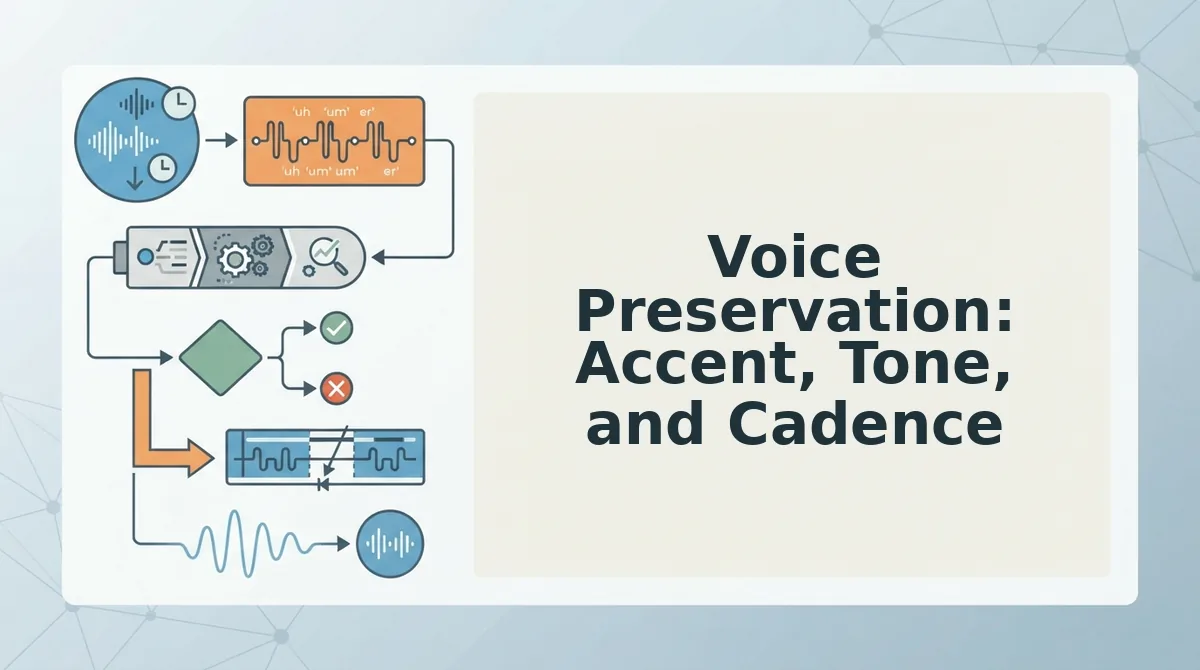
Voice Preservation: Accent, Tone, and Cadence
Voice preservation is the process of cleaning a spoken message's grammar, filler words, and noise while keeping the speaker's natural accent, tone, and rhythm fully intact. VClar preserves your natural tone, accent, and rhythm while cleaning grammar. AudioPen converts voice to summarized text, which removes vocal identity entirely.
Think of voice preservation like editing a photograph: you can remove red-eye, adjust lighting, and crop the frame without changing who is in the picture. AudioPen's approach is more like describing the photo in writing, the information survives, but the face, the expression, and the moment are gone.
At the simplest level, this means VClar keeps your "you" in the message. A founder recording a pitch update sounds like themselves, just without the "ums" and false starts. At an intermediate level, this matters for tone: a gentle correction, an urgent request, or a warm thank-you all carry meaning through vocal inflection that text cannot replicate.
At the advanced level, voice preservation is critical for cross-border teams and non-native speakers who need their voice heard. An engineer in Bengaluru speaking English with a Kannada-influenced cadence should not have their message flattened into generic, accent-free text. VClar keeps the speaker's authentic delivery while making the grammar clean enough for any audience.
Why voice preservation matters for non-native speakers: When a tool converts your voice to summarized text, it erases the vocal cues that signal confidence, warmth, and intent. For a non-native speaker, this is a double loss, the message loses both the speaker's identity and the tonal nuance that helps listeners interpret meaning correctly. VClar's cleaning engine removes hesitations and grammatical slips without stripping the accent or rhythm that makes the speaker recognizable and trustworthy to their team.
Speed and Workflow: One-Take vs Re-Record vs Re-Type
The re-record loop is the hidden cost of voice messaging. A 45-second message re-recorded three times costs roughly 2.5 minutes per message, and that compounds across every update, follow-up, and check-in you send in a day.
- VClar: record once, send the cleaned take. You record a single spontaneous message, and VClar removes fillers, fixes grammar, and cleans background noise from the audio you already have. This eliminates the re-record loop entirely because the first take becomes the sendable take. Use this when your message needs to sound like you, just sharper.
- AudioPen: record, get text, copy and paste. AudioPen converts your voice into a summarized text output, which means there is no audio to re-record, but also no audio to send. This sidesteps the re-record loop by abandoning voice delivery altogether. Use this when the destination is a document, note, or text thread, not a voice message.
- The re-record loop: the status quo VClar replaces. Without a cleaning tool, a 45-second message with three stumbles often gets re-recorded three or more times. That is 2.5 minutes per message, and for someone sending 10 voice messages a day, that is 25 minutes lost to retakes. VClar removes the need for retakes by cleaning the take you already recorded.
- The re-type loop: the fallback AudioPen users avoid. When voice quality matters but a tool only outputs text, the fallback is typing the message manually. This trades one friction for another, you lose the speed of speaking and the warmth of your voice. VClar keeps both by delivering cleaned audio plus a matching transcript in one pass.
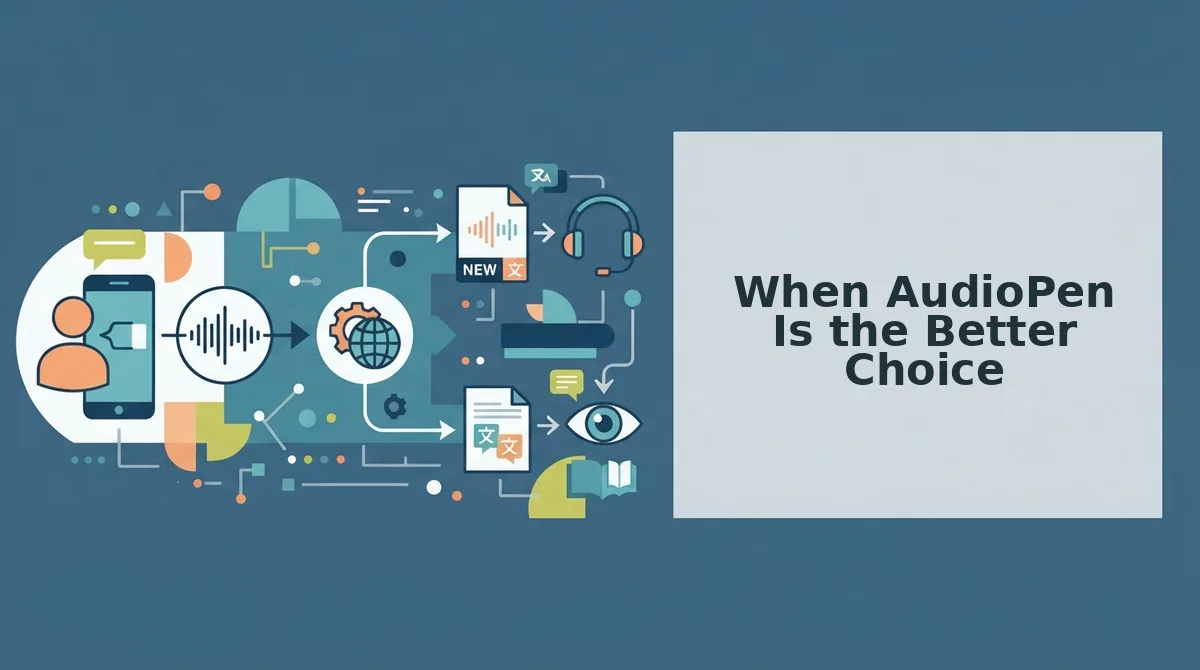
When AudioPen Is the Better Choice
AudioPen is genuinely excellent at one thing: turning fuzzy, rambling thoughts into clear, structured text. If your goal is a written summary, a brainstorm capture, or a note to yourself, AudioPen's text-first workflow is fast and effective.
| Scenario | AudioPen | VClar |
|---|---|---|
| Personal notes and idea capture | Strong, fast text summaries from voice | Overkill, audio output not needed |
| Brainstorming and thought dumps | Strong, fuzzy thought to clear text | Usable, but text-first tools are lighter |
| Voice messages to colleagues or clients | Weak, no audio output, vocal identity lost | Strong, cleaned audio keeps your voice |
| Cross-border team communication | Weak, text strips tone and accent | Strong, preserves accent, tone, and cadence |
Best for personal note-takers and text-first thinkers: AudioPen suits people who use voice purely as an input method, founders journaling ideas, students capturing lecture thoughts, or anyone who wants a clean text summary without caring how the original audio sounded.
Best for communicators whose voice is the message: VClar is built for people who need to send the voice itself, sales reps leaving follow-ups, managers giving feedback, and cross-border operators whose tone carries as much meaning as their words.
If your voice is just a faster way to type, AudioPen works. But if your voice is the message, the next section is for you.
When VClar Is the Better Choice
VClar wins when the recipient needs to hear your voice, not read a transcript. AudioPen is a strong tool for turning rambling thoughts into clean text notes, but it removes your vocal delivery entirely. VClar fixes spoken grammar inside the audio itself, so the message stays audible, personal, and ready to send.
Choose based on what the recipient receives:
| Scenario | VClar | AudioPen |
|---|---|---|
| Investor update sent as voice memo | Cleaned audio, your voice, one take | Text summary only |
| Sales follow-up for a prospect who prefers listening | Polished voice message, no fillers | Written note, no vocal tone |
| Client deliverable requiring spoken explanation | Grammar-fixed audio, natural cadence | Text document |
| Cross-language voice message | Cleaned and translated across 11 languages | No translation |
Best for founders, sales reps, and freelancers who send voice notes for founders and need them to sound sharp without re-recording. Best for note-takers and journalers who want text summaries: AudioPen.
If your workflow includes sending voice messages to international contacts, VClar's ability to translate voice messages across 11 languages after cleaning grammar is the deciding factor. AudioPen cannot do this.
Quick checklist for choosing VClar:
- Recipient hears your voice
- Message must sound polished in one take
- You need translation after grammar cleanup
- You want to preserve accent, tone, and cadence

FAQ
Does AudioPen output audio or only text?
AudioPen outputs text only. It transcribes your voice note and rewrites it into a cleaner written summary, but the original audio is not returned as a deliverable. If you need a polished voice message your recipient can listen to, AudioPen does not provide that output.
Can VClar translate voice messages after cleaning grammar?
Yes. VClar removes filler words and fixes spoken grammar first, then translates the cleaned voice message across 11 languages including Hindi, English, French, Japanese, Korean, German, Russian, and Portuguese. The translated audio preserves the speaker's natural tone and cadence.
Which tool is faster for sending a polished voice message?
VClar is faster because it outputs audio directly. You record once, the tool cleans the grammar and fillers in the audio timeline, and you send the polished voice message immediately. AudioPen requires you to read and potentially re-record or copy-paste text, adding steps.
Does AudioPen preserve my voice, accent, or tone?
No. AudioPen converts speech to text, which removes vocal identity entirely. The output is written words with no accent, tone, or cadence. VClar keeps the audio format and preserves the speaker's authentic vocal characteristics while cleaning grammar and removing fillers.
What is VClar's filler word removal feature?
VClar detects and removes verbal fillers including "um," "ah," "like," "basically," "you know," and repeated false starts. The engine cleans the audio timeline seamlessly so the voice message sounds decisive and direct without re-recording.
The Bottom Line
The choice between VClar and AudioPen comes down to one question: does your recipient need to hear you? AudioPen is excellent at turning messy speech into clean text, but it erases the very thing that makes voice messages powerful, your voice. VClar fixes spoken grammar in the audio itself and preserves your vocal identity, accent, and cadence.
If you send investor updates, sales follow-ups, or client deliverables as voice messages, the decision is already made. Record once, let VClar clean the grammar and fillers, and send audio that sounds like you on your best day. If you need cross-language delivery, VClar translates the cleaned message across 11 languages without losing your tone.
Your next step: record a rough voice message, run it through VClar, and hear the difference in one take.