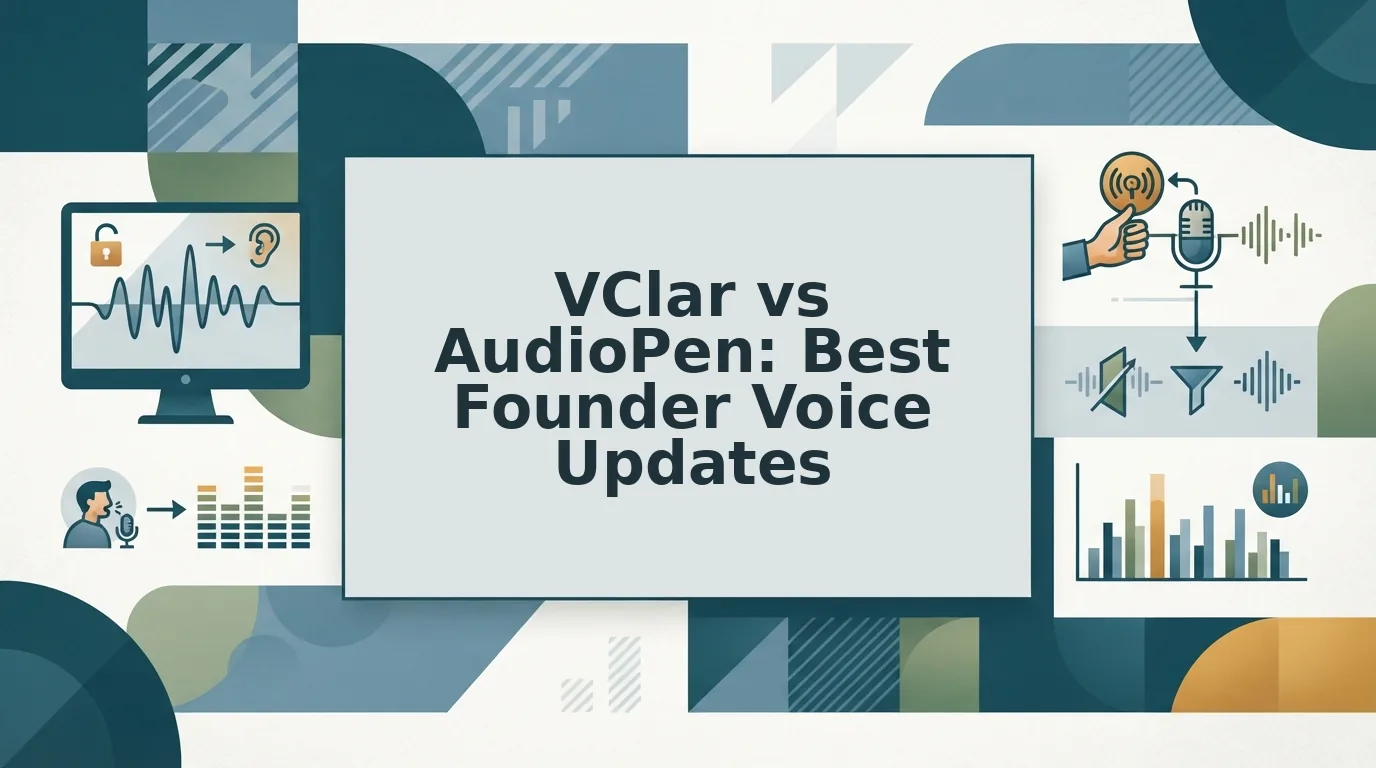

You just wrapped a 90-second voice memo to your lead investor from the driver's seat between meetings, and it's full of "ums," false starts, and a sentence that trails into nowhere. You don't have 20 minutes to type a clean version, and you don't want to sound like a robot. That's the exact tension behind vclar vs audiopen for founder voice updates: one tool turns your voice into polished text, the other polishes your actual voice.
You're right to want speed without sacrificing how you sound. Founders think at roughly 150 words per minute but lose hours typing drafts or re-recording unpolished voice notes for founders. AudioPen converts voice to clear text, your voice disappears into the page. VClar cleans and enhances the audio itself, preserving your vocal identity, tone, and cadence.
In this comparison, you'll learn what founders actually need from voice updates, how AudioPen's text-first approach works, and where VClar's audio-preserving engine fits. Stick around for the surprising part: the tool that wins depends less on features and more on whether your recipients read or listen.
What Founders Actually Need from Voice Updates
A founder voice update is a short, spoken status message sent to investors, teammates, or clients that must deliver information fast without sacrificing the sender's credibility or personality. Founders need three things from any tool that handles these updates: speed, clarity, and authenticity.
Speed means one-take confidence, recording once and sending, not looping through five retakes. Clarity means the message arrives free of filler words, grammatical stumbles, and distracting background noise. Authenticity means the recipient still hears you: your accent, your cadence, your natural emphasis. Think of it like a tailor altering a suit. The goal isn't a new suit, it's the same suit, fitted so it looks sharper on you.
Here's the workflow that exposes the real difference between tools. A founder records a rambling update in the car between meetings. The audio contains "um," "basically," a false start, and road noise. The tool must deliver a message that sounds like that founder, just clearer and more decisive. If the output is text, the founder's voice is gone. If the output is cleaned audio, the founder's identity survives intact.
Most comparison articles treat this as a note-taking problem. It isn't. It's a communication problem. The question isn't "which tool captures thoughts better?" It's "which tool preserves the relationship embedded in your voice while removing the friction?" That reframe changes the entire evaluation.
AudioPen: Voice In, Text Out
AudioPen is an AI-powered voice-to-text tool that converts spoken thoughts into polished, readable text. Its official positioning, "go from fuzzy thought to clear text, fast", captures the core mechanic: you speak, and AudioPen returns a cleaned-up written summary.
AudioPen excels at exactly what it promises. If you need a quick written summary of a rambling thought, a meeting recap, or a brainstorm turned into bullet points, AudioPen delivers. The YouTube demo by creator Louis Pereira (8,401 views) shows the workflow clearly: voice goes in, text comes out. No audio file is produced. No voice is preserved. No translation is offered.
For founders who send voice updates, that's a structural limitation, not a flaw. A voice update is an audio artifact. If your investor or teammate expects to hear your voice, to gauge your tone, your confidence, your emphasis. AudioPen removes that channel entirely. You're left with text that could have come from anyone.
| Capability | AudioPen | VClar |
|---|---|---|
| Input | Voice recording | Voice recording or raw audio upload |
| Output format | Polished text only | Enhanced audio + transcript |
| Filler word removal | In text output | In audio timeline and transcript |
| Voice preservation | No, voice is discarded | Yes, tone, cadence, and accent preserved |
| Translation | Not offered | Yes, cross-language voice translation |
| Best for | Founders who need written notes, summaries, or content drafts | Founders who send voice updates to investors, teams, or clients |
Best for written-note founders: AudioPen suits founders who live in text, those writing newsletters, drafting LinkedIn posts, or capturing meeting notes where the voice itself doesn't matter. Best for voice-first founders: VClar suits founders whose communication channel is audio, investor voice updates, team standups, client check-ins, where hearing the founder's actual voice builds trust.
AudioPen's honest strength is its focus: it does one thing, fuzzy voice to clear text, and does it well. But when your voice is the message, text output is a downgrade. That's where the comparison shifts.
VClar: Voice In, Better Voice Out
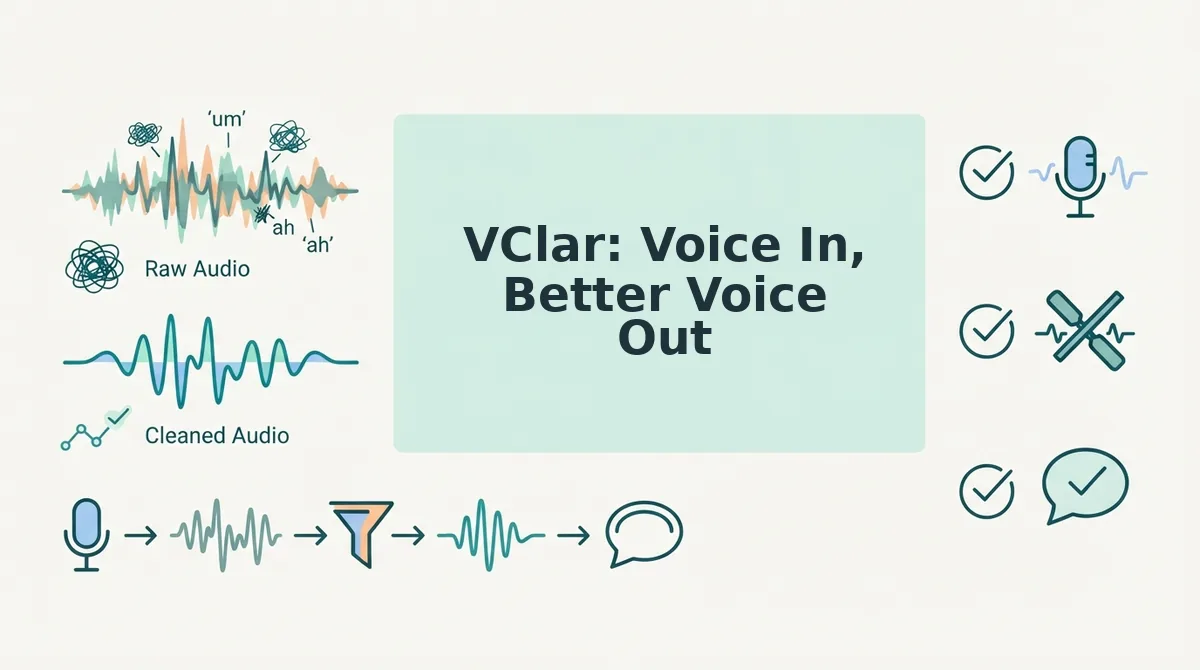
VClar is an AI voice message translator and speech enhancer that cleans up your spoken delivery while keeping your voice, cadence, and tone intact. Where AudioPen converts voice into text, VClar treats the audio itself as the deliverable, so your update sounds like you, just sharper.
AudioPen deserves credit where it's strong: it's a fast, focused tool for turning rambling thoughts into clean written notes. If your goal is a text summary for yourself or a shared doc, AudioPen does that job well and without friction. VClar simply targets a different outcome: a polished audio message you can send as-is.
Three concrete capabilities set VClar apart for founder voice updates. First, VClar can remove filler words from audio, ums, ahs, "like," and false starts, without collapsing the natural rhythm of your speech. Second, it can fix grammar in voice messages while preserving your vocal identity, so you don't sound like a different person after cleanup. Third, VClar can translate voice notes across languages, which matters when you're updating a remote team or an investor in another time zone.
| Capability | AudioPen | VClar |
|---|---|---|
| Primary output | Text summary | Polished audio + transcript |
| Filler word removal | Removes in text output | Removes in audio timeline |
| Grammar correction | Text-level cleanup | Spoken grammar fixed, voice preserved |
| Translation | Not a core focus | Cross-language audio translation |
| Voice preservation | N/A (no audio output) | Authentic tone, cadence, accent retained |
Best for founders who send written summaries or personal notes: AudioPen. It's a reliable text-first tool for internal capture and brainstorming.
Best for founders who send voice updates to investors, teams, or clients: VClar. When the recipient hears your voice, conviction travels with it, and VClar makes sure that voice is clean, grammatical, and distraction-free on the first take.
Head-to-Head: Output, Voice, Translation, Speed
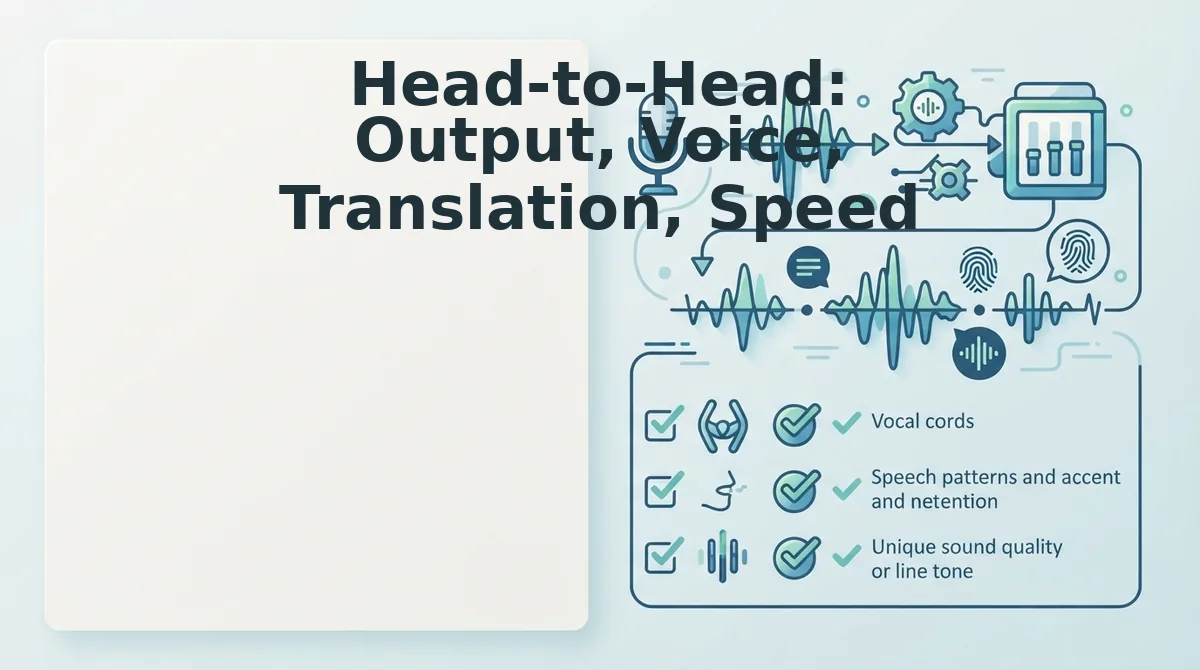
The core difference between AudioPen and VClar comes down to one question: does your recipient need to hear you, or just read what you said? AudioPen optimizes for text output; VClar optimizes for audio output that sounds like a better version of you.
Both tools are fast. AudioPen converts speech to text quickly, and VClar preserves the one-take workflow, you record once, the tool cleans the audio, and you send it. Neither requires re-recording loops, which is the whole point of using AI for voice updates in the first place.
Here is the Founder Voice Update Decision Matrix, a 2×2 framework for choosing between the two tools based on output type and audience.
| Output × Audience | Team Updates | Investor Updates |
|---|---|---|
| Audio output | VClar, polished voice keeps team motivation high | VClar, conviction and urgency survive cleanup |
| Text output | AudioPen, acceptable for internal notes and async docs | AudioPen, risky; text strips the conviction from your delivery |
If you're sending a quick status update to your team in Slack, a text summary from AudioPen works fine. But if you're updating investors on a milestone, a text-only summary loses the energy, confidence, and urgency that your voice carries. That's the gap VClar fills: it cleans the audio without flattening the emotion.
Translation is another differentiator. VClar translates spoken audio across languages while keeping the speaker's voice intact, which matters for founders managing distributed teams or raising from international investors. AudioPen's text-first pipeline doesn't address audio translation as a core use case.
Best for founders who need fast text capture: AudioPen. Best for founders who need their voice to do the persuading: VClar.
The 'Voice Is the Product' Argument
Voice-as-product is the principle that for founders, the spoken word itself, not just its content, carries conviction, urgency, and authenticity that text cannot replicate. AudioPen treats voice as raw material to be converted into text. VClar treats voice as the deliverable.
Think of it like a live concert versus a written review of that concert. The review tells you what happened; the recording lets you feel the energy. When a founder sends a voice update, the recipient hears the pause before a big number, the quickening pace on an exciting milestone, the steady confidence in a hard decision. Text flattens all of that.
There are times when text-only is genuinely fine. Internal notes, personal capture, and brainstorming sessions don't need your vocal inflection, they need speed and searchability. AudioPen handles those well.
But when voice matters, investor updates, team motivation, voice notes for sales follow-ups, the audio itself is the message. A founder telling their team "we hit the number" in a flat text message lands differently than the same words spoken with genuine excitement. VClar preserves that emotional signal while removing the ums, stumbles, and background noise that undercut it.
Your voice carries conviction. Keep it. If you're still weighing which tool fits your workflow, the next section answers the most common questions founders ask when comparing VClar and AudioPen.
FAQ: VClar vs AudioPen for Founder Voice Updates
VClar outputs cleaned audio and transcripts while preserving your voice; AudioPen outputs text summaries only. Translation, accent retention, and daily speed differ sharply between the two.
Does AudioPen output audio or just text?
AudioPen outputs text only. It transcribes your voice note and rewrites it into a structured summary, but you cannot send or share an audio file from AudioPen. If your update needs to sound like you, AudioPen cannot deliver that.
Can VClar translate voice messages into other languages?
Yes. VClar translates voice messages across languages while preserving the speaker's original voice, tone, and cadence. The translated audio sounds like you speaking the target language, not a synthetic voiceover, which matters for cross-border founder updates.
Which is faster for sending daily voice updates?
VClar is faster when the update must remain audio. You record once, and VClar removes fillers and fixes grammar in the same take. AudioPen requires you to record, wait for text generation, then read or forward the text, adding a step if your team expects voice.
Do I lose my accent when VClar processes my voice message?
No. VClar preserves your accent, cadence, and natural tone while cleaning fillers and grammar. It does not replace your voice with a synthetic clone or normalize your pronunciation. Your identity stays intact; only the hesitations and errors disappear.
Why do founders switch from AudioPen to VClar for voice updates?
Founders switch when the voice itself is the product. AudioPen turns voice into text, which strips warmth and authority. VClar keeps the audio format, removes fillers and grammar mistakes, and translates when needed, so one take produces a polished, sendable voice update.
The Bottom Line: Voice Updates Need Voice Output
AudioPen solves a text problem. VClar solves a voice problem. If your updates are meant to be read, AudioPen's summaries work. If your updates are meant to be heard, by investors, clients, or a remote team, only VClar delivers cleaned, grammar-corrected audio that still sounds like you.
The open loop from the start resolves here: the tool you choose depends on whether your voice is the medium or the obstacle. For founders who send voice updates, the voice is the medium.
Try VClar's AI voice message translator free, record one update and hear the difference. Or compare features on the full VClar feature page before you commit.
Your next update can be one take, no re-records, no apologies for the ums. That is the standard your team deserves.