
You just recorded a 45-second voice message for a client in Mexico City, but it's full of "ums," one false start, and it's in English. You need it in Spanish, fast, and you're staring at a video editor built for podcast timelines. That's the core tension in the VClar vs Descript for translating voice messages debate: one tool treats your voice as a draft to clean and translate, the other treats it as raw material for synthetic dubbing.
You're not alone in this. Speaking is faster than typing. VClar's founder built the platform on that exact premise, but spontaneous speech rarely arrives polished. Descript's own marketing emphasizes AI dubbing and lipsync, which points to synthetic voice output rather than your authentic delivery. The question isn't which tool is more powerful. It's which one gets your message across in your voice.
This guide breaks down the core difference between the two platforms, walks through a real 60-second translation workflow in each, and ends with the honest answer on when Descript is actually the better choice. One finding may surprise you: the tool with fewer features often wins for short voice messages.
If you need to translate voice messages across languages without losing your vocal identity, keep reading.
What Is the Core Difference Between VClar and Descript for Voice Translation?
VClar preserves your original voice, timbre, accent, and cadence, while cleaning and translating it. Descript replaces your voice with synthetic audio when translating through its AI dubbing feature. That single distinction determines which tool fits your workflow.
Think of it like editing a photograph. VClar is like removing red-eye and adjusting lighting: the person in the photo is still unmistakably you. Descript's AI dubbing is closer to commissioning an artist to repaint the photo, impressive, but no longer your original image.
The difference starts with what each tool was built to do. Descript began as a text-based audio and video editor for podcasts and long-form content. Its translation feature, AI dubbing, generates a synthetic voice that matches the original speaker's tone but is not the speaker's actual vocal recording. This works well for creators who want to localize video content without re-recording, but it means the output voice is a digital recreation.
VClar approaches translation from the opposite direction. The platform treats your voice message as a draft that needs cleanup, removing filler words like "um" and "basically," correcting spoken grammar, and translating the language, while keeping the original audio's vocal characteristics intact. The person on the other end hears your voice, your accent, and your natural pacing, just in a different language.
For a founder sending a quick voice note to a supplier in Germany or a sales rep following up with a prospect in Brazil, that distinction matters. A synthetic voice can feel impersonal or even untrustworthy in one-to-one communication. Your own voice, cleaned up and translated, carries the nuance and authenticity that builds relationships.
Here's the framework in plain terms: voice preservation means the audio output still sounds like you speaking. Voice replacement means the audio output sounds like an AI model imitating you. VClar does the former. Descript's AI dubbing does the latter. Neither approach is universally wrong, but for short, personal voice messages, the difference is the entire point.
How Fast Can You Translate a 60-Second Voice Message in Each Tool?
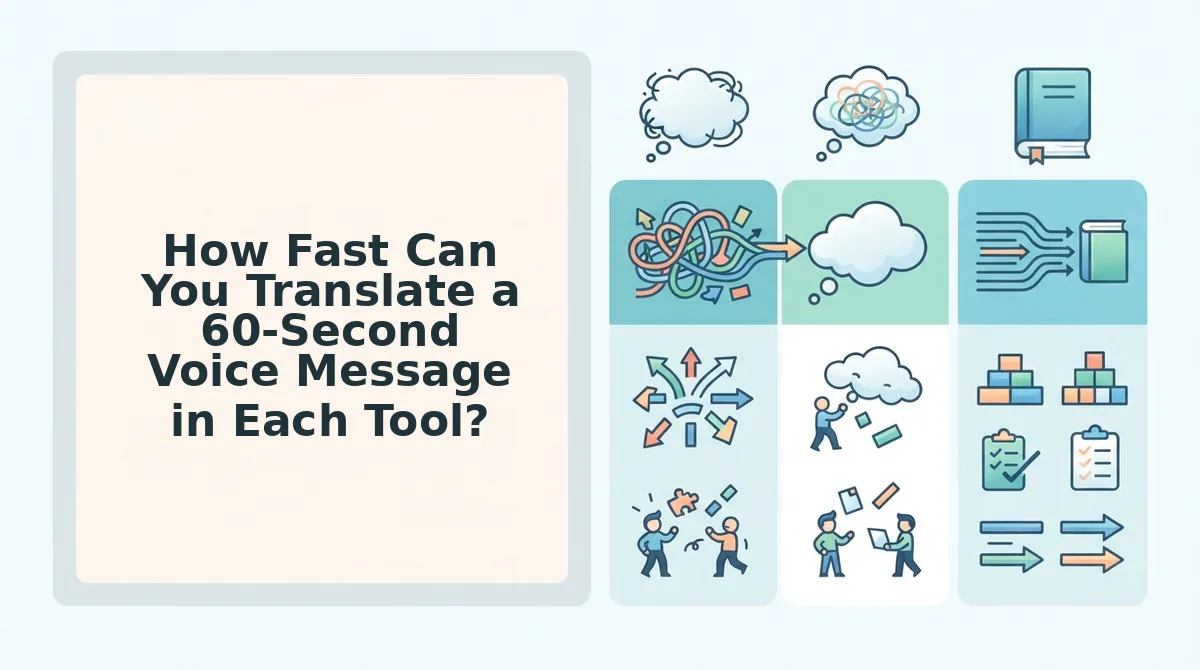
VClar translates a 60-second voice message in roughly three steps, upload, translate, send, typically under a minute. Descript requires seven or more steps, import, select track, apply translation, export, download, and usually takes several minutes. The gap comes down to what each tool is designed to do.
Descript is a full audio and video editing suite. That's its strength and its friction. To translate a voice message, you import the file into a project, select the track, apply the AI dubbing translation, wait for processing, export the result, and download it before you can send it anywhere. Each step makes sense in a podcast or video production workflow, where you're editing multiple tracks and need fine-grained control. For a quick voice message, those steps are overhead.
VClar is built for the send-now use case. You upload the audio, the platform removes fillers and corrects grammar, you select the target language, and the translated audio is ready to send. There's no project file, no timeline, no export queue. The workflow mirrors how people actually use voice messages: record, clean, deliver.
| Factor | VClar | Descript |
|---|---|---|
| Approximate steps | 3 (upload to translate to send) | 7+ (import to select track to apply translation to export to download) |
| Time to translated output | Under a minute | Several minutes |
| Voice output | Your original voice, cleaned | Synthetic AI-dubbed voice |
| Primary use case | Short voice messages, quick replies | Podcast and video localization |
| Best for | Founders, sales reps, freelancers sending personal messages | Creators localizing long-form video content |
To be fair, Descript's translation quality for long-form content is genuinely strong. If you're localizing a 30-minute interview or a product demo video, the synthetic dubbing is a legitimate time-saver, and the lipsync feature is impressive for video. The tool earns its place in a production pipeline.
But for a 60-second voice message, the math doesn't favor a production pipeline. Best for founders, sales teams, and freelancers: VClar, because the three-step flow matches the urgency of a voice note. Best for video creators and podcasters: Descript, because the editing depth justifies the extra steps when you're working with long timelines.
If your goal is to translate voice messages across languages without leaving your messaging app workflow, the shorter path wins. The next question is when Descript's heavier workflow is actually the right call.
When Is Descript the Right Tool for Translation?
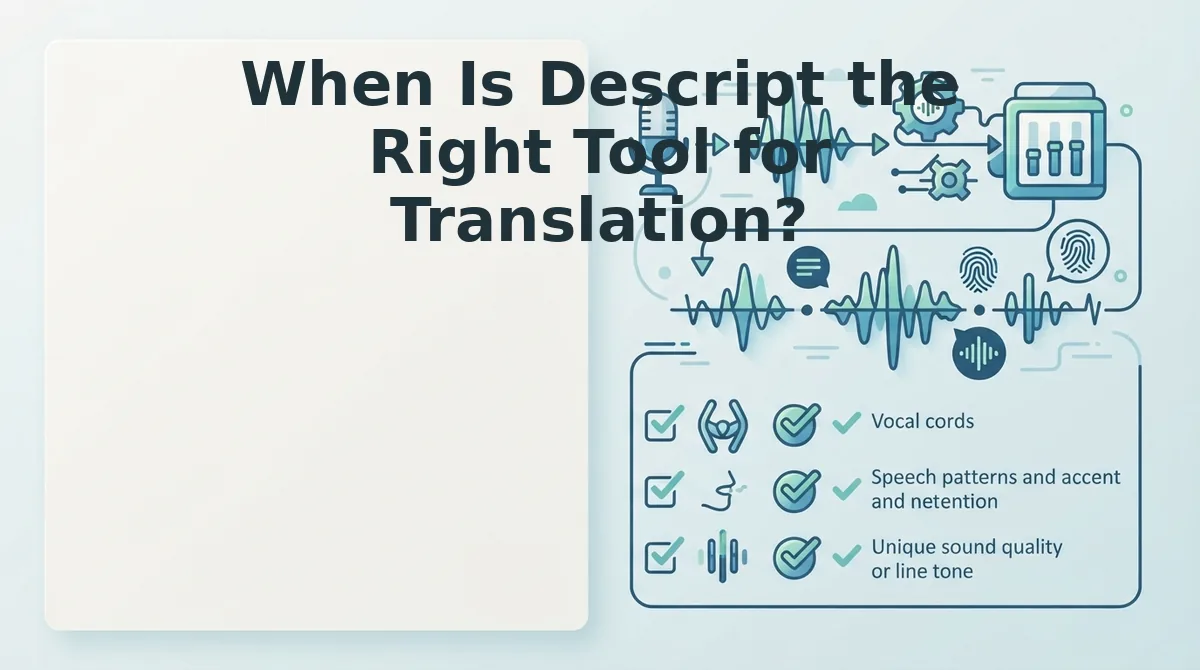
Descript earns its place when translation is part of a broader video or podcast production pipeline, not a quick voice-note exchange. If your workflow involves editing timelines, multi-speaker projects, or on-screen lip sync, Descript's feature set is built for exactly that.
- You need AI dubbing with lip sync for video content. Descript supports AI dubbing that re-times translated audio to match on-screen mouth movements. This matters when you are localizing marketing videos, tutorials, or social clips where visual sync affects credibility. Use Descript's dubbing workflow when the translated voice must appear to speak the viewer's language naturally.
- You are translating a podcast or long-form interview. Descript's translation feature is built for video and podcast production workflows, handling multi-speaker timelines and transcript-based editing. This matters because long-form content requires speaker labels, timecodes, and the ability to edit translated audio in context. Import your episode, translate the transcript, and fine-tune the result on the timeline.
- You need to edit the translated transcript alongside the audio. Descript treats audio as an editable document, so you can delete, reorder, or rewrite sections of the translated output directly from the transcript. This matters when translation is only one step in a larger editing job. Select text in the translated transcript and the audio updates to match.
- Your project involves multiple speakers with overlapping dialogue. Descript's speaker detection and multi-track timeline make it easier to translate and manage conversations with several participants. This matters for panel discussions, co-hosted podcasts, or team recordings where attribution is critical. Assign speaker labels first, then apply translation per track.
- You are producing studio-quality video or audio and accept synthetic voice output. Descript's dubbing uses AI voice synthesis, so the translated audio does not preserve the original speaker's voice. This matters if you prioritize production polish over vocal authenticity. Choose Descript when a consistent, studio-generated voice is acceptable for the final deliverable.
When Is VClar the Right Tool for Voice Message Translation?
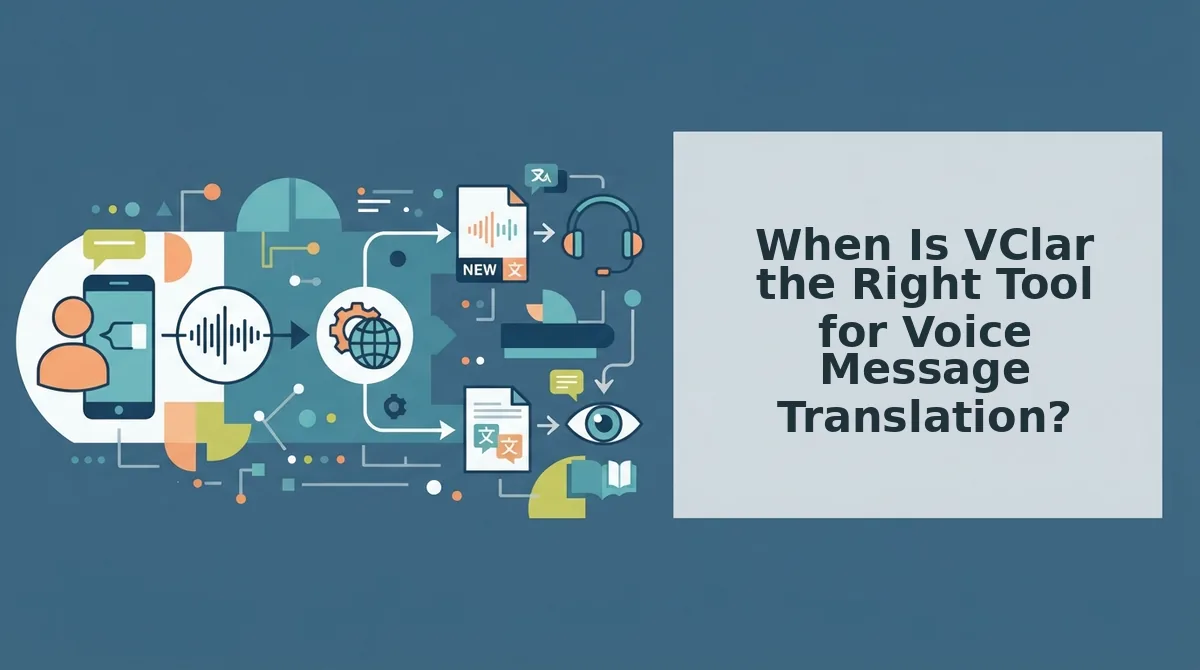
VClar is the right tool when you need to send a clear, translated voice message in one take without losing your own voice. It is built for fast, personal communication, not timeline-based production.
- You send quick voice notes on WhatsApp, Telegram, or iMessage. VClar's founder Roktim states speaking is faster than typing, but voice messages need cleanup and translation before they are client-ready. This matters because spontaneous voice notes are full of fillers, false starts, and grammar slips that undermine your authority. Record your note, let VClar remove filler words from audio, translate it, and send.
- You communicate with cross-border clients and need translation without losing your tone. VClar translates voice messages across languages while preserving the speaker's authentic voice, tone, and cadence. This matters because a warm, personal delivery builds trust in a way synthetic dubbing cannot. Speak naturally in your language, and VClar delivers the translated message in your own vocal style.
- You are a non-native English speaker who wants to sound polished, not robotic. VClar corrects spoken grammar and removes hesitations so your message sounds decisive, while keeping your accent and personal cadence intact. This matters because you want to sound like a sharper version of yourself, not a text-to-speech clone. Use VClar to fix grammar in voice messages before hitting send.
- You need a translated voice message ready in under a minute. VClar translates voice messages in under a minute while preserving the speaker's voice, with no timeline editing or project setup required. This matters when you are about to walk into a meeting or reply to a time-sensitive client. Record, translate, and send in the time it takes to find your headphones.
- You want to send a personal voice message before a meeting without re-recording. A founder preparing for a call with a Spanish-speaking client records a 45-second update in English, stumbles twice, and says "um" four times. VClar removes the fillers, fixes the grammar, translates it to Spanish, and delivers a clean voice note in the founder's own voice, all before the meeting starts. This matters because one-take confidence eliminates the re-recording loop that kills momentum.
Frequently Asked Questions About VClar vs Descript for Voice Translation
Direct answers to the most common questions about translating voice messages with VClar and Descript.
Can Descript translate a voice note without changing my voice?
No. Descript's dubbing uses AI voice synthesis, so it does not preserve the original speaker's voice. The translated audio is generated in a synthetic voice, which is useful for video dubbing but not for personal voice messages where vocal authenticity matters.
How fast can I translate a voice message with VClar?
VClar translates voice messages in under a minute while preserving the speaker's voice. You record or upload your message, and VClar removes fillers, fixes grammar, and delivers the translated audio in your own tone and cadence, ready to send.
Does Descript work for WhatsApp voice notes?
Descript is not designed for quick WhatsApp voice note translation. It is built for video and podcast production workflows with timelines, speaker labels, and transcript editing. For a fast voice note you want to translate and send immediately, VClar is the more direct fit.
Which tool is better for non-native English speakers?
VClar is better for non-native English speakers who want to sound polished without losing their accent or personal cadence. It corrects spoken grammar and removes fillers while keeping your authentic voice, whereas Descript replaces your voice with synthetic audio during dubbing.
If you are still weighing the tradeoffs, the next section breaks down exactly which tool to choose for translating short voice messages.
Which Tool Should You Choose for Translating Short Voice Messages?
The decision comes down to one question: are you editing a video timeline or sending a voice note? If you need frame-accurate dubbing, multi-track editing, and studio-grade video workflows, Descript is the right tool. If you need a short voice message translated in your own voice in under a minute, VClar is the faster, simpler path.
Here's the synthesis most comparisons miss: these tools solve different problems. Descript optimizes for post-production control. VClar optimizes for conversational speed. A founder sending a 45-second update to a partner in Tokyo doesn't need a timeline editor. They need the message translated, cleaned, and delivered before the moment passes.
- Record or upload your voice message in VClar.
- Get the translation back in your own voice, with fillers removed, in under a minute.
- Send it and move on to the next conversation.
Start translating voice notes now and see how fast a one-take message becomes a clear, translated reply.
The core insight: translation speed matters most when the message is short, personal, and time-sensitive, and that's exactly the scenario VClar was built for.