

How to
Translating WhatsApp Voice Notes with VClar
Save the WhatsApp voice note as audio, upload it to VClar, and translate the cleaned meaning. VClar does this among 11 languages and 110 directions, in a voice that stays recognizable as the person who recorded it. It does not translate every language on earth, and it does not add a button inside WhatsApp.

A voice note arrives in a family chat, a supplier thread, or a group that switched languages halfway through the day. You can tell it matters from the length of the waveform. You cannot tell what it decided. Playing it again does not create a translation. This page is the path from that waveform to words you can read and, when you want audio, a spoken version in the other language that still sounds like the person who pressed record.
The path has three moves. Get the audio out of WhatsApp. Clean it and translate the cleaned meaning in VClar. Send the result back in whatever form the other person can use. The workflow guide is that same order for any recording. The rest of this guide is the detail around a chat file: what WhatsApp already does inside the chat, what it does not document, and where a live interpreting app is the wrong tool for a file you already received. The longer explanation of language pairs lives on the voice message translator. The use-case hub is for who is speaking. This page is for the WhatsApp file.
WhatsApp voice vs text: limitations
WhatsApp is excellent at delivering the recording. It is a thinner tool once you need the recording in another language, or once you need words you can paste into a reply. The limits below come from WhatsApp’s own help center, not from a guess about a menu that might differ on your phone.
A transcript is not a translation
WhatsApp’s help on voice message transcripts describes them as text versions of voice messages. You turn them on in Settings, under Chats, then choose the language most of the voice messages you receive are in. WhatsApp says the supported transcript languages at this time are English, Portuguese, Spanish, and Russian. You tap and hold a voice message and choose Transcribe. The transcript can take a moment. WhatsApp also says it is possible that voice message transcripts are inaccurate.
Read that language list as a match to the language being spoken, not as a list of languages you can translate into. The setting asks for the language the incoming voice messages are in. A French voice note with the transcript language set to English is the situation WhatsApp’s related help treats as a reason a transcript may be unavailable: the transcript language does not match the voice message. Turning on English transcripts does not turn a Hindi voice note into an English paragraph. It attempts a text version in the language you told WhatsApp to expect.
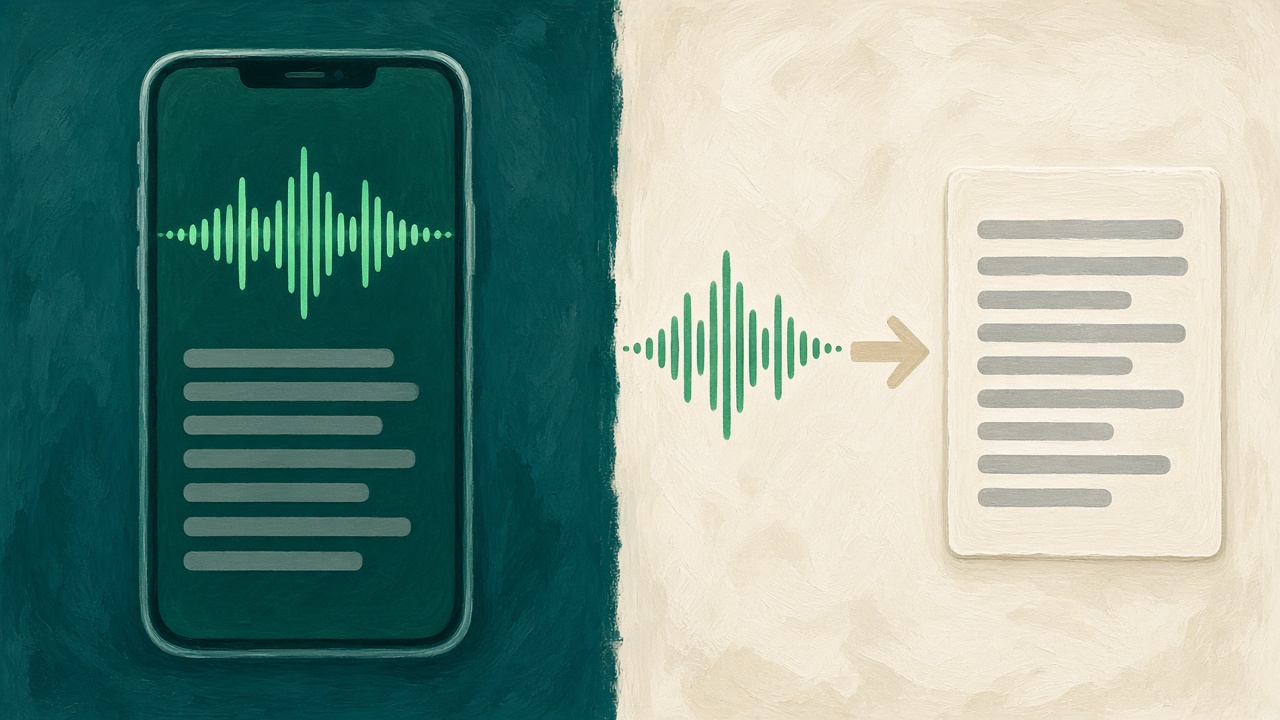
Two other limits matter before you build a workflow on the transcript. WhatsApp’s help on playing voice messages says the recipient can see the transcript and the sender cannot. The same article says you cannot delete, edit, or copy and paste voice message transcripts. So the words, when they appear, stay inside that chat. You cannot lift them into a document, fix a name, or feed them to a translator from the transcript itself. They are a reading aid for the person who received the audio.
WhatsApp also says transcripts are generated on your device, voice messages stay protected by end-to-end encryption, and no one outside the chat, not even WhatsApp, can listen to the voice messages or see the transcripts. That protection describes the message while it remains inside WhatsApp. The moment you export the file and upload it to VClar, you are making a separate copy. VClar’s retention then applies to that copy. New accounts keep recordings, transcripts, and outputs until you delete them. You can turn on automatic deletion after 14 days or 30 days. You can delete the data without closing the account. The privacy policy is the document for that copy. Exporting is a choice. It is not a claim that the upload is still inside WhatsApp’s encryption.
Message translation, where WhatsApp has published it
WhatsApp’s help center does have an article titled “How to translate messages.” The article’s entire instruction, as published, is that translating messages is only available on certain devices and may not be available to you yet, and that you should keep WhatsApp updated. It does not list languages. It does not say the feature reads a voice note. It does not say it removes filler, shows what changed, or speaks the result in the sender’s voice. If the control appears on your phone, use it for what it actually offers and still read the result. If it does not appear, the article itself tells you the feature may not be on that device. This guide does not pretend the button is universal, and it does not tell you to ignore a translation WhatsApp did show you. It tells you what to do when what you have is a voice note and what you need is a translation you can check and send.
Text in the same chat is the other object
A typed WhatsApp message can be copied, forwarded, and, on phones where message translation exists, run through that device-limited control. A voice note cannot be scanned for the amount in the middle. The choice between them is the same choice as the voice versus text guide: voice when the tone matters and you will listen, text when someone must copy a fact. Translation does not erase that split. After you translate a voice note, put any number, address, or dose in text beside the audio so the next person does not have to replay the file to catch a digit.
Step 1: Extract the voice note
VClar never sees your WhatsApp chats. It sees a file you upload. Step 1 is only the export. The menu labels differ by phone and by WhatsApp version, so this section stays with the actions WhatsApp has documented and says so when a control is device-specific.
Skip view-once notes
WhatsApp’s view-once help says you cannot forward, copy, save, star, or share photos, voice messages, or videos that were sent with view once. You also cannot screenshot view-once media. If the voice note was sent that way, there is no honest export. Ask the sender to record it again as a normal voice message, or to type the point. Do not try to route around a control the sender used on purpose. A note they marked to disappear is not a file this workflow should recover.
Forward, then take the file
For an ordinary voice note, WhatsApp’s forwarding help describes forwarding a message from a chat to another chat, including a limit on how many chats you can forward to at once. Forward the voice note to a chat you control, such as a message to yourself, so you are not hunting for it inside a busy group. Voice messages download automatically when your auto-download settings allow it, which means the audio is on the phone once you have opened or received it under those settings.
From that message, use the share or save action if your version of WhatsApp shows one on the voice note. Android and iPhone do not use the same label, and WhatsApp’s public help for “Save” is written around photos and videos, not as a single guaranteed button on every voice note. If you see Share, send the audio to the Files app, Drive, or directly into a browser upload if the sheet offers it. If you see Save, the file lands in the phone’s storage or in WhatsApp’s media, and you upload it from there. If you see neither, the forward still gives you the note in a quiet chat, and a linked device or a desktop WhatsApp session is often where a file download is easier to find. Do not invent a paperclip path that your screen does not show. Use the control that is there.
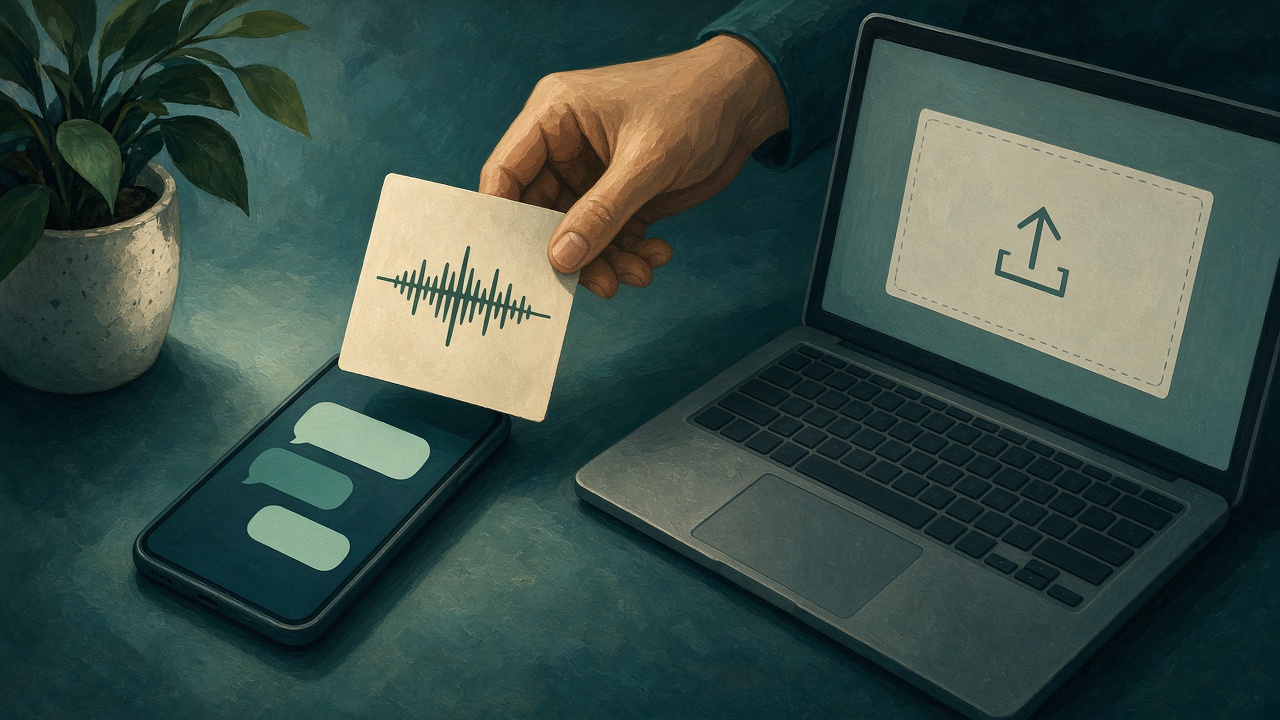
Play the file once before you upload it. Confirm it is the note you meant, not the one above it in the thread. A family group can stack five voice notes in a minute. Translating the wrong one is a perfect translation of the wrong decision. Trim nothing inside WhatsApp unless you are sure the cut still contains the ask. VClar does not recover audio you deleted from the export.
A voice note you recorded yourself is the same kind of file. Open the chat where you sent it, export that audio, and upload it if you need your own message in another language. WhatsApp will not show you a transcript of a voice note you sent. The recipient’s phone is the one that can transcribe. Your copy of the meaning has to come from the audio.
Step 2: Use VClar to clean and translate
Upload the file in VClar and set the direction. The source is the language they spoke. The target is the language you need to read or send. The public set is Hindi, English, French, Japanese, Korean, German, Russian, Portuguese, Spanish, Italian, and Chinese. Each can go to the other ten, which is 110 directions. Arabic, Danish, and the many languages a WhatsApp group might use are not in that public list. If the note is in a language outside the eleven, this step cannot invent the pair. The languages hub is the checklist.
Why the cleanup comes first
A WhatsApp voice note is casual speech. People start, stop, say “the other one, no, the blue one,” and record it on a street. If you translate that raw string, the false start can become a confident instruction in the other language. The listener of the translation did not hear the repair. They heard a sentence that sounds finished because translation often sounds finished.
Research on speech transcription says the same thing in more formal language. A paper in the National Library of Medicine, “Filled Pause Refinement Based on the Pronunciation Probability for Lecture Speech,” puts it directly: automatic speech recognition has become proficient at well-prepared fluent speech, while speech with many disfluencies, including spontaneous conversation, remains a problem. Filled pauses are among the most common of those disfluencies, and the authors describe them as a source of transcription errors because they resemble ordinary short words. A voice note is spontaneous conversation. “Um,” “eh,” and a restarted noun are not decoration. They are the part a transcript can mis-hear, and the part a translation can promote into meaning.
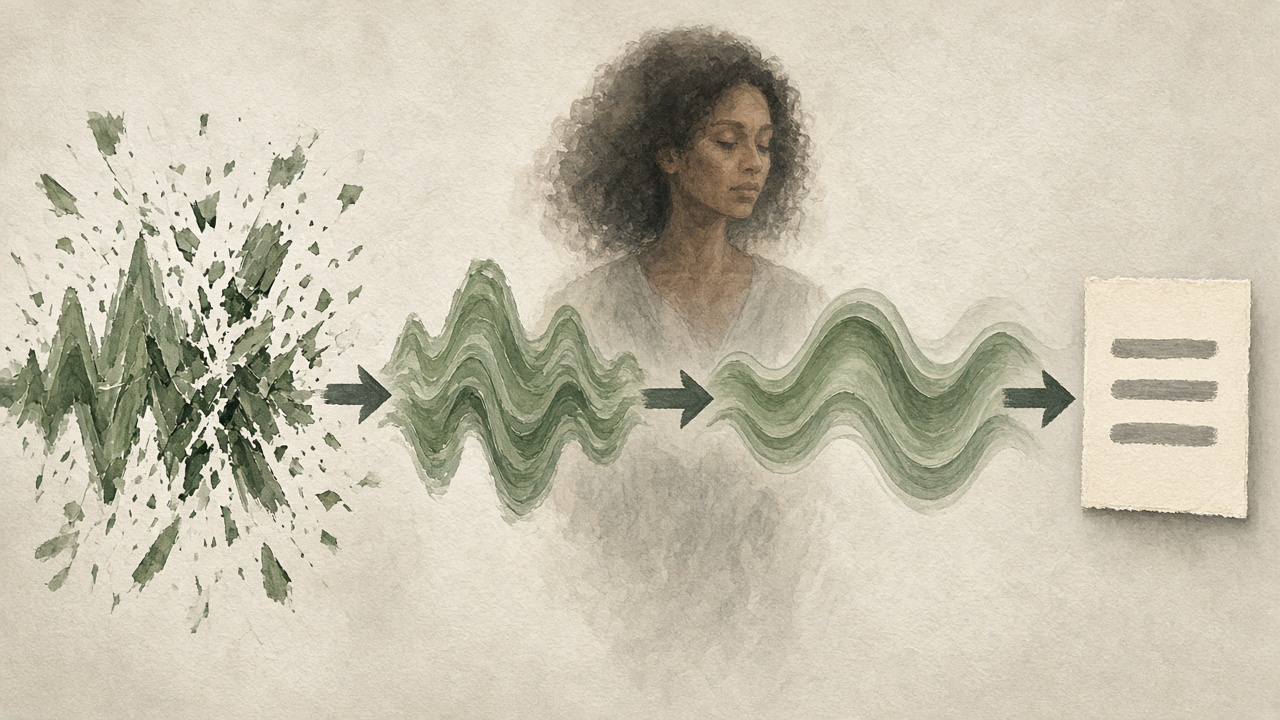
VClar’s order is the practical answer to that paper’s warning. Remove the filler. Repair the spoken grammar. Show what changed. Then translate the cleaned meaning. You still read the result, because a model can be fluent and wrong about a name. The filler-word guide and the spoken-grammar guide explain those edits on their own. Here they are step two of a WhatsApp translation, not a separate lifestyle. The voice message translation guide is the long version of clean-then-translate for any recording, not only WhatsApp.
What you should see after the run is three layers, not one blob. The original wording, close to what was said, including the mess. The improved wording, which is the sentence they were aiming at. The translation of that improved meaning. If the improved wording changed “Tuesday” to “Thursday,” or dropped a “not,” reject it. The diff is the safety check. A smooth translation of a reversed fact is the failure mode this step exists to catch.
The voice that comes back
You can read the translation and stop there. You can also hear it. VClar keeps a natural spoken delivery in the speaker’s voice: tone, accent, rhythm, and speaking style stay recognizable. That is a different object from a generic read-aloud voice speaking a translated paragraph. A parent, a client, or a teammate often needs to know the message is still from the person they know, not from a narrator. Accent is part of that recognition. The product does not offer to replace it with a different identity.
Live tools solve a different moment. Google Translate’s help on live translate describes listening, conversation, and text-only modes. You select languages and speak now. Conversation mode plays translations out loud and can show text. Face-to-face mode splits the screen so each person sees their side. That is the right tool when two people are standing together and need the next sentence. It is not an upload box for a voice note recorded yesterday, and the help page does not describe removing filler before the translation or returning the original speaker’s voice from a file. Use live translate for the live conversation. Use this page for the file in the chat.

There is a separate Google phone feature, on certain Pixel models, that can translate a live call and is described as mimicking natural voice and tone. That is a call feature with its own language list and its own privacy statement. It is not WhatsApp, and it is not a cleaned voice note you already received. Mentioning it here is only so those products are not mashed into one. If you are on a call, use the call tool. If you are looking at a waveform in a chat, export the file.
An example, written for this page
This is an illustration, not a customer’s WhatsApp chat and not a measured accuracy score. A cousin sends a Spanish voice note from a noisy street.
| What was said | Cleaned meaning | English you can send |
|---|---|---|
| Eh, oye, el vuelo, no el de la mañana, el otro, sale a las seis, y si llegas tarde igual te dejan, o sea, sal temprano. | El otro vuelo sale a las seis. Si llegas tarde, es posible que no te dejen entrar. Sal temprano. | The other flight leaves at six. If you arrive late, they may not let you in. Leave early. |
The dangerous token is “no el de la mañana.” A transcript that keeps the fragment, or a translation that smooths it into “the morning flight leaves at six,” sends someone to the wrong gate. The cleaned line has to preserve the contrast: not the morning flight, the other one, six o’clock, leave early. You confirm that contrast in the diff, then you send the English sentence in the chat as text, and the spoken English only if the traveler wants to hear the cousin rather than read a line on a noisy platform. The time “seis” still deserves a digit in the text: 6:00. Spoken times are where tired people make mistakes.
Step 3: Share or read the result
Decide who needs the result before you hit send. Sometimes the only audience is you. You needed to know whether the voice note was a yes. Read it, act on it, and do not repost their words into a group they did not address. Sometimes the sender asked you to tell someone else. Then you are forwarding a decision, and the form matters.
Text is the right send when the other person must copy a time, a gate, an amount, or an address. Paste the translation into the WhatsApp reply, short, with the digit written as a digit. Audio is the right send when the relationship needs the voice: a parent who will trust the message more if it still sounds like their child, a client who asked to hear the update. Both is reasonable when you have a sentence of audio and a line of text under it that matches. Do not let the text and the audio disagree. If you edited the translation after listening, edit until they say the same thing.
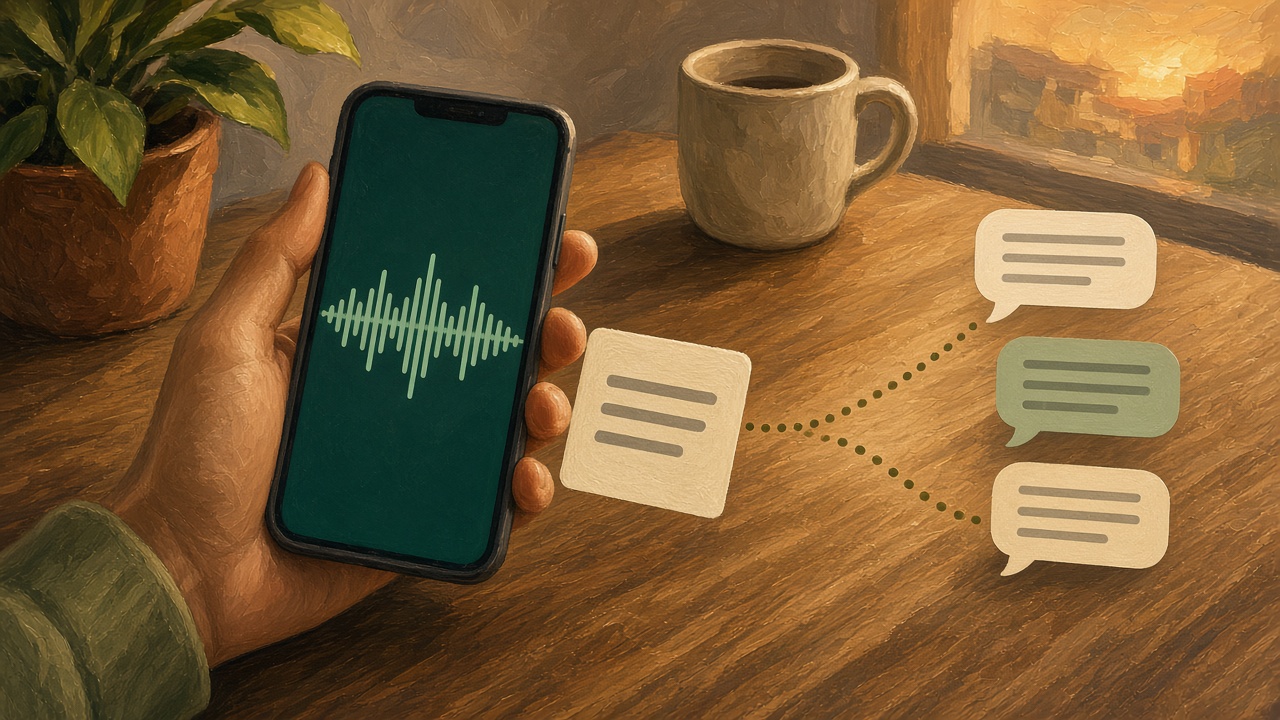
Reply in the same chat when the sender is waiting, and say that you are passing on the meaning of their voice note rather than pretending the English audio arrived from WhatsApp itself. A single line is enough: “Here is your note in English.” If several people need it, forward the text, not a chain of re-recorded translations. Each extra generation is another chance to soften a “not” or swap a name.
Groups need a smaller habit. Translate the note that was addressed to the group, not every side voice note in a family argument. Label which message you translated, because WhatsApp threads move. “The voice note from 14:12, in English:” plus the sentence. People can then listen to the original if they want the tone, and read your line if they want the decision. You are not the group’s interpreter for life unless you agreed to be.
If the translation will be reused, store the checked text somewhere more durable than a chat scroll. A trip plan, a supplier promise, or a caregiver instruction should not live only inside WhatsApp. Copy the checked sentence into the note, the ticket, or the document where the next person will look in a week. The voice file can expire with your VClar retention setting. The decision should not.
What to do when the note is hard to hear
Street noise, a child in the background, two people talking, or a voice note recorded while walking are normal WhatsApp conditions. They are also the conditions where automatic wording gets worse. You will sometimes open a result and see a name replaced by a similar-sounding word, or a clause dropped. That is a reason to listen to the original once with the text in front of you, not a reason to send the fluent version because it looks tidy.
If the original is mostly noise, do not launder it into a confident translation. Ask the sender to type the one fact, or to record again from a quieter place. The best-practices guide is the recording floor under that second take: a quiet room, one point, a length a listener can finish. A cleaned sentence cannot recover words the microphone never caught. VClar is not a promise that every waveform contains a recoverable message. Short voice notes that are only a laugh, a “call me,” or music are not translation jobs. Reply in the channel you already have.
Filled pauses are the smaller version of the same problem. A speaker who says “um” while choosing a word is planning, and a transcript can treat that sound as a word or attach it to the next word. Cleaning is aimed at that clutter. It is not aimed at changing their accent or their dialect into a prestige version. If the meaning is clear and the accent is theirs, keep it. If a word is genuinely ambiguous, mark it and ask, in text, “did you mean the Tuesday flight?” A question is cheaper than a wrong airport.
Languages, directions, and the title of this page
The page title says “any language” because that is how people search. The product boundary is narrower, and it belongs in the same breath as the promise. VClar translates voice messages among Hindi, English, French, Japanese, Korean, German, Russian, Portuguese, Spanish, Italian, and Chinese. Eleven languages, each paired with the other ten, is 110 directions. A Portuguese voice note into Japanese is in range. A Portuguese voice note into Arabic is not, on the public list. Check the pair before you tell a relative you can turn the note around by dinner.
Direction is one-way in the moment you choose it. Portuguese to English is not the same run as English to Portuguese. If both people need to reply in voice, you run the file each of them sent in the direction that reader needs. You do not get a bilingual chat bot inside the WhatsApp thread. You get a translation of the file you uploaded.
Voicemail is the neighboring format when the audio did not come from WhatsApp at all. The voicemail guide is that object: a message left on a phone, cleaned, then translated. The steps rhyme. The export is different, because a carrier voicemail is not a WhatsApp bubble. Use the page that matches the app the file came from, then use the same clean-then-translate order.
Who this helps, and who should type instead
Families split across countries use this every week. One side records because typing in the other language is slow and the feeling matters. The other side needs the decision: the flight, the medicine, the time to call. Expatriates and travelers use it for a landlord, a school, or a clinic voice note that arrived while they were on a bus. Multilingual teams use it when a client or a parent recorded in the language they think in, and the account lead needs the meaning before the next meeting. In each case the file is already recorded. Live interpretation would have required both people to be free at the same time. The remote teams guide is the other case: the note is waiting when the other person sits down.
Type instead when the content is a password, a full payment number, a one-time code, or a legal clause. Do not upload those into a translation workflow so you can hear them in another language. Ask for them in text, through whatever channel that organization already uses for secrets. Type instead when the voice note is view-once. Type instead when you are the sender and you can say the sentence in the other person’s language clearly enough, or when VClar’s pair does not include their language. A short typed sentence you know is correct beats a fluent audio file in the wrong language.
Teams that already have a support queue or an agency client should still follow the role pages after the translation exists. A translated customer voice note becomes a ticket note. The support guide is how that note should be filed. A translated client update becomes an account message. The agency guide is how that message should sound. This page ends when the meaning is in the language you can check. The role page begins when you decide how to send it.
A second pass before you forward
Use this list on the result, not on the original waveform. It takes less time than explaining a wrong flight.
- Names. People, streets, medicines, product names. If the original was unclear, the translation will guess. Mark the guess.
- Negatives. “Not the morning flight” must still be a negative in the other language.
- Numbers and times. Write them as digits in the text you send, even if the audio says them well.
- Who must act. “Leave early” is advice. “I changed your ticket” is a claim. Keep the verb the speaker actually earned.
- The voice, if you are sending audio. It should still be recognizable. If it is not, send text and skip the audio.
- The audience. Reply to the person who sent the note unless they asked you to pass it on.
If any line fails, fix the text or ask the sender. Do not forward a hedged original as a certain translation because the second language sounds smooth. Smoothness is cheap. The contrast they spoke is the message.
Questions people ask while the voice note is still playing
These are the questions that show up before the export. The language-pair pages stay the right place for a specific direction, such as Portuguese to Japanese. The answers here stay on the WhatsApp file.
How do I translate a WhatsApp voice note?
Get the audio file out of the chat, upload it to VClar, and choose the language you need if that pair is one of the 110 supported directions. VClar cleans filler and spoken grammar first, then translates the cleaned meaning, and can speak the result in a delivery that stays recognizable as the original speaker. Read the translation before you send it back. A view-once voice note cannot be exported, because WhatsApp does not allow those messages to be forwarded or saved.
Can WhatsApp translate voice messages?
WhatsApp’s help center documents voice-message transcripts, which are a text version in a language you select, currently English, Portuguese, Spanish, or Russian. That is a transcript of the language being spoken, and WhatsApp says the transcript might be inaccurate. A separate help article titled “How to translate messages” says translating messages is only on certain devices and may not be available yet. That article does not describe cleaning a voice note or returning it in the speaker’s voice. If the control is missing on your phone, the documented path is to export the audio and translate it elsewhere.
What app can turn a voice note into text or another language?
For a file you can upload, VClar turns the voice note into cleaned wording and, when you ask, a translation among its 11 languages. WhatsApp’s own transcript stays inside the chat, and WhatsApp says you cannot copy and paste those transcripts. A live interpreting app is a different job: it translates a conversation that is happening now. It does not take the voice note already sitting in a chat, remove the false start, and hand back that speaker’s voice.
How do I get a transcript of a WhatsApp voice message?
WhatsApp’s help says to turn on Voice message transcripts in Settings, under Chats, choose the language most of the voice messages you receive are in, then tap and hold the voice message and choose Transcribe. The recipient can see the transcript. The sender cannot. You cannot copy and paste it. If you need wording you can edit, translate, or send onward, export the audio and use a tool that gives you text you can copy. In VClar that text is the cleaned wording and, separately, the translation.
Does VClar support WhatsApp voice notes?
VClar supports the audio file. It does not sit inside WhatsApp, and it does not add a translate button to the chat. You upload a voice note you were able to save or share. Ordinary formats from a phone recording work. A view-once voice note is blocked by WhatsApp before it ever reaches VClar. VClar is for the voice message, not for video, captions, or dubbing a WhatsApp video.
Is the translation accurate?
Check it. VClar shows the original wording, the improved wording, and the translation, so a wrong name or a reversed yes and no is visible before you forward anything. WhatsApp’s own help says voice-message transcripts might be inaccurate, which is a useful warning for any automatic wording of casual speech. VClar has not published an accuracy percentage. Names, drug names, street names, and amounts deserve a human look every time. If the pair of languages is not in the 110 directions, do not expect a translation.
How is this different from other translation apps?
Live translate tools, including Google Translate’s live translate, are built for a conversation happening now. Google’s help describes listening, conversation, and text-only modes that play or show a translation as people speak. They do not describe uploading a WhatsApp voice note and cleaning it before the translation. VClar starts from the file you already received, cleans the message, then translates that cleaned meaning, and keeps a spoken delivery in the original speaker’s recognizable voice.
Start with one real note
Pick a voice note you already have permission to translate. Skip anything view-once. Export the audio, upload it, and read the three layers before you send a word back to the chat. If the cleaned meaning matches what you heard, send the translation in text and add the audio only when the voice itself will help. If the pair of languages is outside the eleven, stop and ask for a typed sentence instead of forcing the file through the wrong tool.
The button below opens VClar on a recording you upload. If you want to hear a cleaned note before you use a family voice note, open the live demo. Bring the voice note, not a script you wrote to sound easy. The diff is what tells you whether the translation kept the decision that was actually spoken.