
You record a voice memo, play it back, and hear three "ums," a false start, and a sentence that never lands. So you delete it and record again. For anyone who thinks faster than they type, this re-record loop is the real cost of voice messages. Fillers, awkward pauses, and disjointed grammar undermine the authority of what you meant to say.
The obvious fix is the dictation plus Grammarly workflow. You speak into a dictation tool and then let Grammarly polish the text. It is a reasonable instinct, and for many messages it works well.
This guide explains when that fix works and when it does not. It compares the handoff count for each workflow, sorts spoken errors by the layer that catches them, and applies a simple deliverable test. One workflow quietly deletes the most persuasive part of your message, and the comparison below shows which one.
Use dictation plus Grammarly when your final deliverable is written, such as an email, a document, or an investor update. Clean the voice note itself when your final deliverable is a voice message. A cleaning pass removes fillers and fixes spoken grammar while keeping your tone, accent, and cadence intact.
Dictation Plus Grammarly vs Cleaning the Voice Note Side by Side
Dictation plus Grammarly turns speech into polished text across five handoffs. Cleaning the voice note keeps your message as audio and produces a transcript in three steps. The better choice depends on whether the recipient reads your words or hears your voice.
Dictation, also called voice typing, converts your speech into text as you talk. An async voice message is a recorded clip that the recipient plays later, outside a live call.
| Criteria | Dictation plus Grammarly | Cleaning the voice note |
|---|---|---|
| Final output | Text | Audio plus transcript |
| Handoff count | 5 steps: dictate, review transcript, run Grammarly, accept edits, paste or send | 3 steps: record, run one cleaning pass, send audio plus transcript |
| Tools needed | Dictation engine, Grammarly, and a messaging app | Voice cleaner and a messaging app |
| Spoken errors targeted | Transcription mistakes and written grammar in the text | Fillers, false starts, spoken grammar, and background noise in the audio |
| Tone preservation | Vocal tone is lost once speech becomes text | Keeps your natural tone, accent, and rhythm |
| Translation path | Requires a separate translation step on the text | Translates the cleaned voice message across 11 languages |
Best for dictation plus Grammarly: writers, analysts, and anyone whose final deliverable is an email, document, or report.
Best for cleaning the voice note: founders, sales teams, and cross-border operators who send voice messages to clients and colleagues.
Treat each handoff in the dictation route as a friction point. Every switch between apps is another place to lose your train of thought.
Is it better to dictate and use Grammarly or to clean the voice note? The answer depends on what your recipient receives. If they will read your message, dictation plus Grammarly is strong. Grammarly is a mature text checker, and it handles written grammar and clarity well once your speech becomes text. If they will listen to your message, cleaning the voice note is the better fit. It removes fillers and fixes spoken grammar directly in the audio, so your recipient still hears your real voice and intent. Converting a voice message to text and back again strips out the tone that made it persuasive.
For a feature-level breakdown, see the full VClar vs Grammarly comparison.
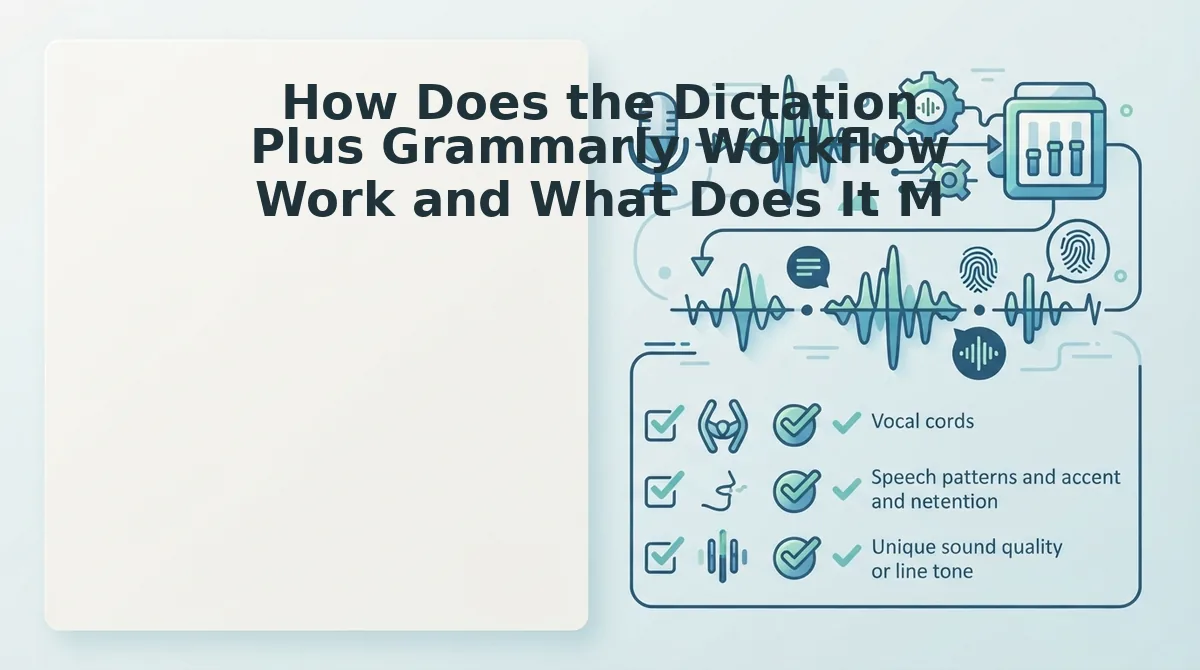
How Does the Dictation Plus Grammarly Workflow Work and What Does It Miss?
The workflow converts your speech to text with a dictation engine and then polishes that text with Grammarly. It produces clean written copy, but it only fixes errors that survive transcription. It cannot fix anything in your audio.
Grammarly voice typing is a documented workflow, and tutorials such as AI Mastery (2025) walk through it. To follow the steps below, you need a dictation tool such as Google Docs voice typing, an active Grammarly account, and a microphone.
- Open Google Docs, then select Tools, then Voice typing, and click the microphone. When the icon turns red, the tool is listening. Time: about as long as your message.
- Speak your message in full sentences. Your words should appear on the page as you talk.
- Review the transcript for misheard words and missing punctuation. Every sentence should match what you meant to say.
- Run Grammarly and click each underlined suggestion. You should see the suggestion count drop as you work through them.
- Accept the relevant edits, then copy, paste, and send. Your recipient receives polished text.
Worked example: A founder dictates an investor update into Google Docs and then runs Grammarly. Because the deliverable is a written update, this workflow fits well. For updates the founder sends as audio, see voice notes for founders.
Filler words are sounds and phrases such as "um" and "you know" that add no meaning. Spoken grammar is the loose structure of natural speech, including fragments and restarts.
| Spoken error | Layer that handles it | Tool behavior |
|---|---|---|
| Fillers ("um," "like," "you know") | Dictation engine in text; voice cleaner in audio | Verify in your own test |
| False starts | Text checker in text; voice cleaner in audio | Verify in your own test |
| Sentence fragments | Text checker in text; voice cleaner in audio | Verify in your own test |
| Circular phrasing | Text checker in text; voice cleaner in audio | Verify in your own test |
| Acoustic noise | Voice cleaner only | Verify in your own test |
None of the text layers can touch the audio itself. To fix that layer, you need a tool that can remove filler words from audio.
So what changes when you clean the recording in one pass?
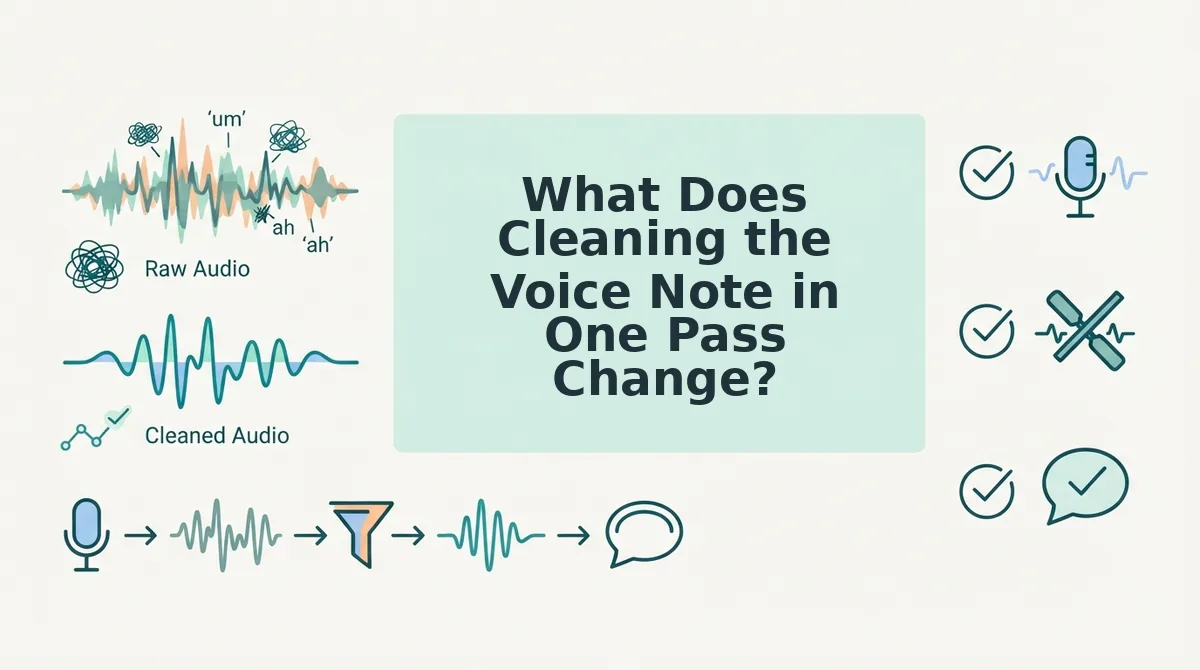
What Does Cleaning the Voice Note in One Pass Change?
One-pass voice cleaning is editing the recording itself, so what you send is polished audio plus a matching transcript instead of a rewritten text. It keeps the most persuasive part of your message: your actual voice.
Here's the catch. When dictation turns speech into text, your words survive but your warmth, pacing, and conviction do not. A listener hears certainty in how you say something. A reader only sees the sentence.
Think of it like editing a film instead of handing someone the screenplay. The dialogue gets tighter, but the actor's performance stays on screen.
Simple: Cut the Fillers
VClar detects and removes ums, ahs, "like," "basically," "you know," and repeated false starts. The audio timeline closes around each cut, so the message sounds decisive rather than chopped.
Intermediate: Fix Spoken Grammar and Phrasing
Spoken grammar errors are mistakes that only happen out loud, such as sentence fragments, tense switches mid-thought, and rambling run-ons. VClar can fix grammar in voice messages and tighten phrasing while keeping your meaning intact.
Advanced: Clean the Acoustics Without Losing Identity
VClar also reduces background noise, breath sounds, and mouth clicks, which are the small artifacts that make a note feel rushed. Your tone, accent, and rhythm are preserved, so the result is still recognizably you.
Worked Example: An Enterprise Sales Follow-Up
A B2B sales rep records a follow-up for an enterprise buyer after a call. The take is full of fillers and half-finished sentences. VClar removes the fillers and fixes the fragments, and the rep sends the cleaned audio plus transcript without re-recording.
The Translation Layer Gap
Text workflows translate words and lose the voice entirely. VClar works as a voice note translator, translating the cleaned voice message across 11 languages and 110 language directions.
For example, a founder can record a cleaned English project update and send it to a partner in Spanish, still in their own voice.
If your bottleneck is recording the same note three times to get it right, record once and clean the take.
Which Workflow Should You Use, and Where Does VClar Fall Short?
Choose based on what the recipient receives. Written deliverables belong to dictation plus Grammarly, and spoken deliverables belong to cleaning the voice note itself.
So which one wins? Neither one wins everywhere, and that is the point of the deliverable test.
The deliverable test: Before choosing between dictation plus Grammarly and voice cleaning, ask what the recipient will actually open. If the final artifact is a document, email, or proposal, they will read it, so dictation plus a text checker such as Grammarly is the right fit. That workflow is built to polish written prose. If the final artifact is an async update, a WhatsApp note, or a client follow-up, they will hear it, so clean the recording itself. Converting a spoken message to text removes tone and authority. Cleaning the audio keeps them while removing fillers and grammar slips.
| Deliverable | Format the recipient gets | Recommended workflow |
|---|---|---|
| Doc, email, proposal | Written text | Dictation plus Grammarly |
| Async team update | Voice plus transcript | Clean the voice note (VClar) |
| WhatsApp voice note | Voice | Clean the voice note (VClar) |
| Client follow-up | Voice plus transcript | Clean the voice note (VClar) |
Where VClar Falls Short
- It is not a document editor. If you need a polished written doc, use a text checker.
- It needs an original recording. It cleans spoken audio and cannot help if you never recorded anything.
- Translation is limited to its 11 listed languages. Other languages are not covered.
- It does not generate synthetic voices. It enhances your real voice rather than cloning it.
Best for writers, consultants, and anyone shipping documents: dictation plus Grammarly. Best for founders, sales reps, and cross-border operators who send voice: VClar.
Use this rule of thumb: if they will read it, edit text. If they will hear it, clean the voice.
Dictation and Voice Cleaning FAQ
Dictation converts speech into editable text, while voice cleaning edits the recording itself. Voice cleaning removes fillers, fixes spoken grammar, and reduces noise while keeping the speaker's tone, accent, and rhythm. The questions below cover practical gaps the comparison leaves open.
How do I fix sentence fragments in voice memos?
Run the memo through a voice cleaner that corrects spoken grammar in the audio itself. VClar fixes fragments, tightens rambling phrasing, and removes false starts. You keep the original take and send cleaned audio plus a transcript, so you never have to re-record or retype the message.
How do I translate WhatsApp voice notes to English?
Upload the voice note to a voice note translator that supports English. VClar translates cleaned voice messages across 11 languages, including English. You receive the translated message in your own voice rather than a synthetic one, which is useful for cross-border clients and teams.
Can I use both workflows together?
Yes, you can use both. Clean the voice note first so the audio is ready to send. Then copy the cleaned transcript into a text editor and refine it for a written document. One recording then produces two polished deliverables without a second take.
Does voice cleaning change my accent?
No, VClar preserves your accent, tone, and natural rhythm. It removes only the distractions, such as fillers, breath sounds, mouth clicks, and background noise. The listener still hears you, not a generated voice, so your message stays authentic and recognizable.
With those answers covered, the last step is to match the workflow to your deliverable.
Pick the Workflow That Matches What You Send
Choose by deliverable. If you send text, dictation plus Grammarly works. If you send the voice note itself, clean the audio.
That is the finding this comparison kept returning to. Grammarly polishes a transcript your recipient never hears.
- Name the deliverable. Is it an email someone reads, or audio someone plays?
- Count your handoffs. Every jump between recorder, dictation app, and editor adds another chance to restart.
- Run the taxonomy test. Play back one of your own recordings and tally the fillers, grammar slips, and background noise. A text editor fixes none of them in the audio.
Put VClar on the next voice message that matters, such as an investor update, a buyer follow-up, or a client note. Record once. VClar removes the fillers and fixes the spoken grammar, and the message still goes out in your own voice.
The edit that counts is the one made to the message you actually send.