
You think faster than you type, so you hit record. Then the playback starts: "um, so, basically," the same point made twice, and a sentence that trails off. Most people fall into the re-record loop, recording the same message again and again to get a clean take.
That instinct makes sense. Voice is faster than writing. An async team update, a recorded status message teammates consume on their own time, should take minutes, not half an hour of retakes. This workflow for cleaning a rambling async team update lets you record once and fix the message afterward.
First, you'll see who benefits most. Then you'll walk through the passes that turn a rough take into a clear update. One pass gets skipped more than any other, and it isn't filler removal. It's the step that makes your update easy to follow.
Key Takeaway:
- Record once from a three-bullet outline.
- Strip fillers and false starts.
- Restructure into Done / Doing / Blocked / Need.
- Ship the audio with a transcript.
Cleaning beats re-recording.
Who Needs a Cleanup Workflow for Async Team Updates?
Anyone who records high-stakes updates between meetings needs a cleanup workflow. That includes founders, sales reps, consultants, freelancers, and cross-border remote teams.
A cleanup workflow is a repeatable set of edits that turns a one-take recording into a clear, structured message. Think of it like proofreading an email before you hit send. You still write the draft yourself, but you catch the stumbles before anyone else sees them.
Stumbles are normal when you think out loud, and they don't reflect a lack of competence. They do cost you authority when the stakes rise:
- Freelancers and consultants send client updates where a crisp summary signals control of the project.
- Sales reps follow up with enterprise buyers, where filler words can make a confident pitch sound unsure.
- Founders send weekly investor and team updates. See how voice notes for founders fit this rhythm.
- Cross-border teams add a language layer. Voice messages for remote teams can be cleaned and then translated across 11 languages in VClar.
Here is a worked example. A founder records the weekly update in one take between meetings. The recording opens with "So, um, basically," mentions the hiring delay twice, and buries the one request for help at the end. A good target is roughly 45â90 seconds, which is a practical guideline rather than a study. This take runs well past that, so it needs cleanup.
What Is a Good Workflow for Cleaning a Rambling Async Team Update?
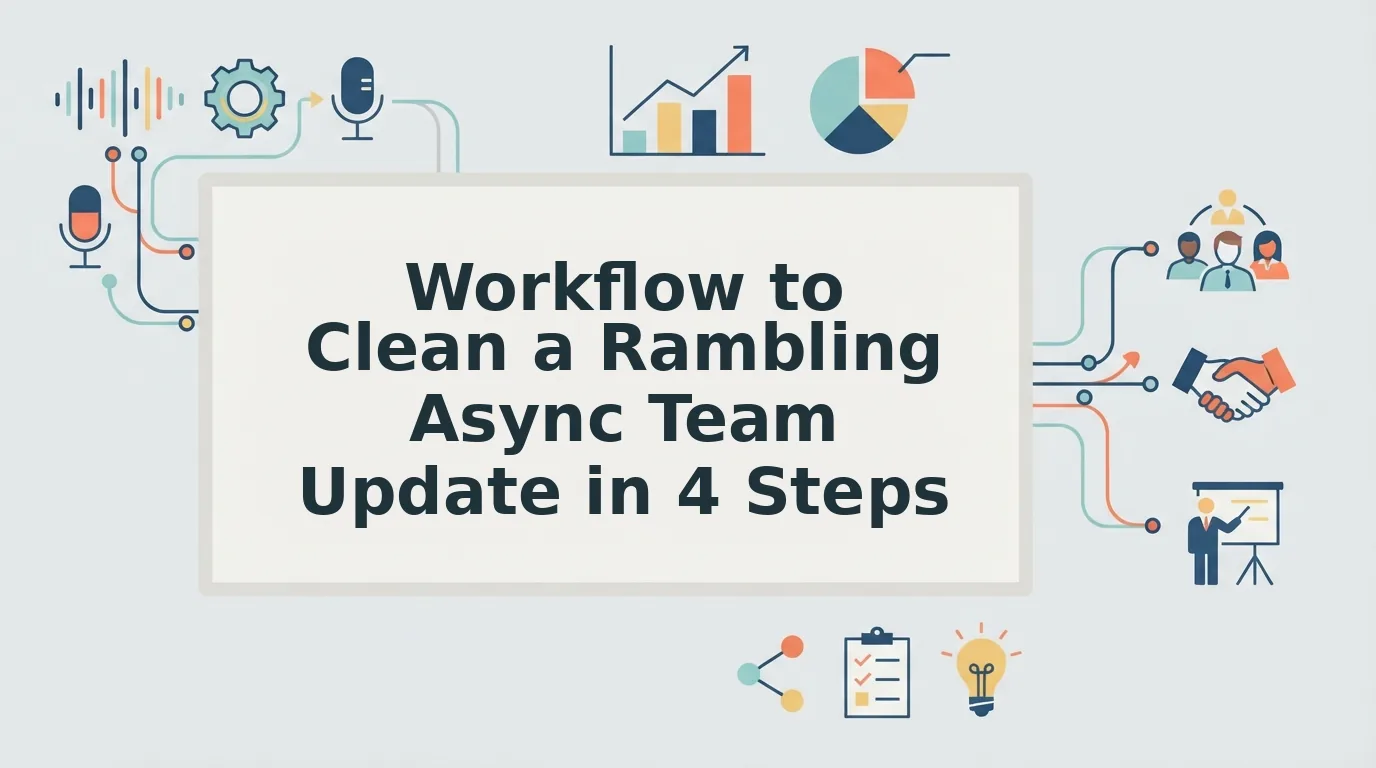
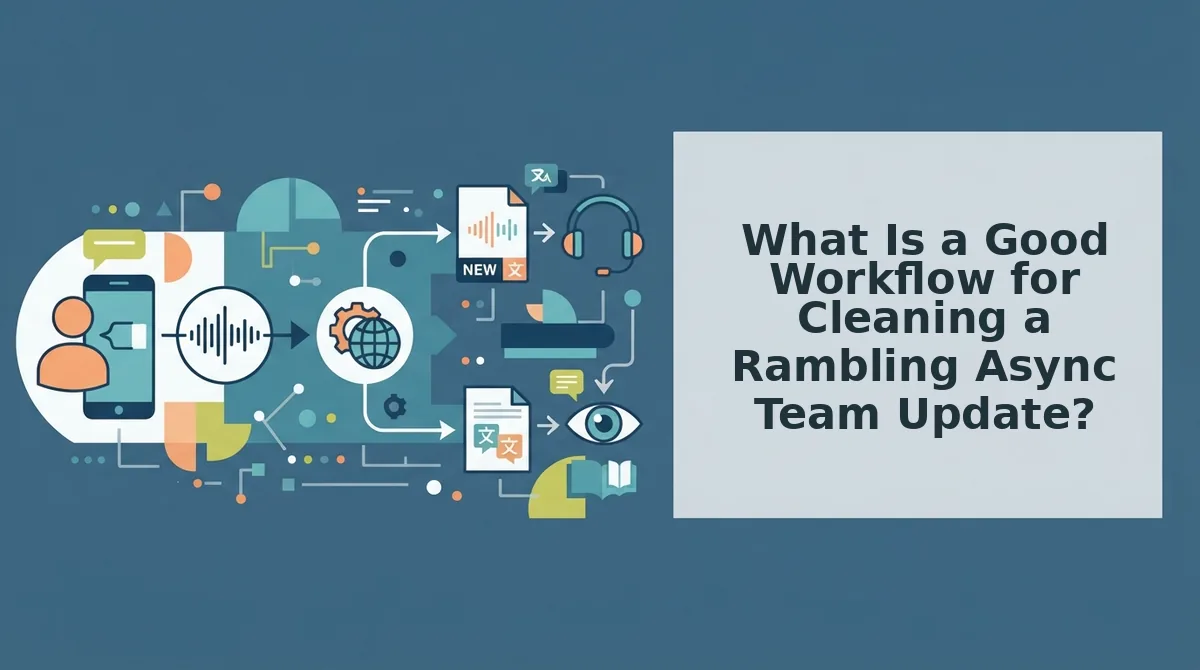
A good workflow is "One Take, Four Passes." Record one unscripted take from a three-bullet outline. Then strip fillers, restructure circular phrasing into Done / Doing / Blocked / Need, polish the audio, and ship it with a transcript. Your natural voice stays intact, and you never re-record.
Prerequisites: a phone or laptop microphone, a three-bullet outline, and VClar. The full workflow takes about 5â10 minutes.
- Record one take from a three-bullet outline (1â2 minutes). Write three short bullets, then speak to them without a script. A script makes the update sound read aloud and flattens your natural cadence. An outline plus cleanup keeps that cadence. Success: you have one complete take that covers all three points.
- Strip fillers and false starts (under 1 minute). Upload the take and use VClar to remove filler words from audio. Filler words are sounds and words like "um," "like," and "you know" that carry no meaning. Success: the playback sounds decisive and continuous.
- Restructure into Done / Doing / Blocked / Need (2â3 minutes). This is the pass most people skip. Circular phrasing means restating the same point in new words without adding information. Use VClar's spoken-grammar fixes and phrasing tightening to fix grammar in a voice message and collapse repeats. Then confirm that each item falls under one of the four labels. Success: every point appears once, in order.
- Polish the audio (under 1 minute). Reduce background noise, breath sounds, and mouth clicks while keeping your own tone, accent, and rhythm, with no synthetic voice. Timeline editing is overkill for a 45â90 second update. Compare VClar vs. Descript if you're weighing both. Success: it still sounds like you, only clearer.
- Ship the audio plus transcript (1 minute). Send both so teammates can listen or skim. Success: nobody replies asking what you meant.
How do you stop rambling in voice messages? Stop trying to get it perfect live. Before recording, write a three-bullet outline that covers what you finished, what you're working on, and what you need. Record one take while glancing at those bullets, and don't restart when you stumble. Fix the message afterward. Remove filler words and false starts, merge repeated points, and sort what remains into Done, Doing, Blocked, and Need. Rambling usually comes from thinking out loud, not from poor speaking skills. Separating thinking from editing removes the pressure that causes it.
| Pass | What it fixes | Tool feature |
|---|---|---|
| Strip | Ums, "like," false starts | Filler word removal |
| Restructure | Circular phrasing, broken grammar | Spoken-grammar fixes, phrasing tightening |
| Polish | Noise, breaths, mouth clicks | Audio cleanup with tone and accent preserved |
| Ship | Hard-to-skim audio | Clean audio plus transcript |
If the re-record loop is eating your mornings, run your next update through VClar's record-once, clean-after workflow.
Here is what the founder's update sounds like after all four passes.
What Does a Cleaned Async Update Look Like?
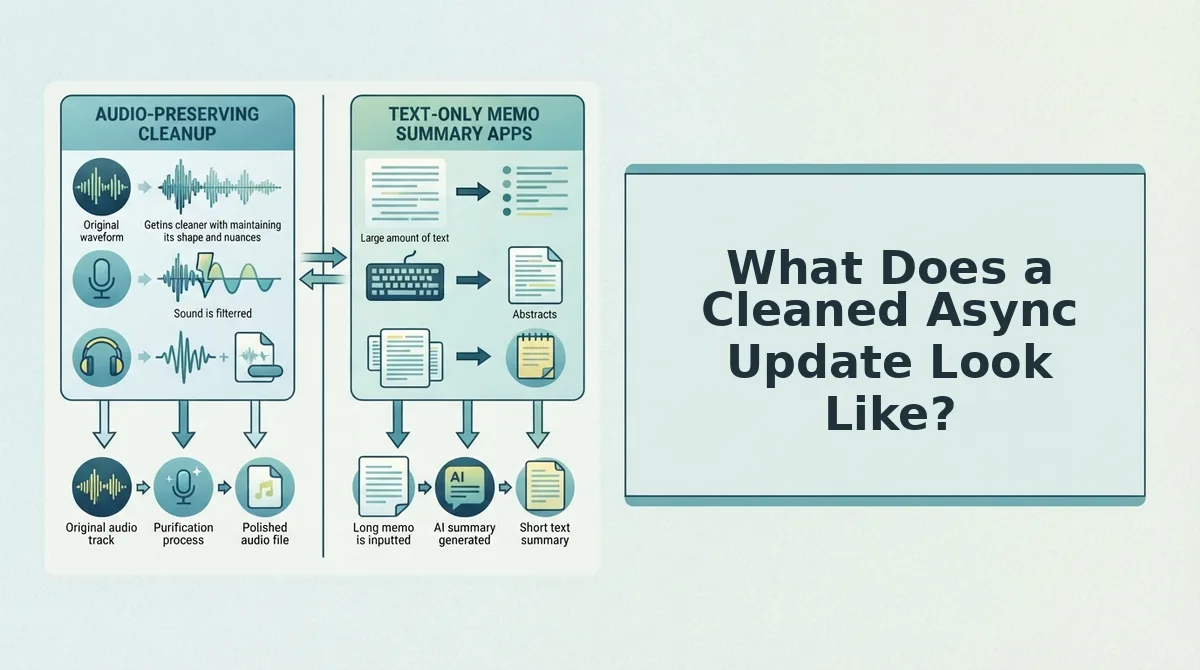
A cleaned async update is a short, decisive message in your own voice, organized as Done / Doing / Blocked / Need, with a matching transcript. Most of the cleanup comes from fixing four predictable rambling patterns.
| Pattern | What it sounds like | Fix |
|---|---|---|
| False starts | "So we, I mean, the, the migration started..." | Cut the restarts and keep the finished sentence |
| Filler stacking | "Um, basically, like, you know, it's mostly done" | Remove the fillers and keep the claim |
| Circular restatement | The same point said twice in different words | Collapse it into one line |
| Buried ask | A hedged request in the final seconds | Move it into a "Need" line |
Illustrative example: A consultant explains the same client blocker twice.
Before: "So the, um, client still hasn't sent the API keys, which is kind of blocking us. Like, basically we can't test until they do. So yeah, the keys are the blocker. If someone could maybe nudge them, that'd be great, I guess."
After: "Blocked: we can't start testing until the client sends the API keys. Need: someone to nudge the client for them."
The cleaned version turns the repeated explanation into one Blocked line, and the hedged request becomes a visible Need.
The transcript ships with the audio because people consume updates differently. Teammates in other regions can receive it translated across 11 languages, covering 110 language directions.
- Cleaned audio: Best for managers who want tone and context between meetings.
- Transcript: Best for skimmers who scan for Blocked and Need lines.
- Translated transcript: Best for cross-border teams that read in their first language.
When Should You Re-record or Type the Update Instead?
Clean the update when the content is complete and only the delivery is messy. Re-record from an outline if it runs past about 90 seconds without a clear point. Type it when exact figures or links matter. VClar tightens phrasing and fixes grammar, but it does not invent content or replace your voice.
| Situation | Clean | Re-record | Type it |
|---|---|---|---|
| Recorded in a car with road noise | Yes | No | No |
| 45â90 seconds, all points present | Yes | No | No |
| Over 2 minutes with no clear point | No | Cut down or re-record from an outline | No |
| Exact figures or links needed | No | No | Yes |
| Teammate reads in another language | Clean plus translated transcript | No | No |
- Clean: Best for founders and ops leads recording quick updates on the move.
- Re-record: Best for anyone whose update wandered without a point.
- Type it: Best for finance or engineering handoffs.
Worked example: A sales rep sends an async follow-up to an enterprise buyer's team. The call recap fits the "clean" row. The pricing figures and contract links fit "type it," so they belong in the written message alongside the audio.
Voice update vs. written update: A voice update carries tone, urgency, and intent, which makes it the stronger choice for status, context, and asks. A written update is the stronger choice when readers need to copy exact numbers, click links, or check specifications. The two work best together: a cleaned 45â90 second voice note explains what changed and why, and a short written line holds the hard details. If your recording has no clear point, cleaning will not create one. Outline three bullets and record again.
Record Your Next Update Once
The fix for a rambling update comes from the structure you set before recording, not more retakes. The One Take, Four Passes framework fits into a three-line checklist:
- Write three bullets before you hit record: Done, Blocked, and Need.
- Take one take only, even if it wanders.
- Run the four passes to cut fillers, collapse restatements, surface the ask, and add a transcript.
Your accent, cadence, and tone stay intact. Only the hesitations disappear. Teammates hear you, just clearer.
Record your next update once. Clean it with VClar.
You can also send clearer async team updates.